The best AI image generators in 2026 include ChatGPT Images 2.5, Google Nano Banana 2, Grok Imagine, Magnific, SeaArt, Adobe Firefly, Midjourney V8.2, Ideogram 4.0, FLUX.2, and Leonardo AI.
They include general-purpose generators, dedicated creative apps, and models for image editing, design, anime art, and local or API-based generation.
The real differences usually show up after the first image. Editing can change a face or composition, text can still break, reference images can drift, and a generous-looking free plan can disappear quickly once you start making revisions.
A useful comparison has to look past that first result and judge how each generator handles those everyday problems. That is where these ten options start to look very different.
Last updated: Sep 17, 2026.
TL;DR – Quick Picks Table
| Name | Best For | Free Access | Paid Option |
|---|---|---|---|
| ChatGPT Images 2.5 | General creation & editing | Yes | Plus $20/mo |
| Google Nano Banana 2 | Reference-based editing | Yes | AI Plus $9.99/mo |
| Grok Imagine | Images & short video | Yes | SuperGrok $30/mo |
| Magnific | Multi-model creative suite | Yes | Premium $20/mo |
| SeaArt | Anime & community models | Yes | SVIP plans |
| Adobe Firefly | Adobe creative apps | Yes | Standard $9.99/mo |
| Midjourney V8.2 | Artistic direction | No | Basic $10/mo |
| Ideogram 4.0 | Text & layout design | Yes | Plus $20/mo |
| FLUX.2 | API & local deployment | Yes, local | API from $0.014 |
| Leonardo AI | Concept art & game assets | Yes | Essential $12/mo |
The 10 Best AI Image Generators
1. ChatGPT Images 2.5
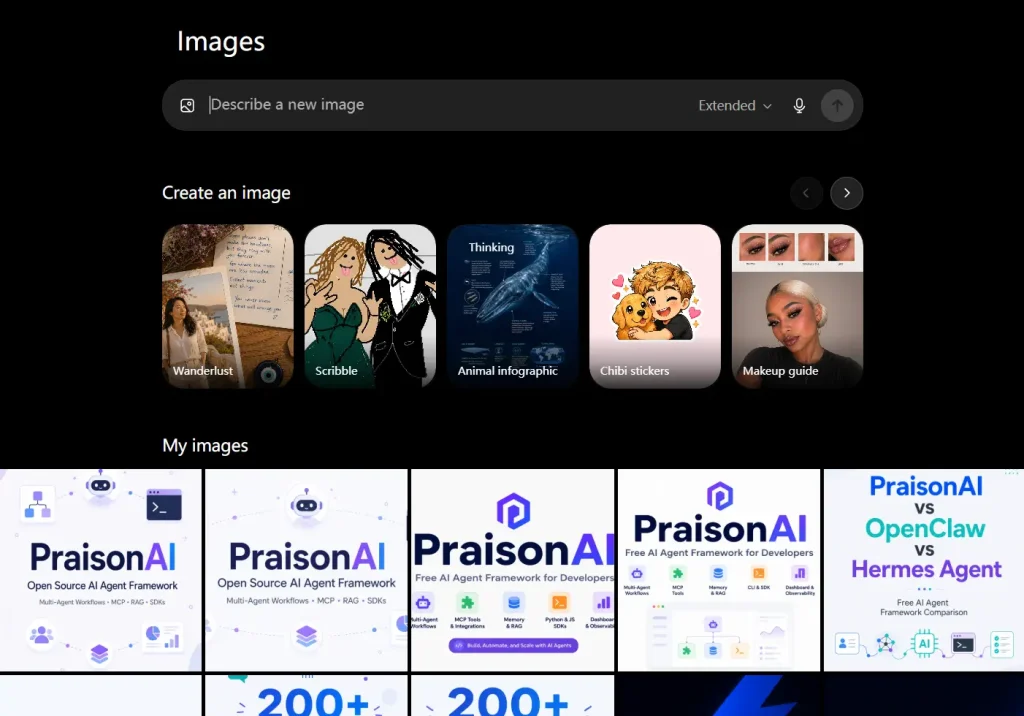
ChatGPT Images 2.5 creates new images and edits uploaded or generated images inside ChatGPT. The September 2026 update improves detail, reference-image fidelity, multi-turn editing, and generation speed.
Best For: General image creation, conversational editing, product graphics, posters, and iterative work with reference images.
Key Features:
- Creates images from natural-language prompts.
- Edits images across multiple conversational turns.
- Improves subject and reference-image fidelity across edits.
- Adds templates, mobile sketch input, and image comments.
Pros:
- Available across ChatGPT plans.
- Precise conversational editing.
- Good text and layout control.
Cons:
- Free image generation has usage limits.
- Higher-volume work requires a paid ChatGPT plan.
Pricing & Plans:
ChatGPT Free includes limited image generation. ChatGPT Plus costs $20/month and raises ChatGPT usage limits, including image generation.
Free Plan Limitations:
Free accounts have lower image-generation limits than paid ChatGPT plans.
2. Google Nano Banana 2
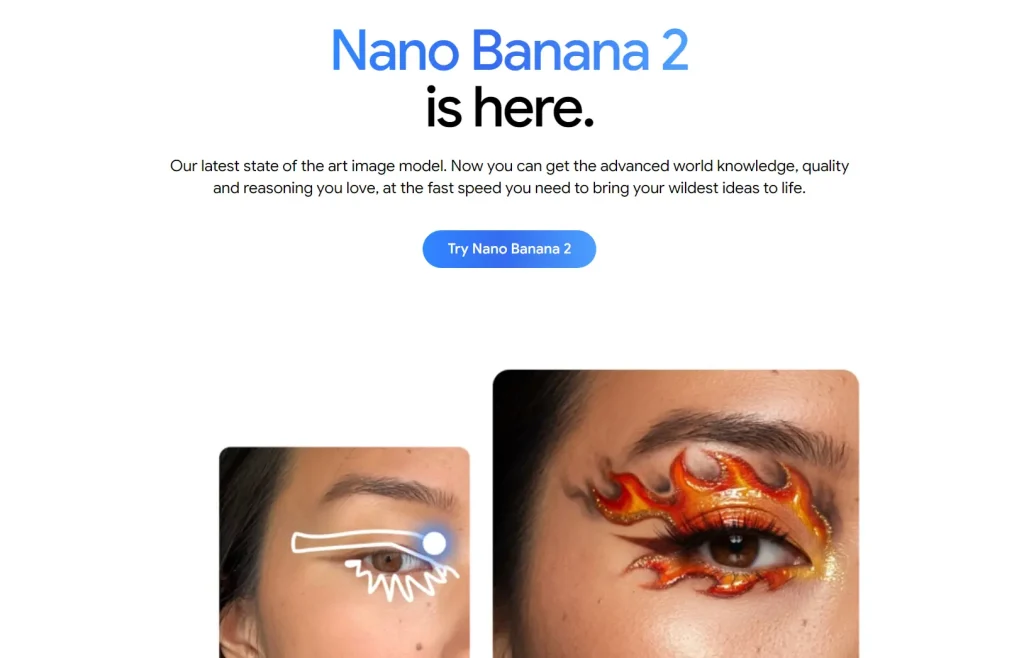
Google Nano Banana 2 is Gemini 3.1 Flash Image, Google’s model for fast image generation and editing. You can use it in Gemini, Google AI Studio, and the Gemini API.
Best For: Reference-based editing, iterative image changes, infographics, and Gemini image creation.
Key Features:
- Generates images from text prompts.
- Edits images through text and image inputs.
- Handles multi-turn image revisions and subject consistency.
- Embeds SynthID in generated images.
Pros:
- Fast image editing.
- Useful reference-image control.
- Gemini and API access.
Cons:
- Free Gemini accounts have lower usage limits.
- Access differs across Gemini, Search, Flow, and AI Studio.
Pricing & Plans:
Nano Banana 2 is available through Google products with free usage limits. In the U.S., Google AI Plus costs $9.99/month and doubles the Gemini app usage limits available with free access. Google AI Pro raises those limits further.
Free Plan Limitations:
Free Gemini access has lower usage limits than Google AI subscriptions.
3. Grok Imagine
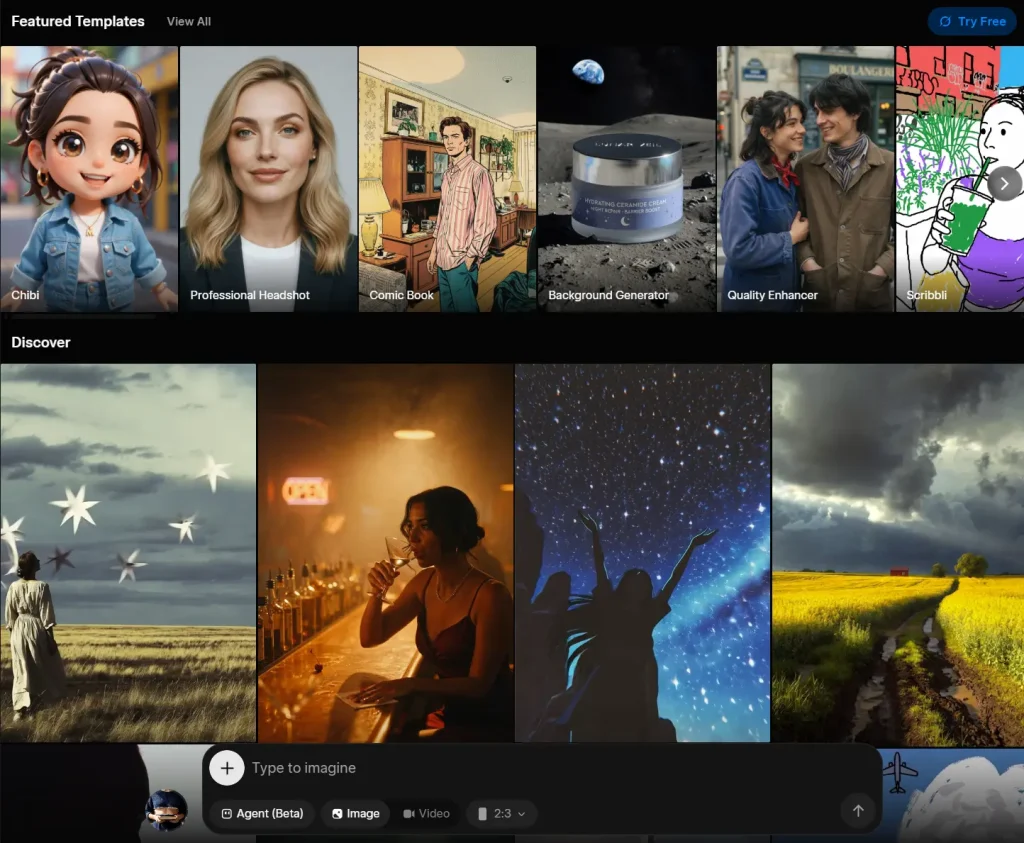
Grok Imagine is xAI’s image and video creation service. Imagine Image 2.0 powers Quality Mode on Grok.com and the mobile apps, with tools for typography, layout, and targeted image editing.
Best For: Fast image generation, targeted edits, templates, and short AI video creation in the Grok ecosystem.
Key Features:
- Generates images from prompts with Imagine Image 2.0.
- Edits selected regions through magic-wand and segmentation controls.
- Includes ready-made templates for common image tasks.
- Creates images and videos through Grok and the xAI API.
Pros:
- Free entry plan.
- Image and video creation in one service.
- Public API pricing.
Cons:
- Free accounts have lower rate limits across Grok features.
- Higher-resolution API images cost more per output.
Pricing & Plans:
Grok has a free plan with image generation. SuperGrok costs $30/month and raises usage limits. The Imagine Image 2.0 API starts at $0.04 per 1K low-quality image output, with higher rates for 2K and medium-quality output.
Free Plan Limitations:
Free accounts include Imagine with lower rate limits. SuperGrok raises limits across Grok features, including Imagine.
4. Magnific (formerly Freepik AI)
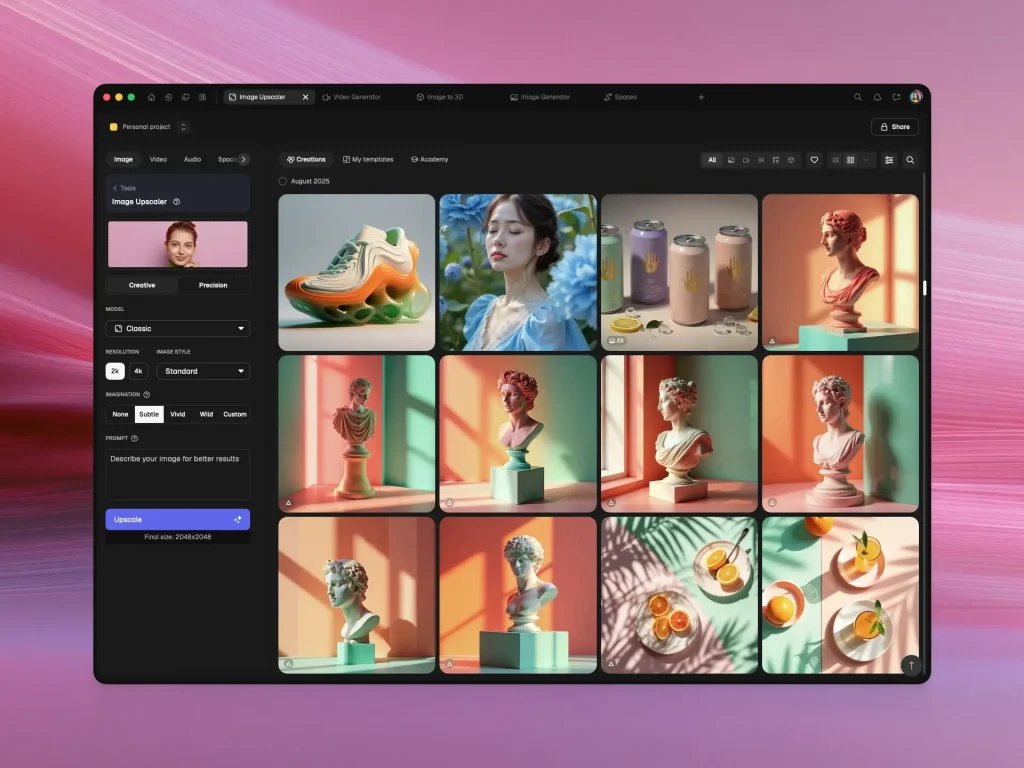
Freepik became Magnific in April 2026. The platform keeps the former Freepik account system, stock library, projects, and AI creation features under the new Magnific brand.
Best For: Marketing graphics, multi-model image generation, stock assets, editing, and upscaling.
Key Features:
- Provides access to many image models from one account.
- Includes image generation, editing, upscaling, background removal, mockups, and design tools.
- Combines AI creation with a large stock-content library.
- Includes shared Spaces and API access on paid plans.
Pros:
- Many image models in one account.
- Extensive editing and stock resources.
- Commercial license on paid individual plans.
Cons:
- Credit costs differ by model and task.
- The free plan is limited to personal use and requires attribution.
Pricing & Plans:
Magnific has a free plan with limited daily AI access. Premium costs $20/month on monthly billing, with lower effective pricing on annual billing. Premium+, Pro, Business, and Enterprise plans raise credit limits and unlock additional production features.
Free Plan Limitations:
The free plan allows up to 20 image generations per day with Magnific’s in-house model. Free content requires attribution, and commercial AI licensing starts with paid plans.
5. SeaArt
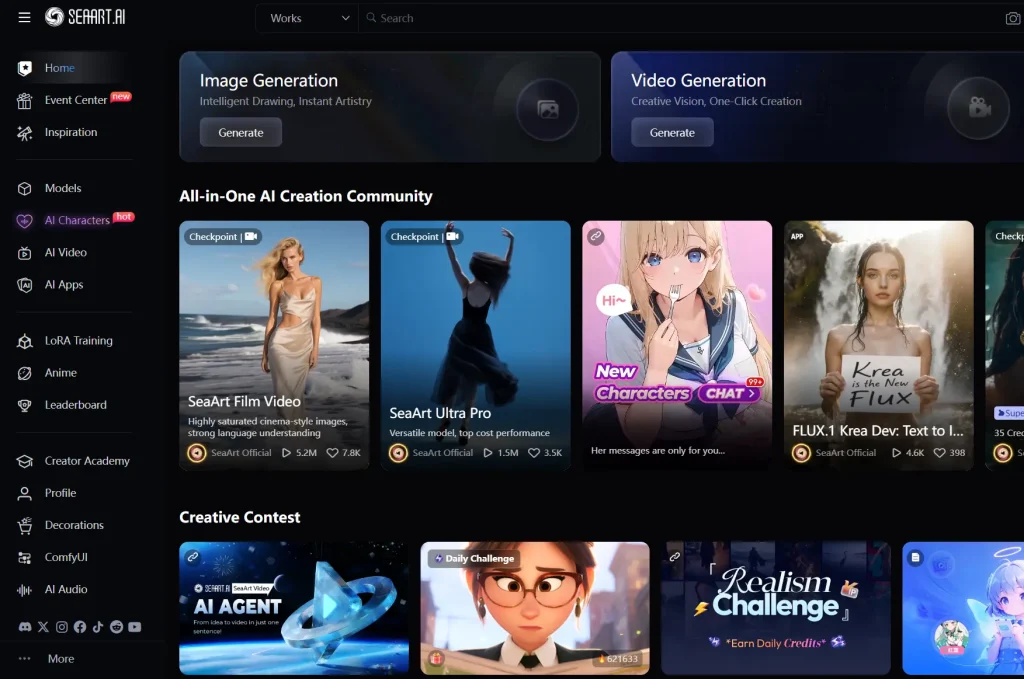
SeaArt is a community-focused AI creation platform with image models, anime and character workflows, LoRAs, image editing, video generation, and model training.
Best For: Anime art, character creation, community models, and hosted LoRA workflows.
Key Features:
- Generates images across a large model catalog.
- Includes LoRA training, image editing, enhancement, and video generation.
- Uses Stamina and Credits for generation.
- Provides web and mobile access.
Pros:
- Large community model library.
- Good anime and character options.
- 130 free Stamina per day.
Cons:
- Stamina and Credit rules take time to learn.
- Model quality and cost vary.
Pricing & Plans:
SeaArt uses Stamina, Credits, and SVIP plans. Standard image generation commonly uses a small amount of Stamina. Premium models and heavier tasks consume more Credits or Stamina.
Free Plan Limitations:
Free accounts receive 130 Stamina per day, enough for about 21 standard image generations at common settings. Stamina resets daily.
6. Adobe Firefly

Adobe Firefly is Adobe’s generative creative platform for image creation and editing. Firefly Image 5 is available in Firefly and Photoshop alongside selected partner models.
Best For: Designers, photographers, marketers, and Adobe customers using Firefly, Photoshop, and related creative apps.
Key Features:
- Generates images from text with Firefly Image 5 and earlier Adobe models.
- Edits images with Prompt to Edit and Generative Fill.
- Uses composition and style references for more directed generations.
- Offers selected partner models from Google, OpenAI, and Black Forest Labs.
Pros:
- Integrated with Adobe creative apps.
- Image generation and editing in one account.
- Free daily generations are available.
Cons:
- Premium features use generative credits.
- Video generation consumes more credits than standard image generation.
Pricing & Plans:
Adobe Firefly has free daily generations. Firefly Standard costs $9.99/month with 2,000 generative credits. Firefly Pro, Pro Plus, and Premium raise the monthly credit allowance and include additional creative features.
Free Plan Limitations:
Firefly Free includes daily generations. Paid plans include monthly generative credits for image, video, audio, and partner-model use.
7. Midjourney V8.2
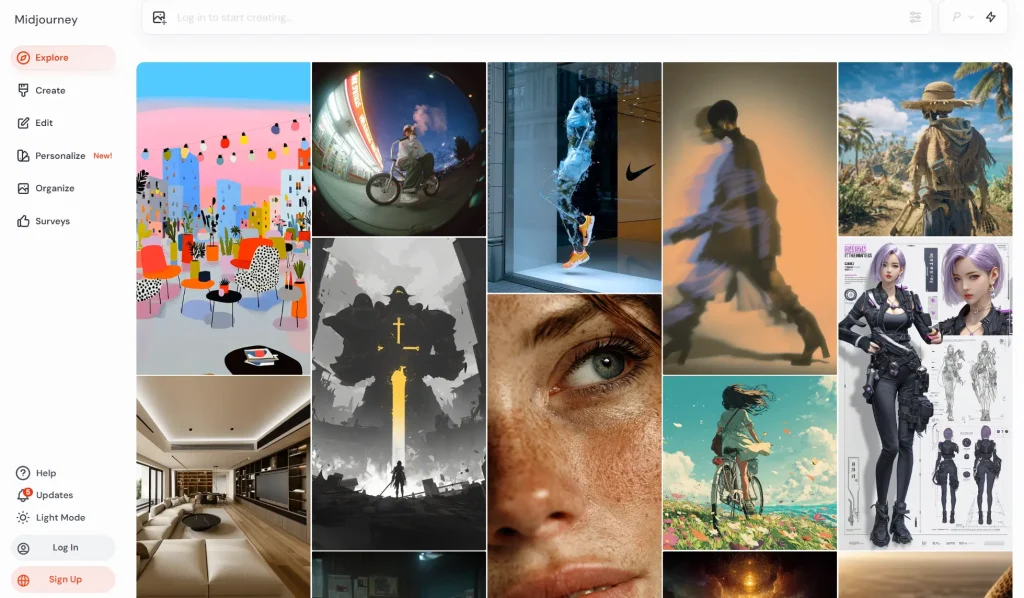
Midjourney is a paid image generator known for artistic direction, polished composition, personalization, and style control. V8.2 became the default image model in July 2026.
Best For: Illustration, concept work, campaign imagery, stylized photography, and creators who prioritize aesthetic direction.
Key Features:
- Uses V8.2 as the default image model.
- Works on the web and Discord.
- Includes personalization profiles, image references, and an updated Edit Model.
- Offers Fast, Relax, and Turbo modes depending on the subscription.
Pros:
- Polished artistic output.
- Detailed style controls.
- Active creator ecosystem.
Cons:
- No regular free image-generation tier.
- Stealth Mode requires Pro or Mega.
Pricing & Plans:
| Plan | Monthly Price | Fast GPU Time |
|---|---|---|
| Basic | $10/month | 3.3 hours/month |
| Standard | $30/month | 15 hours/month |
| Pro | $60/month | 30 hours/month |
| Mega | $120/month | 60 hours/month |
Free Plan Limitations:
Midjourney requires a paid subscription for regular image generation on the web and Discord. The niji journey mobile app offers a limited trial.
8. Ideogram 4.0
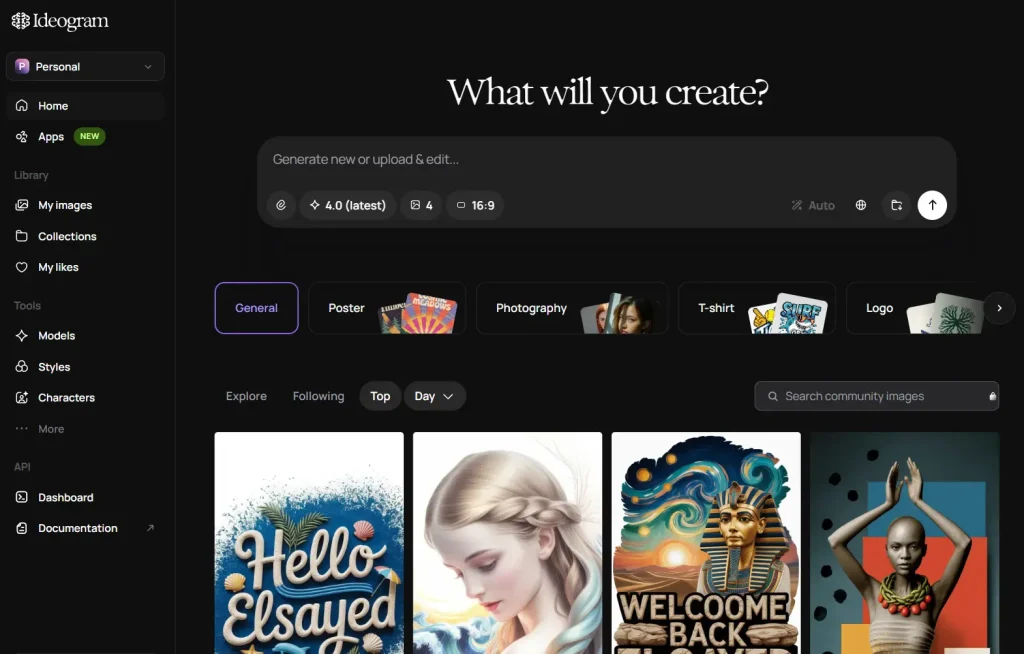
Ideogram 4.0 is an image model built around text rendering, structured layouts, design work, and open-weight deployment. It is available through the Ideogram web app, hosted API, and downloadable model weights.
Best For: Posters, logos, thumbnails, cards, product graphics, typography-heavy images, and layout-sensitive design work.
Key Features:
- Generates images with multilingual text and layout control.
- Produces realistic images up to 2K.
- Offers open weights for local deployment and customization.
- Provides hosted API access with per-image pricing.
Pros:
- Good typography and design layouts.
- Free web access.
- Open-weight and API options.
Cons:
- Free generations use a slower queue and remain public.
- AI editing and image-reference features require priority credits.
Pricing & Plans:
Ideogram has a free plan with weekly slow credits. Plus costs $20/month on monthly billing, Pro costs $60/month, and annual billing lowers the effective monthly price. The Ideogram 4.0 API starts at $0.03 per Turbo image.
Free Plan Limitations:
The free plan uses weekly slow credits. Free generations are public, and AI editing and image-reference features require priority credits.
9. FLUX.2
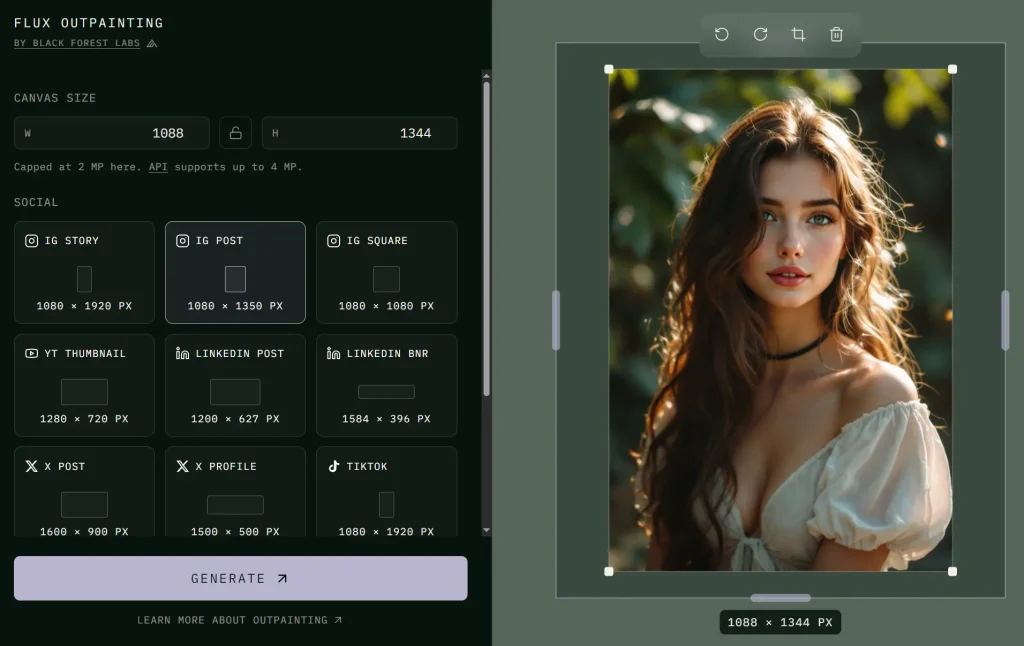
FLUX.2 is Black Forest Labs’ production image-generation and editing family, with hosted API models and open-weight variants for local deployment. FLUX 3 entered Early Access in July 2026 as a multimodal foundation model. BFL’s production image API uses the FLUX.2 model family.
Best For: Local image generation, API integration, multi-reference editing, typography, and custom deployment.
Key Features:
- Generates and edits images in one model family.
- Handles multiple reference images for subject, product, and style consistency.
- Produces output up to 4 megapixels on selected variants.
- Offers [max], [pro], [flex], [klein], and [dev] variants for different workloads.
Pros:
- Hosted API and local options.
- Multi-reference editing.
- Open-weight variants for custom deployment.
Cons:
- Local deployment requires suitable hardware and setup.
- Licensing differs between FLUX.2 variants.
Pricing & Plans:
FLUX.2 uses pay-as-you-go API pricing. FLUX.2 [klein] 4B starts at $0.014 per image, [pro] at $0.03 for the first megapixel, [flex] at $0.05 per megapixel, and [max] at $0.07 for the first megapixel.
Free / Local Access:
FLUX.2 [klein] 4B uses the Apache 2.0 license and can run locally. FLUX.2 [dev] is also available as open weights for non-commercial local use. Other variants use different license terms or hosted API access.
10. Leonardo AI

Leonardo AI is a creative platform for image generation, image editing, motion, concept art, game assets, textures, and custom model workflows.
Best For: Concept art, game assets, product mockups, design exploration, and token-based image creation.
Key Features:
- Generates images from text prompts and image inputs.
- Includes presets, quality settings, collections, and personal AI models on paid plans.
- Offers private generations on paid individual plans.
- Includes relaxed image generation for selected models on higher tiers.
Pros:
- 150 free fast tokens per day.
- Useful concept-art controls.
- Private paid generations.
Cons:
- Token costs differ by model and feature.
- Private creation and higher limits require paid plans.
Pricing & Plans:
| Plan | Monthly Price | Fast Tokens |
|---|---|---|
| Free | $0/month | 150/day |
| Essential | $12/month | 8,500/month |
| Premium | $30/month | 25,000/month |
| Ultimate | $60/month | 60,000/month |
Free Plan Limitations:
The free plan provides 150 fast tokens per day, public creations, basic quality settings, and one personal collection. Paid plans provide private creations, larger token banks, better quality settings, more personal models, and higher generation limits.
Which AI Image Generator Is Right for You?
Start with ChatGPT Images 2.5 or Google Nano Banana 2 for iterative image generation and editing. Grok Imagine adds short-video creation, and Magnific puts multiple image models, stock assets, and editing tools in one account.
For specialized work, Midjourney V8.2 emphasizes artistic direction, Ideogram 4.0 focuses on typography and layout, and FLUX.2 offers API and local deployment. SeaArt focuses on anime and community models, Adobe Firefly integrates with Adobe creative apps, and Leonardo AI focuses on concept art and game assets.
FAQs
Q: What are the best free AI image generators in 2026?
A: ChatGPT Images 2.5 and Google Nano Banana 2 are easy general-purpose starting points with limited free access. Adobe Firefly, Ideogram, SeaArt, Magnific, Grok, and Leonardo AI also provide free image generation with different limits.
Q: Which AI image generator is best for text inside images?
A: Ideogram 4.0 is built around typography and layout control. ChatGPT Images 2.5 and Nano Banana 2 are also useful for posters, signs, infographics, and other images that need readable text.
Q: Which AI image generator is best for anime art?
A: SeaArt provides a large collection of anime and character models with LoRA workflows. Midjourney also has the separate Niji model family for anime and illustration.
Q: Can I run an AI image generator locally?
A: Yes. FLUX.2 and Ideogram 4.0 both have downloadable model weights. FLUX.2 [klein] 4B uses Apache 2.0; other FLUX.2 variants and Ideogram commercial self-hosting use different license terms.
Q: Can I use AI-generated images commercially?
A: Commercial use depends on the service, plan, model, and source assets. Check the terms for the specific generator and plan before using outputs in client work, advertising, merchandise, or other commercial projects.
Changelog:
09/18/2026
- Updated ChatGPT to Images 2.5, Grok Imagine to Image 2.0, and Midjourney to V8.2.
- Renamed Freepik AI to Magnific after the 2026 rebrand.
- Replaced Civitai, Picsart, and PixAI with Adobe Firefly, Ideogram 4.0, and FLUX.2.
- Updated free access, pricing, comparison fields, FAQs, and selection guidance.
- Corrected Ideogram free-plan wording and FLUX.2 API pricing.
05/13/2026
- Replaced DeepAI, Ideogram, and Kling AI with ChatGPT Image 2, Google Nano Banana 2, and Grok Imagine.
- Updated pricing, free plan limits, FAQ, and the quick picks table.
12/08/2025
- Updated for 2026.
08/12/2025
- Updated the list.
02/11/2025
- Updated the list.
11/14/2024
- Updated the list.
07/21/2024
- Updated the list.
05/11/2024
- Updated the list.
04/14/2024
- Updated the list.
03/12/2024
- Updated the list.
02/17/2024
- Updated the list.
01/18/2024
- Expanded to include a list of the top 20 AI image generation platforms.
- Added historical visit data for each platform.
- Added the starting price information.
- Updated the rankings to reflect the most recent visit data as of December 2023.
See Also:
- Ideogram AI: Free Text-to-Image Tool for Designs With Readable Text
- Midjourney Timeline: Version Release Dates and Major Updates
- Best AI Video Generation Tools
- Best AI Image Editors
- Free AI Image Generation Tools
- Best AI Image Enhancers and Upscalers
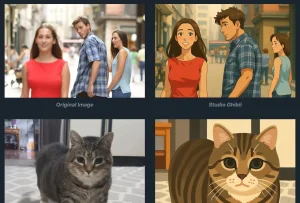






Great roundup of AI image generators! As a beginner in the field, I find it really helpful to have a comprehensive list of options to explore. I’m definitely going to try out a few of these free and paid options to see which ones work best for my needs. Thanks for sharing!