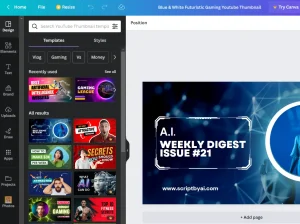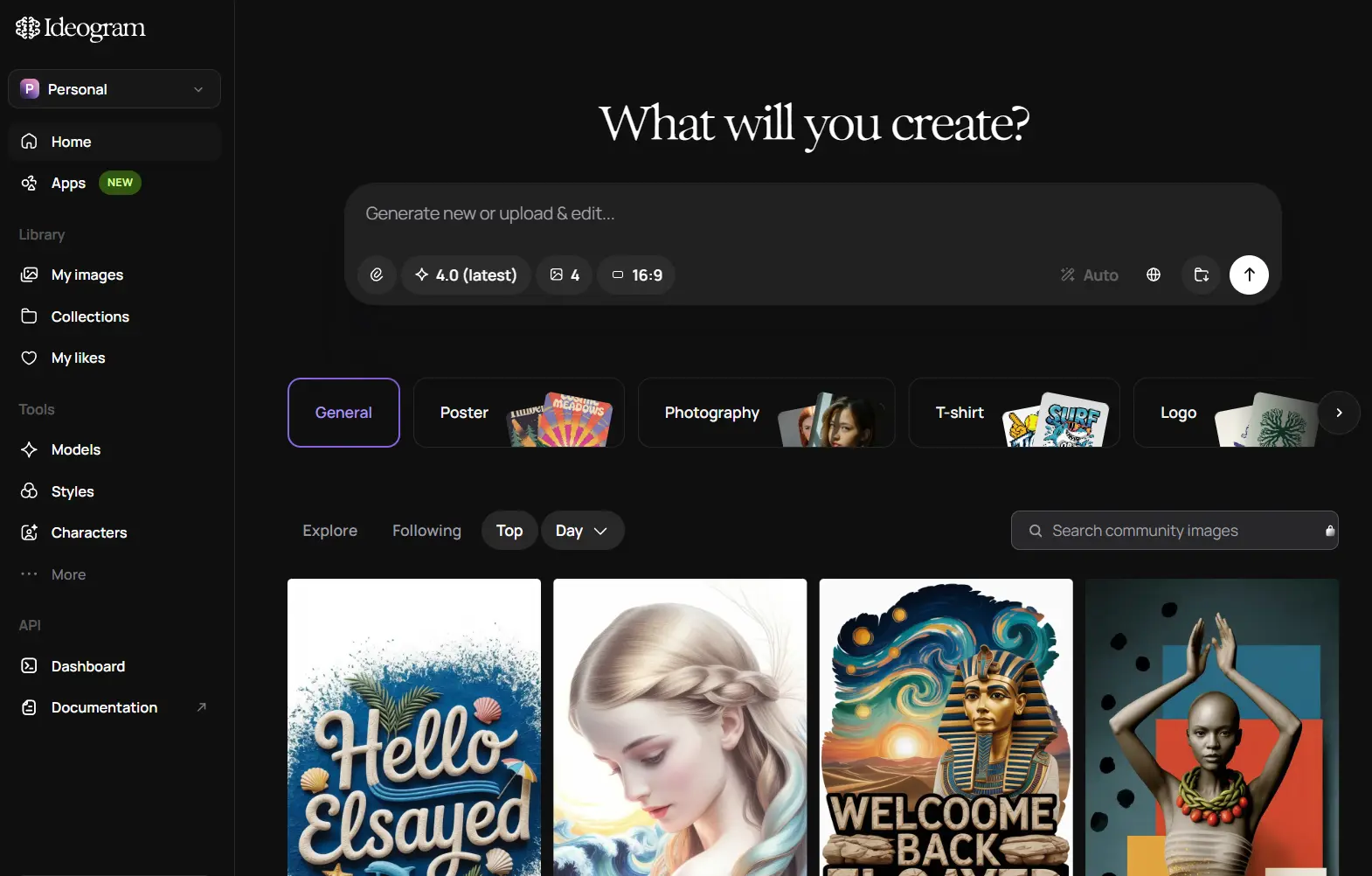
Ideogram AI is an AI image generator and editor for posters, logos, packaging, ads, thumbnails, product graphics, illustrations, and photorealistic images. Its defining capability is readable in-image text paired with precise control over layout, color, and style.
Ideogram also handles iterative design work after the first generation. Reference images can keep a character or art direction consistent, Remix can build variations from an existing image, and prompt-based editing can revise text, objects, materials, lighting, or framing.
Key Features
- Generates posters, logos, packaging, ads, illustrations, photos, and other prompt-based images.
- Renders readable headlines, labels, signage, packaging copy, and other in-image text.
- Controls layout and color through structured prompts, bounding boxes, and palette values.
- Expands short prompts automatically through Magic Prompt.
- Generates transparent-background assets for logos, stickers, and print-on-demand designs.
- Reuses a person’s or character’s identity from one Character Reference image.
- Applies art direction from up to three Style Reference images.
- Creates image variations with Remix and converts existing images into prompts with Describe.
- Revises text, objects, colors, lighting, materials, and framing through prompt-based editing.
- Uses Canvas for generation, Magic Fill, Extend, text placement, and multi-image projects.
Readable Text, Typography, and Layout Control
Readable text is the feature most closely associated with Ideogram. The model can place literal words inside a generated composition for posters, logos, book covers, packaging, signs, cards, thumbnails, and advertising graphics. Quoting the exact words in the prompt helps Ideogram 4.0 interpret them as text that should appear in the image, which is especially useful when spelling and placement are part of the design.
Ideogram 4.0 accepts structured JSON prompts for element-level layout control. The prompt can describe the overall scene, style, lighting, palette, background, and individual elements. Bounding boxes place an element on a normalized 0-1000 coordinate grid, and typed text elements keep the literal string distinct from its font and styling description.
Structured prompts can set color at both image and element level. Hexadecimal palette values can guide the whole composition or a particular object or text element.
Prompting, Styles, and Image References
Magic Prompt
Magic Prompt expands a short natural-language prompt before generation. It can fill in composition, lighting, medium, descriptive detail, and other creative choices when the original prompt is brief.
Style Reference
Style Reference lets you guide the look of a new image from reference artwork or photography. A custom style can use up to three reference images to carry aesthetic direction, palette, mood, medium, and composition cues into new generations. Style Reference can also be paired with Character Reference, Remix, or a color palette.
Character Reference
Character Reference starts from one photo or generated image and keeps recognizable facial traits across new poses, outfits, backgrounds, and art styles. A character mask lets you adjust which parts of the reference define the identity, including face, hair, clothing, and accessories.
Remix and Describe
Remix starts from an existing Ideogram image or an uploaded image. Change the prompt and adjust the Strength setting to control how closely the new result follows the original composition. Describe analyzes an image and turns its visible content into a detailed prompt that can be reused for another generation.
Image Editing and Canvas
Prompt-based editing uses Ideogram 4.5 for repeated revisions. The model preserves areas outside the requested change more consistently across multiple edits, reducing pixel shifts, color drift, and texture artifacts.
Plain-language edit prompts can change text, colors, lighting, objects, materials, or framing. High-resolution crop editing can revise a small region of a large image and return the edited area to the full composition with aligned boundaries.
Canvas is an infinite workspace for projects that need multiple assets or region-based changes. It can generate images, place text, organize uploaded and generated assets, and remix existing images. Magic Fill replaces or adds content inside masked regions. Extend generates new content beyond the original image boundaries to change framing or aspect ratio.
Focused Editing Tools
- Remove Background isolates the foreground subject on transparency.
- Replace Background keeps the subject and generates a new scene behind it.
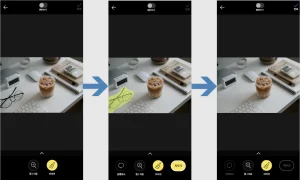
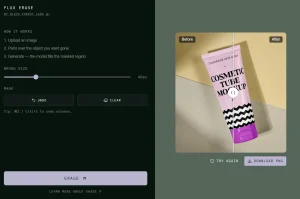
- Object Remover erases a selected object and reconstructs the surrounding area.
- Reframe adapts an image to a new composition or aspect ratio.
- Ad Resizer prepares one creative for multiple ad dimensions.
- Colorways changes selected product regions to specified colors.
- Material Swap re-renders a selected region using a reference material.
- Layerize Text separates text from an image into editable text layers.
Free Plan and Pricing
Ideogram has a free web plan for light generation. Eligible accounts receive slow credits each week after signing in with Google, Apple, or Microsoft, and the weekly allowance can change. Free accounts have no priority credits, can keep one generation running or queued at a time, and generate public images by default.
Editing with AI and Image Reference use priority credits. Character Reference is available on free accounts, and transparent-image editing is also free. Paid plans add private generation, larger queues, and unlimited slow credits.
| Free Plan | Access |
|---|---|
| Price | $0 |
| Slow credits | Weekly grant for eligible accounts (amount can change) |
| Priority credits | None |
| Running + queued generations | 1 |
| Private generation | No |
| Character Reference | Available |
| Transparent-image editing | Available |
| Editing with AI | Priority credits required |
| Image Reference | Priority credits required |
Paid Plans
| Plan | Monthly Price | Priority Credits |
|---|---|---|
| Plus | $20 | 1,000/month |
| Pro | $60 | 3,500/month |
| Team | $30/user | 1,500/user/month |
How to Use Ideogram
- Sign in to Ideogram and open the image generator.
- Describe the subject, exact text, composition, style, lighting, colors, and placement details that matter.
- Set the aspect ratio and generation options, then select a style or reference image when needed.
- Generate the image and open the result that best matches the brief.
- Use Remix, Character Reference, or Style Reference when a variation should retain an existing composition, identity, or art direction.
- Use Describe when you want to turn an existing image into a reusable prompt.
- Open prompt-based editing or Canvas for text changes, object replacement, Magic Fill, Extend, reframing, or local revisions.
- Download the finished image when the project is complete.
Prompting Tips
- Put the exact words you want rendered inside quotation marks.
- Describe where the headline, subject, logo, and supporting elements should appear.
- Specify the medium, lighting, aesthetic direction, and color palette when style is important.
- Use Style Reference for a hard-to-describe art direction and Character Reference for identity consistency.
- Use structured JSON in Ideogram 4.0 when you need bounding boxes, exact palette values, and element-level control.
Use Cases
- Create posters, flyers, event graphics, and social ads with readable headlines.
- Develop logos, wordmarks, labels, packaging, and print-on-demand artwork.
- Produce product campaign variants with controlled changes to color, lighting, materials, and backgrounds.
- Build thumbnails, book covers, album art, menus, cards, and promotional graphics.
- Create recurring mascots, story characters, comic scenes, and branded spokescharacters from one reference image.
- Localize an existing graphic by replacing or translating text inside the design.
- Restyle interior and architectural images through repeated prompt-based revisions.
- Restore old photos or turn sketches into finished images.
- Automate image generation, editing, asset cleanup, and custom-model tasks through the API or MCP.
Developer Access: API, MCP, and Open Weights
REST API
The Ideogram Developer API exposes image generation, Remix, prompt-based editing, background control, upscaling, production tools, custom apps, and custom-model training. The web subscription and API use independent billing. A free Ideogram account can create API keys. API requests need a funded API balance.
MCP Server
The Ideogram MCP server connects to compatible MCP clients including Claude, Claude Code, ChatGPT, Cursor, Cline, OpenCode, and custom clients. It uses OAuth through your Ideogram account and draws from the connected web-app subscription credits. An agent can chain generation, editing, collections, uploads, reframing, and custom-model training inside one task.
Ideogram 4.0 Open Weights
Ideogram 4.0 is a 9.3B open-weight model available as NF4 and FP8 releases on Hugging Face. The free model agreement permits research, evaluation, prototyping, and personal projects. Commercial self-hosting requires an Ideogram commercial license.
Pros
- Readable in-image text and typography
- Fine-grained layout and color control
- Multi-turn edits preserve unedited details
- Reusable character and style references
- Canvas plus specialized production tools
- Web, API, MCP, and local model access
Cons
- Weekly free credit allowance can change
- Free generations are public by default
- Editing with AI and Image Reference require priority credits
Changelog
| Date | Update |
|---|---|
| Sep 30, 2026 | Ideogram 4.5 introduced precision multi-turn editing for text, color, lighting, products, interiors, architecture, restoration, reframing, and high-resolution local edits. |
| Jun 3, 2026 | Ideogram 4.0 launched with open weights, structured JSON prompting, multilingual text rendering, bounding-box layout control, palette control, and native 2K generation. |
| Mar 26, 2025 | Ideogram 3.0 improved photorealism, prompt alignment, text rendering, and Style Reference. |
| Aug 21, 2024 | Ideogram 2.0 introduced new image styles, color palettes, Ideogram Search, API beta access, and the iOS app. |
Alternatives and Related Resources
- 10 Best AI Image Generators: Free and Paid
- Free AI Image Generation & Editing Tools
- Free AI Image Editing Tools
- Free AI Text-to-Image Generators