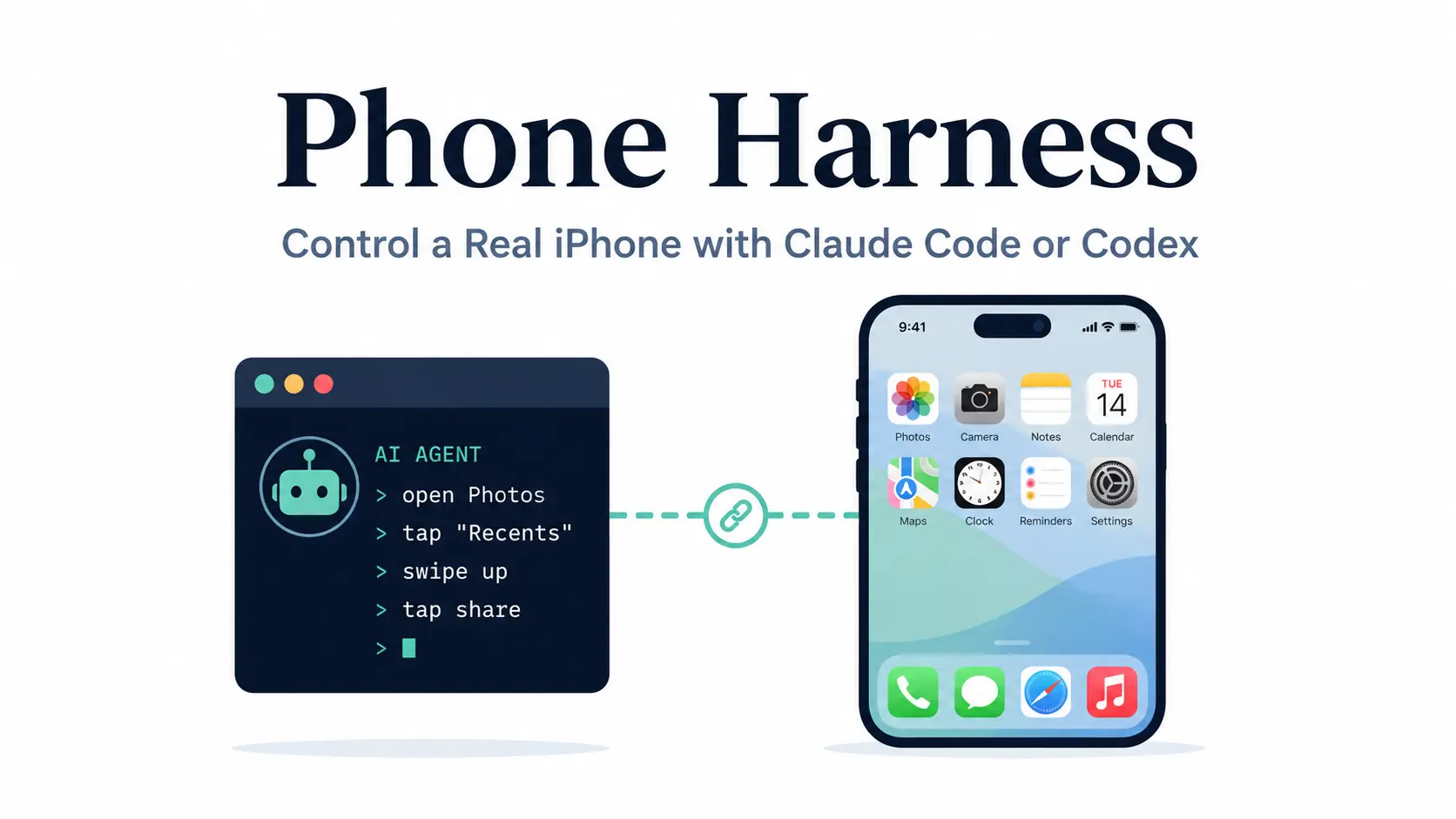
Phone Harness is an open-source tool that lets Claude Code, Codex, and other shell-capable AI agents operate a real iPhone or Android phone.
An agent can open apps, read the screen, tap buttons, enter text, scroll through content, and check the result before taking another action.
On iPhone, Phone Harness works through Apple’s iPhone Mirroring on a Mac. On Android, it connects through ADB over USB or Wi-Fi.
It also works with rented Android phones through Phone Harness Cloud. The Python helpers and Agent Skill let you use familiar commands across these devices.
Key Features
- Control real iPhone and Android apps from Claude Code, Codex, or another terminal-based agent.
- Read visible iPhone text with Apple Vision OCR and Android UI elements through the accessibility tree.
- Tap, long-press, swipe, scroll, type, and navigate between apps with Python helpers.
- Use text labels or screen coordinates to select controls and verify each action with another screen read.
- Connect Android phones over USB or paired Wi-Fi, with device discovery and reconnection.
- Run agent-driven tasks on a rented cloud Android phone, with a live view available during the session.
- Install the
phone-harnessAgent Skill for Claude Code or Codex. - Check phone connections and permissions with
--doctor, and maintain editable task helpers in an agent workspace.
How Phone Harness Controls Your Phone
Phone Harness interacts with apps already installed on your phone. The agent reads the current screen, chooses a tap or typing action, and checks what changed. Each step uses the phone’s current app state, including the account already signed in on that device.
iPhone: Apple iPhone Mirroring
For a personal iPhone, Phone Harness captures the macOS iPhone Mirroring window and reads its text using Apple’s Vision framework. OCR supplies text labels and coordinates for taps. Phone Harness sends gestures and keyboard events through that window.
Initial pairing requires the physical iPhone. Unlocking the phone pauses iPhone Mirroring. When the app displays a connection prompt, the agent can attempt the Connect control, although physical access may be needed to resume the session.
Android: ADB and the Accessibility Tree
On Android, Phone Harness uses ADB to capture screenshots and send input commands. The phone’s accessibility tree supplies exact text, element bounds, and available labels. Helpers such as tap_ui() can find a control by its text or Android resource ID, even when the control has no visible label.
A USB connection or Android wireless debugging gives the agent access to the physical device. You can run this setup from macOS, Linux, or Windows. Note that some screens do not expose their accessibility tree, so a screenshot may be needed to determine the next action.
Phone Options and Requirements
Apple iPhone Mirroring requires a compatible Mac and iPhone using the same Apple Account with two-factor authentication. Both devices need Wi-Fi and Bluetooth, and the iPhone must be nearby, locked, and protected by a passcode.
| Phone | Connection and requirements |
|---|---|
| Personal iPhone | Apple silicon or T2 Mac, macOS Sequoia 15+, iOS 18+, iPhone Mirroring, terminal permissions |
| Personal Android | macOS, Linux, or Windows, Android Platform Tools (ADB), USB debugging or wireless debugging |
| Cloud Android | Phone Harness Cloud account, ADB installed on the host, and an active rental session |
How to Install Phone Harness
Phone Harness requires Python 3.10 or later. Install the CLI from PyPI for regular use, or clone the GitHub repository if you want to edit the Python source and agent helpers.
Install the CLI
pip install phone-harnessOr install an editable GitHub checkout
git clone https://github.com/ShawnPana/phone-harness ~/.phone-harness
cd ~/.phone-harness
pip install -e .
Register the Agent Skill
Register Phone Harness in the agent you use. These commands write the current skill instructions into each agent’s skill directory.
Claude Code
mkdir -p ~/.claude/skills/phone-harness
phone-harness skill > ~/.claude/skills/phone-harness/SKILL.md
Codex
mkdir -p "${CODEX_HOME:-$HOME/.codex}/skills/phone-harness"
phone-harness skill > "${CODEX_HOME:-$HOME/.codex}/skills/phone-harness/SKILL.md"
Set Up an iPhone
- Open iPhone Mirroring on your Mac and pair it with the physical iPhone.
- Grant your terminal Accessibility and Screen Recording in macOS System Settings → Privacy & Security.
- Restart the terminal after granting Screen Recording access.
- Keep the iPhone locked while iPhone Mirroring is active.
phone-harness --doctor iosSet Up an Android Phone
Install Android Platform Tools (ADB) on the computer. On your Android phone, tap Build number seven times to enable Developer options, and turn on USB debugging. Connect by USB and approve the phone’s debugging prompt, or pair it through Wireless debugging on Android 11 or later.
For Wi-Fi, open Developer options → Wireless debugging → Pair device with pairing code and use the six-digit code displayed on the phone.
phone-harness android pair 123456Set Android as the default phone and run its diagnostic check.
phone-harness config set platform android
phone-harness --doctor android
Using Phone Harness With an AI Agent
After setup, give Claude Code or Codex a phone task such as opening an app, looking for a setting, or collecting text from a long list. The agent can call Phone Harness through the registered skill. You can also run the helpers directly from the terminal.
Read and Interact With the Screen
The Python CLI has the helpers preloaded. This command opens Settings and reads the first ten text items.
phone-harness <<'PY'
open_app("Settings")
print([item["text"] for item in ocr()][:10])
PY
For an iPhone note, open Notes, tap the visible New Note label, type into the active field, and inspect the screen.
phone-harness <<'PY'
open_app("Notes")
tap_text("New Note")
type_text("hello from the harness")
print([item["text"] for item in ocr()][:10])
PY
Available Phone Helpers
| Helper | Use |
|---|---|
ocr() | Read screen text and tap coordinates |
tap_text() | Tap a control by visible text |
screenshot() | Capture the current phone screen |
open_app() | Launch an installed app |
tap() / long_press() | Tap or hold at coordinates |
type_text() | Enter text in the focused field |
swipe() / scroll() | Swipe or move through content |
scroll_collect() / scroll_until() | Read long or condition-based lists |
home() / app_switcher() | Navigate between apps |
wait_stable() | Wait for screen changes to settle |
tap_ui() (Android) | Select an accessibility-tree element |
back() (Android) | Return to the previous screen |
Pros
- Real iPhone and Android app control.
- Works with Claude Code and Codex Agent Skills.
- Text-aware screen navigation and reusable Python helpers.
- USB, Wi-Fi, and hosted Android options.
Cons
- Initial pairing and some connection recovery require physical approval.
- No multi-touch gestures, camera or Face ID operations, or DRM video capture.
- Background iPhone control depends on private macOS APIs, and an obscured Mirroring window can disrupt capture.
- Locked Android phones require manual unlocking, and ADB text input is ASCII-only.
FAQs
Does Phone Harness install an AI model on my phone?
No. Claude Code, Codex, or another shell-capable agent runs on your computer or host environment. Phone Harness handles phone input and screen readings.
Can I use iPhone and Android from the same installation?
Yes. Set the regular phone with phone-harness config set platform ios or phone-harness config set platform android. For a single command, PHONE_HARNESS_PLATFORM=android overrides the default. Personal iPhone Mirroring requires a Mac.
Can I turn off anonymous CLI telemetry?
Yes. Run phone-harness config set telemetry false to disable the CLI’s anonymous usage telemetry. This setting does not change the cloud rental charges or the external AI agent’s own data handling.
Alternatives & Related Resources
- iPhone MCP Server for Appium Automation
- Free On-Device AI Agent for Android Phone – PokeClaw
- The Ultimate Claude Code Resource List: Agents, Skills, Plugins & More
- 450+ Most Popular Agent Skills on GitHub for Coding Agents
- 10 Best Agent Skills for Claude Code & Codex
- OpenAI Codex Commands Cheat Sheet
- Claude Code Commands Cheat Sheet
- 10 Best CLI AI Coding Agents: Open-Source & Commercial
Last Updated: Oct 11, 2026