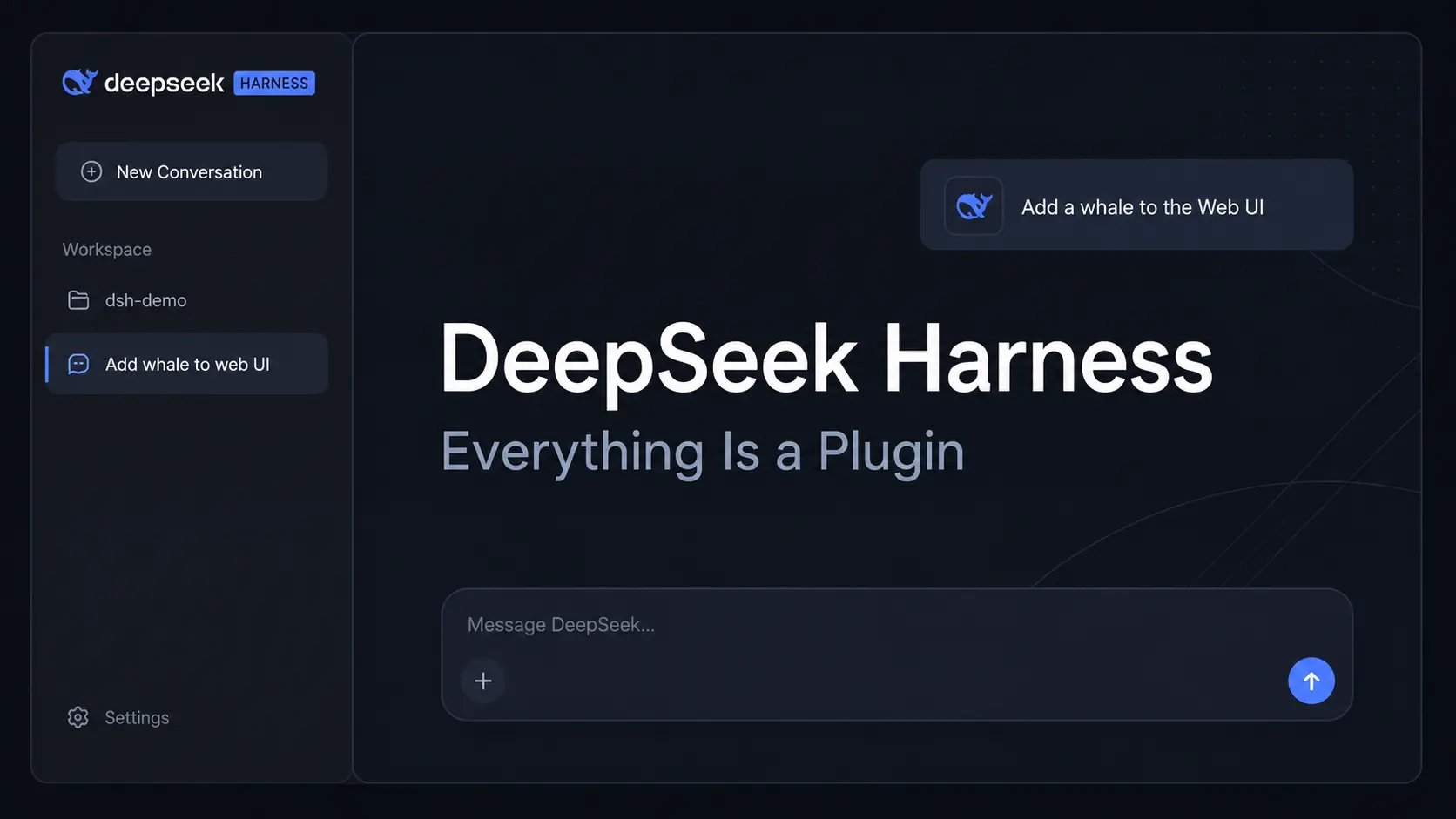
DeepSeek Harness (dsh) is DeepSeek’s open-source agent harness for working with local files, code, documents, and research tasks.
It runs on a Cordis-based architecture where models, tools, skills, sessions, storage, jobs, and UI components load as plugins.
DeepSeek ships Harness as an official desktop app for macOS and Windows.
You can also launch the Web UI with dsh web, run headless tasks from the CLI, or call the runtime from Python.
Use the Official Desktop App
The official DeepSeek Harness desktop app is available for Apple Silicon Macs and 64-bit Windows. It works with local files and keeps active tasks running in the background after you close the main window.
The desktop app can open workspace files in local apps, manage plugins, search the model list, handle application updates, and run Windows sandbox permission diagnostics. Quitting warns when active tasks would be interrupted.
The macOS and Windows builds can install the bundled dsh command from Manage dsh command in the menu bar. No additional Node.js or pnpm installation is required for plugin management through this bundled command.

Everything Is a Plugin
Cordis mounts plugins, resolves their dependencies, and connects the services and events they expose. DeepSeek Harness uses this architecture across the major parts of an agent, and Profiles determine which plugin bundles load for a particular setup.
100 Best DeepSeek Harness Plugins for DSH: Find community plugins for memory, terminals, search, browser control, UI extensions, and agent features.
| Role in DeepSeek Harness | |
|---|---|
| Models | Connect DeepSeek, catalog providers, or custom model endpoints. |
| Tools | Expose file editing, shell commands, search, MCP tools, and callable actions. |
| Skills | Load reusable instructions and task-specific behavior. |
| Sessions | Store conversation state and the event history used to resume or branch work. |
| Sandboxes & storage | Define execution boundaries and persistent runtime data. |
| Agent loops & jobs | Control task execution, delegation, background work, and optional scheduled tasks. |
| UI | Build the desktop and Web experience from client-side plugins. |
Key Features
- Official desktop app plus a local Web UI launched with
dsh web - Local file editing, shell commands, code changes, document work, and Web research
- Persistent sessions with resume, fork, search, replay, and Trajectory details
- Background jobs plus an optional Scheduled tasks plugin for reminders and recurring work
- Standard, PTC, Minimal, and Creator Agent Presets for different tool configurations
- Plugin management for tools, skills, model connections, UI extensions, and agent capabilities
- CLI, headless, ACP, and Python SDK entry points for developer use
Run the Web UI from the CLI
Launch the Web UI
Install Node.js and open a terminal in the project directory you want DSH to access. A local launch opens the default browser and serves the Web UI at http://127.0.0.1:3080.
Pass --no-open when only the server should start. Over SSH, dsh prints the host URL and leaves local forwarding to the SSH client or editor.
npx @deepseek-ai/dsh webConnect a Model
Open Settings → Models and enter a DeepSeek API key, or use Add model provider for a bundled third-party provider. Custom OpenAI-compatible endpoints can also be configured from the Models page.
Choose the Workspace
Click Choose workspace, register the project directory, and select it. The directory that launched dsh is the default filesystem location, and the session composer becomes available after a workspace is selected.
Run the First Task
Summarize this repository and identify its main packages.Run It from Source
A local checkout uses pnpm to install dependencies and build the repository artifacts:
git clone https://github.com/deepseek-ai/deepseek-harness.git
cd deepseek-harness
pnpm install
pnpm run build
pnpm dsh web
Use Files, Documents, and Images
- The Web UI can preview Markdown, code, HTML, PDF, and image files in its file sidebar.
- Current releases also preview Word, Excel, PowerPoint, CSV, and TSV files.
- Local files can open in an installed editor, terminal, file manager, or associated desktop app.
- Uploads continue in the background with progress and cancellation controls.
- Image input depends on the active model. Your models can enable Image under Settings → Models → Model options → Input types.
Sessions, Trajectory, and Background Jobs
DeepSeek Harness keeps an append-only session history that records prompts, reasoning events, tool calls, tool results, delegated work, and injected context. The Trajectory view exposes the run behind the visible conversation.
Persistent sessions can be resumed, forked, searched, and replayed. Archived-session controls help manage older work, and background jobs keep long commands or delegated tasks running outside the immediate chat turn.
Profiles, Agent Presets, and Subagents
A Profile determines which plugin bundles load when dsh starts. DSH ships Profiles for Web, headless, SDK, minimal SDK, and ACP use, and custom Profiles can define their own plugin bundle set and configuration.
| Command | Purpose |
|---|---|
dsh web | Starts the Web UI. |
dsh --profile <name> | Starts a selected Profile. |
dsh --profile headless "job" | Runs a persisted headless task and prints the final response. |
dsh plugin --profile <name> ... | Manages plugin dependencies for a Profile. |
Agent Presets
The Web and desktop apps include four built-in Agent Presets. The selected preset controls the tools and behavior available to a new task.
| Preset | Purpose |
|---|---|
| Standard | Code, files, search, editing, terminal commands, and general agent work. |
| PTC | Standard capabilities with a mode designed for batched tool calls and result processing. |
| Minimal | Terminal-only agent mode for basic testing and model comparisons. |
| Creator | Build plugins, extend the UI, and create custom modes from tools and prompts. |
Claude Code, Codex, and Other Subagents
Claude Code and Codex are optional Profile Bundles that register external subagent providers. A configured Agent Preset can delegate independent tasks to these providers. The default production package does not install either provider automatically.
Connect DeepSeek or Another Model Provider
The DeepSeek card in Settings → Models accepts a DeepSeek API key. Add model provider includes bundled provider catalogs with IDs that include anthropic, openai, moonshotai, and zai, plus custom OpenAI-compatible endpoints.
API keys entered through the Models page are write-only. DeepSeek credentials are stored in $DSH_HOME/.credentials.yaml, and the active Profile stores the credential reference and model configuration. For the standard Web launch, profile configuration lives in $DSH_HOME/profiles/web/cordis.patch.yml.
Model changes apply to the next request and do not require a server restart. The model picker can search longer model lists by name or ID.
Use DeepSeek Harness from Python
The Python SDK is the programmatic entry point to the Harness runtime. It requires Python 3.10 or newer, Git, a DeepSeek endpoint and credential, and an isolated workspace and Harness home. The runtime packages are available for Linux x64, Linux arm64, macOS 14 or newer on Apple silicon, and Windows x64.
python -m pip install deepseek-harness-sdkDeveloper Preview and Safety
Note that DeepSeek Harness is currently in preview stage, and compatibility-breaking changes can occur between releases.
The runtime can execute model-generated code and commands, load third-party plugins, and access files, processes, network connections, and credentials made available to it.
Sandboxing, approval prompts, and permission controls reduce risk. They do not guarantee isolation.
Use limited privileges, keep backups, review plugins and proposed commands, and use a disposable environment for higher-risk testing.
Pros
- Official desktop app plus Web, CLI, and Python entry points
- Plugin architecture extends models, tools, skills, UI, jobs, and agent behavior
- Plugin manager installs extensions, and Creator mode can build plugins and custom presets
- Persistent sessions, Trajectory view, subagents, and background jobs
- DeepSeek, bundled third-party providers, and custom endpoints
Cons
- Preview releases can include compatibility-breaking changes
- Plugin, Profile, and custom provider configuration can become technical
- Third-party plugins can execute code and require careful review
Alternatives & Related Resources
- 100 Best DeepSeek Harness Plugins for DSH
- CodeWhale (DeepSeek TUI): Free, Open-source Claude Code Alternative
- Reasonix: Free DeepSeek Coding Agent for CLI, Desktop & VS Code
- Pi Coding Agent: Extensible AI Terminal Agent for Developers
- Kimi Code CLI: Open-Source AI Coding Agent with Skills & MCP Support
- Automate Anything: 10 Best & Open-source AI Agents
- DeepSeek Timeline: Model Release Dates and Key Milestones
- Vercel fx: Open-Source Native AI Coding Agent in Zig
FAQs
Do I need Node.js to use DeepSeek Harness?
The official desktop app and normal Python SDK execution do not require a system Node.js installation. Running the Web UI with npx @deepseek-ai/dsh web requires Node.js.
Why do older DeepSeek Harness mention Code mode?
Code mode was renamed PTC mode. Current configurations use the ptc preset and tool-presentation value, and older code configuration values are no longer the current names.
Does DeepSeek Harness work on Linux?
Yes. Linux can run DeepSeek Harness through the Web/CLI runtime and the Python SDK. The official desktop page lists downloads for Apple silicon macOS and 64-bit Windows.
Are community plugins reviewed by DeepSeek?
The dsh-plugin GitHub topic is a discovery mechanism, not a security review. Third-party repositories are maintained by their own publishers. Review source code, requested permissions, package provenance, and version compatibility before installation.
Last Updated: Sep 30, 2026