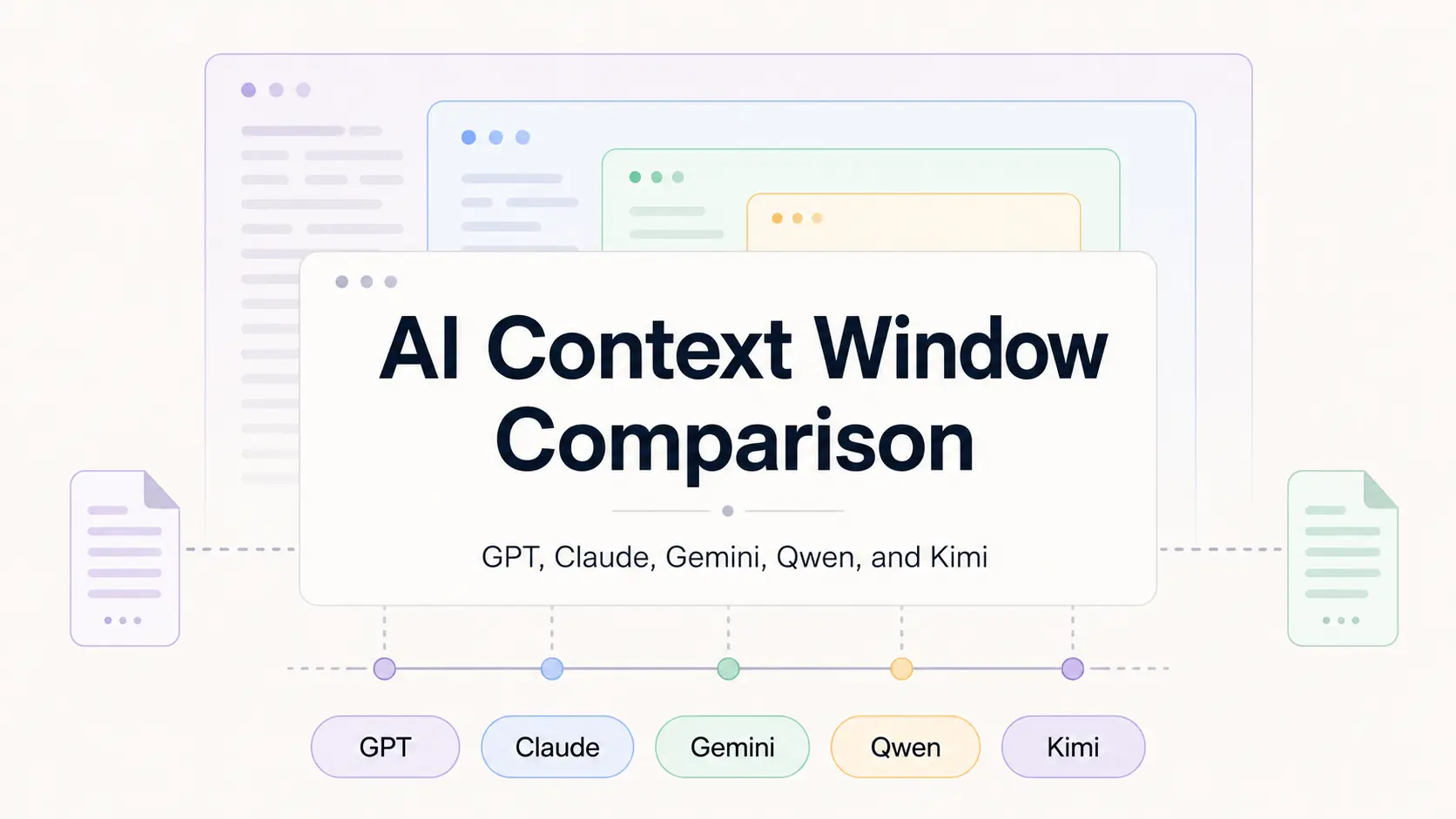
Context windows determine how many tokens an LLM can process in a single API request. GPT-6 Astra, GPT-6.1 Sol, GPT-6 Luna, and the GPT-5.6 family use a 1,050,000-token context window. Gemini 4 Argon and Kimi K3 use 1,048,576 tokens. Claude Opus 5.5, Claude Fable 5.1, DeepSeek V4.1, and Qwen3.8 Max use 1,000,000 tokens.
The table below compares API limits for GPT, Claude, Gemini, DeepSeek, Qwen, Grok, and Kimi. Use the Context Window column to compare total capacity, then check the input and output limits when your task involves large documents, codebases, long conversations, or lengthy generated responses.
LLM context window comparison
These figures apply to API models. ChatGPT, Claude, Gemini Apps, Grok, Qwen Chat, Kimi, coding plans, and third-party model gateways can apply different product limits.
| Provider | Model | Context / Input Limit | Max Output |
|---|---|---|---|
| OpenAI | GPT-6 Astra | 1,050,000 context | 128,000 |
| OpenAI | GPT-6.1 Sol | 1,050,000 context | 128,000 |
| OpenAI | GPT-6 Luna | 1,050,000 context | 128,000 |
| OpenAI | GPT-5.6 Sol | 1,050,000 context | 128,000 |
| OpenAI | GPT-5.6 Terra | 1,050,000 context | 128,000 |
| OpenAI | GPT-5.6 Luna | 1,050,000 context | 128,000 |
| Anthropic | Claude Fable 5.1 | 1,000,000 context | 128,000 |
| Anthropic | Claude Opus 5.5 | 1,000,000 context | 128,000 |
| Anthropic | Claude Opus 5 | 1,000,000 context | 128,000 |
| Anthropic | Claude Sonnet 5.5 | 1,000,000 context | 128,000 |
| Anthropic | Claude Haiku 5.5 | 1,000,000 context | 128,000 |
| Gemini 4 Argon | 1,048,576 input | 65,536 | |
| Gemini 3.1 Pro Preview | 1,048,576 input | 65,536 | |
| Gemini 3.8 Flash | 1,048,576 input | 65,536 | |
| Gemini 3.5 Flash-Lite | 1,048,576 input | 65,536 | |
| DeepSeek | DeepSeek V4 Pro | 1,000,000 context | 384,000 |
| DeepSeek | DeepSeek V4.1 Flash | 1,000,000 context | 384,000 |
| Alibaba Cloud | Qwen3.8 Max | 1,000,000 context; 991,808 max input | 131,072 |
| Alibaba Cloud | Qwen3.7 Plus | 1,000,000 context; 991,808 max input | 131,072 |
| Alibaba Cloud | Qwen Long | 10,000,000 context; file workflow for input above 1M | 8,192 |
| xAI | Grok 4.7 | 500,000 context | No text output limit |
| Moonshot AI | Kimi K3 | 1,048,576 context | Remaining context; 131,072 default |
What do 128K, 200K, 500K, and 1M tokens mean?
The estimates below use about 0.75 English words per token and 500 words per page. Actual token usage changes with language, code, formatting, document parsing, images, audio, and video.
| Token Capacity | Approx. English Words | Approx. 500-Word Pages |
|---|---|---|
| 32K | 24,000 | 48 pages |
| 64K | 48,000 | 96 pages |
| 128K | 96,000 | 192 pages |
| 200K | 150,000 | 300 pages |
| 256K | 192,000 | 384 pages |
| 500K | 375,000 | 750 pages |
| 1M | 750,000 | 1,500 pages |
| 10M | 7.5 million | 15,000 pages |
Context window, input limit, and output limit
Providers expose token limits in different forms. Qwen3.8 Max has a 1,000,000-token context with a standard maximum input of 991,808 tokens. Gemini publishes input and output limits as distinct model properties. Kimi K3 uses a 1,048,576-token context, and its maximum completion length depends on the prompt size.
Large requests also need capacity for generated text, tool results, and reasoning tokens on endpoints that count them within the request.
- Context window: Total token capacity available to the model for one request.
- Input limit: Largest prompt accepted by the selected model and endpoint settings.
- Output limit: Maximum number of tokens the model can generate for one request.
How major AI providers handle long context
OpenAI GPT-6.1, GPT-6, and GPT-5.6
GPT-6 Astra, GPT-6.1 Sol, GPT-6 Luna, GPT-5.6 Sol, GPT-5.6 Terra, and GPT-5.6 Luna each use a 1,050,000-token context window with a 128,000-token maximum output. The current GPT-6 API model IDs are gpt-6-astra, gpt-6.1-sol, and gpt-6-luna.
OpenAI applies long-context pricing to GPT-6 Astra, GPT-6.1 Sol, and GPT-6 Luna requests above 272,000 input tokens. The full request is billed at twice the standard input and cache rates and 1.5 times the standard output rate. The GPT-5.6 family uses this 272,000-token threshold as well.
Compare current model rates in the LLM API pricing comparison.
Anthropic Claude
Claude Fable 5.1, Claude Opus 5.5, Claude Opus 5, Claude Sonnet 5.5, and Claude Haiku 5.5 each use a 1,000,000-token context window and a 128,000-token maximum output for synchronous Messages API requests.
Claude counts input and output tokens inside the context window. Thinking tokens also count toward the limit when thinking is active. The Message Batches API can raise the maximum output to 300,000 tokens for Claude Opus 5 and Claude Sonnet 5.5 when the output-300k-2026-03-24 beta header is enabled.
Google Gemini
Gemini 4 Argon, Gemini 3.8 Flash, Gemini 3.1 Pro Preview, and Gemini 3.5 Flash-Lite each have an input limit of 1,048,576 tokens and an output limit of 65,536 tokens.
Text, images, video, audio, and PDF content consume the input token budget. Large multimodal inputs can reach the input limit before a text-only request of similar apparent size.
DeepSeek V4
DeepSeek V4 Pro and DeepSeek V4.1 Flash each use a 1,000,000-token context and a 384,000-token maximum output. The DeepSeek API offers thinking and non-thinking modes for both models.
Qwen
Qwen3.8 Max and Qwen3.7 Plus each use a 1,000,000-token context. Standard mode accepts up to 991,808 input tokens. Thinking mode accepts up to 983,616 input tokens. Both models publish a 131,072-token maximum output.
Qwen Long accepts up to 10,000,000 input tokens through its document workflow. Inputs above the 1,000,000-token HTTP request limit use file submission. A single request can reference up to 100 files. qwen-long-latest has an 8,192-token maximum output.
See the Qwen timeline for model and product release history.
xAI Grok
Grok 4.7 uses a 500,000-token context window and has no text output limit in the xAI API. The xAI Responses API also offers context compaction, which replaces prior messages with a smaller compaction item for later requests.
Kimi
Kimi K3 uses a 1,048,576-token context window. Its max_completion_tokens value defaults to 131,072, and the maximum available completion length equals the context window minus the prompt tokens. Kimi K2.7 Code uses a 262,144-token context window.
How much context do you need?
Choose a context size based on the amount of material the request must contain, the expected output length, and any tool data generated during the request. Sending fewer relevant tokens reduces input cost and leaves more output capacity.
| Workload | Starting Range | Check Before Sending |
|---|---|---|
| Normal chat and short documents | 32K to 128K | Conversation history and file size |
| Long reports, books, or multiple documents | 128K to 256K | Output capacity and document structure |
| Large codebase sections | 256K to 1M | Tool output, repository size, and retrieval quality |
| Large document collections | 500K to 1M | Input cost, latency, and relevant document count |
| Archive-scale document analysis | 1M+ | File-based processing or retrieval |
Does a larger context window improve answer quality?
Context size specifies capacity. Answer quality at long input lengths depends on the model, prompt organization, task, and location of relevant information.
Long prompts can contain duplicate facts, old tool results, irrelevant files, and conflicting instructions. Retrieval accuracy can also drop for information placed near the middle of long inputs.
Large inputs also increase token cost and can increase time to first token. Retrieval-augmented generation sends selected corpus sections for each request. Full-context input sends the larger document set when the task depends on relationships across many documents or large code sections.
Does prompt caching increase the context window?
No. Prompt caching reuses computation for an unchanged prompt prefix. Cached tokens continue to count toward the model’s token limits.
Provider cache rules affect price, retention, and minimum cacheable input size. They do not change the context limits in the comparison table.
Estimate model costs with the LLM API cost calculator.
API context windows and chat app limits
API model limits and consumer chat limits belong to different products. Chat apps can select different model variants, reserve tokens for system instructions and tools, summarize older messages, enforce file limits, and apply subscription-specific usage rules.
For API calls, check the exact model ID and endpoint. For ChatGPT, Claude, Gemini, Grok, Qwen Chat, or Kimi, use the limits published for the app and subscription tier.
For OpenAI products, see the ChatGPT and OpenAI token limit reference.
FAQs
What is an LLM context window?
An LLM context window is the total token capacity available to a model for one request. Depending on the provider, it can include the prompt, system instructions, conversation history, documents, tool data, reasoning tokens, and generated output.
Which AI model has the largest context window in this comparison?
Qwen Long has the largest published limit in this comparison at 10,000,000 tokens through its document workflow. Among the general API models listed here, GPT-6 and GPT-5.6 models have a 1,050,000-token context window.
How many pages is a 1M-token context window?
One million tokens is approximately 750,000 English words, or about 1,500 pages at 500 words per page. The actual count changes with language, code, formatting, and multimodal input.
Is context window the same as maximum input?
No. Context window is total model capacity for the request. Maximum input is the largest prompt accepted by a model and endpoint configuration. Providers can publish different values for the two limits.
Does ChatGPT use the OpenAI API context limit?
ChatGPT has product-specific model selection, file handling, tools, conversation management, and plan limits. OpenAI API context limits apply to specific API model IDs.
How should I choose a context window?
Estimate the largest input your task needs, reserve capacity for output and tool data, then compare model quality, latency, price, and tool capabilities. Use retrieval when each request needs only a small part of a larger corpus.
Related resources
- LLM API Pricing Comparison: Compare input, cached-input, and output prices across major model providers.
- ChatGPT and OpenAI Token Limits: Check ChatGPT product limits and OpenAI API token limits.
- OpenAI API Rate Limits: Check RPM, TPM, usage tiers, and 429 error limits.
- Claude Code Pricing and Usage Limits
Last Updated: Oct 13, 2026