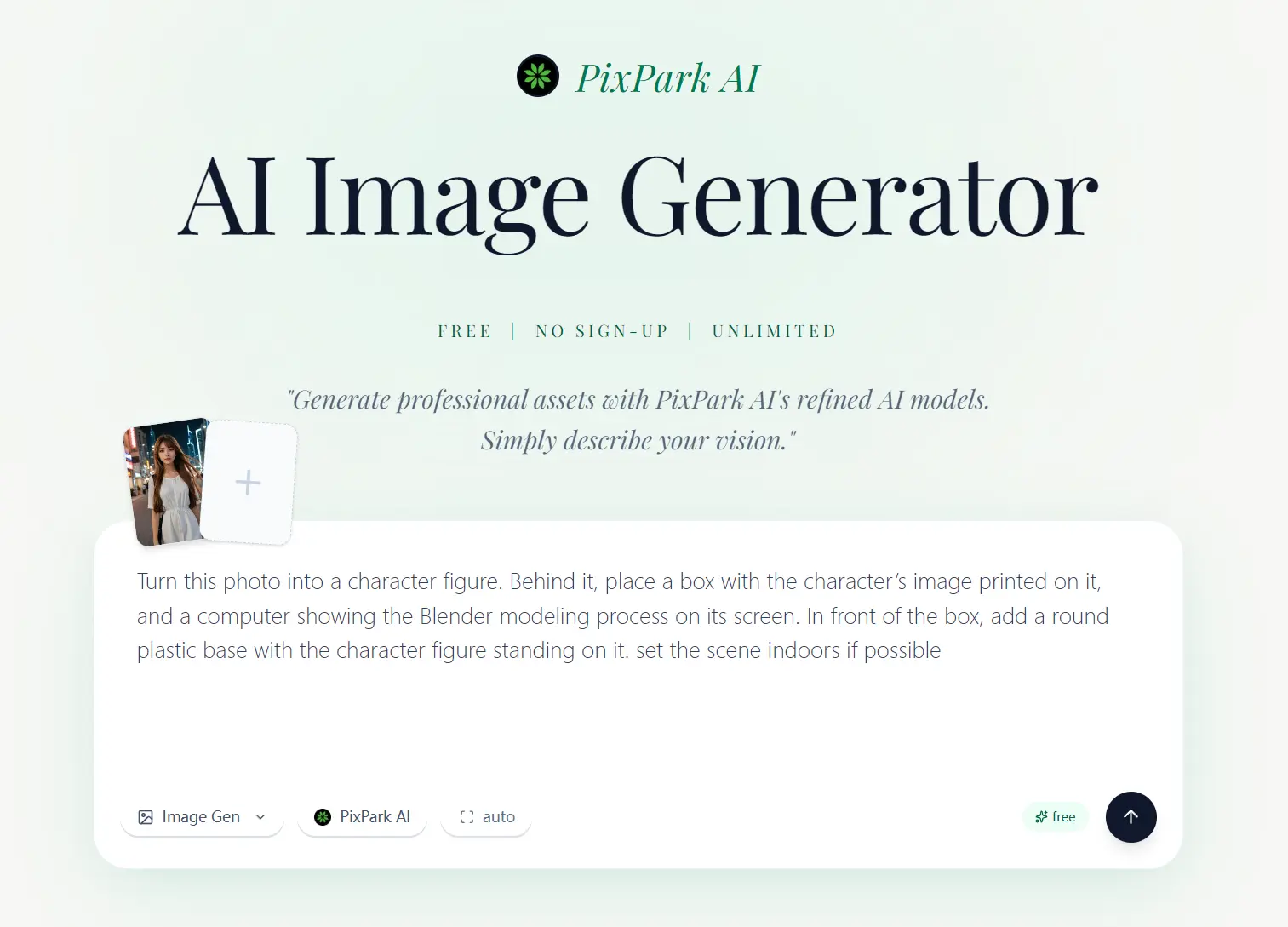
PixPark AI is a free AI image generator for creating images from text prompts or reference photos. Its Studio also handles image editing and includes Nano Banana, Seedream, Midjourney, Niji, and Seedance models for image and video generation.
PixPark AI and Nano Banana 2 are free image models in Studio. Nano Banana 2 accepts up to four reference images, produces 2K output, and exports without a watermark. Nano Banana, Nano Banana Pro, Seedream, Midjourney, and Niji use credit pricing in Studio.
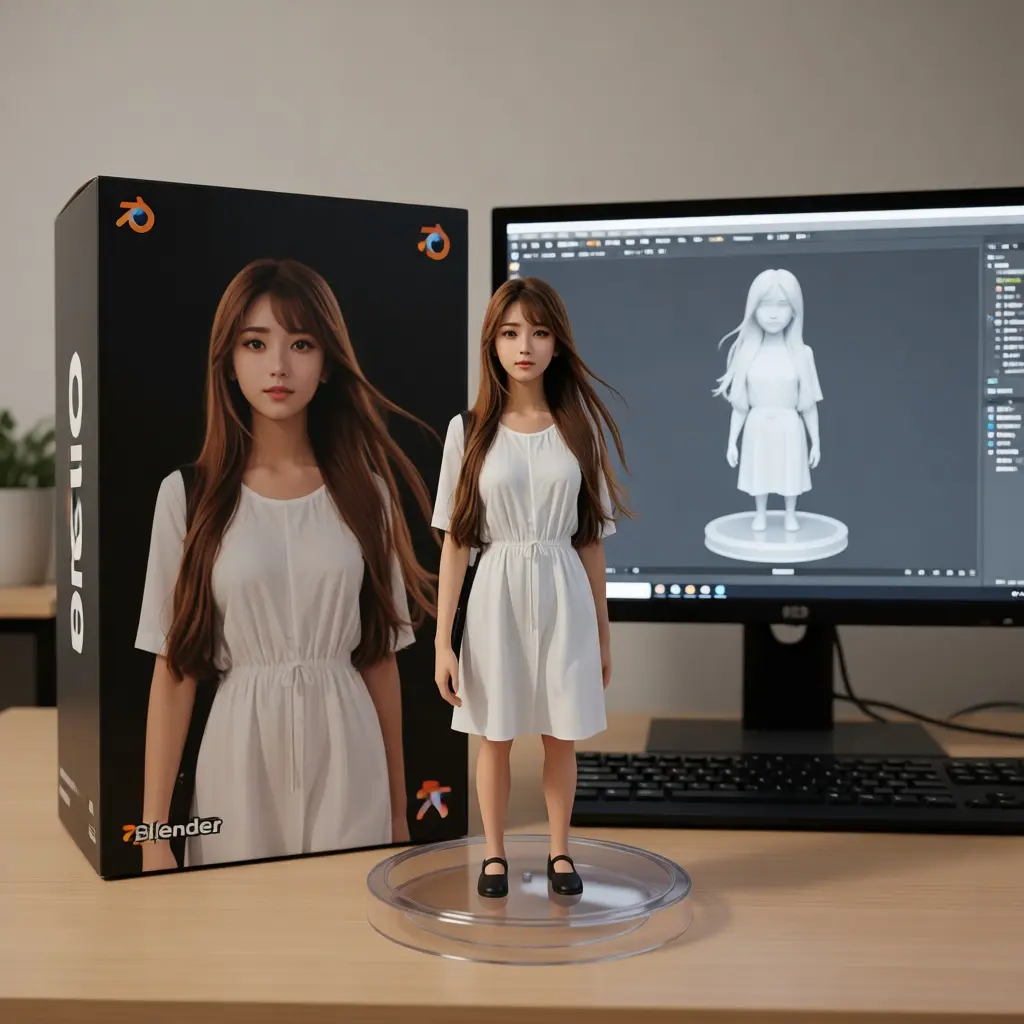
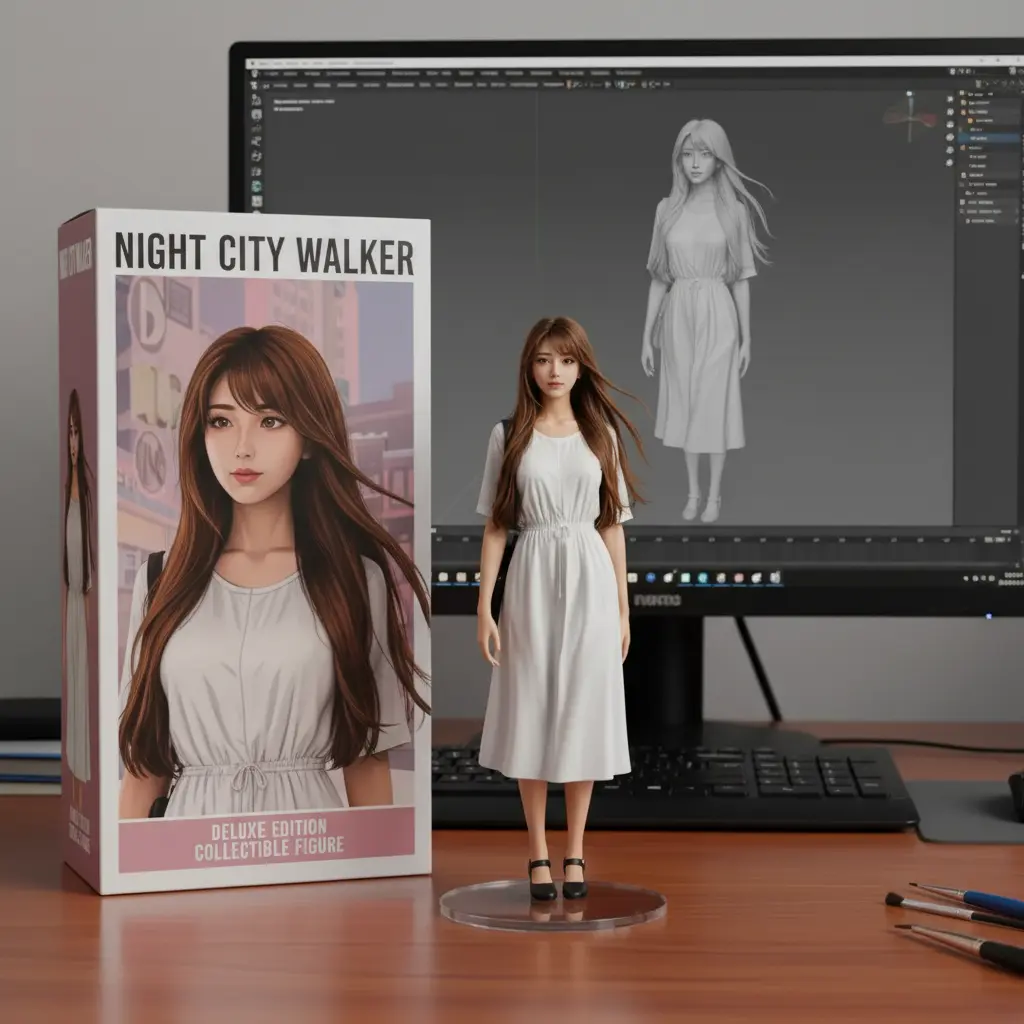
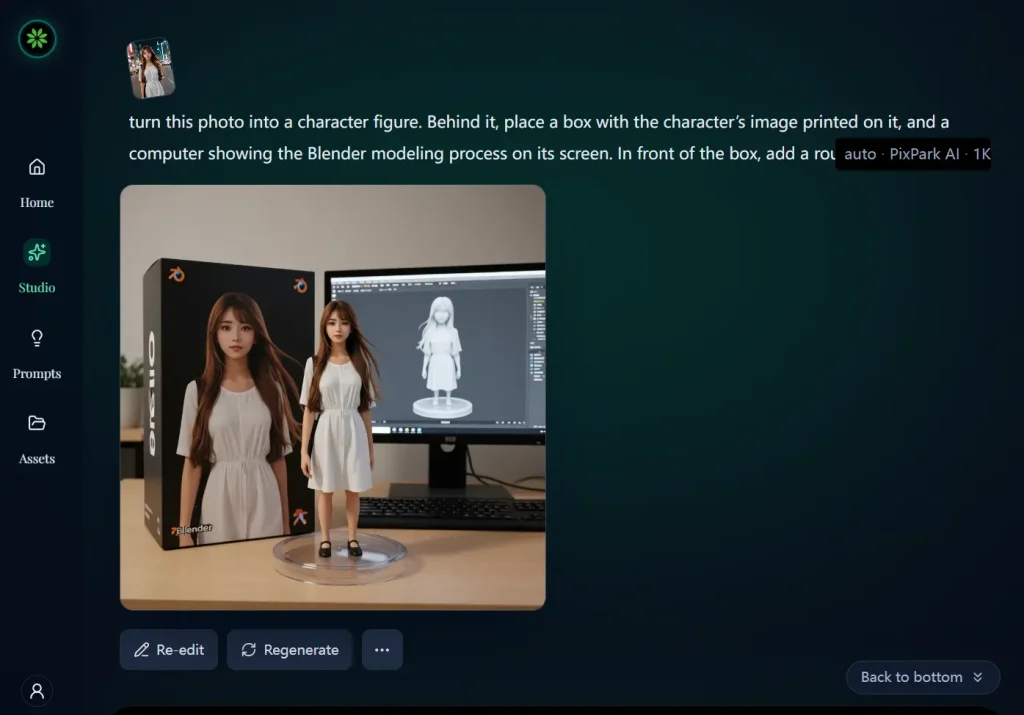
I tested PixPark AI and Nano Banana 2 with an identical 3D figurine prompt and reference images. Both produced detailed 3D figurines in this test, and the screenshots below show the actual outputs.
Read More: 10 Best AI Image Generators
PixPark AI Image Quality Test
I tested PixPark AI and Nano Banana 2 with one 3D cartoon figurine prompt and identical reference images. Both produced detailed 3D figurines with a similar overall finish. I preferred PixPark’s cleaner Studio layout during the comparison. These are the two outputs.
Features
- Generate images from text prompts and reference images.
- Edit existing images with text instructions.
- Choose Nano Banana, Seedream, Midjourney, and Niji image models.
- Create videos with Seedance from text and reference media.
- Adjust resolution, aspect ratio, output count, and other settings by model.
How to Use PixPark AI
1. Open PixPark AI Studio and choose Image or Video.
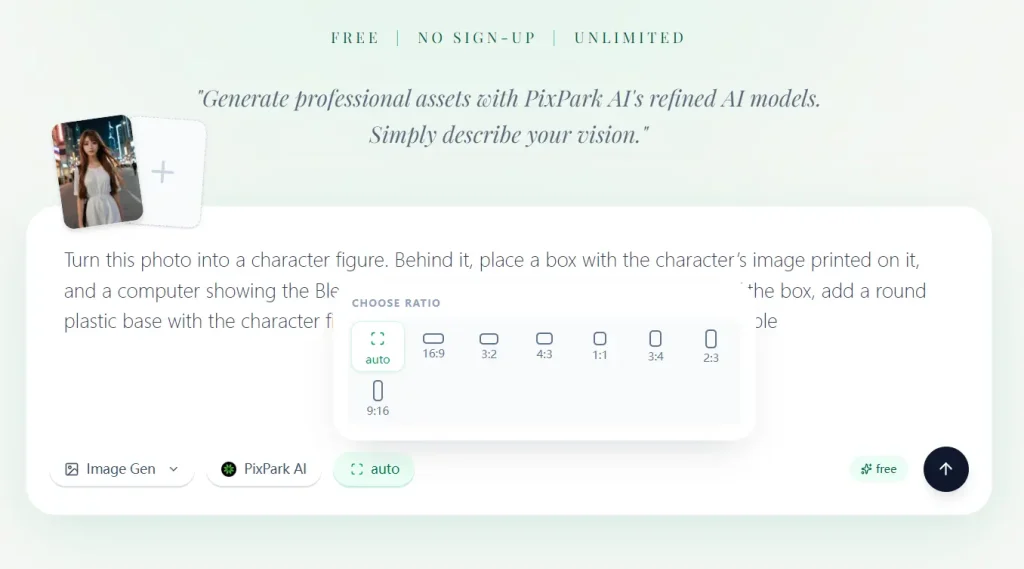
2. Choose a model. PixPark AI and Nano Banana 2 are free. Nano Banana, Nano Banana Pro, Seedream, Midjourney, and Niji use credits. Choose Seedance for video generation.
3. Enter your prompt and upload reference media when the selected model accepts it. Nano Banana 2 accepts up to four images. Seedance 2 accepts up to nine images, three videos, and three audio files.
4. Set the aspect ratio, resolution, output count, and other options available for the selected model.
5. Review the displayed credit cost when credits are required, generate the image or video, and download the finished file.
Download any image you want to keep. Generated images are stored temporarily for 24 hours. Flex credit packs keep creation history for 100 days.
Which PixPark AI Models Are Free?
PixPark AI and Nano Banana 2 both offer free image generation. PixPark AI accepts up to four image references and exports without a watermark. Nano Banana 2 accepts up to four reference images, produces 2K output, and exports without a watermark. PixPark does not show a daily image count for either free model.
Nano Banana, Nano Banana Pro, Seedream 3.0, Seedream 4.0, Seedream 4.5, Midjourney V7, Midjourney V6.1, and Niji 7 use credit pricing in Studio. Seedance 2 costs 50 credits for a 5-second 720p video and accepts up to nine images, three videos, and three audio files as references.
| Model | Access | Limits / Cost |
|---|---|---|
| PixPark AI | Free | Up to 4 image references; no watermark |
| Nano Banana 2 | Free | Up to 4 image references; 2K output; no watermark |
| Nano Banana / Nano Banana Pro | Credits | Credit amount appears in Studio before generation |
| Seedream 3.0 / 4.0 / 4.5 | Credits | Seedream 4.0 and 4.5 offer output up to 4K; credit amount appears in Studio |
| Midjourney V7 / V6.1 / Niji 7 | Credits | Credit amount appears in Studio before generation |
| Seedance 2 | Credits | 50 credits for 5 seconds at 720p; up to 9 image, 3 video, and 3 audio references |
PixPark AI Pricing and Credits
PixPark sells one-time Flex credits for image and video generations that use credits. Flex credits do not expire or renew automatically. Flex packs include watermark-free image exports, a commercial license, and 100-day creation history. Commercial use is subject to PixPark’s terms and any model or partner restrictions.
| Flex Pack | Price | Approx. Cost per Credit |
|---|---|---|
| 200 credits | $19.90 | $0.10 |
| 500 credits | $39.90 | $0.08 |
| 1,300 credits | $99.90 | $0.08 |
| 4,200 credits | $299.90 | $0.07 |
Pros
- Free generation with PixPark AI and Nano Banana 2.
- 2K output from Nano Banana 2.
- Image and video models in one Studio.
- Flex credits do not expire.
Cons
- Credit costs differ by model and settings.
- Seedance video generation uses credits.
- Generated images are stored for 24 hours.
Related Resources
- 10 Best & 100% Free AI Image Background Remove Tools
- 10 Best AI Image Enhancers and Upscalers for High-Quality Photos
- 10 Best AI Image Editors to Edit Photos Fast
- 10 Best AI Image Generators
- More AI Text-to-Image Generators
Last Updated: Sep 15, 2026