CapHacker is a free AI video caption generator that creates accurate, customizable captions for videos in over 99 languages without watermarks or fees.
It improves video accessibility by transcribing video content into text captions with high accuracy. This can make videos understandable across different languages and for audiences who prefer or require subtitles.
CapHacker is no longer available. For AI-generated video captions, multilingual subtitles, and customizable caption styles, explore the alternatives below.
Alternatives
subvid.app
subvid.app generates and translates video subtitles directly in your browser. It includes subtitle timing adjustments, font and color customization, SRT downloads, and video exports with embedded captions. It is a close replacement for CapHacker’s multilingual captioning workflow.
AutoSubtitles
AutoSubtitles automatically transcribes video speech into timed captions, with 28 style presets, animated subtitles, and word-level editing. Free exports are available at 480p without a watermark or 720p with a small watermark. Subtitle translation and SRT export require Pro.
CyberCut AI
CyberCut AI generates subtitles in over 99 languages and lets you customize their appearance in a video editor. It also includes automatic clip extraction, text-based video editing, and tools for creating short social media videos.
How to use it:
1. Start by visiting the CapHacker website and creating a free account.
2. Upload your video to the platform. You can upload videos up to 200MB in size, in MP4 or MOV formats. The default language is English, but you have the choice of 98 other languages.
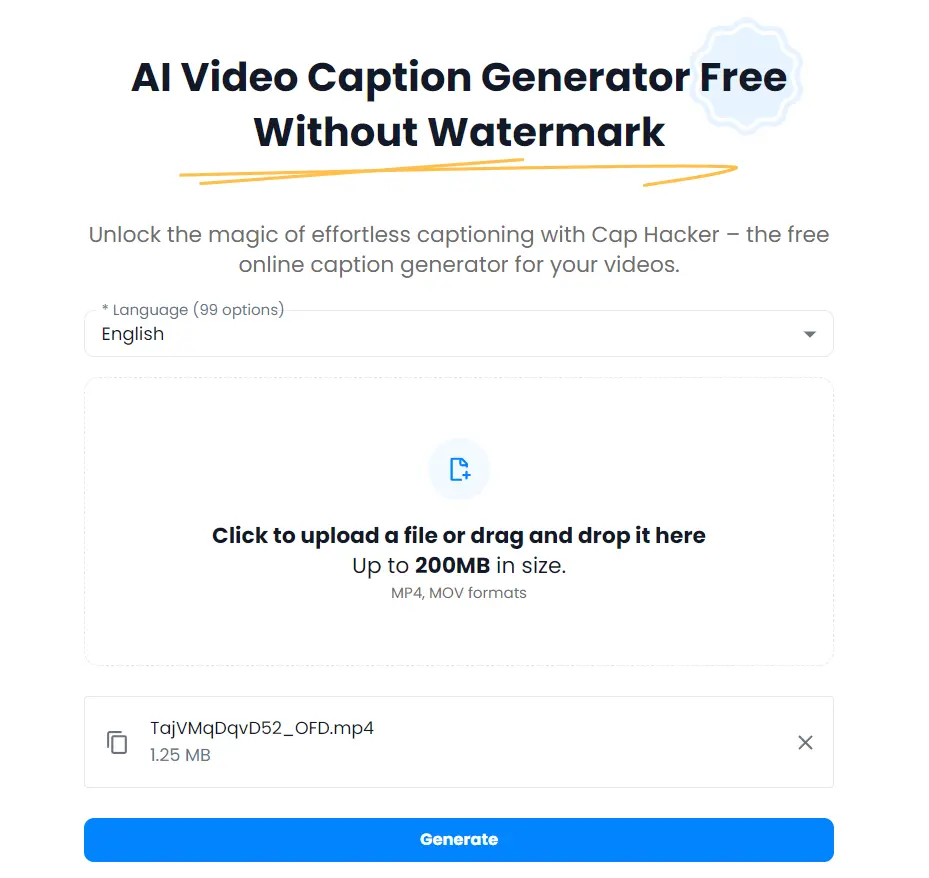
3. After uploading, wait for the transcription to complete. A download button will appear once it’s ready.
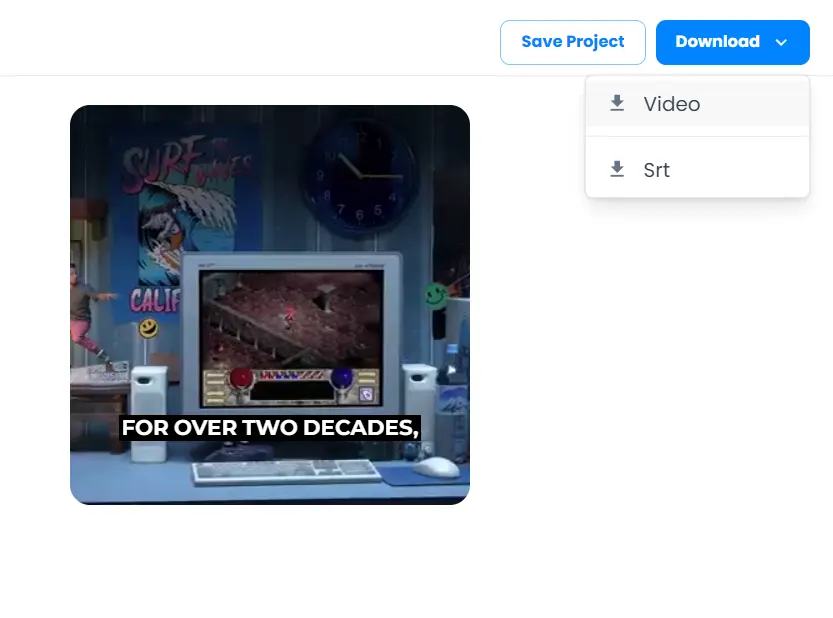
4. Want to add your own touch? No problem! Change fonts, colors, and even add effects to make your captions rock.
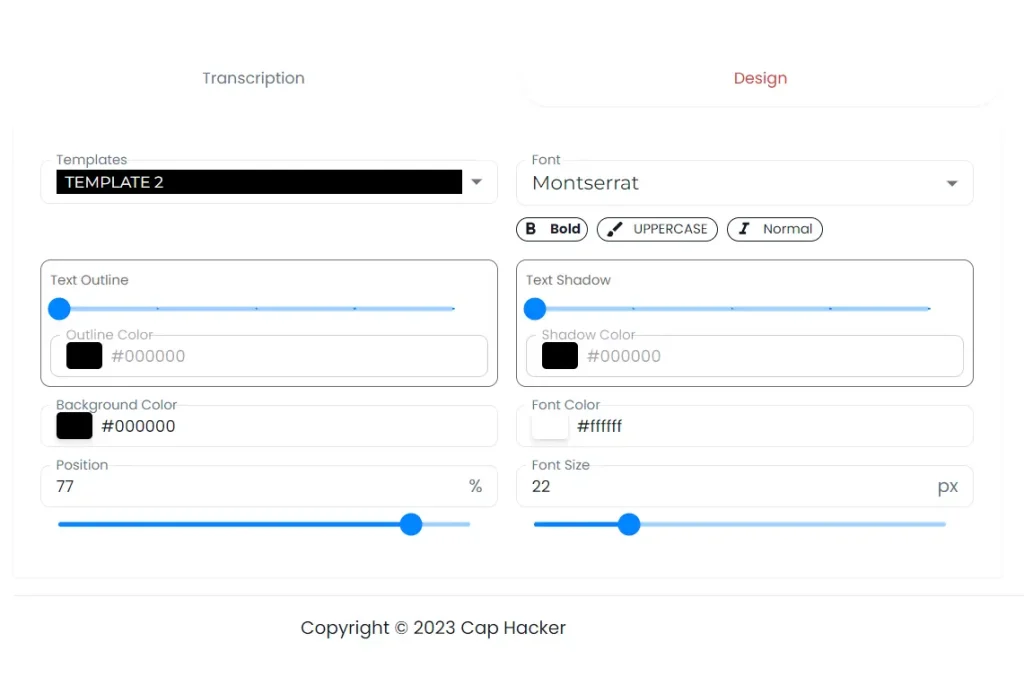
5. You can also choose from 5 pre-made templates to add a unique style to your videos.
6. Share your captioned masterpiece with the world! And remember, you can always come back and edit later. CapHacker saves your progress, so you’re never stuck.