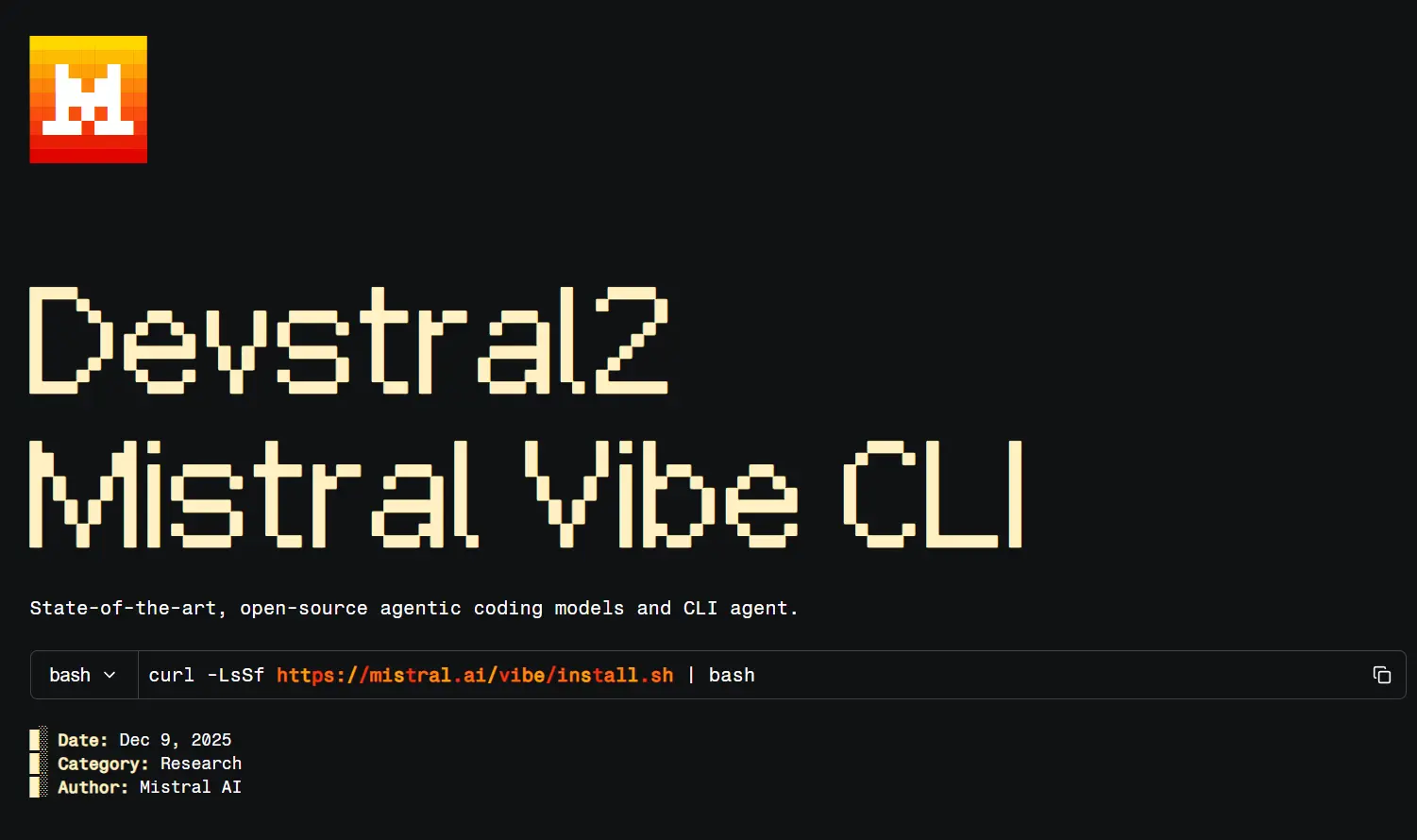
Mistral Vibe is an open-source AI coding agent from Mistral AI. Open a repository in the terminal, describe the change you need, and Vibe can inspect files, edit code, run tests, and show the results for review.
The agent works in the terminal, VS Code, and remote Vibe Code Web sessions. You can ask questions about unfamiliar code, investigate a failing test, or hand over a larger refactor. Project instructions, approval settings, and model configuration give you control over how the work proceeds.
Last updated: Oct 19, 2026
Mistral Vibe Quick Reference
| Task | Command |
|---|---|
| Install on macOS or Linux | curl -LsSf https://mistral.ai/vibe/install.sh | bash |
| Install with uv | uv tool install mistral-vibe |
| Open a project session | vibe |
| Ask before tool execution | vibe --agent ask |
| Continue the latest session | vibe --continue |
| Resume a saved session | vibe --resume SESSION_ID |
| Check for CLI updates | vibe --check-upgrade |
Key Features
- Read source files, search a codebase, propose edits, and run shell commands during a coding session.
- Inspect file changes and control which tool calls need approval.
- Reference a file using
@, or attach an image when the selected model accepts image input. - Delegate repository exploration to a subagent and inspect the delegated work.
- Apply project rules from
AGENTS.mdand reuse development instructions through skills. - Connect external services through MCP and run repository checks through hooks.
- Continue past conversations, branch sessions, and work in separate Git worktrees.
- Use hosted models or configure an OpenAI-compatible model endpoint, including one running locally.
Work in the Terminal, VS Code, or Web
The CLI and VS Code extension work with a local checkout and share session history and configuration. Vibe Code Web runs against GitHub repositories in a remote sandbox. It also allows you to connect to other compatible editors through the Agent Client Protocol (ACP).
| Where | What you work with |
|---|---|
| CLI | Local files, shell commands, interactive sessions, and scripts |
| VS Code | Local repository, editor context, and code diffs |
| Vibe Code Web | Remote coding sessions, GitHub branches, and pull requests |
| ACP-compatible IDE | Editor integration, including supported JetBrains clients |
What Can You Do with Mistral Vibe?
Understand an unfamiliar codebase
Ask Vibe to trace an API request, explain a component, or find every use of a function. Its built-in explore subagent can investigate a repository without editing files.
Fix bugs and refactor code
Describe a failing test or provide an error message. Vibe can follow the affected code across files, prepare a patch, and run the relevant checks. Review the diff before committing the fix.
Handle repeatable development work
Use a skill for recurring release checks, documentation changes, or code reviews. For dependency updates or larger migrations, Vibe can work through related files and leave a set of changes ready for inspection.
Install and Start Mistral Vibe
macOS and Linux
Run the installer in your terminal:
curl -LsSf https://mistral.ai/vibe/install.sh | bashWindows and manual installation
Mistral Vibe 3.0 requires Python 3.14 or newer for manual Python-based installation. On Windows, install uv from PowerShell first if needed:
powershell -ExecutionPolicy ByPass -c "irm https://astral.sh/uv/install.ps1 | iex"Install Vibe using uv on Windows, macOS, or Linux:
uv tool install mistral-vibeOpen a project
Change to the repository directory and launch Vibe. The first-run setup accepts browser sign-in or an API key. You can reopen that setup with vibe --setup.
cd your-project
vibe
A new repository containing Vibe configuration can trigger a folder-trust prompt. Once the session opens, the terminal accepts requests and shortcuts:
| Action | Example |
|---|---|
| Ask about the code | Explain how authentication works in this repo |
| Mention a file | @src/auth.ts |
| Run a shell command yourself | !git status |
| Show available commands | /help |
Agent Modes and Permissions
Vibe has agent profiles for approving file edits and shell commands. The active profile determines which tool calls need your confirmation during a session.
| Agent | Tool approval |
|---|---|
ask | Requests approval for tool execution |
accept-edits (default) | Approves file edits. Asks before other tool calls |
auto-approve | Approves all tool calls automatically |
lean (optional) | Lean-focused agent, available after installation |
Select an agent when you launch Vibe, or switch agents in an interactive session with Shift+Tab. To approve tool calls as you inspect a repository:
vibe --agent askRun a task from a script or CI job
Non-interactive runs use the configured default_agent, normally accept-edits. That profile approves file edits and asks before other tool calls. A script can specify a prompt, run limits, and JSON output:
vibe --prompt "Explain the authentication flow" --max-turns 5 --output jsonFor unattended jobs, --auto-approve skips tool approval prompts. Use it only in a controlled environment. You can filter Vibe’s built-in tools with --enabled-tools or --disabled-tools, and limit a run with --max-turns, --max-tokens, or --time-limit. MCP and connector permissions need their own configuration.
Project Rules, Skills, and Integrations
Project rules tell Vibe how to work with a repository. Skills store recurring task instructions, and MCP servers extend the available tools. Store project settings in trusted repository files and keep credentials in your personal Vibe directory.
| What to configure | Where to configure it |
|---|---|
| Repository instructions | AGENTS.md in the project |
| Reusable skills | .vibe/skills/ or .agents/skills/ |
| Custom agents and subagents | .vibe/agents/ or ~/.vibe/agents/. Built-in explore reads code |
| MCP servers | config.toml or vibe mcp add (stdio, http, streamable-http) |
| Execution hooks | hooks.toml (pre_tool, post_tool, post_agent) |
Models, Configuration, and Privacy
Change models from /model or /config. You can use Mistral-hosted models, a compatible third-party API, or a local model server configured through its API endpoint.
User settings and credentials normally live in ~/.vibe/. A trusted project can have a separate .vibe/config.toml, and VIBE_HOME changes the location of local Vibe files. On systems with an available keyring, credentials can be stored there.
The CLI runs on your machine, but a hosted model receives the context required to answer the request. For private repositories, review model endpoints, active MCP connections, and telemetry settings. Set enable_telemetry = false in config.toml when usage telemetry is not wanted.
Mistral Vibe Pricing and Free Access
The Vibe CLI is Apache-2.0 open-source project. Mistral-hosted coding sessions use account allowances or paid access. Third-party APIs have their own billing, and a local model uses your own compute resources.
These are Mistral’s official USD plan prices, excluding taxes. The paid plans are subject to usage conditions.
| Plan | Price and access |
|---|---|
| Free | $0 · Limited Vibe coding sessions |
| Pro | $14.99/month · Expanded coding access, fair-use limits |
| Team | $24.99/user/month · $50/month minimum |
| Education | $5.99/month · Eligible verified students |
| Enterprise | Custom pricing |
Mistral Vibe vs. Claude Code
Both agents can inspect repositories, edit code, and run terminal commands. Mistral Vibe has an Apache-2.0 CLI and configurable model endpoints. Claude Code uses the Claude model family.
| Mistral Vibe | Claude Code | |
|---|---|---|
| CLI license | Apache-2.0 | Proprietary |
| Model access | Mistral, compatible APIs, local endpoints | Claude models |
| Environments | CLI, VS Code, web, ACP | CLI, IDE, web |
| Extensibility | Agents, skills, MCP, hooks | Agents, skills, MCP, hooks |
Pros
- Open-source CLI under Apache-2.0
- Multiple environments for local and remote coding
- Read-only exploration and configurable tool approval
- Custom models, skills, subagents, and MCP integrations
Cons
- Limited coding sessions on the Free plan
- Python 3.14+ required for manual installation
- Automatic tool approval in unattended mode requires safeguards
Frequently Asked Questions
Do I need a Mistral account to use Vibe?
Not for the open-source CLI itself. You can configure a compatible third-party API or a local model. Mistral-hosted sessions require access through a Mistral account or API key.
Can Vibe connect to an OAuth-only MCP server?
Yes. Vibe supports OAuth sign-in for HTTP and streamable-http MCP servers. Use /mcp add URL in an interactive session to register a remote server and start sign-in, or set auth.type = "oauth" in config.toml. Static API-key authentication is also available.
Can Vibe work with a company certificate authority?
Yes. Set enable_system_trust_store = true in config.toml to use the operating system’s certificate store. The Rust CLI also includes /proxy-setup for proxy and SSL settings.
Can I run Vibe completely offline?
A local model server can handle inference without a hosted API. Disable telemetry and avoid MCP servers, skills, or other features that connect to external services when operating in an offline environment.
Alternatives and Related Resources
- 10 Best CLI AI Coding Agents: Open-Source & Commercial
- MiMo Code: Free Open-Source AI Coding Agent with Persistent Memory
- Grok Build: SpaceXAI’s Open-source Terminal AI Coding Agent
- 450+ Most Popular Agent Skills on GitHub for Coding Agents
- Aperant (Auto Claude): Open-Source AI Coding Agent Harness