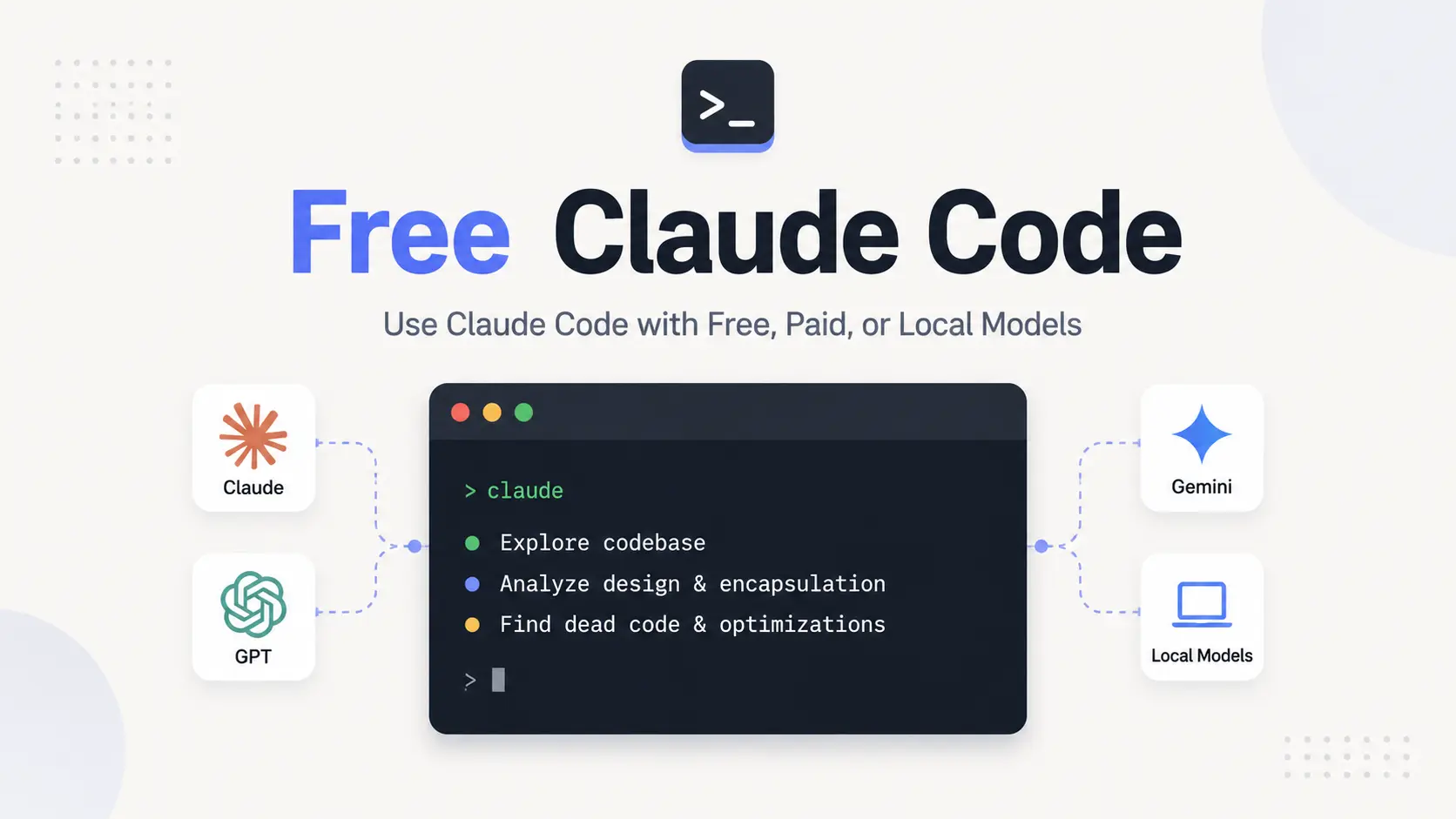
Free Claude Code (FCC) is an open-source local gateway for using Claude Code, Codex, Pi, OpenCode, Cline, Aider, and other coding agents with cloud, subscription, custom, and local models.
You can manage provider credentials, model selection, Claude tier mappings, fallback models, and client connections from its Admin UI.
FCC began as a Claude Code proxy and has expanded into a multi-agent model layer. It currently supports 11 coding agents with 58 AI providers.
Last Updated: Sep 30, 2026
Key Features
- 11 coding agents, including Claude Code, Codex, Pi, OpenCode, Cline, Hermes, DeepSeek Harness, Grok Build, Muse Code, Aider, and VS Code Chat.
- 58 cloud, subscription, and local provider integrations, or configure a custom API endpoint in the Admin UI.
- Map Claude Code’s Fable, Opus, Sonnet, and Haiku tiers to different models when needed.
- Set an ordered fallback list for requests that fail after the active provider exhausts its retries.
- Run native Codex sessions in the browser in real time or in the background.
- Send coding tasks through Discord or Telegram with directory restrictions and task controls.
- Send voice notes through NVIDIA NIM transcription or optional local Whisper.
- Use local models through Ollama, LM Studio, or llama.cpp.
- Use optional RTK filtering and local request optimizations to cut unnecessary model calls and terminal-output tokens.
How Free Claude Code Works
When you launch an agent through FCC or connect a client from the Admin UI, the client sends its requests to the local FCC service. FCC takes care of provider authentication, model selection, protocol translation, streaming responses, tool calls, reasoning controls, and fallback behavior.
Claude Code, Codex, and the other clients keep their normal agent behavior and local development features. Choose the model and provider in FCC, and the client workflow stays familiar. You can also move among cloud APIs, subscription-backed providers, local models, and custom endpoints from one configuration.
Coding Agents and Launchers
| Agent | FCC launcher or connection |
|---|---|
| Claude Code | fcc-claude |
| Codex | fcc-codex |
| Pi | fcc-pi |
| OpenCode | fcc-opencode |
| Cline | fcc-cline |
| Hermes | fcc-hermes |
| DeepSeek Harness | fcc-dsh |
| Grok Build | fcc-grok |
| Muse Code | fcc-muse |
| Aider | fcc-aider |
| VS Code Chat | Connect from Admin UI → Integrations |
How to Install Free Claude Code
macOS and Linux
curl -fsSL "https://raw.githubusercontent.com/Alishahryar1/free-claude-code/main/scripts/install.sh" | shWindows PowerShell
& ([scriptblock]::Create((irm "https://raw.githubusercontent.com/Alishahryar1/free-claude-code/main/scripts/install.ps1")))Start FCC
On Windows and macOS, open Free Claude Code from the desktop or applications list. On Linux, run fcc-server. The Admin UI opens after the service starts.
fcc-serverConfigure a Provider and Launch an Agent
Configure a provider, select a model, apply the settings, and launch the coding agent you want to use. NVIDIA NIM is one current option for a free-tier setup. After you add a provider, the model picker shows the models available through it.
Use fcc-update to update an existing installation. If setup fails, run fcc-doctor and attach its diagnostic output to the bug report.
Providers and Model Selection
Set the default model with MODEL. For Claude Code, MODEL_FABLE, MODEL_OPUS, MODEL_SONNET, and MODEL_HAIKU can map individual tiers to different models. In Reasoning, you can keep the effort level sent by the coding agent or choose a fixed level when the provider accepts it.
In Model Config, you can arrange fallback models in the order FCC should try them. If the active provider fails after its retries, FCC moves to the next model during the current request.
| Provider type | Examples |
|---|---|
| Cloud APIs | NVIDIA NIM, OpenRouter, Groq, Google AI Studio, DeepSeek, xAI, Mistral, Kimi, MiniMax, Cerebras, Together AI |
| Subscription / OAuth | OpenAI / ChatGPT, GitHub Copilot |
| Local models | Ollama, LM Studio, llama.cpp |
| Custom endpoints | User-defined API URL, key, API format, and model IDs in the Admin UI |
Browser, IDE, Desktop, and Messaging Access
From Admin UI → Integrations, you can connect Claude Code in VS Code, VS Code Chat, Claude Desktop, Codex in VS Code, the Codex App, and Claude Code through JetBrains ACP. For these common desktop and editor clients, you no longer need the older manual environment-variable setup.
You can also run Codex directly in the browser through FCC. Open a local folder, keep the session running in real time or in the background, and switch its provider or model from FCC controls.
You can send coding tasks from Discord or Telegram when you are away from the terminal. For each messaging connection, you set an allowed directory plus the account or channel restrictions. Voice notes can use NVIDIA NIM transcription. Local Whisper is available as an installer option for CPU or CUDA.
Pros
- One Admin UI for 58 provider integrations and custom endpoints.
- 11 coding agents, including Claude Code and Codex.
- Free-tier, subscription, API, and local model access.
- Ordered fallback models and Claude tier mappings give you finer control over model selection.
- Use one FCC installation across desktop apps, IDEs, browser sessions, messaging clients, and voice input.
Cons
- Free quotas and model availability depend on external providers.
- Coding-agent reliability depends on the selected model’s tool support and context capacity.
FAQs
Is Free Claude Code actually free?
The FCC is free and open source. Model access depends on the provider you connect. Some providers have free tiers, others use paid API billing or subscriptions, and local models run on your own hardware.
Can I use Claude Code through FCC if I do not have an Anthropic paid plan?
Yes. Connect Claude Code through FCC to a non-Anthropic provider or a local model. You need the credentials, subscription, or local server required by that provider.
Does Free Claude Code work with Codex?
Yes. Run fcc-codex to launch Codex through FCC. You can also use native Codex sessions in the browser or connect the Codex VS Code extension and Codex App from the Admin UI.
Can Free Claude Code use local models?
Yes. Configure Ollama, LM Studio, or llama.cpp as a local provider in FCC. For coding agents, choose a model with enough context for the system prompt and tool definitions.
Can FCC use a ChatGPT subscription?
Yes. Connect your ChatGPT account from the Admin UI through OAuth. This connection uses the linked ChatGPT subscription and does not require an OpenAI Platform API key. What you can access depends on the models and usage limits attached to the connected account.
Related Resources
- The Ultimate Claude Code Resource List: Agents, Skills, Plugins & More
- The Ultimate Codex Resource List: Skills, Plugins, MCP, SDKs & More
- Claude Code Pricing and Usage Limits: Free, Pro, Max, Team, and API
- 10 Best CLI AI Coding Agents in: Open-Source & Commercial
- Claude Code Local: Run Claude Code With Local AI on Apple Silicon