


Switching from a flat to a curved monitor can be one of the biggest upgrades to your PC setup. Not only are you moving to a screen with greater immersion and a competitive edge in gaming, but you're also relieving some of the strain on your eyes. Despite offering an enviable viewing experience, curved monitors are not without their drawbacks.
Due to their unique size, aspect ratio, and form factor, curved monitors might not be the best option for you. If you're only about playing the latest games, a curved monitor is a great fit, but they can pose certain challenges for other use cases.
7 Curved monitors usually cost more
Over similarly-specced flat counterparts


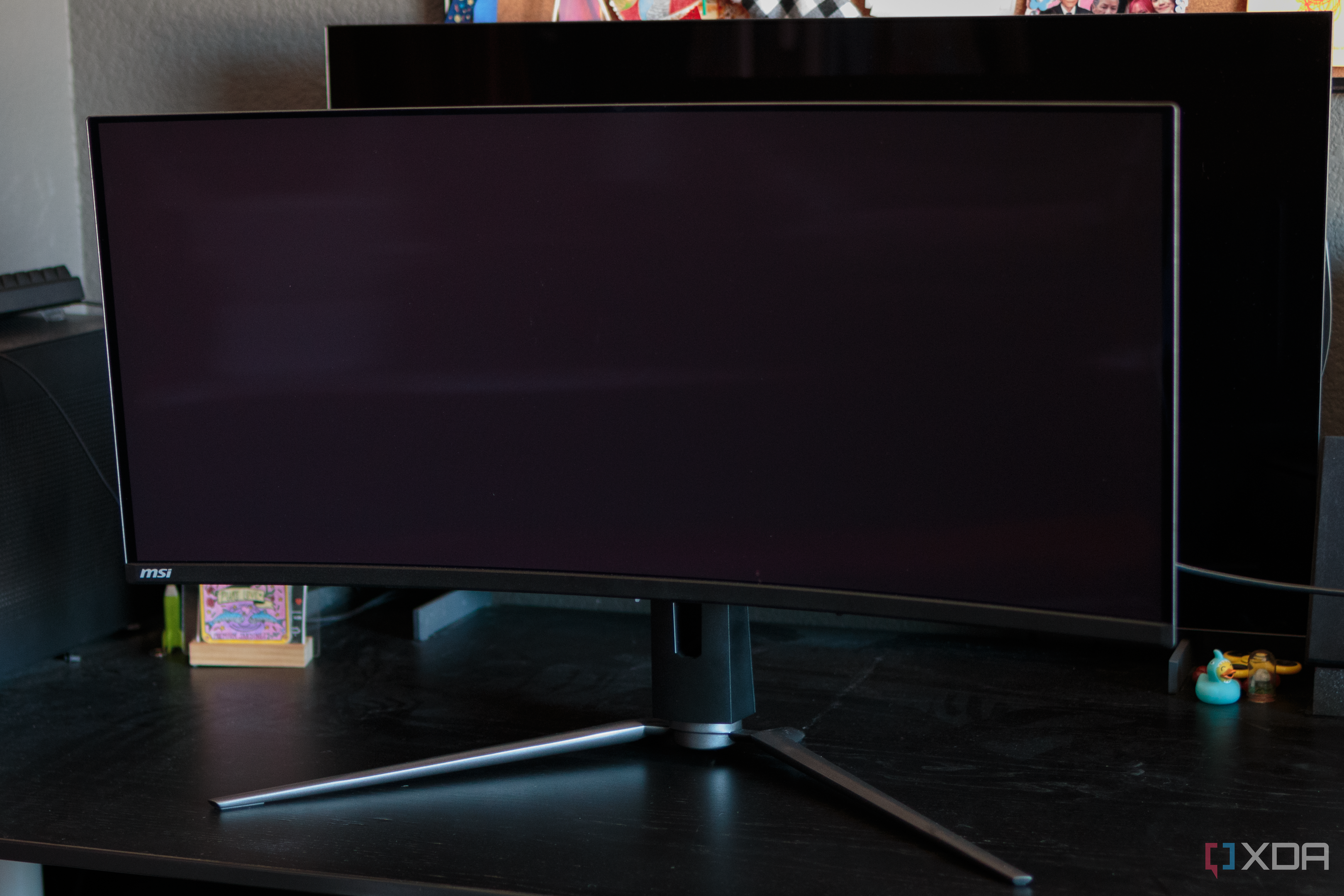
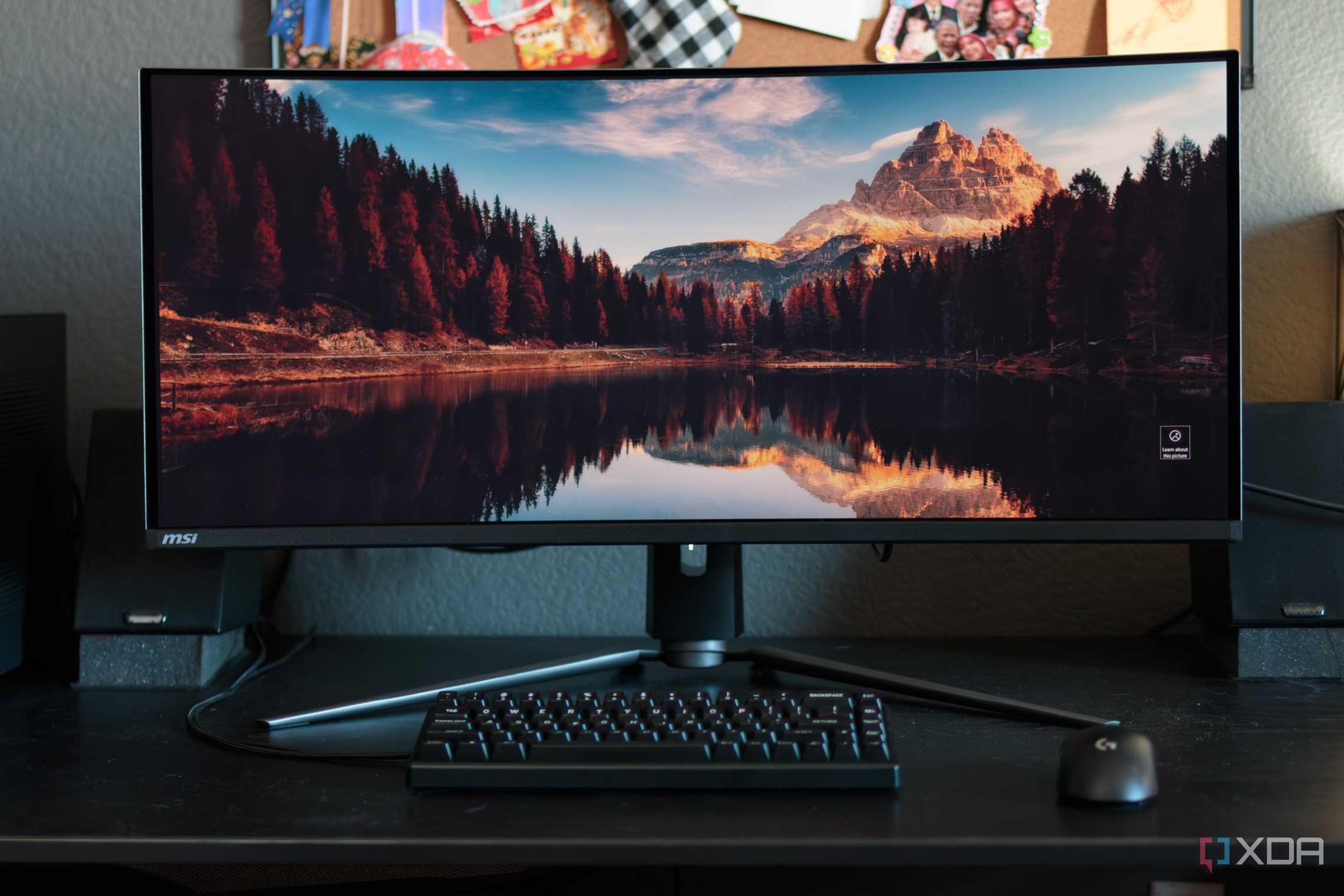

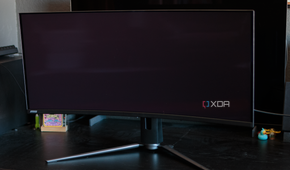
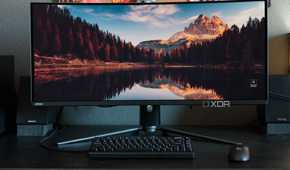
Although curved monitors are no longer the rare commodity they once were, you might still end up paying more for the privilege. It's not hard to find an affordable curved screen with 1440p or even 4K resolution from a reliable brand, but if you're trying to save every penny, you'll almost always find a flat-screen model with the same specs for less.
It all depends on whether you value the curved panel that much more than a flat one. With all else being equal, you can certainly argue that a curved monitor justifies being $50-$100 more than a similar flat model. On the other hand, budget buyers might not reach the same conclusion. Many curved monitors inevitably have a large ultrawide screen (for maximum immersion), and that can easily inflate the cost.
6 Many movies and games don't support widescreen
21:9 support isn't universal


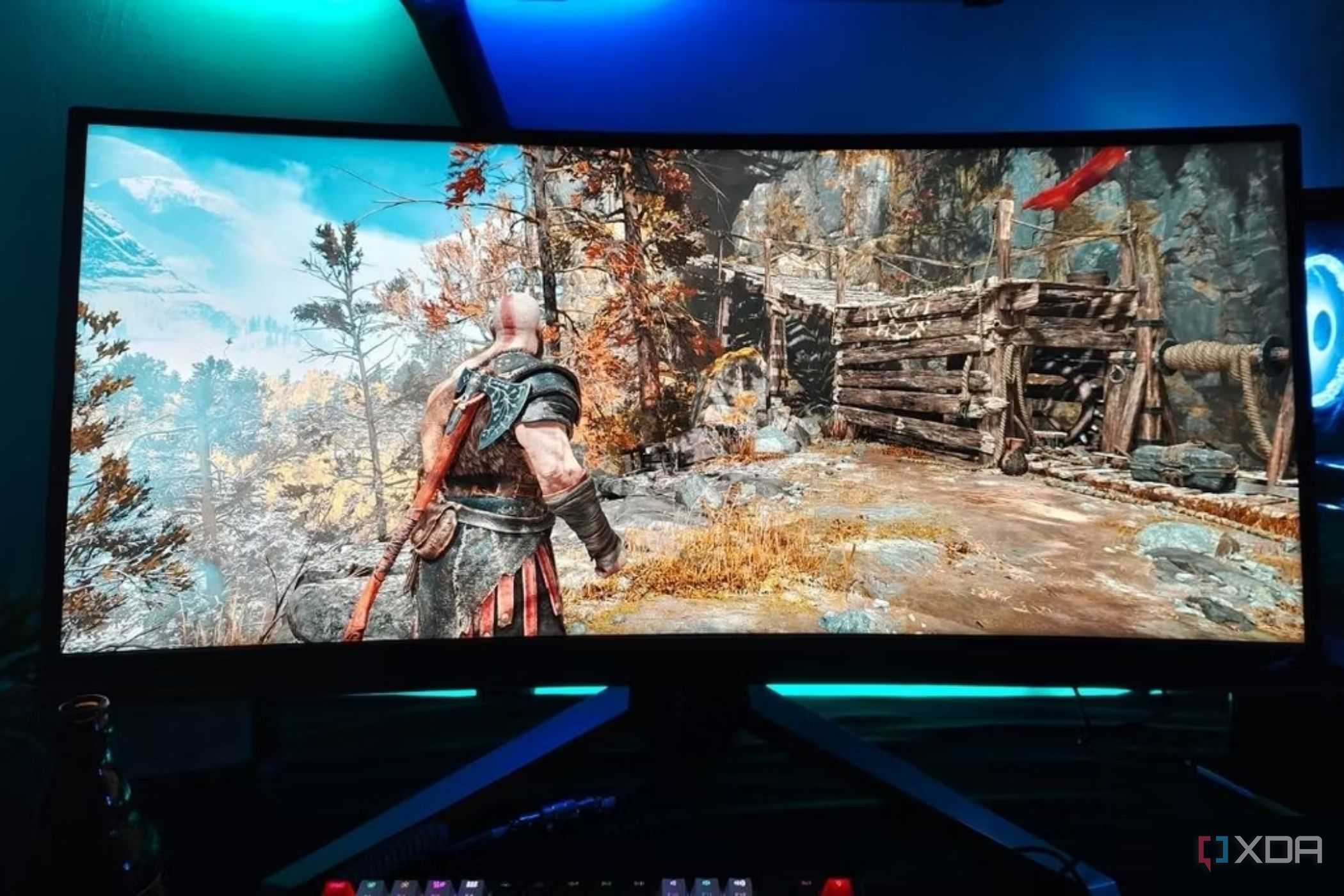
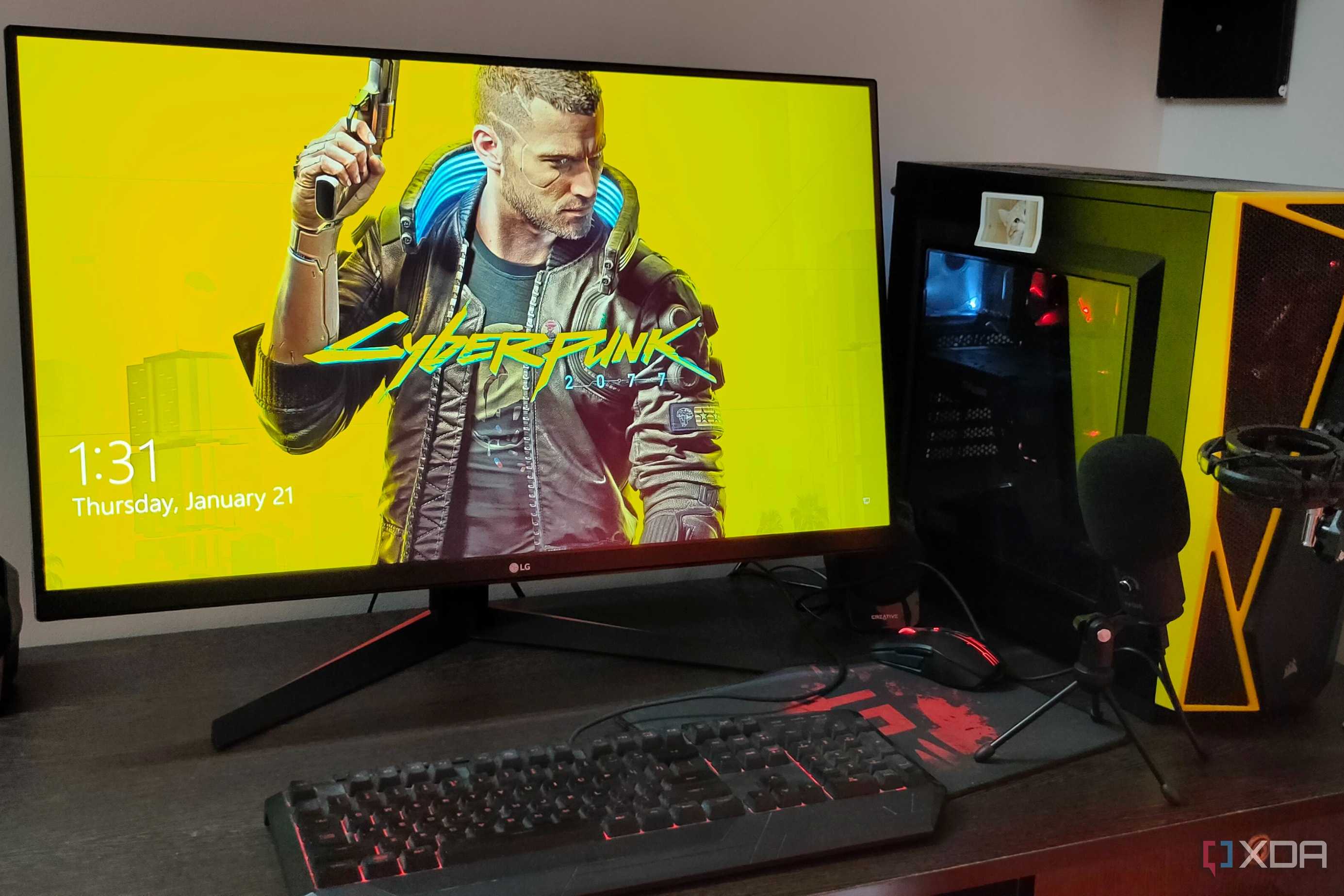

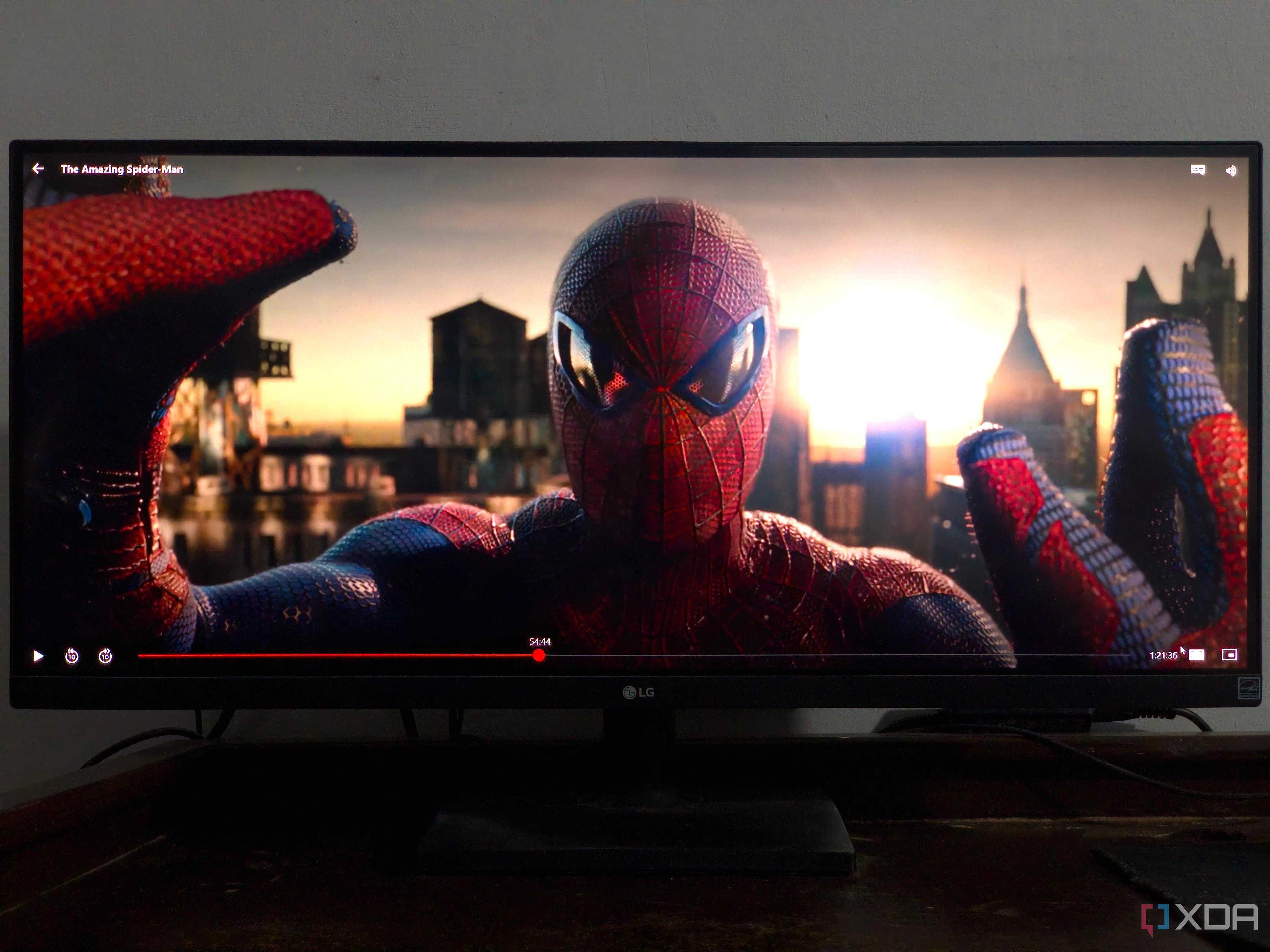
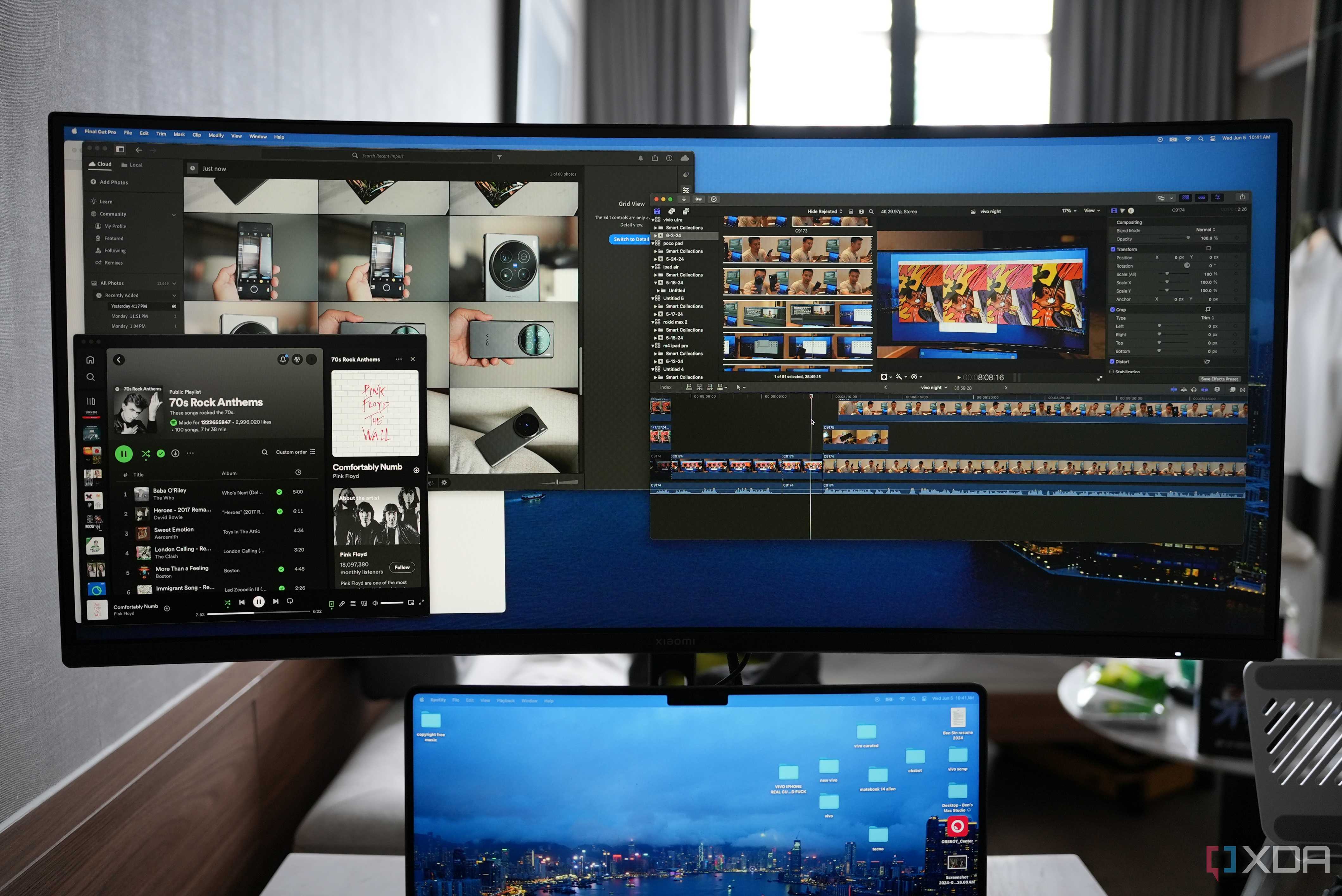


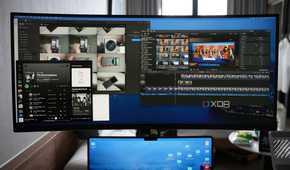
Curved monitors can be had in the 16:9 aspect ratio too, but the moment you go beyond the 32" models, you'll have to get used to the wider 21:9 aspect ratio. This isn't an issue by itself, since many applications support 21:9, even most modern games, but when you inevitably launch an older title, 21:9 support will probably be missing. You'll have to contend with black bars on the sides, and that's probably not ideal.
If your monitor is going to be the primary display for your console, you'll probably see black bars on the sides when gaming, or a stretched image.
Another thing to be cautious about is the lack of ultrawide support on the PS5 and Xbox Series X|S. If your monitor is going to be the primary display for your console, you'll probably see black bars on the sides when gaming, or a stretched image — neither will be a pretty sight. Lastly, not all movies support the 21:9 aspect ratio, so a curved monitor might not be ideal for your media streaming needs.
This might be a minor issue for those who only use their PC to play modern games, but it's still something to be wary about.
5 Multi-monitor setups can be challenging
Flat monitors work best here

Having multiple monitors isn't as uncommon as it used to be, with many of us permanently working from home. Many users need at least two displays to manage their workloads, whether it's programming, multitasking, trading, or something similar that requires additional screen real estate. Flat monitors have typically worked best for such setups, stacking together seamlessly when needed.
You'll likely see bigger gaps between the panels as compared to flat models.
Curved monitors are slightly more difficult to stack together, due to inconsistencies in form factors. You'll likely see bigger gaps between the panels as compared to flat models. You could get a huge curved ultrawide monitor instead of two or three displays to get rid of the problem, but it'll either mean shelling out more for an expensive model or compromising on some of your preferences.
4 Poorer ergonomics
You might not get all the features you're used to

When we talk about ergonomics, it refers to the height, tilt, swivel, and pivot adjustability of the monitor. The more adjustable the monitor stand is, the better it is for usability and productivity, as you can tweak its configuration to your liking. Now, as curved monitors, especially the bigger ones, are heavy and have a greater physical footprint, they're often lacking in ergonomics, beyond basic height and tilt adjustment.
Instead of enhancing your workflows, a curved monitor might hurt productivity as you'll be scrambling to find space for your peripherals and accessories.
If you want to switch to a vertical orientation, most curved panels will disappoint you in this department. Their larger size can also be a problem for relatively smaller desks, as you need to accommodate both the deeper panel and the larger stand. Instead of enhancing your workflows, a curved monitor might hurt productivity as you'll be scrambling to find space for your peripherals and accessories.
3 Viewing angles aren't the best
You need to sit dead center

A curved monitor is undoubtedly more immersive than a flat one, especially if you're buying one of the best gaming monitors with an ultrawide aspect ratio. This immersion, however, is guaranteed only when you're sitting directly in front of the monitor, equidistant from each end. You'd think "that's how I usually sit," but when you aren't gaming, or if you have company, things can get a little messy.
You see, if you want to take a break and stream some Netflix sitting on your couch, away from your desk, this dead-center position might not always be possible. And if you're watching with your partner or some friends, someone is bound to get the worst spot with the least desirable viewing angles. They'll see some amount of washed-out colors when viewing the monitor from an angle. Hence, curved monitors might not be your first choice if media streaming is high on your priority list.
2 Reflections can be more distracting
Stay away from bright lights

Due to their curvature, curved monitors are slightly worse at handling reflections from bright lights in your room. Unless you have a completely dark room or one without any light sources facing the screen, you'll have to deal with reflections on any monitor. Flat models, especially matte variants, are better at diffusing reflections on the screen, but curved panels tend to accentuate them into distracting bands of light.
If you can't escape working in a bright room, or have various floor lamps, lighting strips, or light panels behind you, you might want to rethink purchasing a curved monitor.
Now, it's not impossible to eliminate light sources directly facing the screen, but curved monitors will still be able to pick up reflections from bright objects placed at an angle, at least more than flat monitors. If you can't escape working in a bright room, or have various floor lamps, lighting strips, or light panels behind you, you might want to rethink purchasing a curved monitor.
1 Not ideal for creative professionals
Photographers and video editors beware

Gaming can benefit greatly from the awesome immersion of curved monitors; but if you're into creative work like photo and video editing, they can often distort the image. A curved monitor might not accurately represent the image the end consumer or user would see. Due to its curvature, it can often be a bad choice for people working with straight lines, such as architects and 3D design professionals.
This might not be a huge concern if you're only dabbling in digital art or video editing, but for serious professionals, this can be a dealbreaker. A flat monitor will be the better choice for such a user, where there's minimal possibility of image distortion and color inaccuracy.
No monitor is perfect
"Pobody's nerfect," right? The monitor is one of the highlights of any PC setup, and it needs to be just right for your particular needs. No single model can satisfy every use case perfectly, but you can still choose one that'll work the best for you in most circumstances. A 38" or 49" curved screen can be a gamer's dream monitor, while a 32" 4K flat model could be the smartest pick for a creative professional.
The most important thing is to be aware of the drawbacks of a curved monitor, and assess which ones you are okay with, if you really want to get an immersive curved display.
