


Summary
- A powerful computer and reliable internet connection are crucial for optimal productivity.
- A spacious desk, ergonomic chair, and wireless peripherals enhance efficiency and prevent health issues.
- A charging station can greatly streamline your cable clutter when managing multiple devices.
If you're part of the newer crop of professionals working from home, you fully understand the importance of a productive and comfortable home office. After all, you're spending a big chunk of your day sitting at your desk typing, attending team calls, or simply brainstorming. Whatever line of work you're in, it's hard to make your home office setup inviting and stress-free without some of these must-have upgrades.
These upgrades range from your work device to the rest of your desk infrastructure, as well as some of the things you might not think about as readily. You might even already have some of these devices and accessories in your setup, but there's still a chance you might need to upgrade them soon to further enhance your productivity.
1 A powerful desktop or laptop
Everything else is secondary

If you don't have a powerful PC to support your daily workflow, any other upgrade you make to your home office will have only a marginal impact. You don't need a high-end desktop or laptop that can support Cyberpunk 2077's path tracing mode for your work setup, but that doesn't mean you should keep your ancient computer on life support long past its obsolescence. A PC with a relatively modern processor, an SSD, and sufficient RAM should be the bare minimum. If your computer is getting too old for comfort, I'm sure you are already aware, as it becomes evident while waiting for it to process even basic tasks.
Moreover, depending on the applications you're running, you might also need to invest in one of the best GPUs for video editing or one of the best GPUs for deep learning. And, if you're not one for desktops, you can pick up a better laptop for graphic design, or broadly, one of the best creator laptops. The crux of the matter is that your computer shouldn't hold you back — you should not experience lag, as it should give you enough horsepower to breeze through your workload.
2 A reliable internet connection
Speed is just a part of it


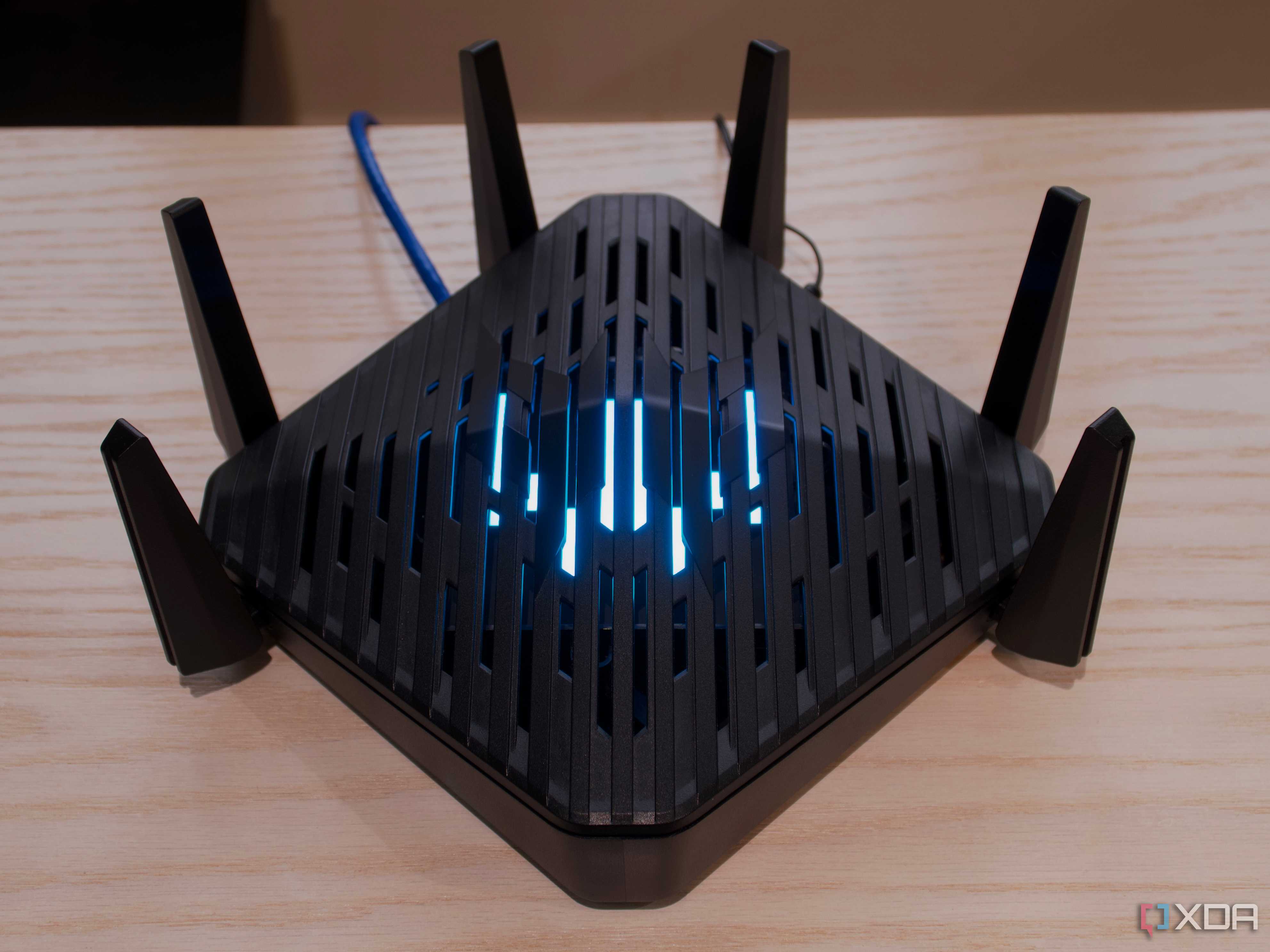
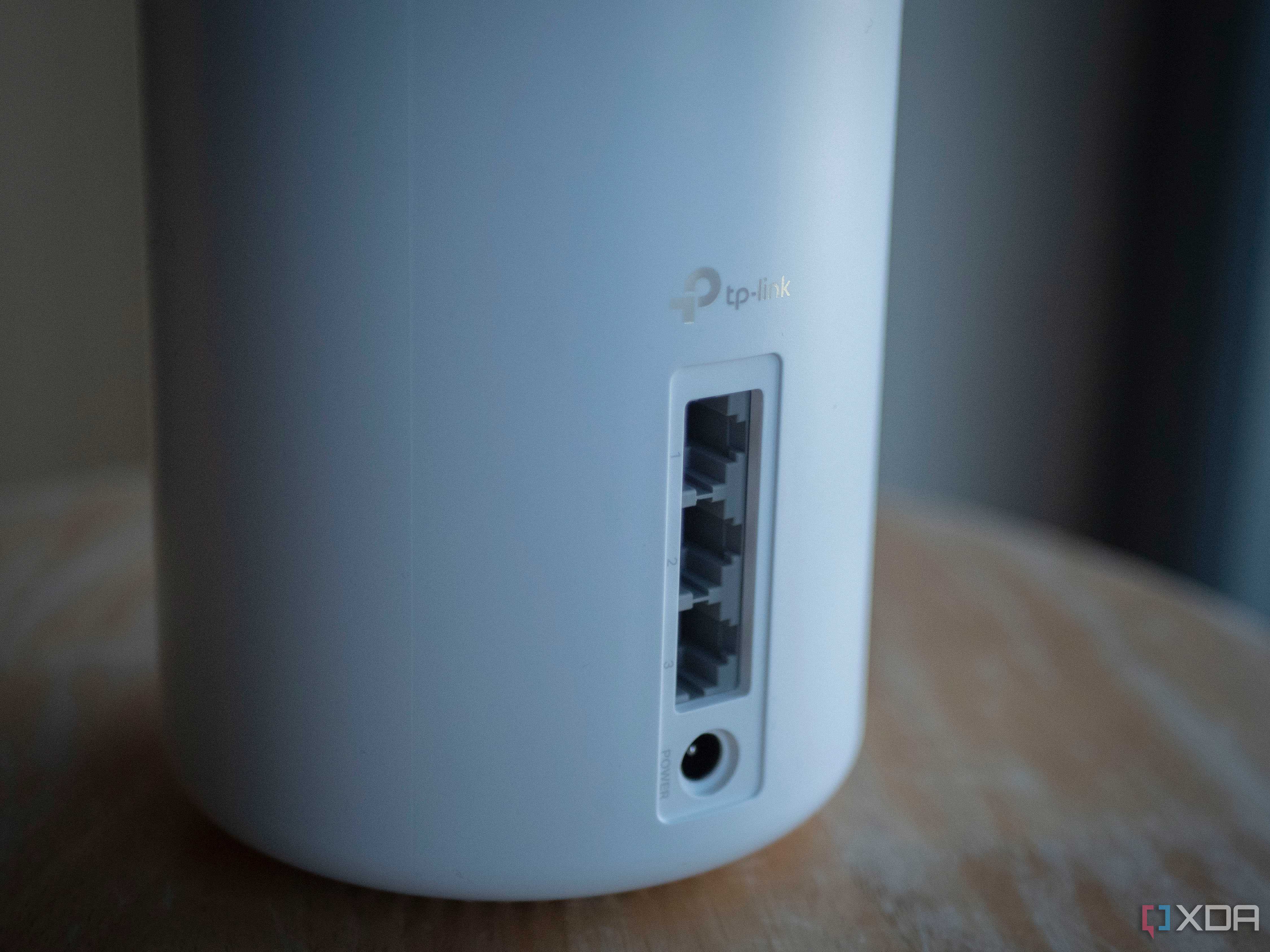
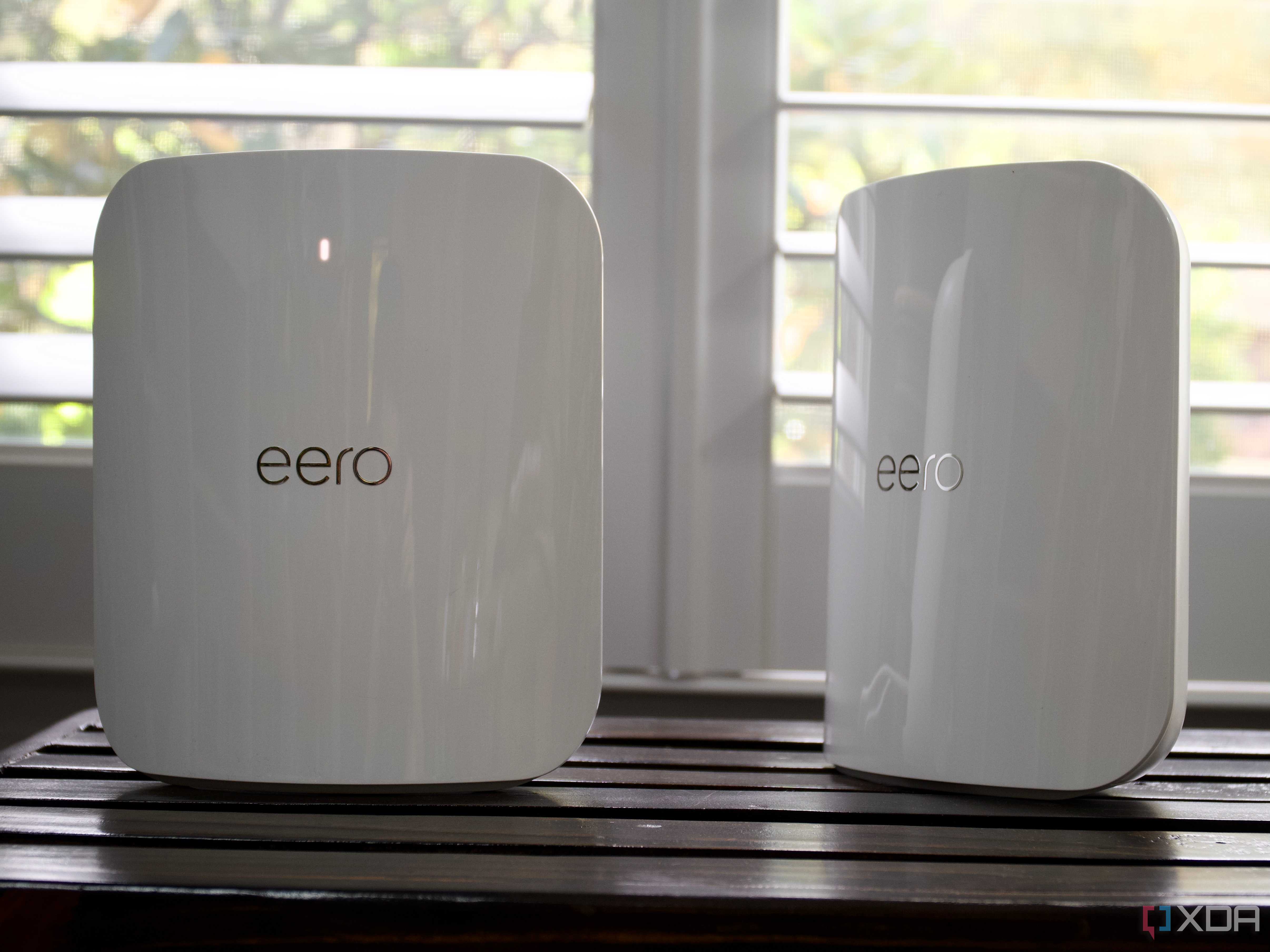
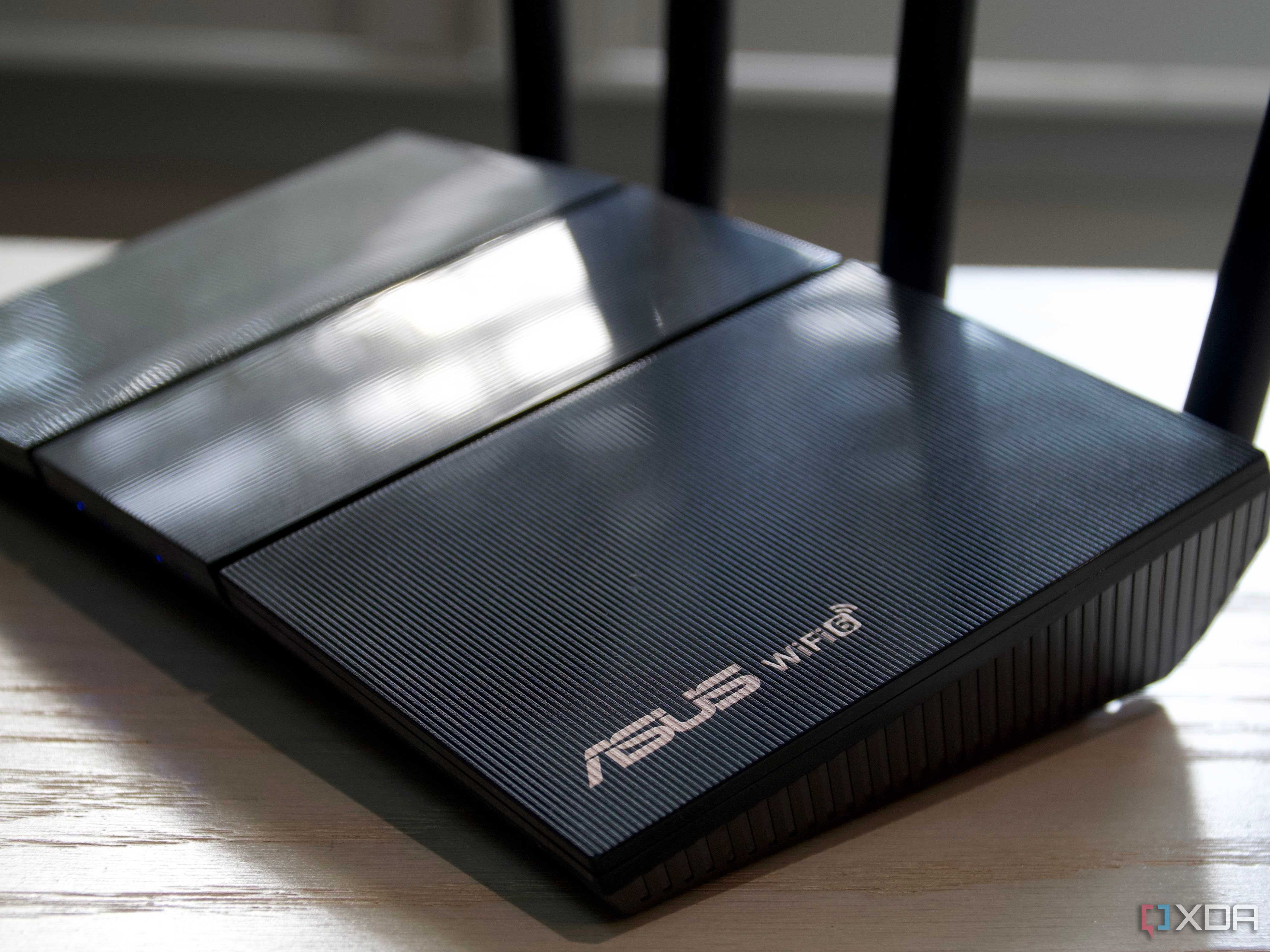
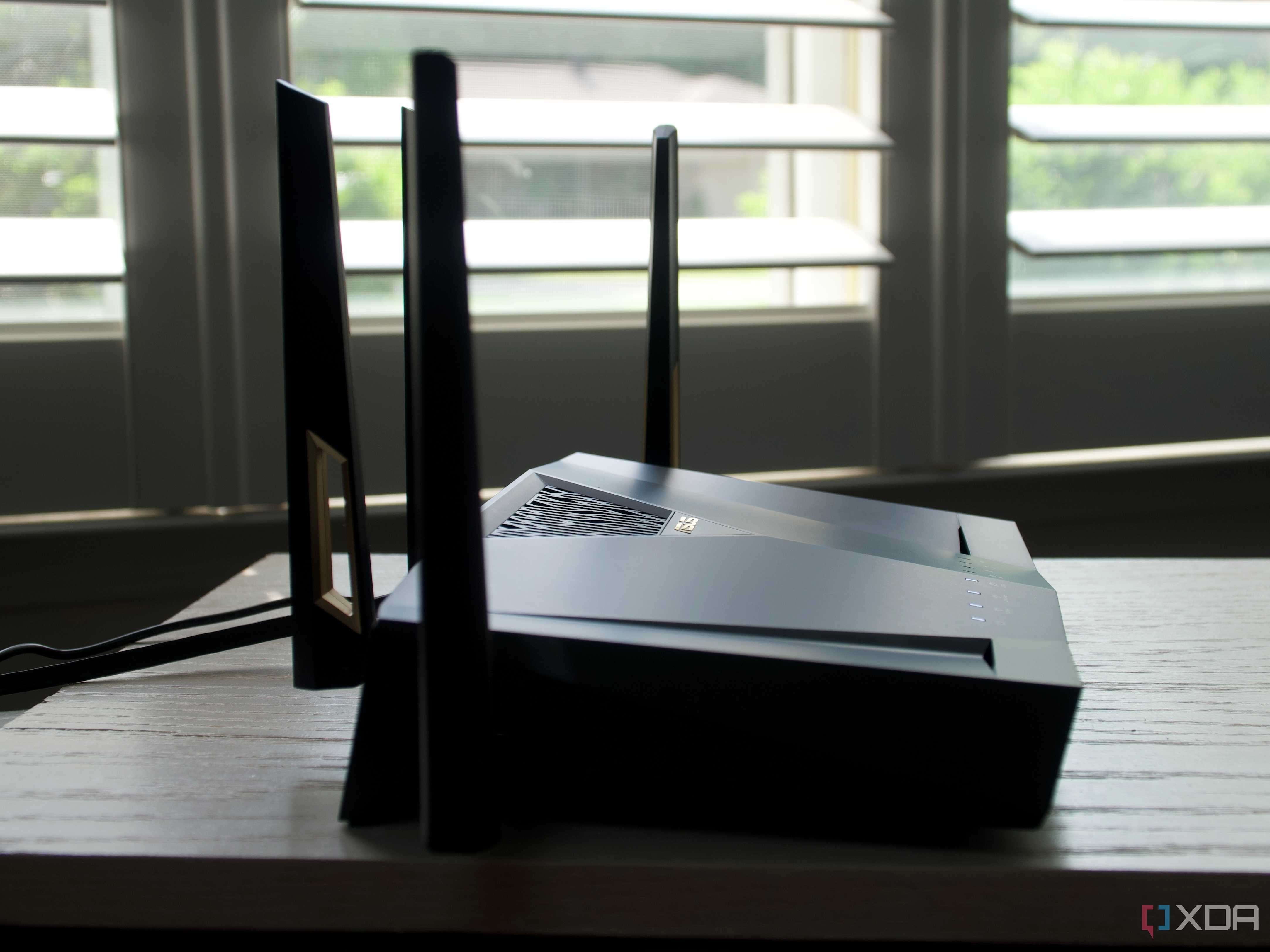
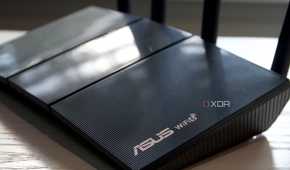
Reliable internet connectivity isn't limited to a fast connection — you also need a strong signal, sufficient available bandwidth, and uninterrupted power. Once you have a decently fast connection (50Mbps or 100Mbps), you should ensure all these other aspects are taken care of. For a wireless connection, your router should not be too far from your device. If you feel like it is, you can add a Wi-Fi extender to get rid of dead zones in your house in case you can't move the router closer to your PC.
Next, you should take stock of the total number of devices in your home connected to the same network. Network congestion can lead to an overall slower connection. Try to replace your router with one of the best routers featuring device prioritization and a 6GHz band. Lastly, you should also consider plugging your router into a UPS to avoid network disconnection in case of a power outage. Even a second's outage could mean up to a minute of lost connectivity as your router reboots and reconnects to Wi-Fi.
3 A spacious desk
Give your creativity the room to shine
Source: Vari 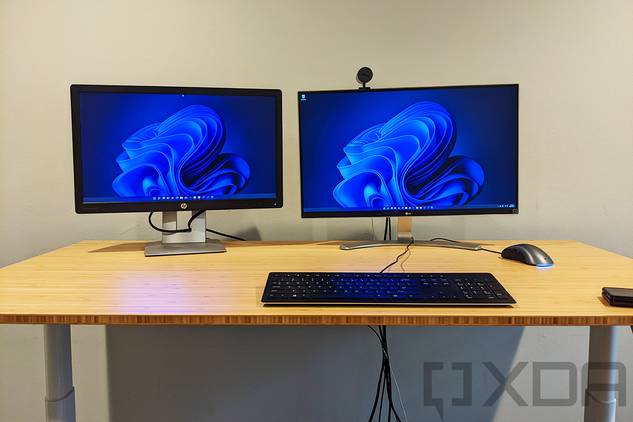


Source: Vari 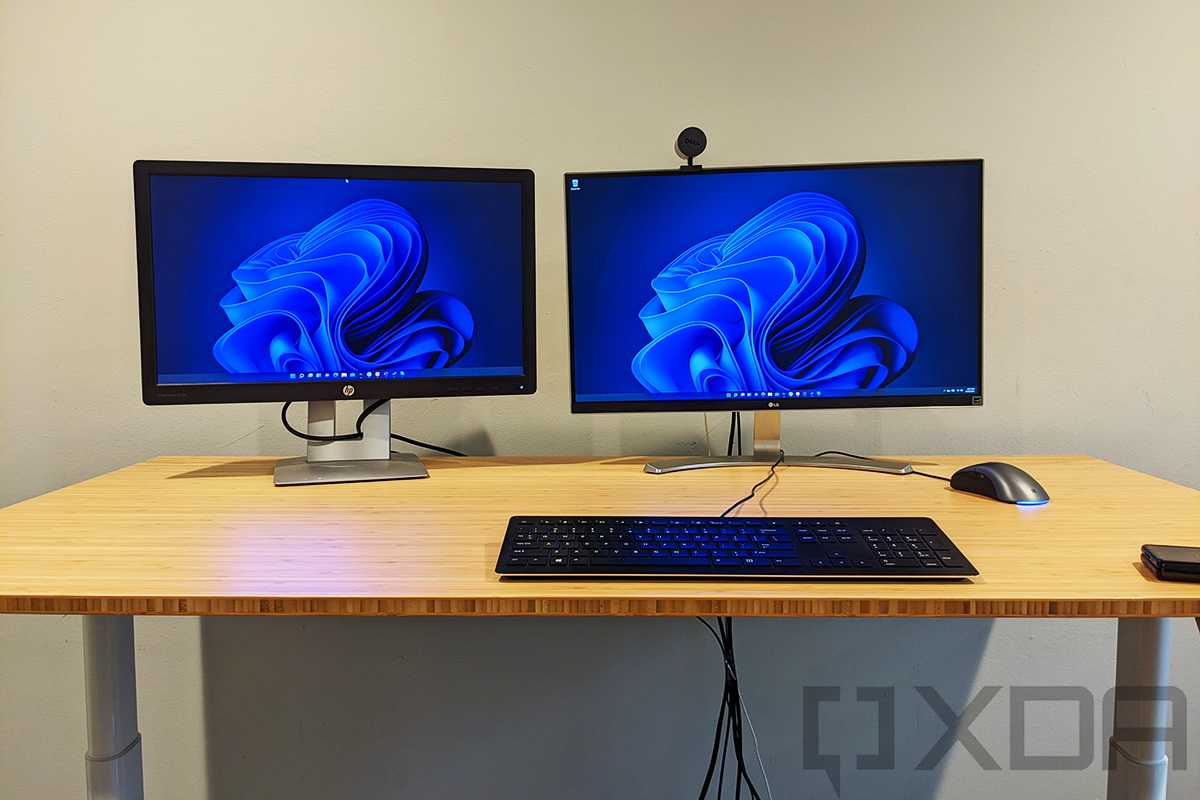
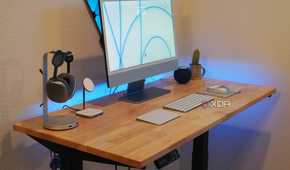
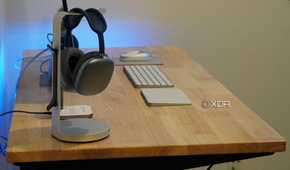
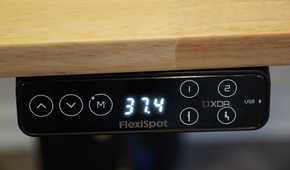
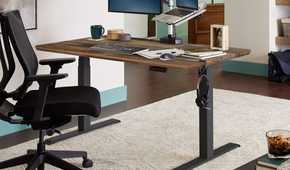
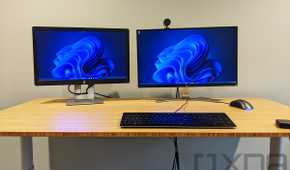
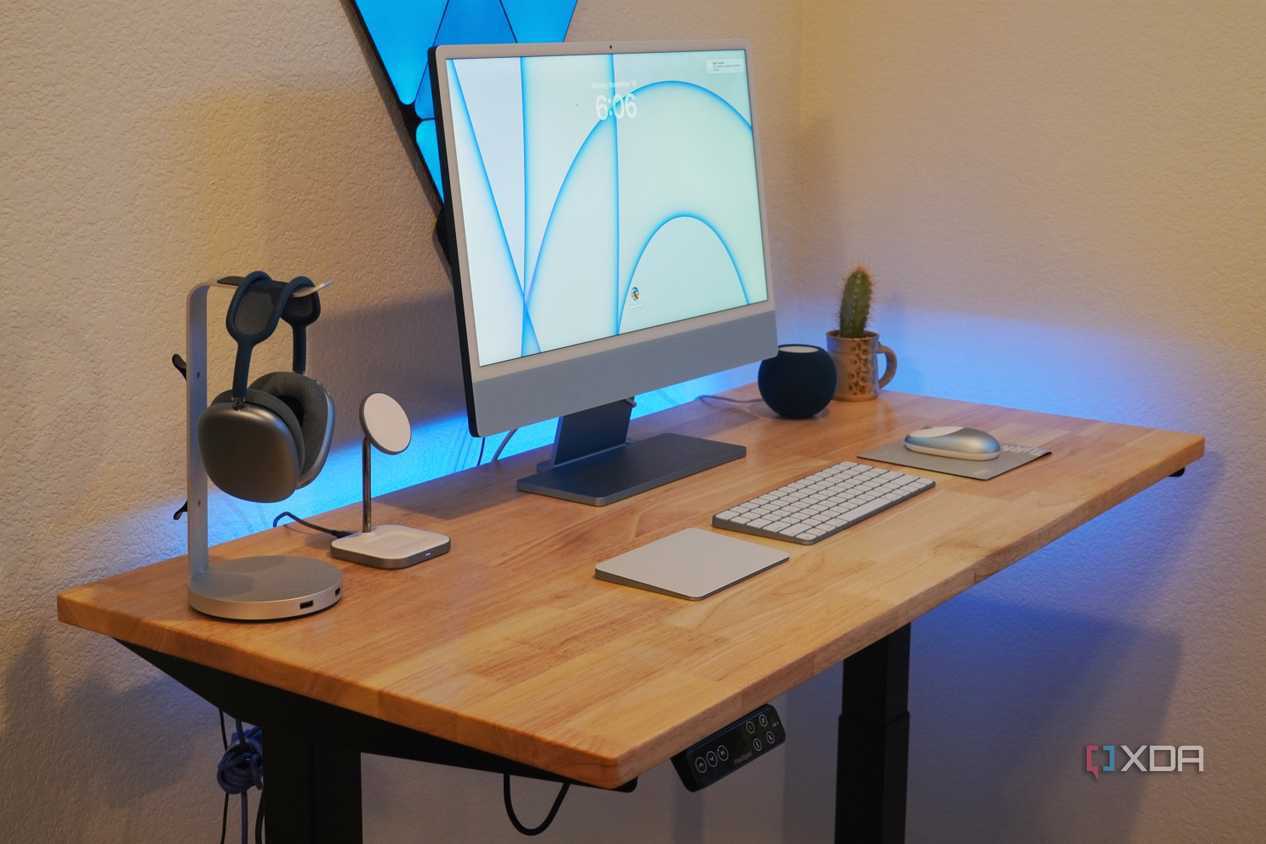
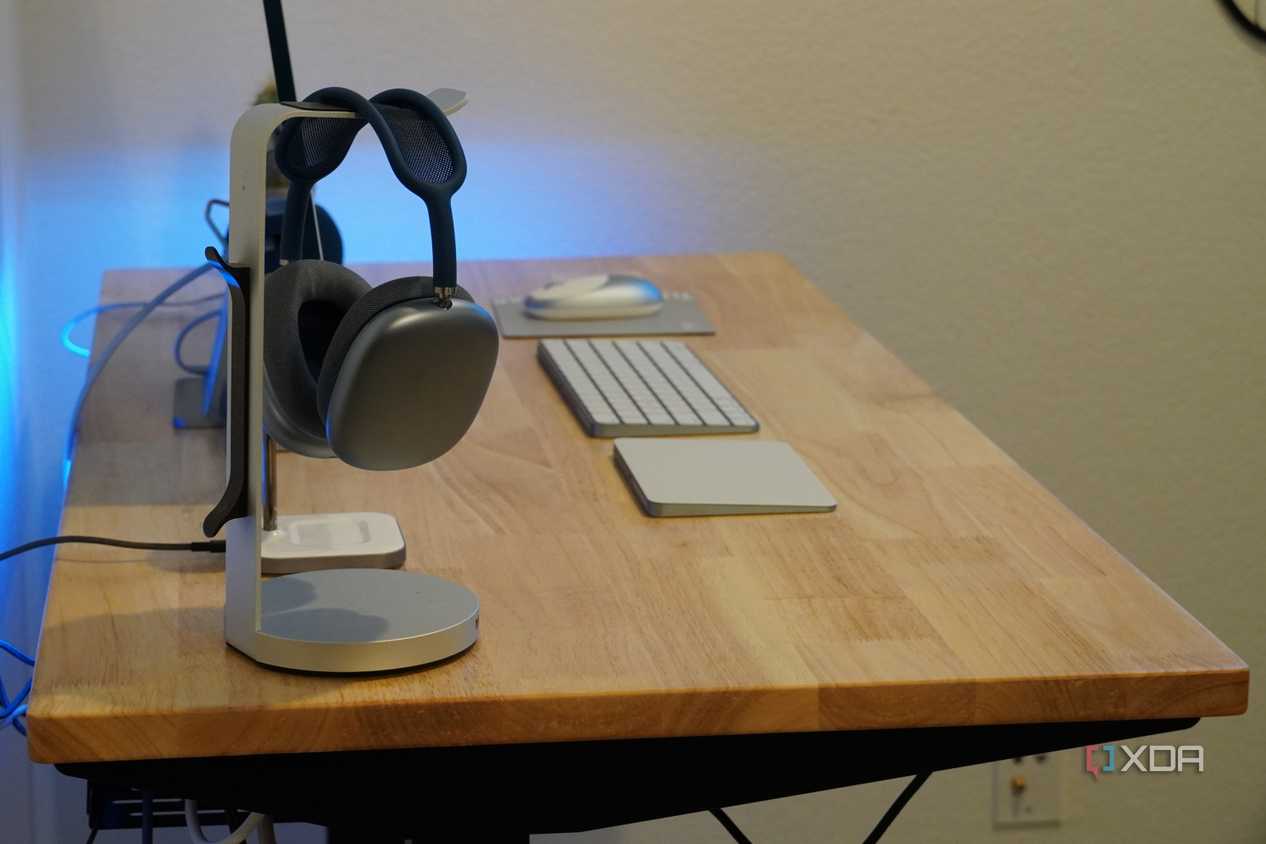
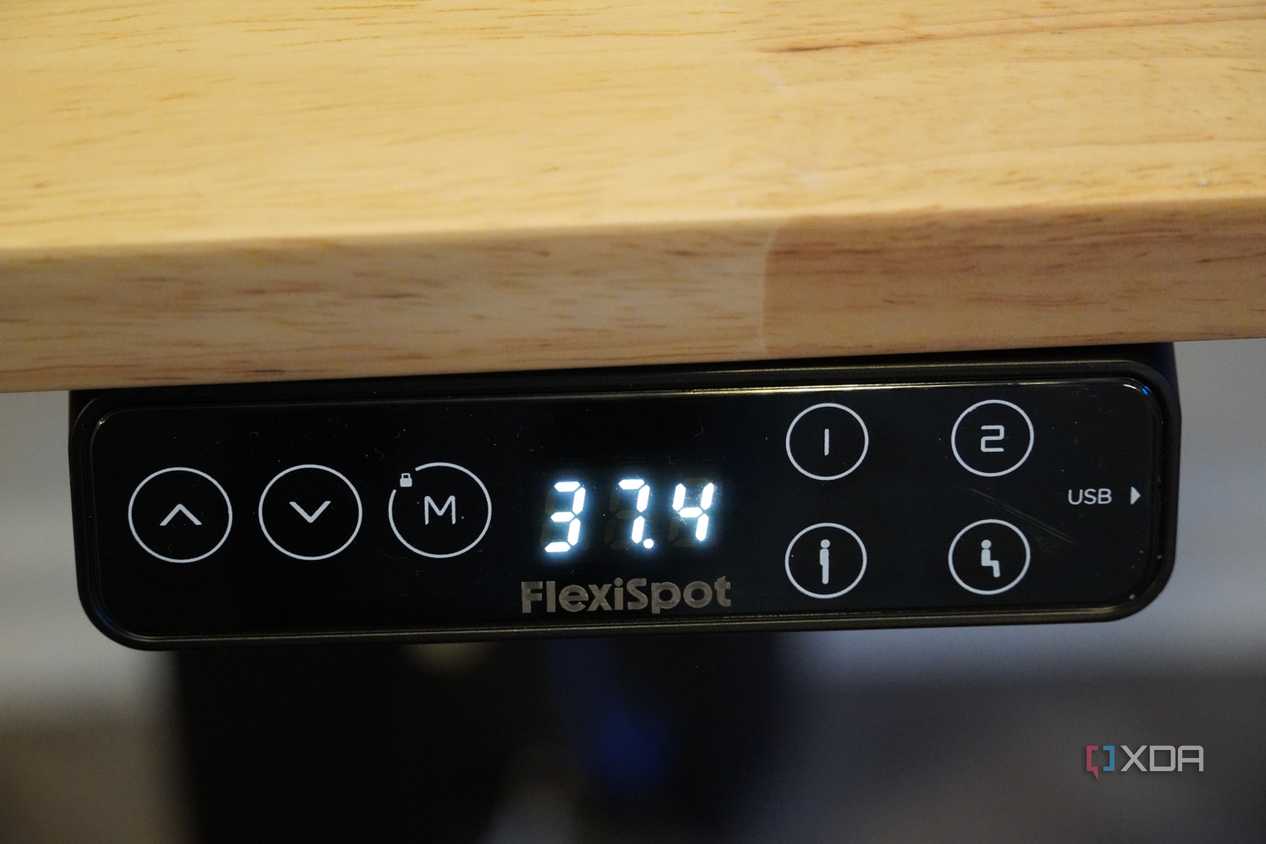
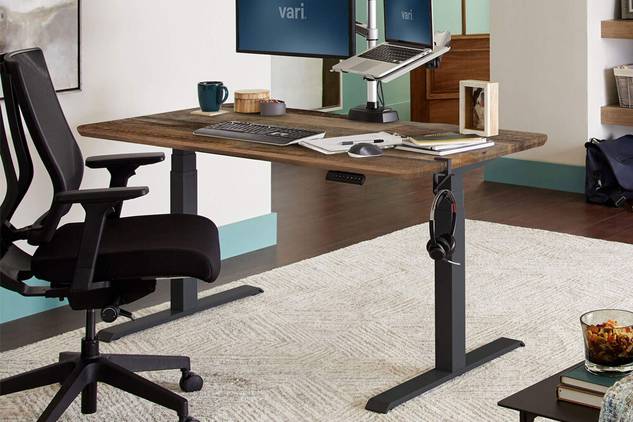
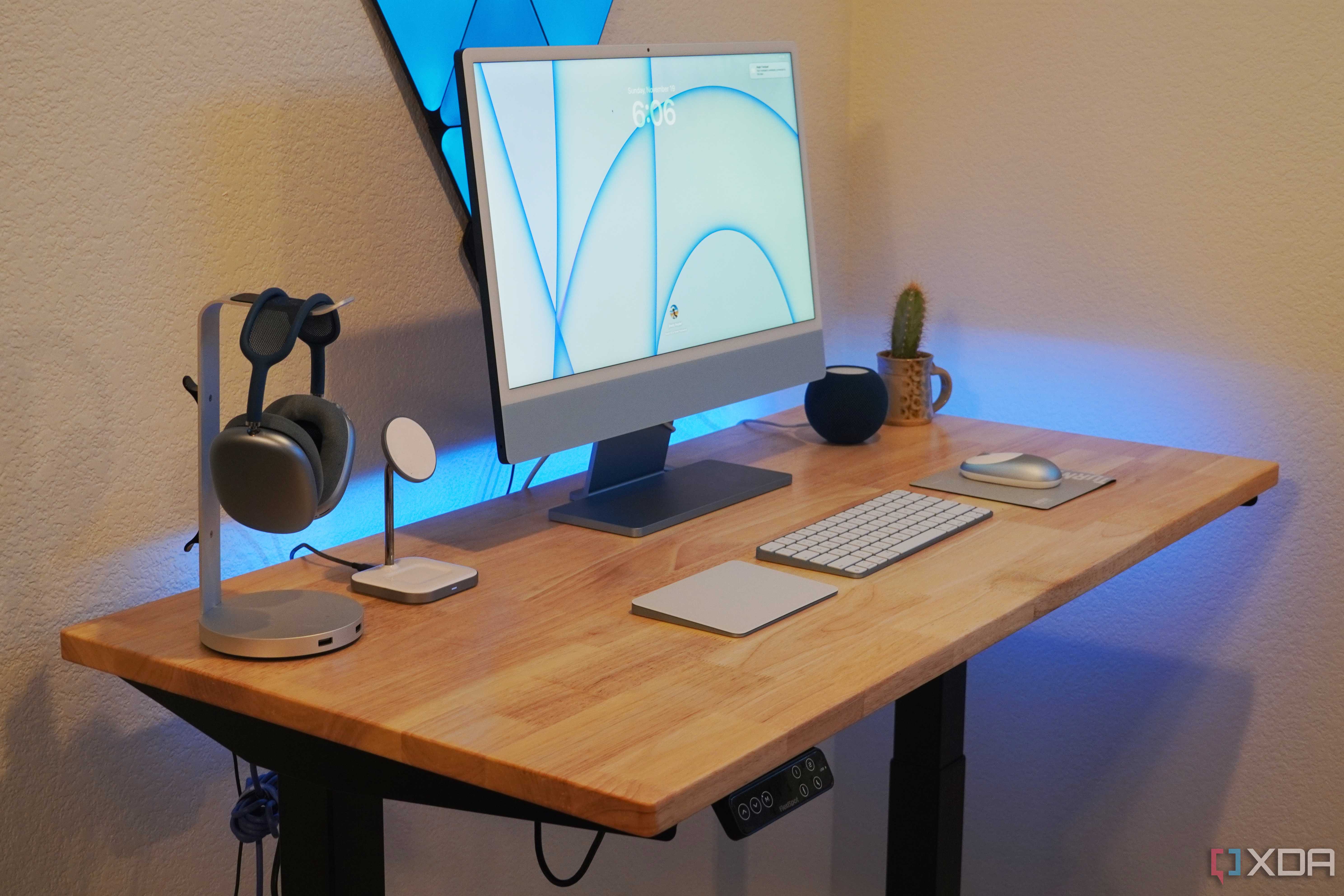
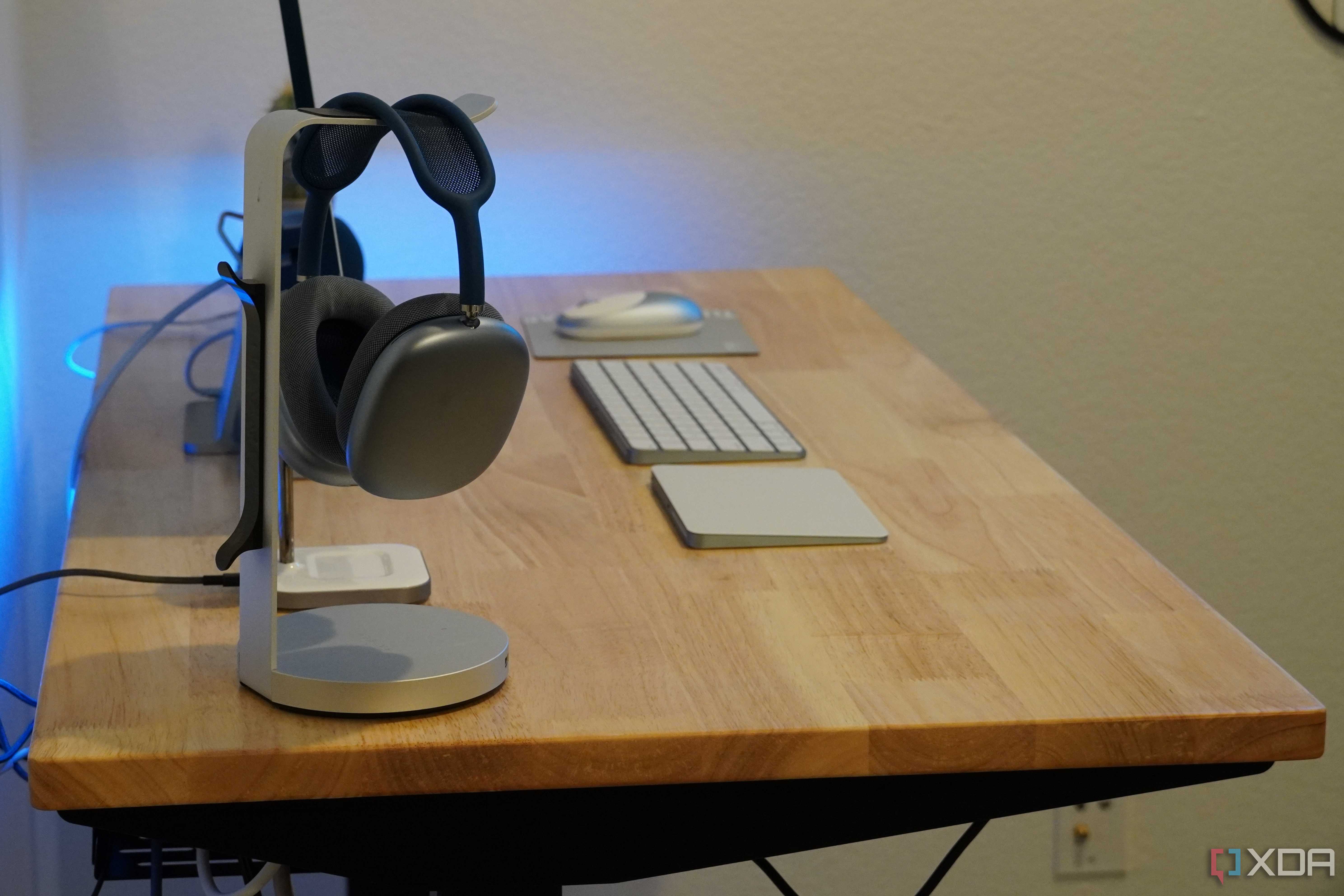
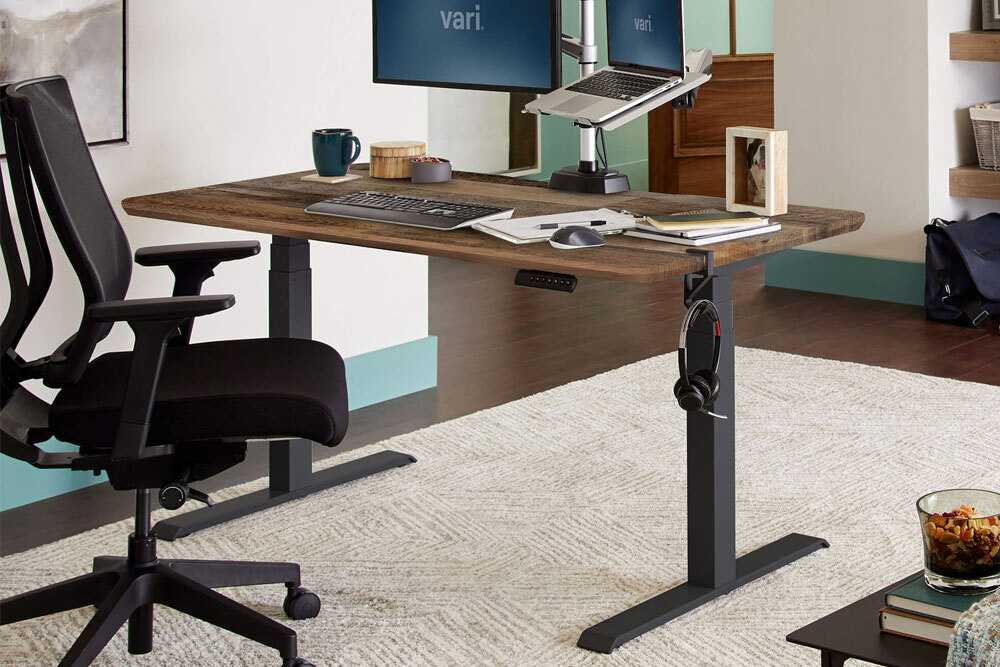
A large desk is still underrated when it comes to a home office. People often make do with cramped desk space where their devices barely fit. A larger desk not only gives you more visual breathing space, but also helps you be more efficient, as you have the necessary room to keep all essential peripherals and accessories nearby without cluttering your desk.
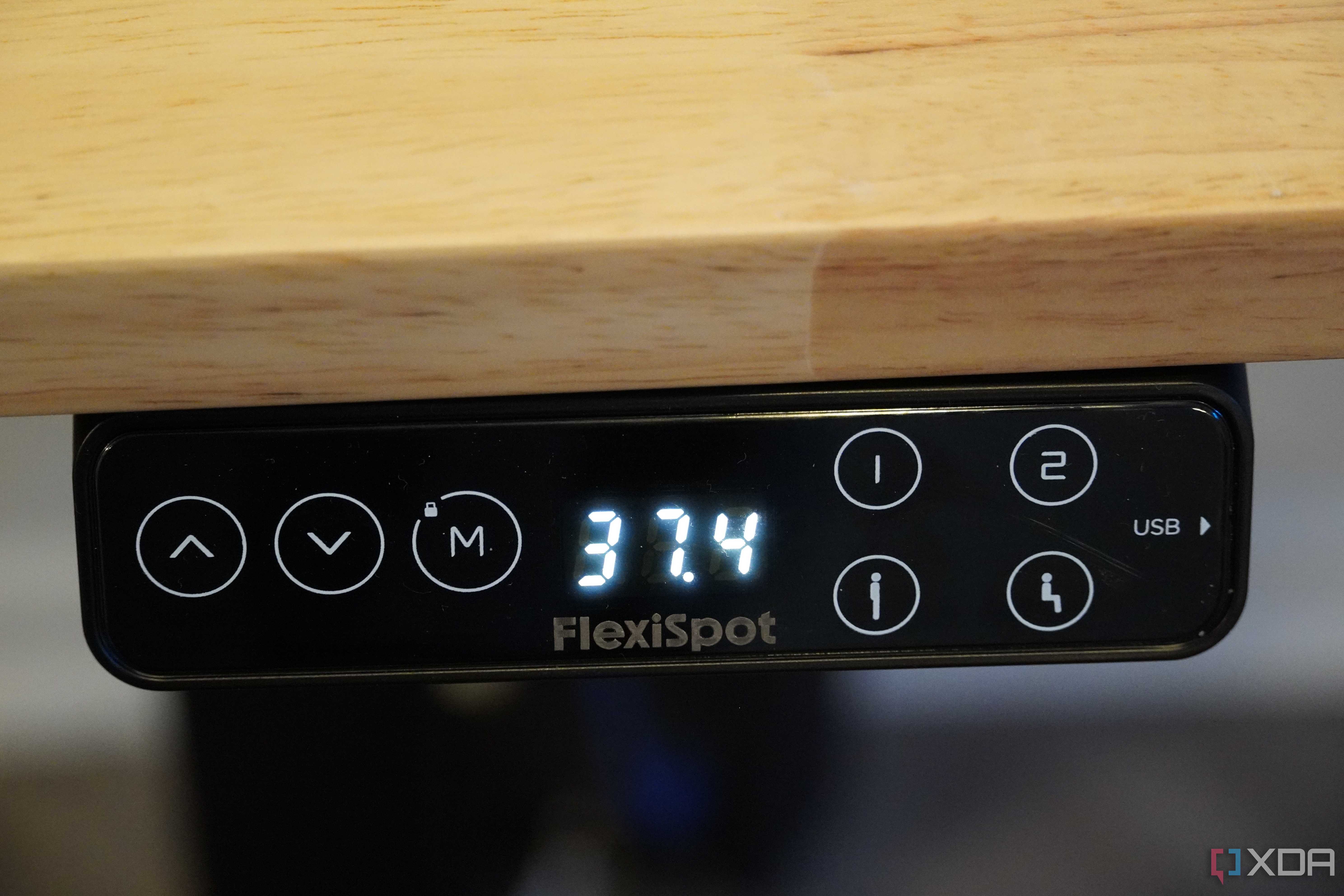
The best office desks will not only increase your desk space but also provide features like better cable management, more storage space, more legroom, USB charging ports, and a keyboard tray. You might not need every single additional feature, but the great thing is you have a lot of options to make the best choice for your use case.
4 An ergonomic chair
Be kind to your back and neck


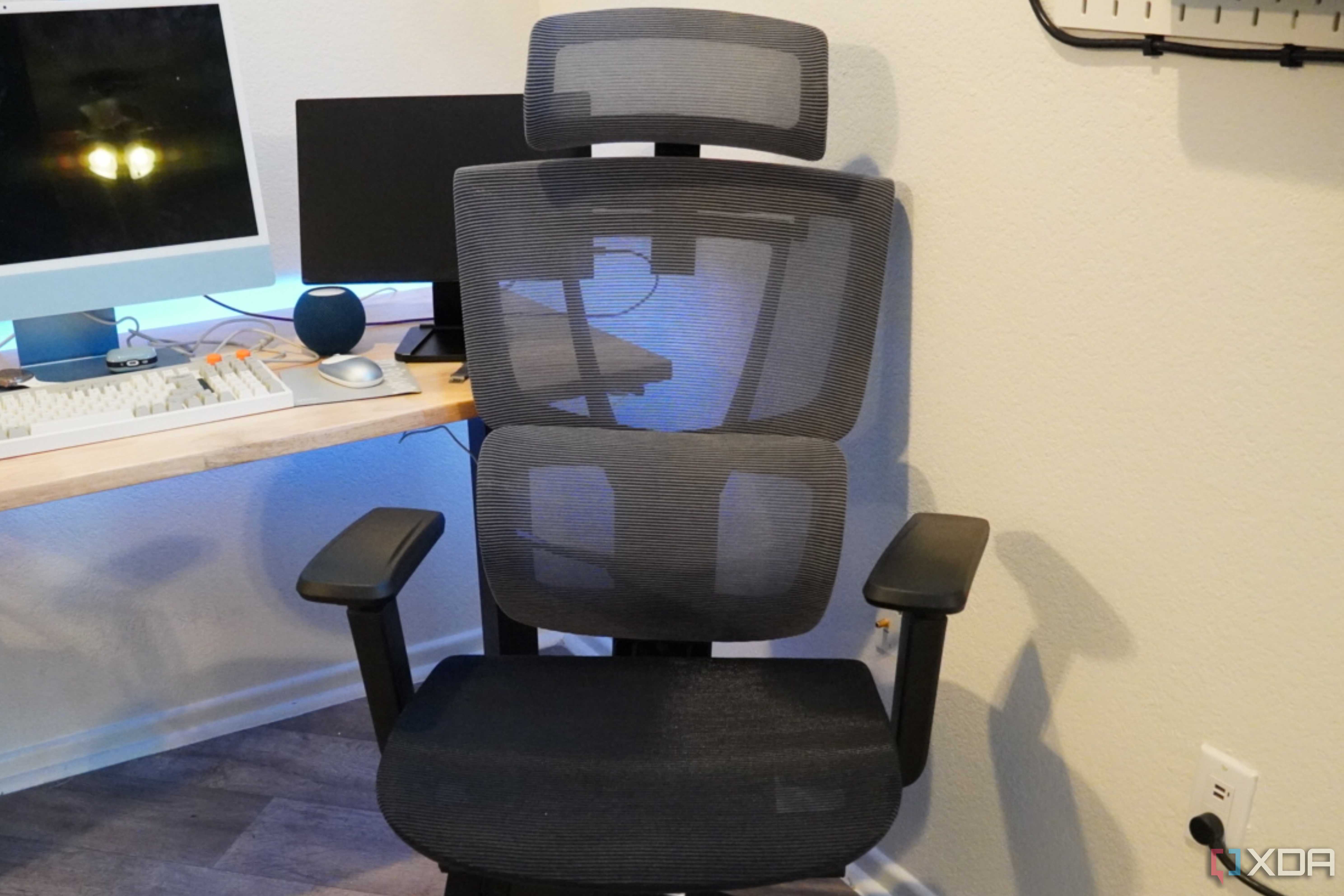
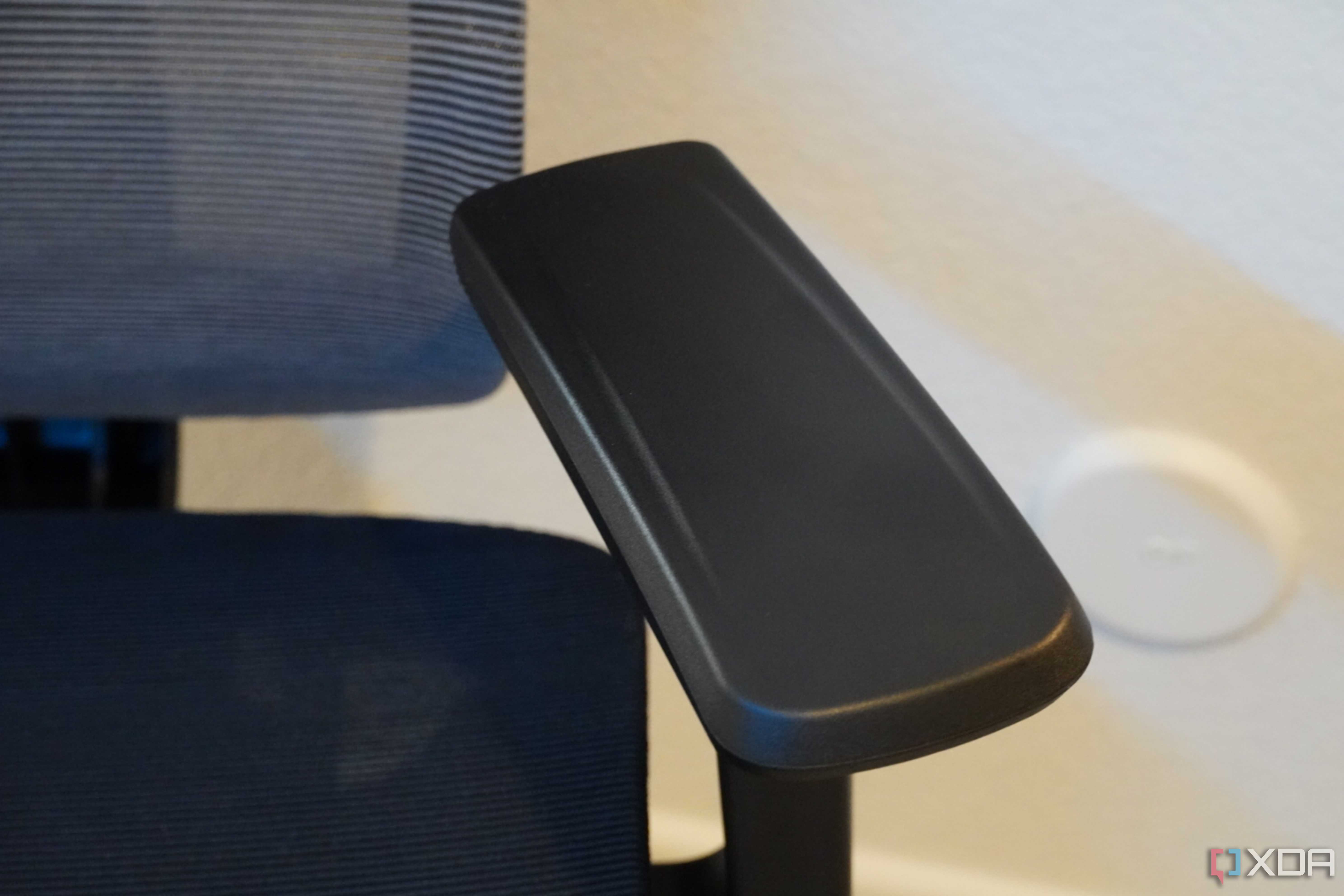
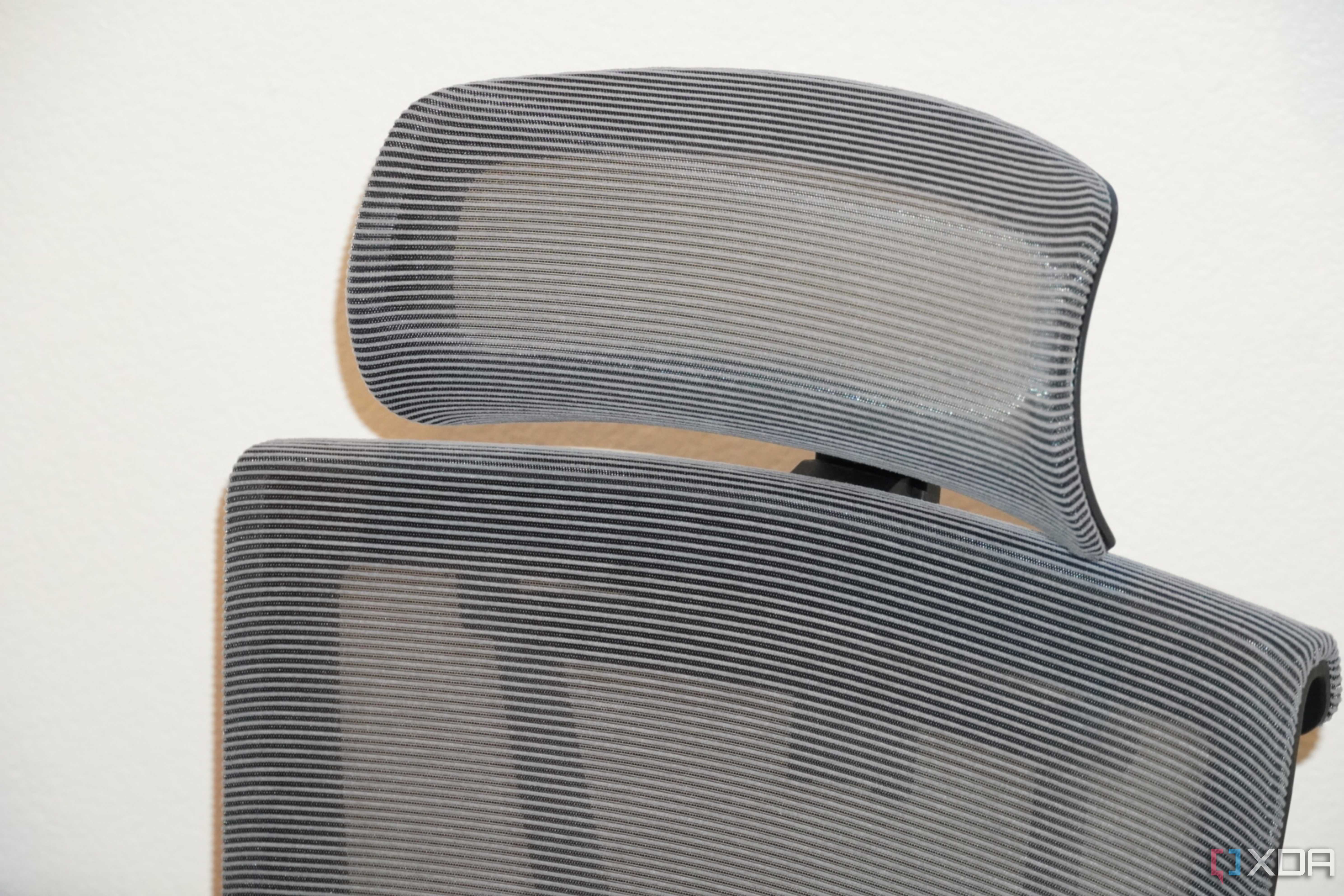

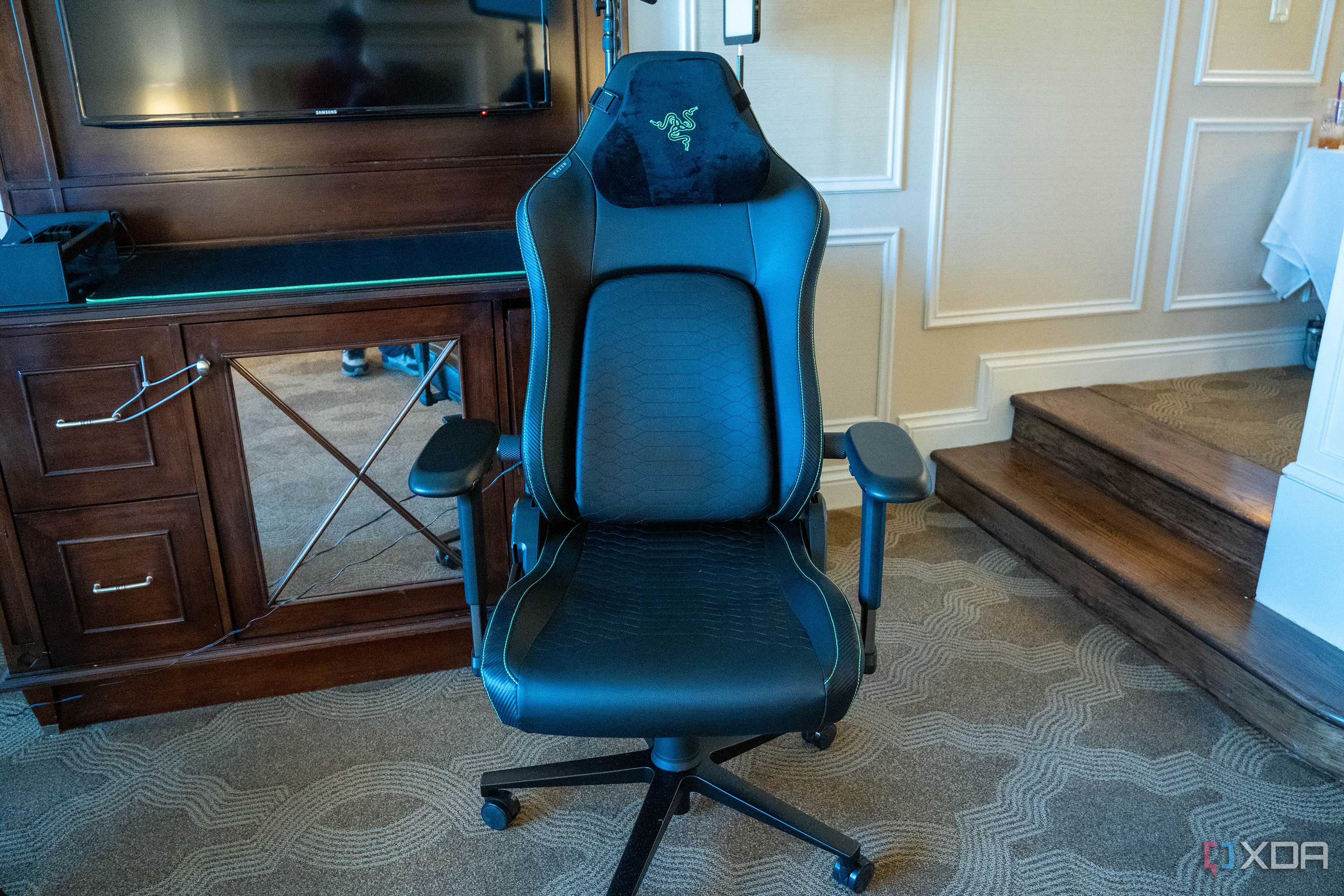
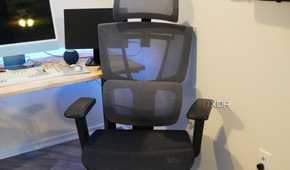
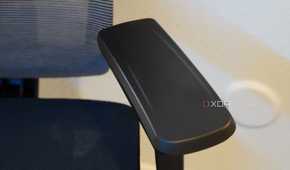
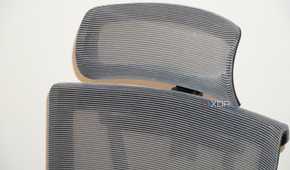


This one has a major impact on your wellbeing. A comfortable chair that's mindful of your back and neck goes a long way in preventing muscle stiffness and long-term chronic issues. Ergonomic chairs help you maintain good posture when you're lost in your work. They don't even need to be extremely expensive. The best office chairs start from as low as $100 for a good ergonomic model. You should look for a chair with breathable fabric, a headrest, adjustable lumbar support, armrests, and adjustable seat position.
Upgrading your chair can be one of the most high-impact changes you can make to your home office setup. It's not only good for your body in the long run, but the added comfort can help you keep going for long hours when you're crunching deadlines. A more comfortable desk setup will always be easier to work on, as you won't get distracted by an unoptimized seating position.
5 A large-screen monitor
Upgrade your screen real estate


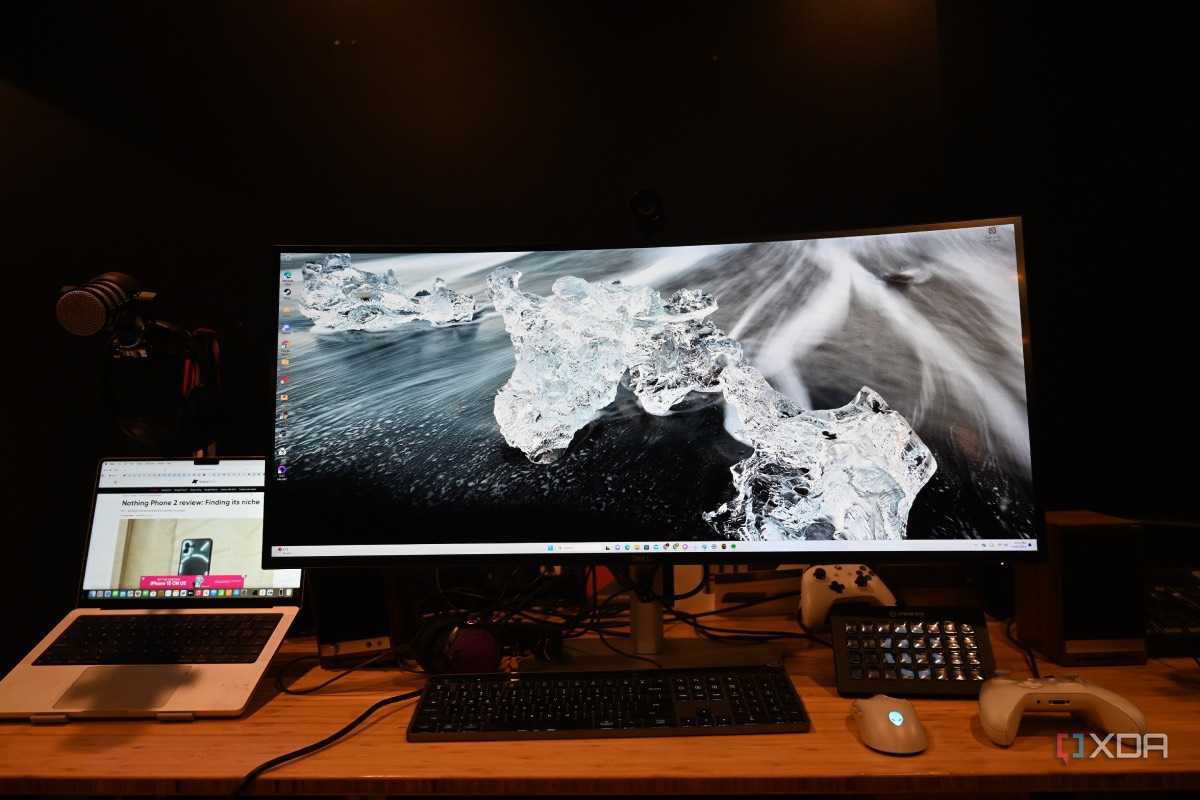
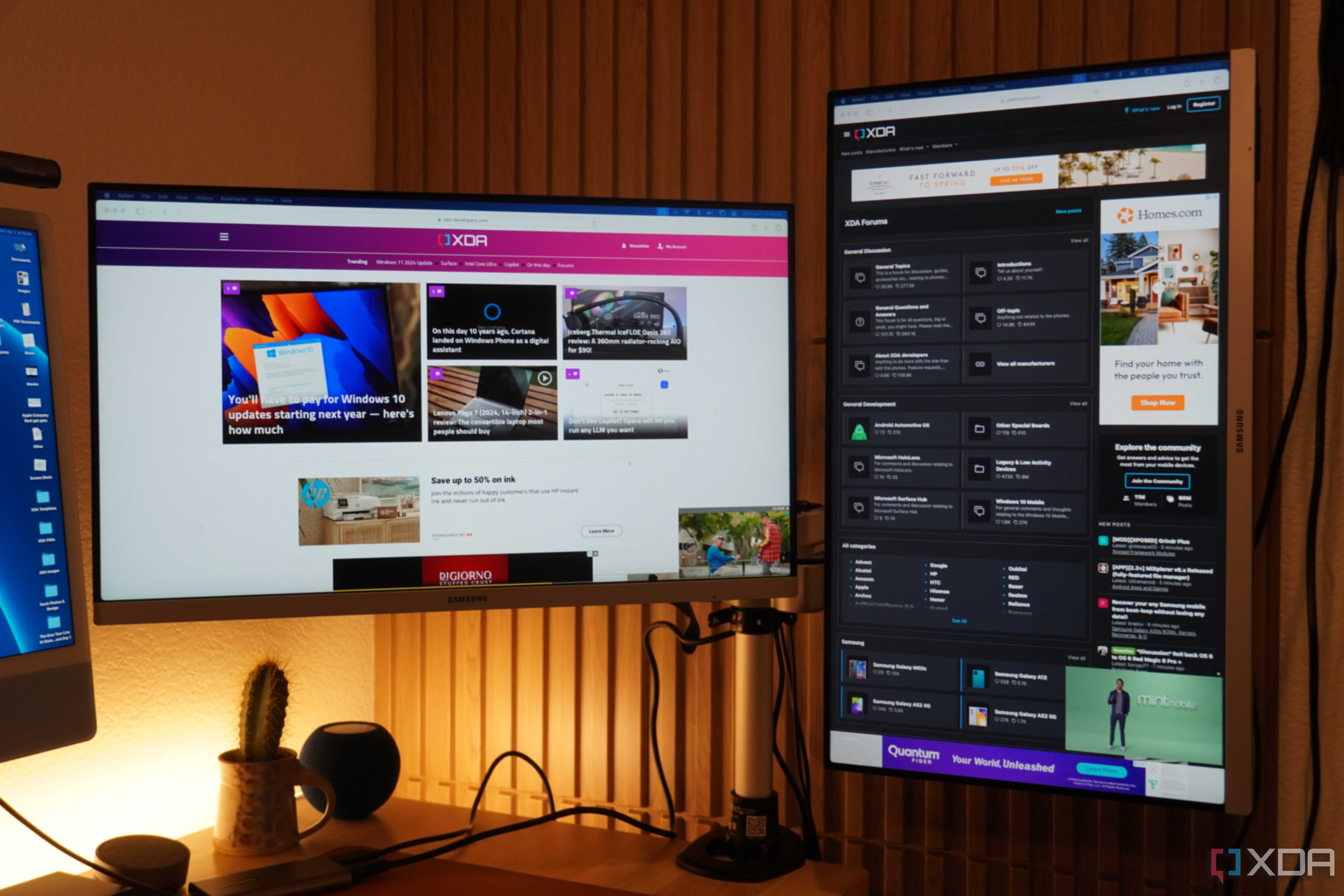

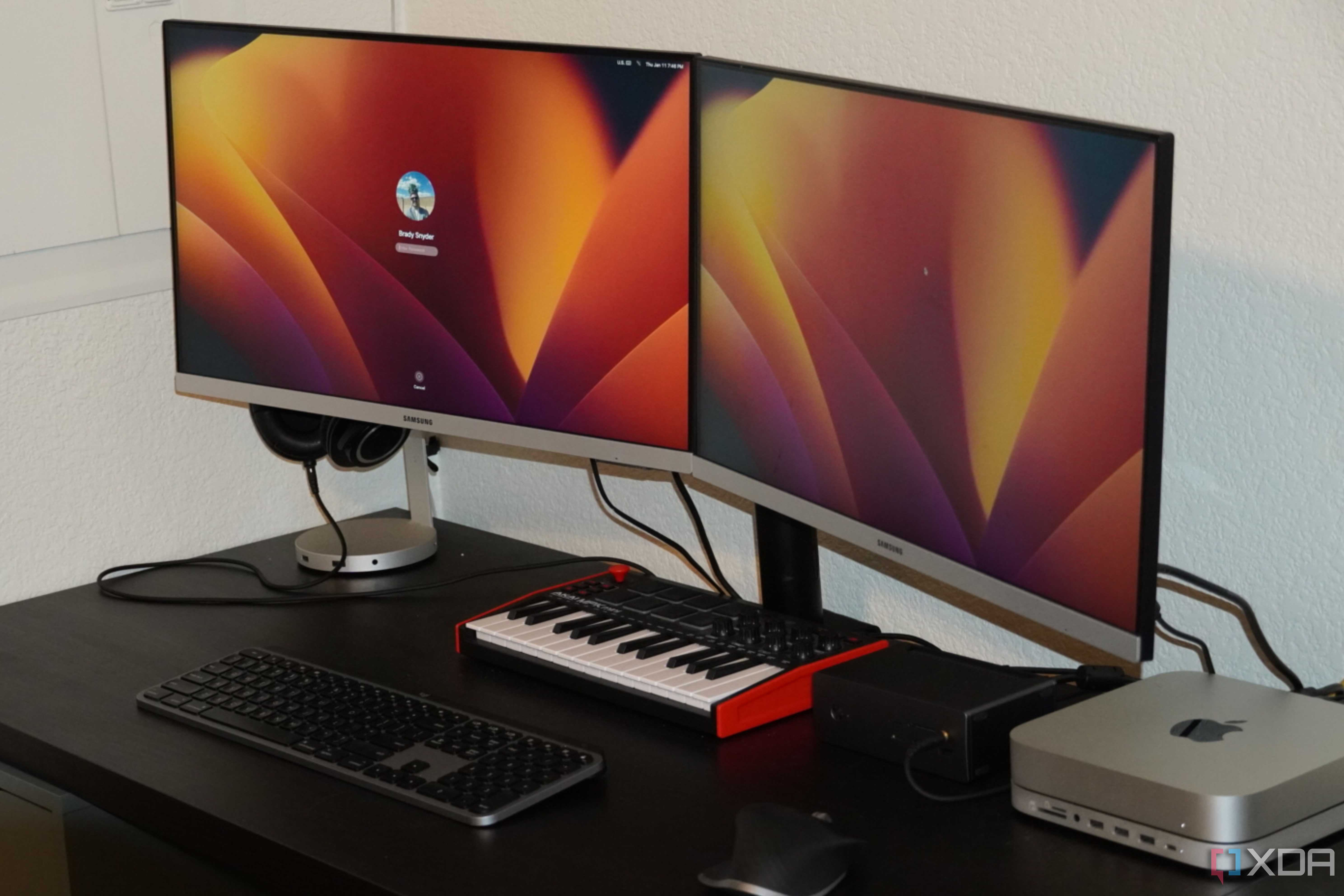
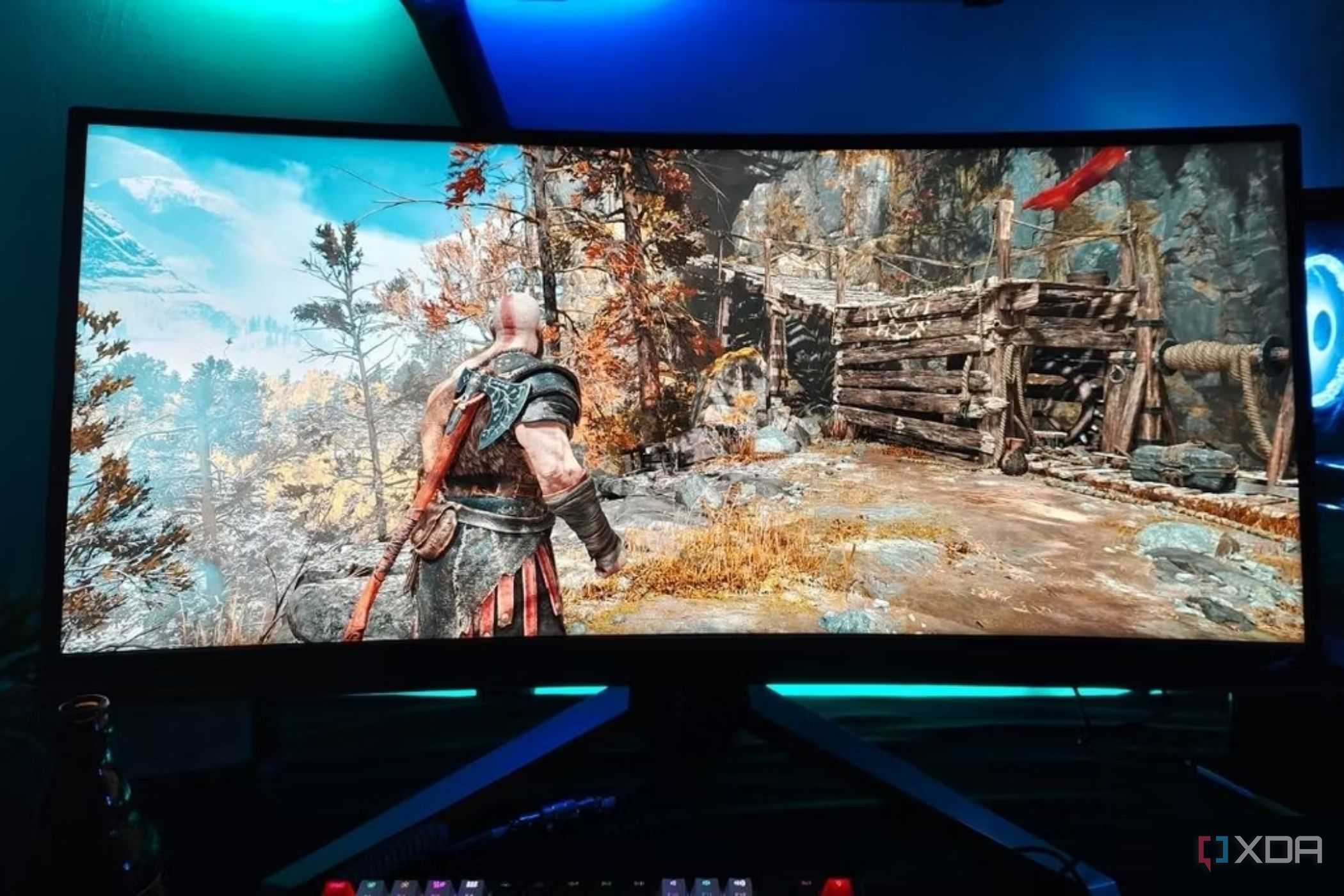

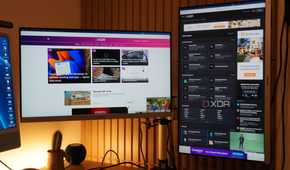
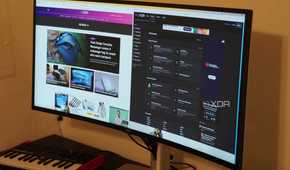
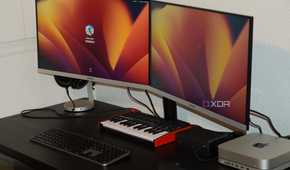

Whether you have a desktop or laptop, a large monitor can be immensely beneficial to your home office setup. There are several real changes you'll experience after upgrading to a 27-inch or 32-inch monitor — more space for multitasking, a higher level of immersion, and less strain on your eyes. If you like to keep multiple browser windows open when working, the extra screen space will definitely help you work faster.
The bigger size will also mean you'll be able to view your content while sitting farther from the screen, thus reducing eye strain.
Plus, the more immersive screen will help you in your downtime when you're indulging in a gaming session, watching a movie, or passing time with some YouTube videos. The bigger size will also mean that you'll be able to view your content while sitting farther from the screen, thus reducing eye strain when staring at the screen for hours on end.
Even on a laptop, it can be useful to attach a large monitor to give you a bigger working area, as even the largest laptop monitors are too small compared to a 27-inch monitor (or larger). You could also invest in dual monitors or ultrawide monitors if you want even more space.
6 Wireless keyboard and mouse
Cut the cord


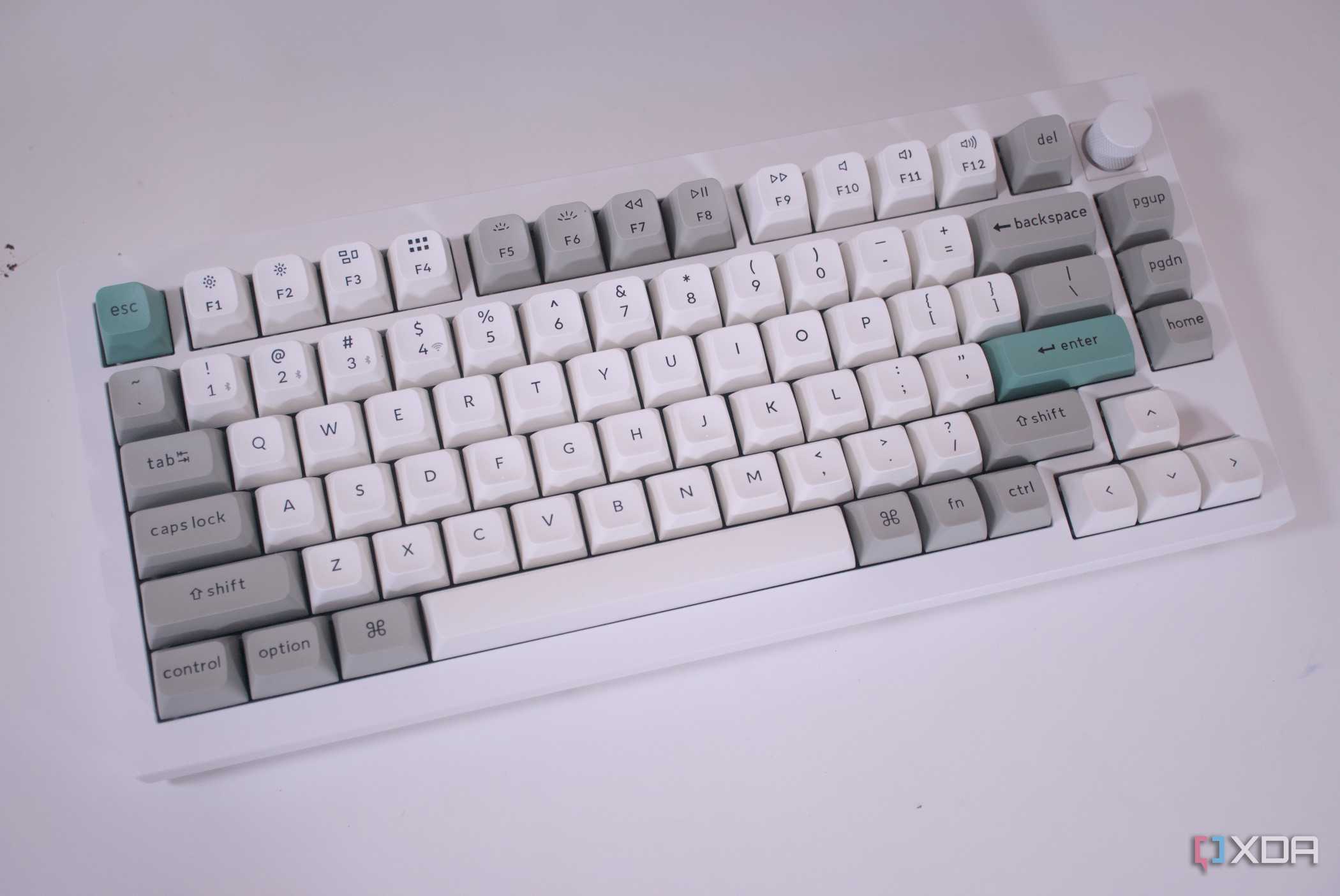
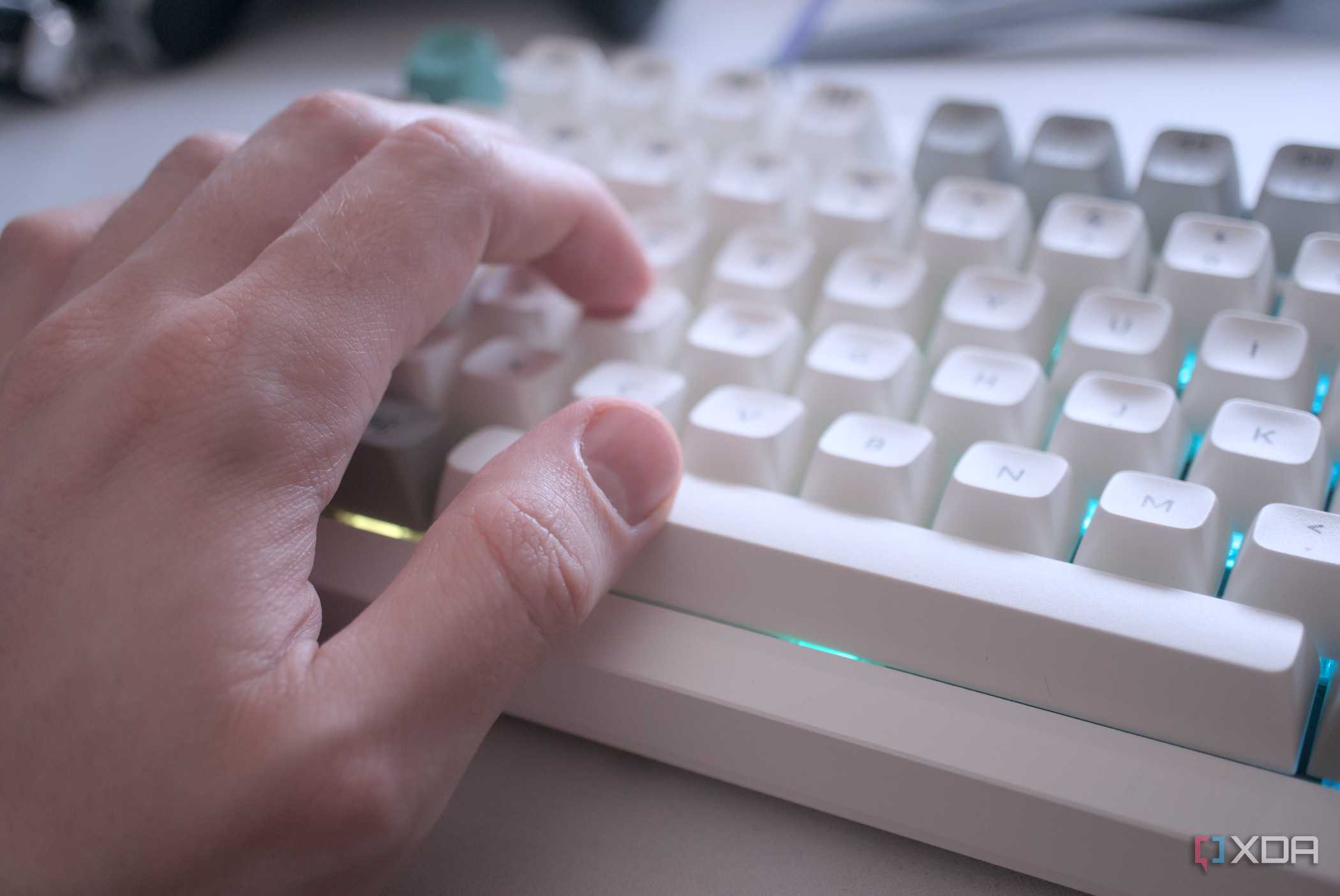

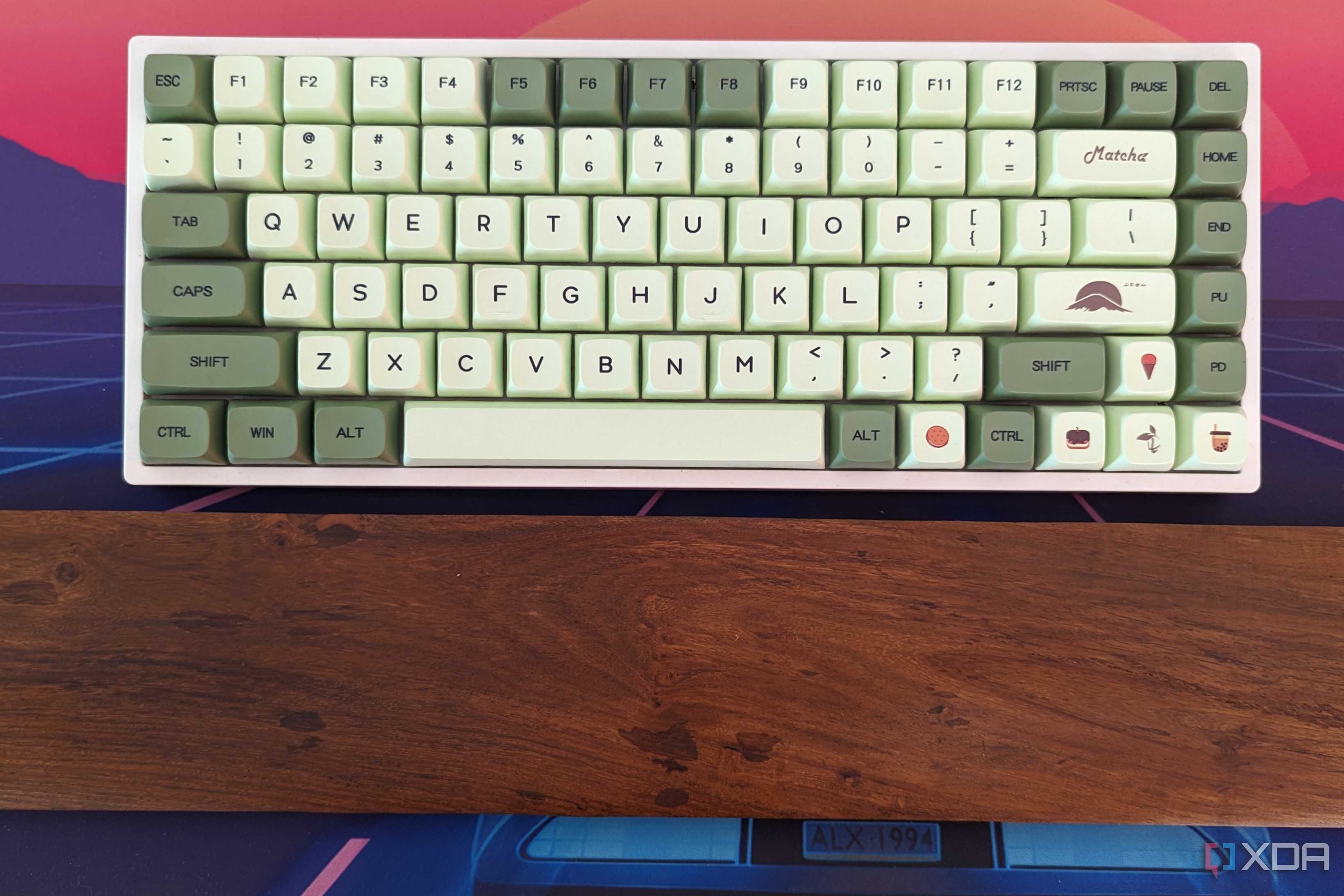




Wireless peripherals used to be plagued with higher latency and costs a few years ago. But, that's not the case anymore, you can upgrade to a high-performance and affordable wireless keyboard and mouse easily. Moving from wired to wireless peripherals greatly reduces the cable clutter on your desk, enhancing the looks as well as the efficiency of your setup.
This allows you to choose the best spots for your peripherals for the ideal ergonomic position.
Another advantage is the flexibility you have when positioning your keyboard and mouse. This allows you to choose the best spots for your peripherals for the ideal ergonomic position. These days, any concerns about battery life or durability have been laid to rest. If you carefully choose your wireless peripherals, there's no reason you'll end up with sub-par devices.
7 A decent speaker setup
Headphones aren't always ideal


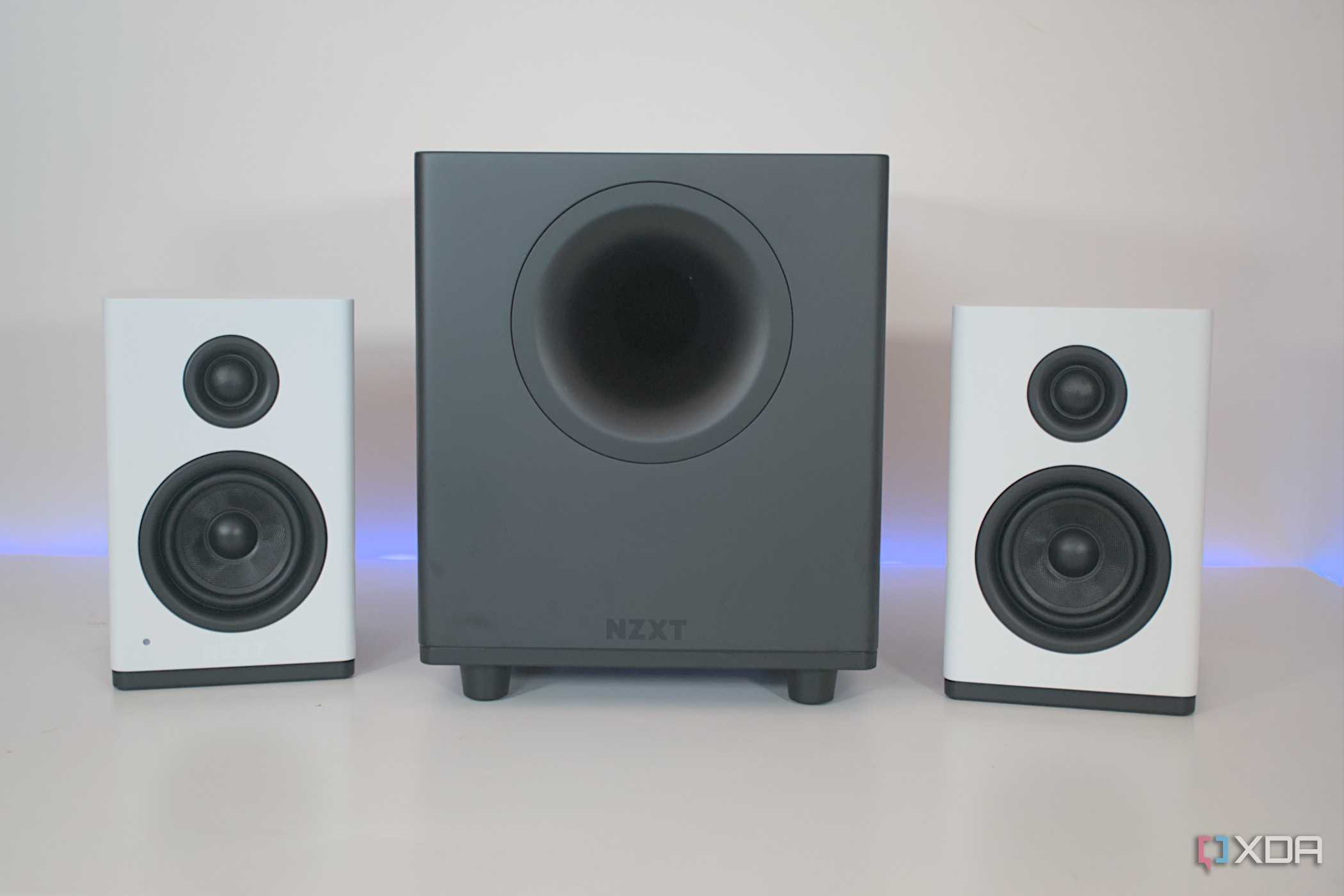
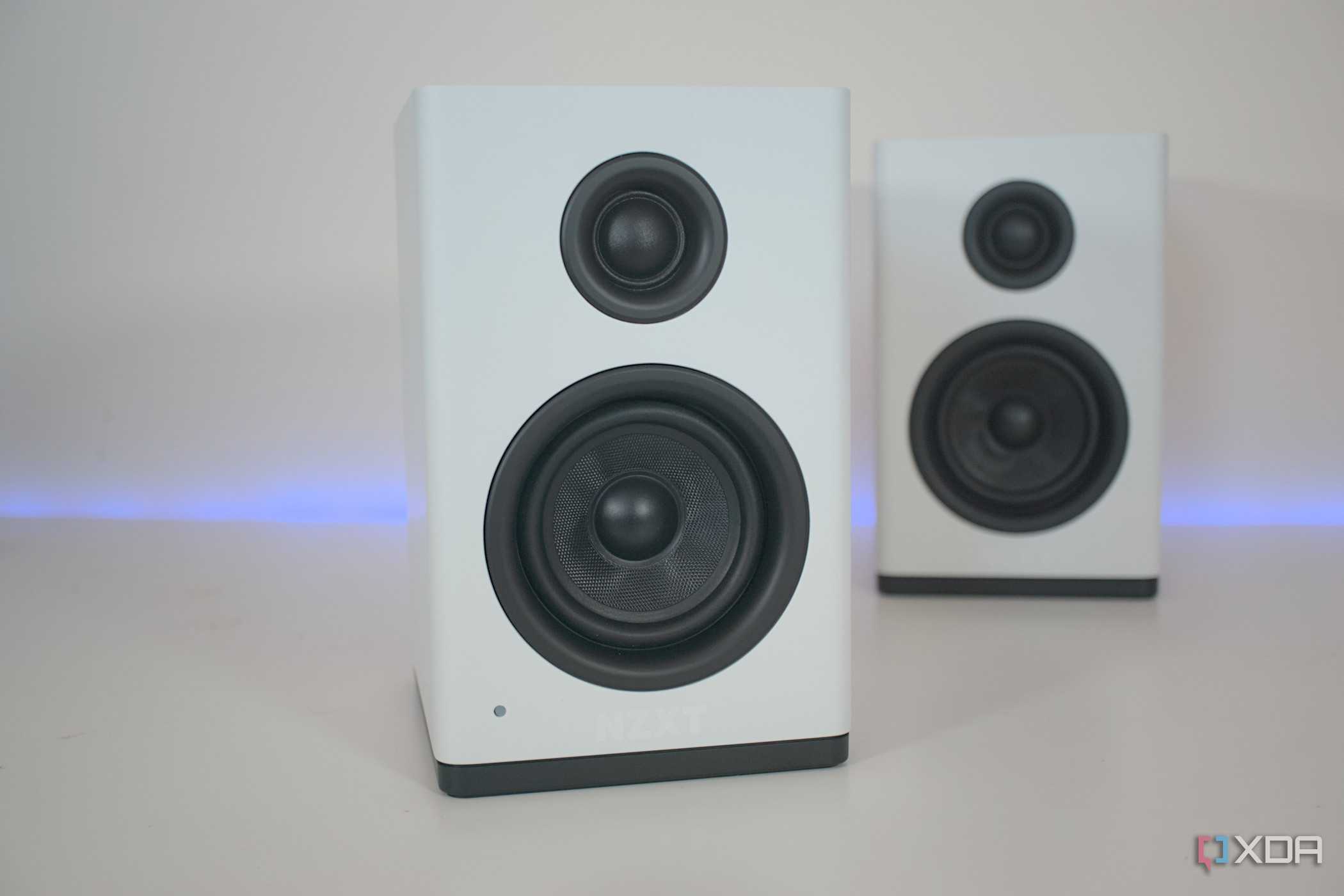
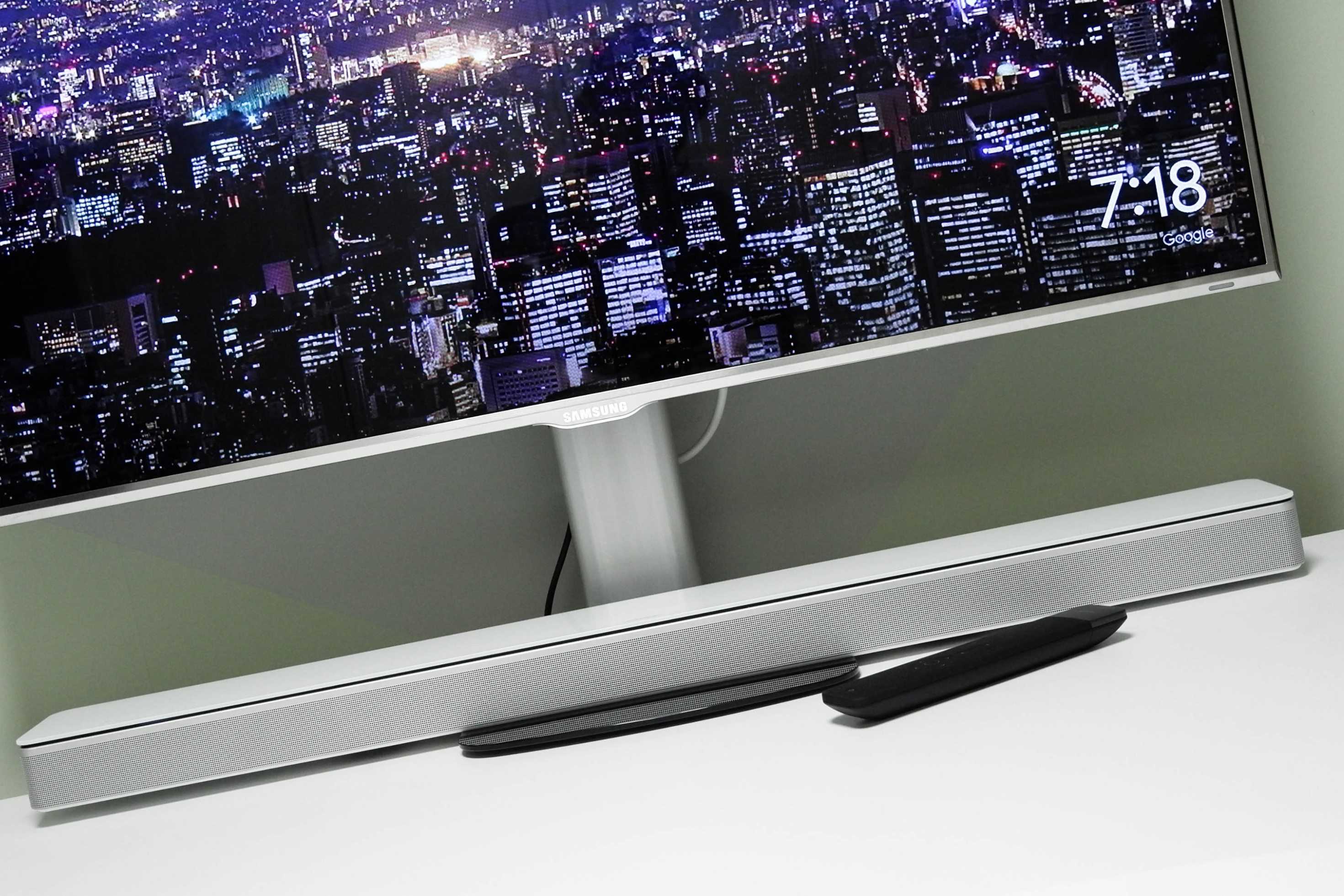
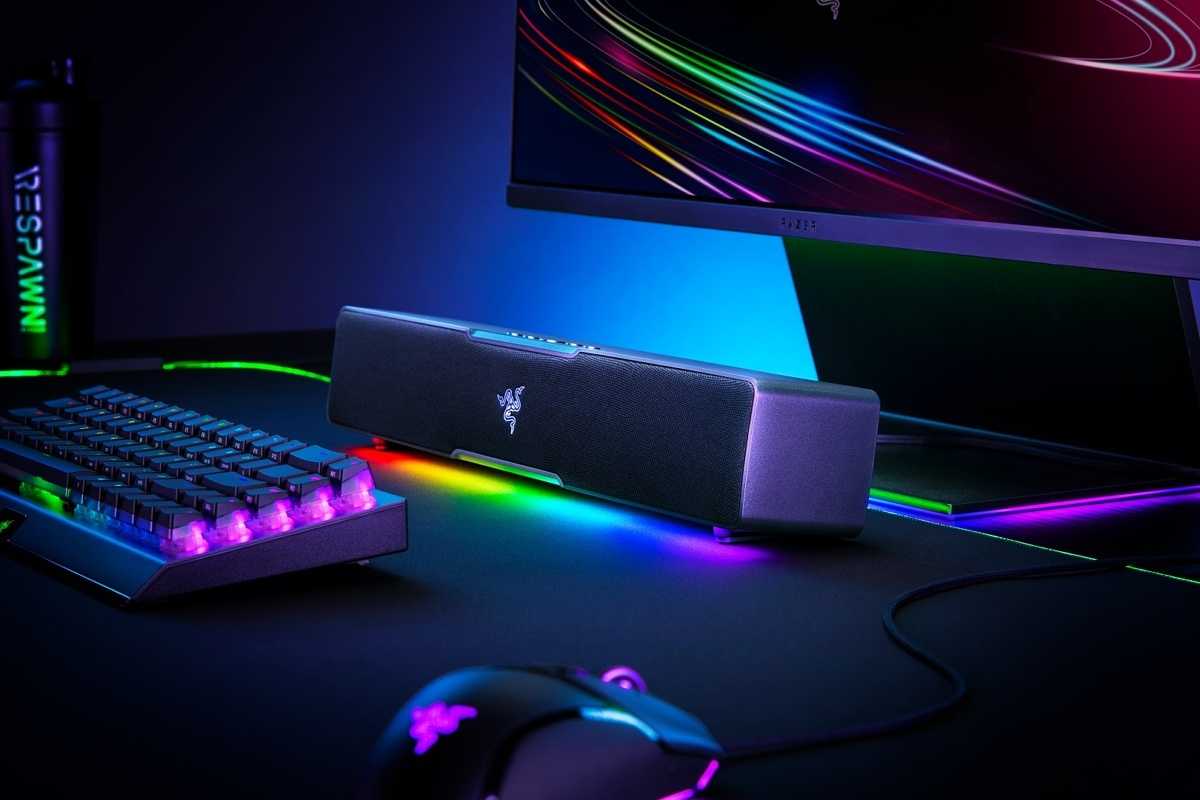
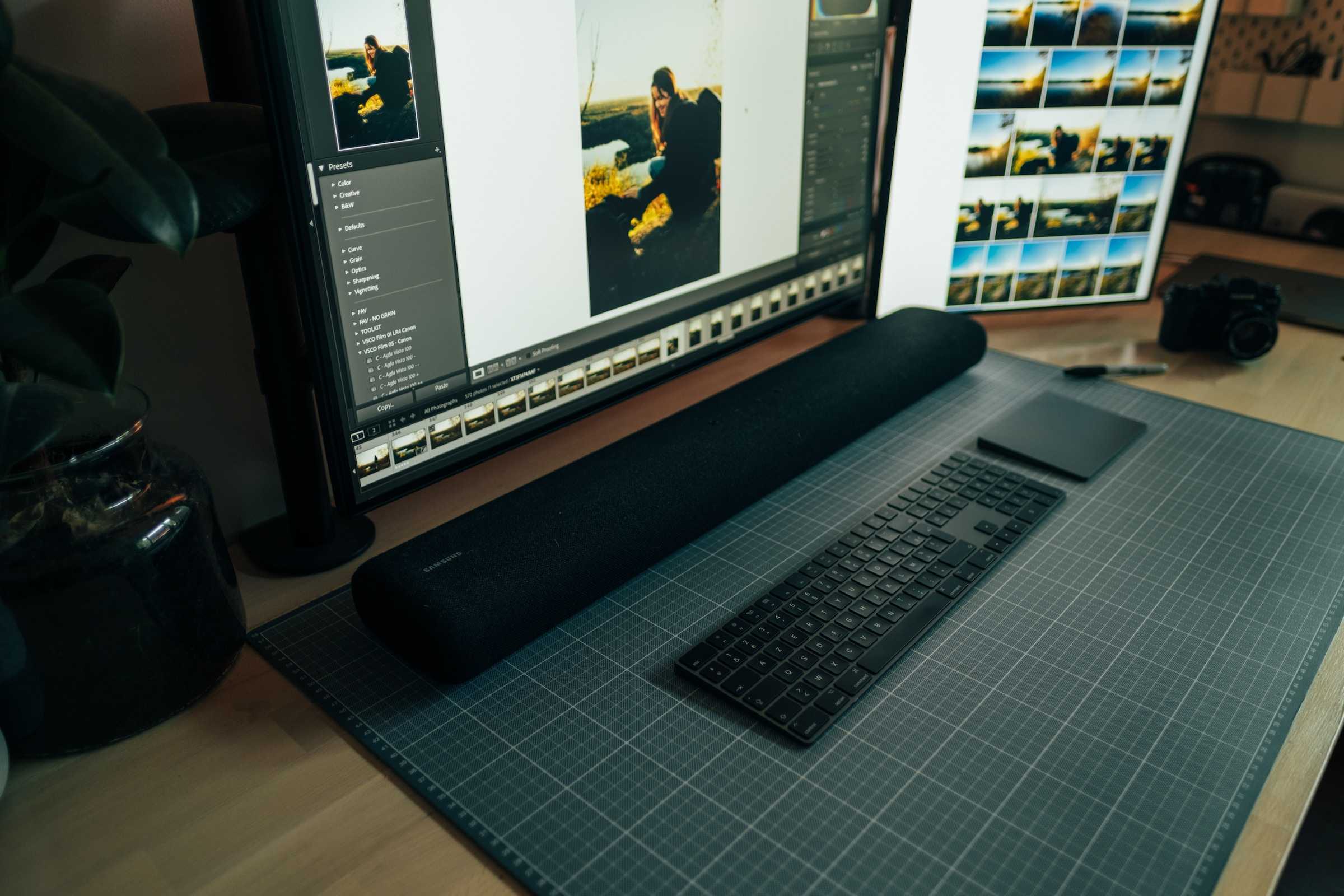
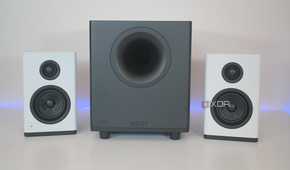
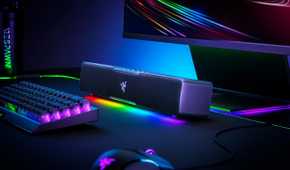
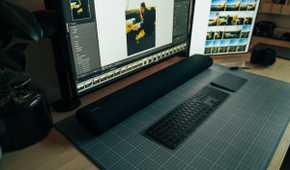
Another great upgrade for your WFH setup is a pair of wired or wireless speakers. Whether you want to set the mood with some soothing tunes, or listen to music on your break, good speakers can really enhance your experience. Wearing headphones isn't always the best option — maybe you don't want the added weight on your head and ears, or you don't want to feel completely cut off from your surroundings.
The best PC speakers range from cheap 2.1-channel systems, to mid-range soundbars and elaborate 5.1-channel setups. It all depends on the number of use cases you can think of for your speakers.
8 Lighting accessories
The right lighting works wonders


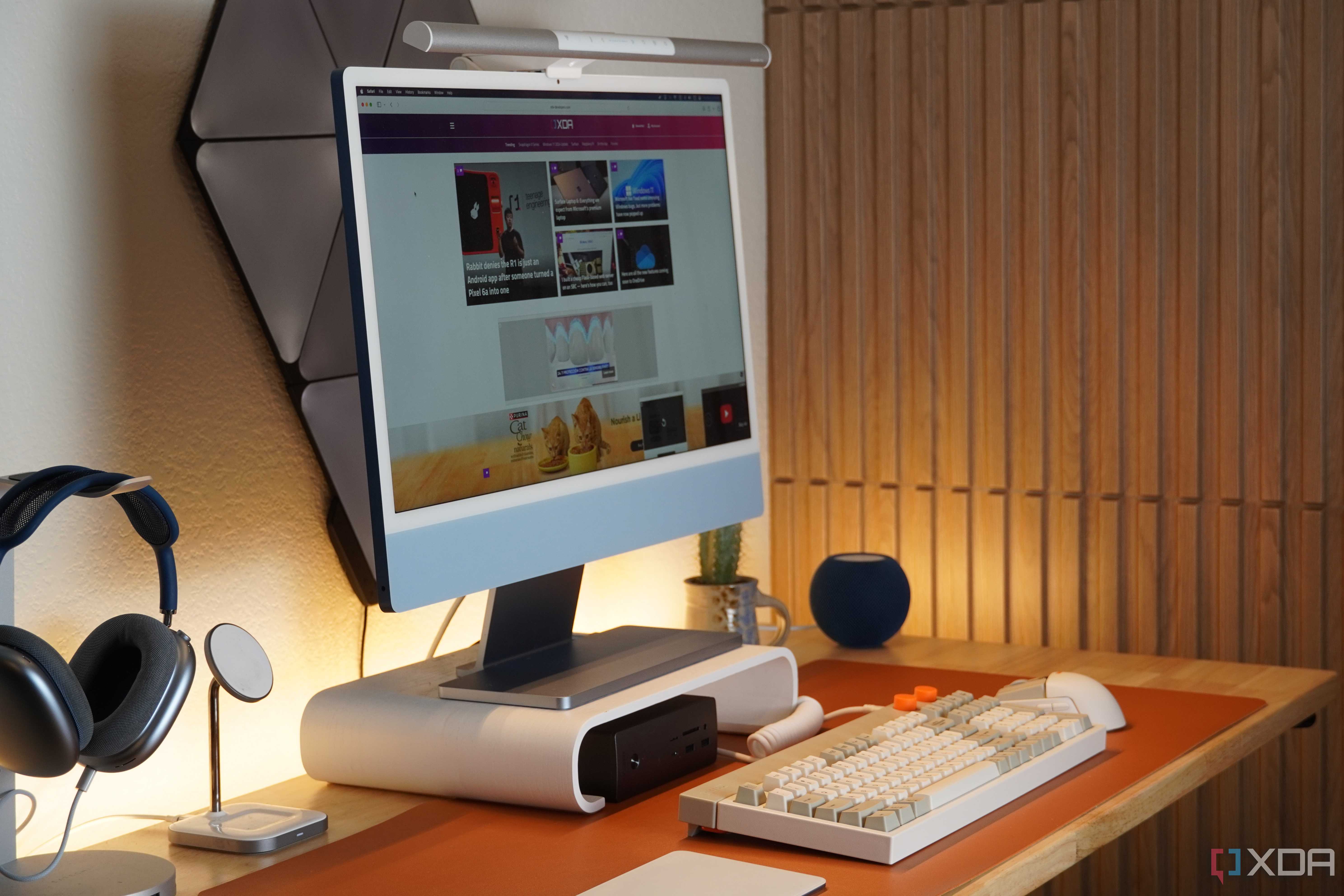
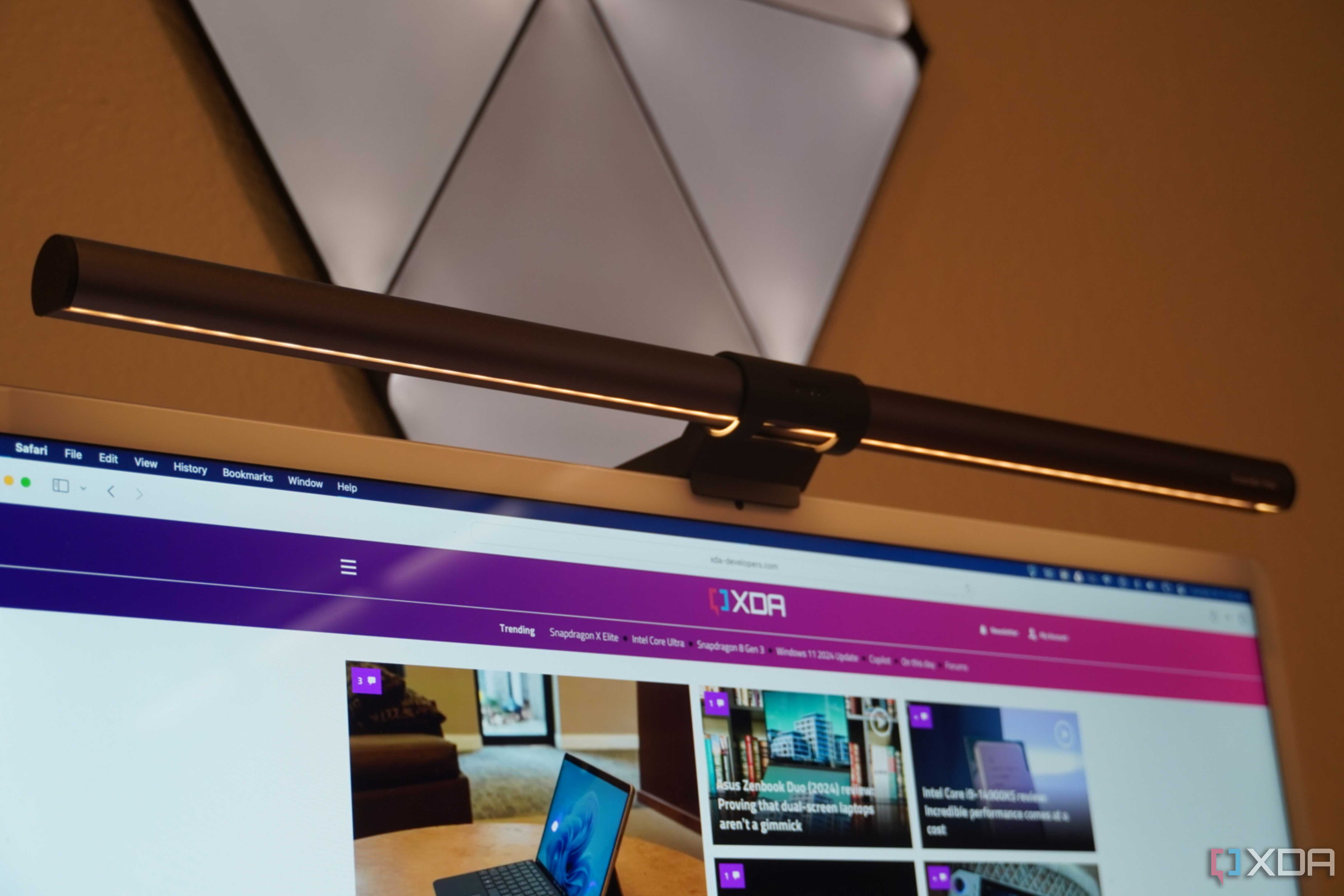
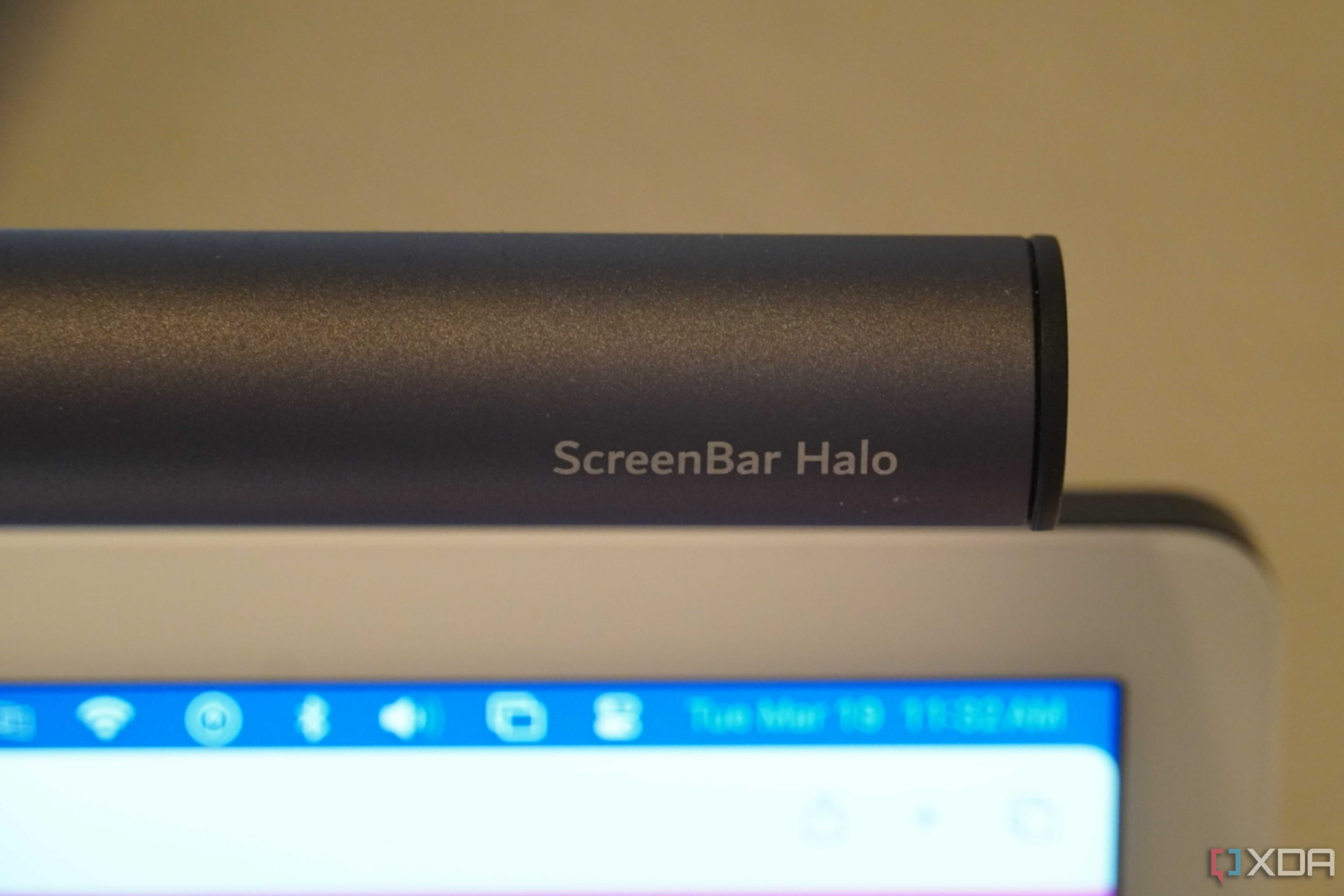
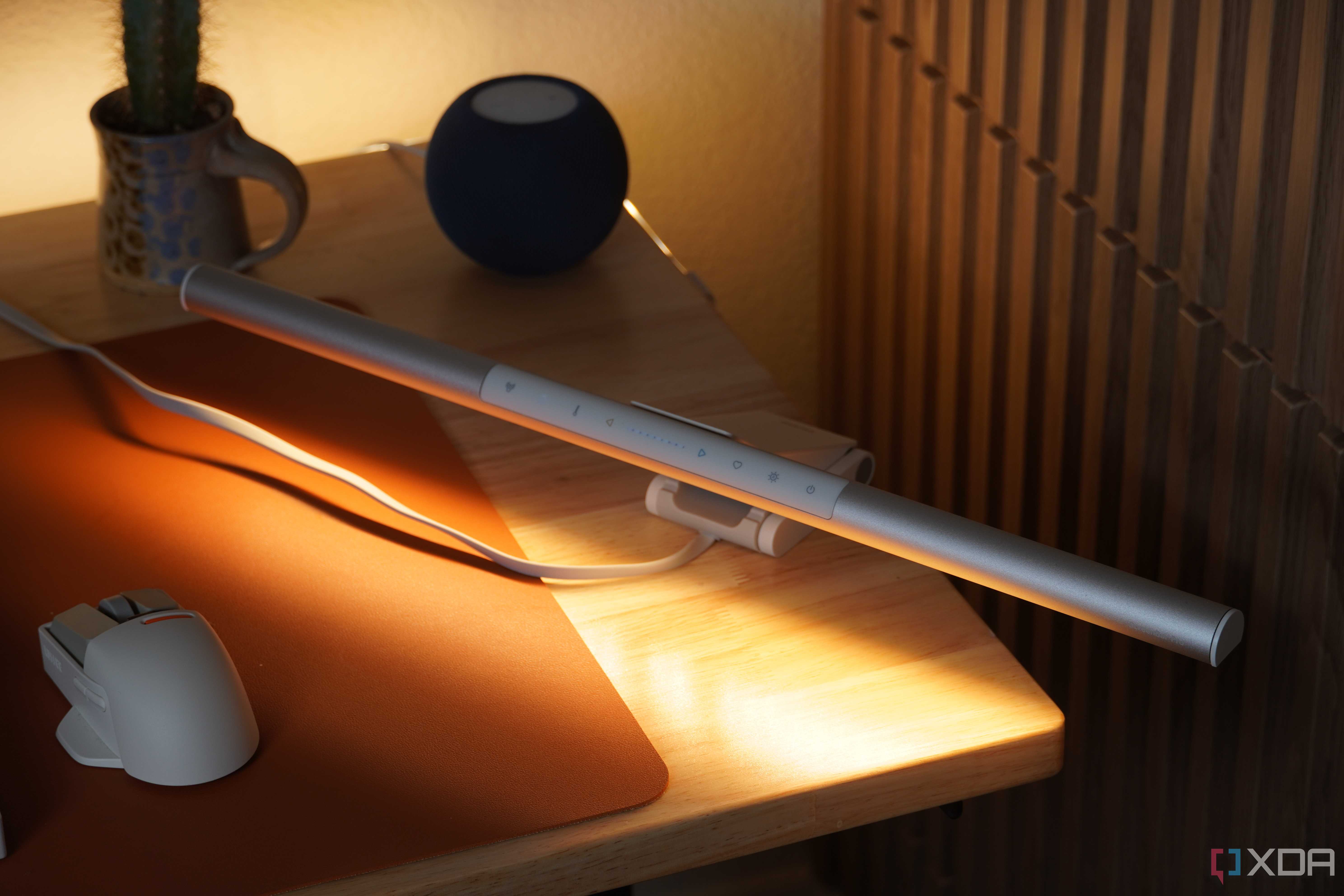
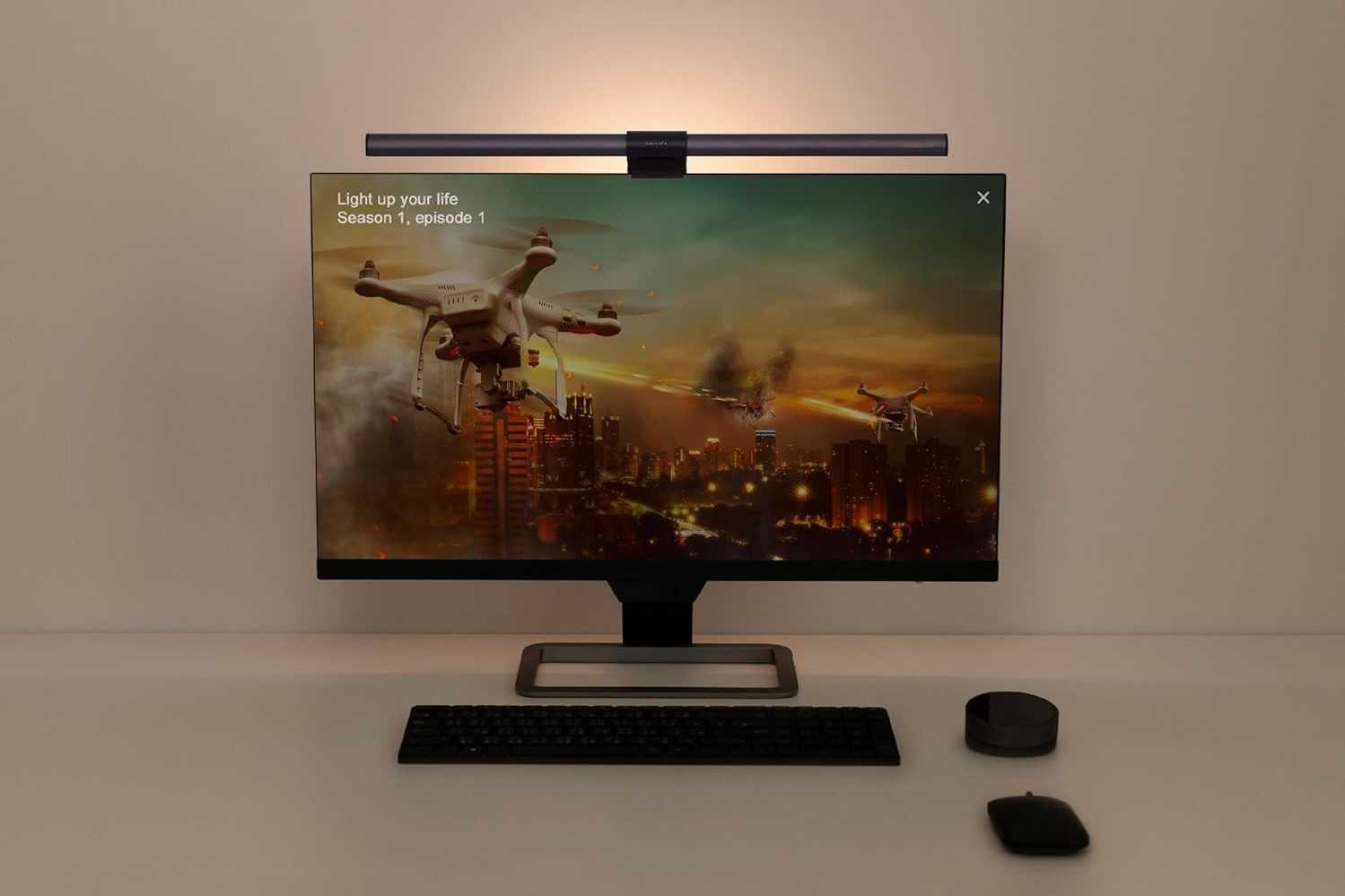
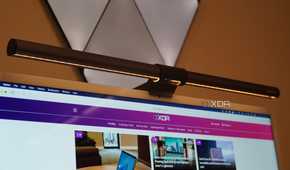
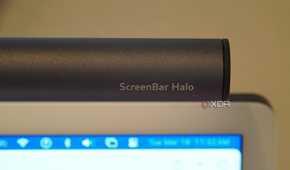

While you should prioritize working in natural lighting during the day for health benefits and a low-stress work environment, working during the evening or night requires the right lighting setup. This could mean a soft light lamp on your desk to illuminate your keyboard and desk, or a monitor light bar attached to the top of your monitor to light up your work environment and reduce the glare from the screen.
The specific lighting upgrades you may need will depend on your unique desk setup and room environment, but focusing on having the right lighting is essential to a more relaxed and productive home office. It also adds a touch of elegance to your desk setup and makes it more inviting.
9 A charging station
Keep the clutter under control


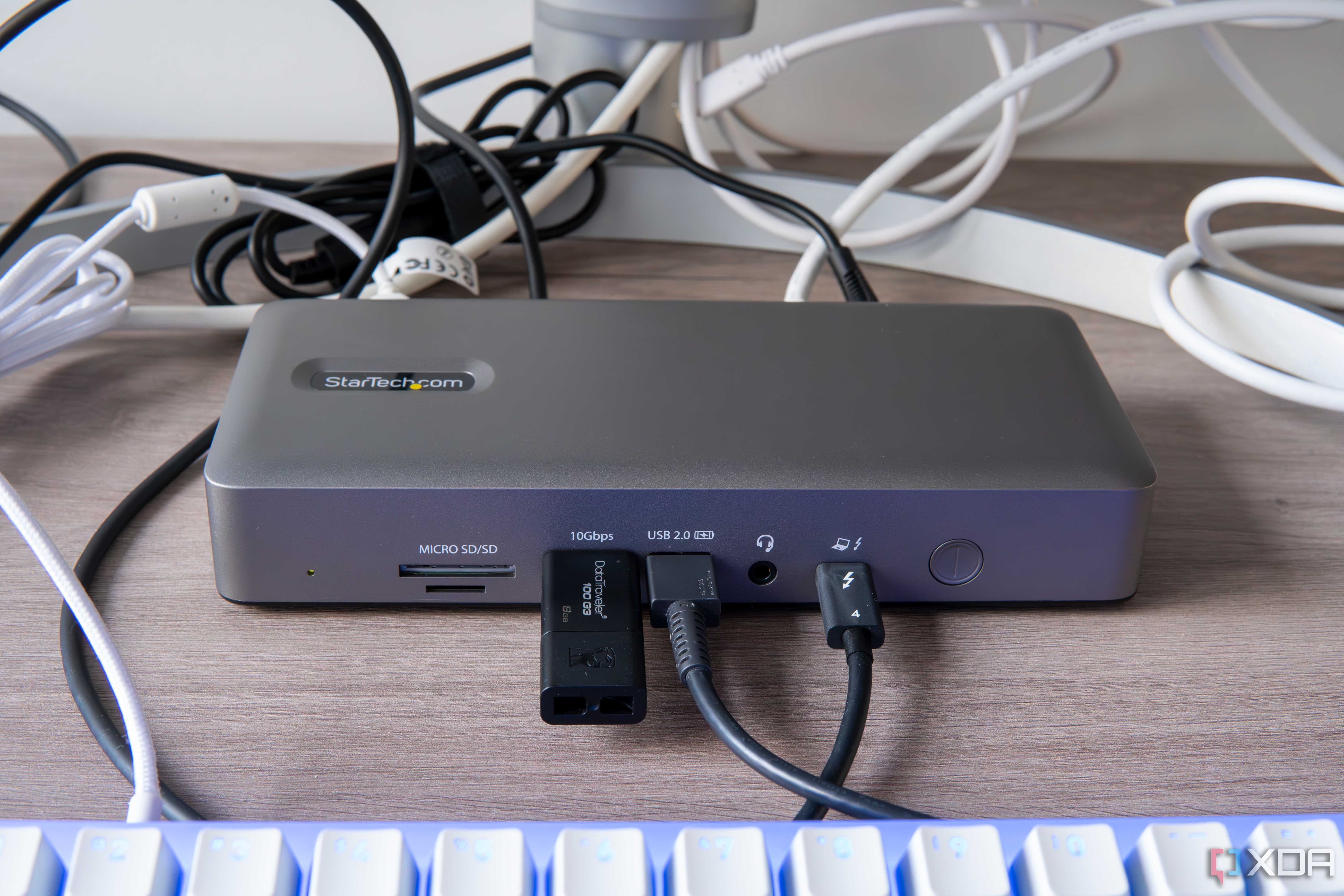
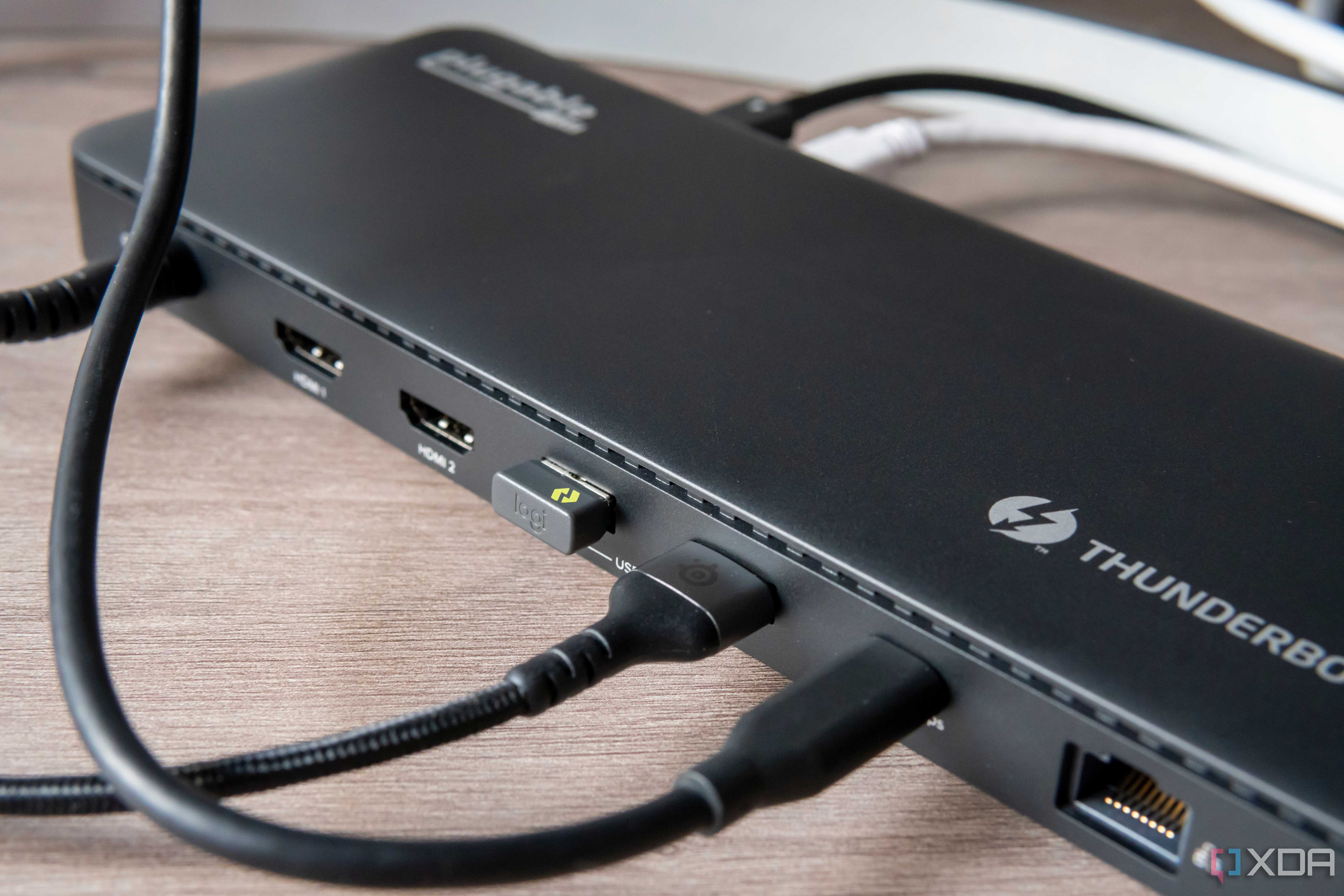
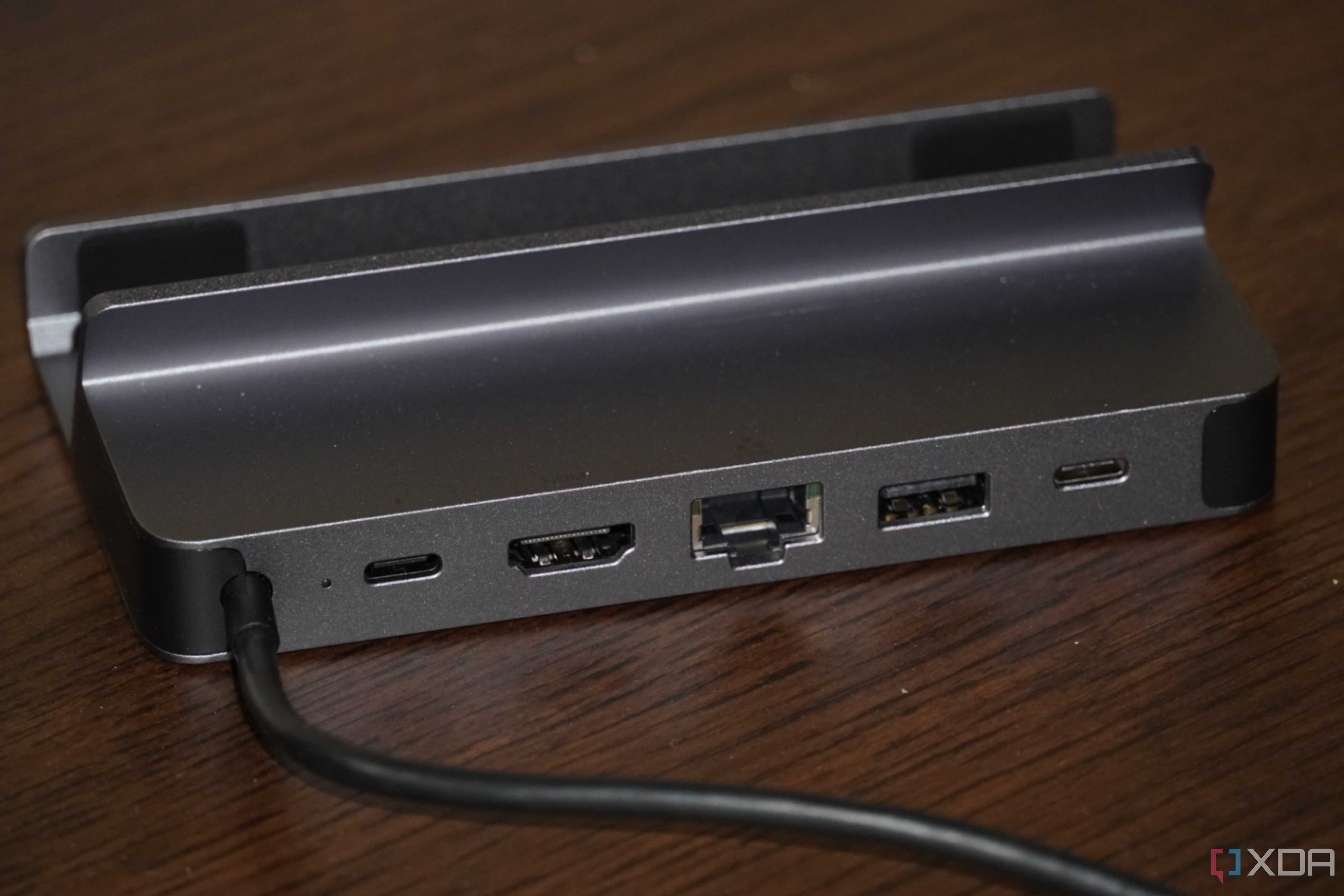
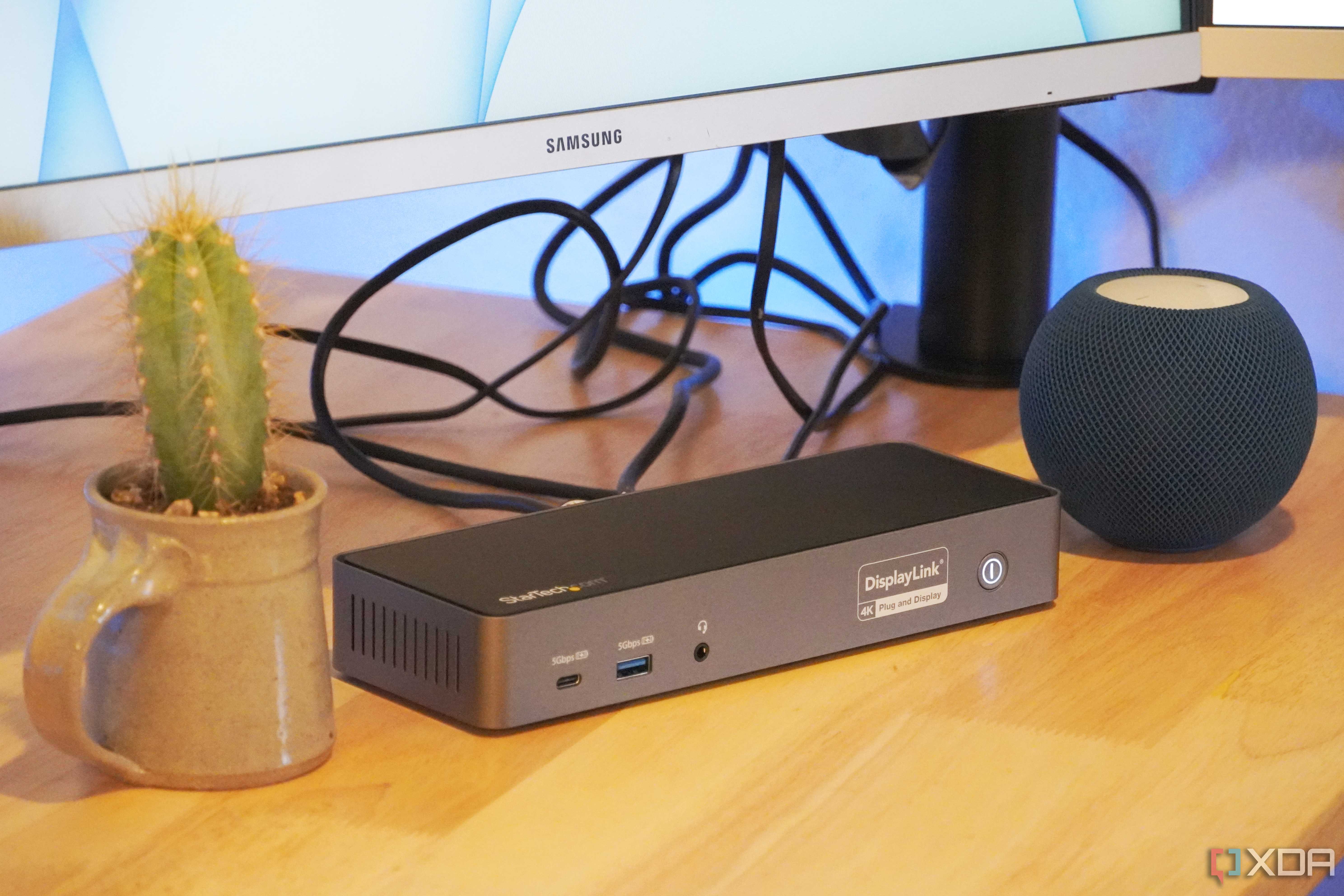
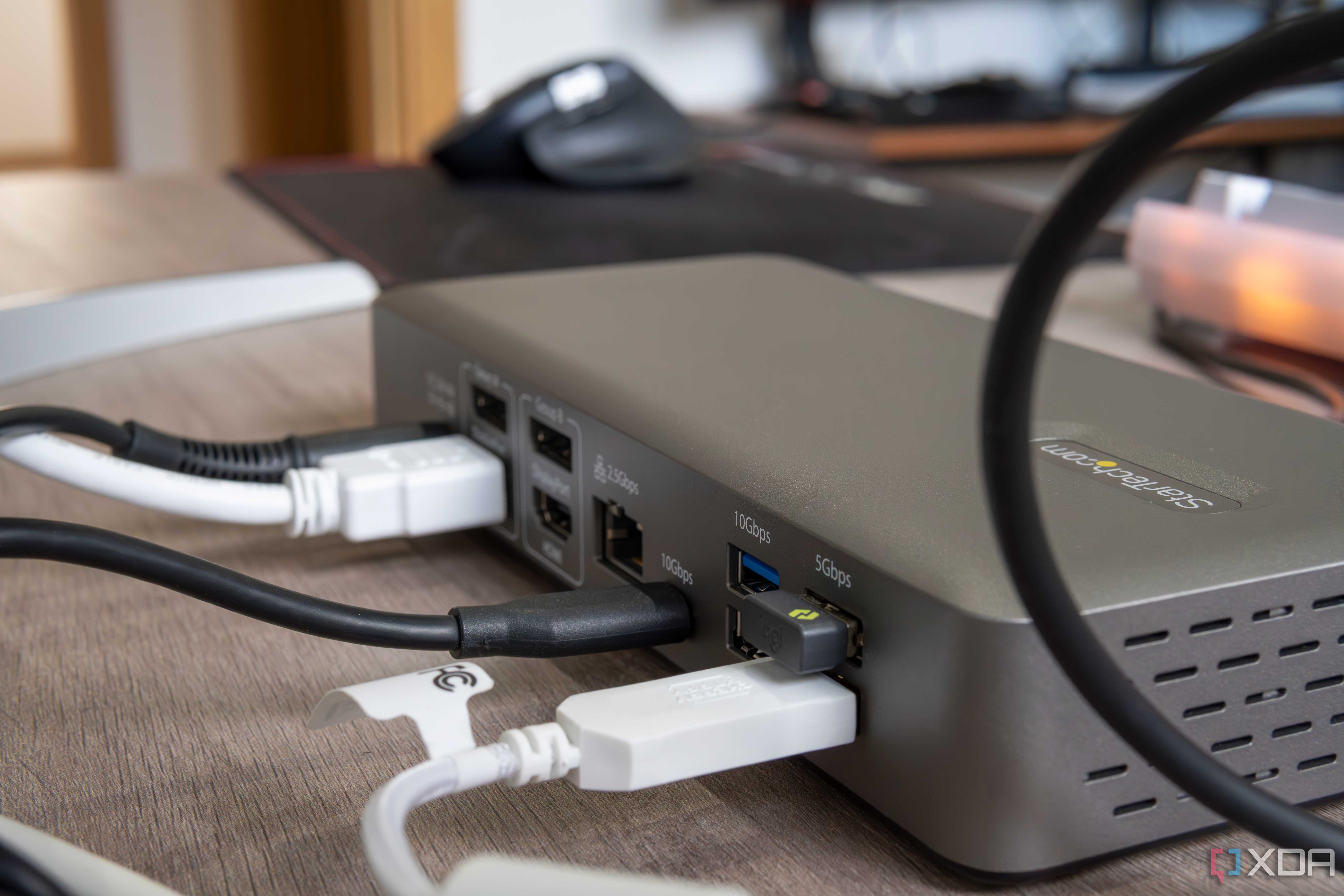
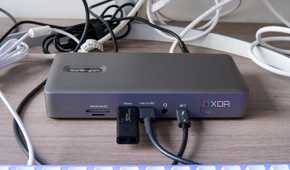
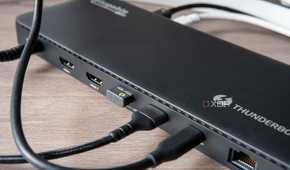
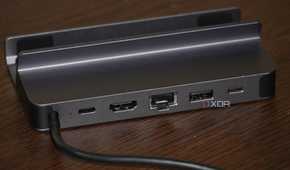
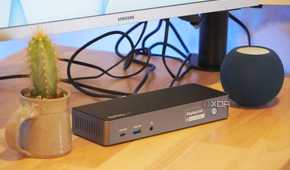
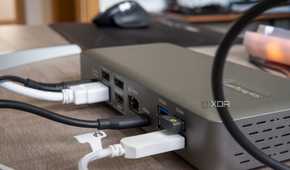
With all of these home office upgrades, you might be worried about how to power them and still keep the cable clutter under control. Well, there are great charging docks that can come to your rescue, charging multiple devices at once, becoming a centralized hub for all of your charging needs. You can simultaneously power your computer, wireless peripherals, phone, lamps, and anything else you fancy.
The best docking stations will not only keep all of your devices charged but also provide additional ports for maximum connectivity for your laptop. They also help you route all of your charging cables through a single hub instead of finding separate ports and outlets, avoiding a mess.
10 A nearby yoga mat
Gotta stretch those muscles

This might not seem as useful as some other upgrades on this list, but believe me, you have to get up and stretch those tired muscles every once in a while. A yoga mat close to your home office can be an easy way to help prevent muscle spasms and chronic stiffness. Keep it close to your desk setup so you can easily switch between working and doing some stretching once every hour or so.
Besides simply stretching, you can also indulge in some yoga poses if you want to increase your energy and focus, relieve joint and back pain, and improve your overall posture. Reminding yourself to get up regularly throughout your work day isn't always easy, but you should try to do it more often. After all, it's your one and only body you're caring for, and you'll be living with the impact.
Pimp up your home office for a more enjoyable workplace
Investing in your home office hardware, accessories, and environment can go a long way towards increasing your productivity, keeping your health in check, and creating a more rewarding working experience. The goal is to remove distractions and friction from your work setup, and increase your comfort, so that you will feel good even when putting in those long hours. These upgrades will provide great value for years to come, and you can reap their benefits every single day.
