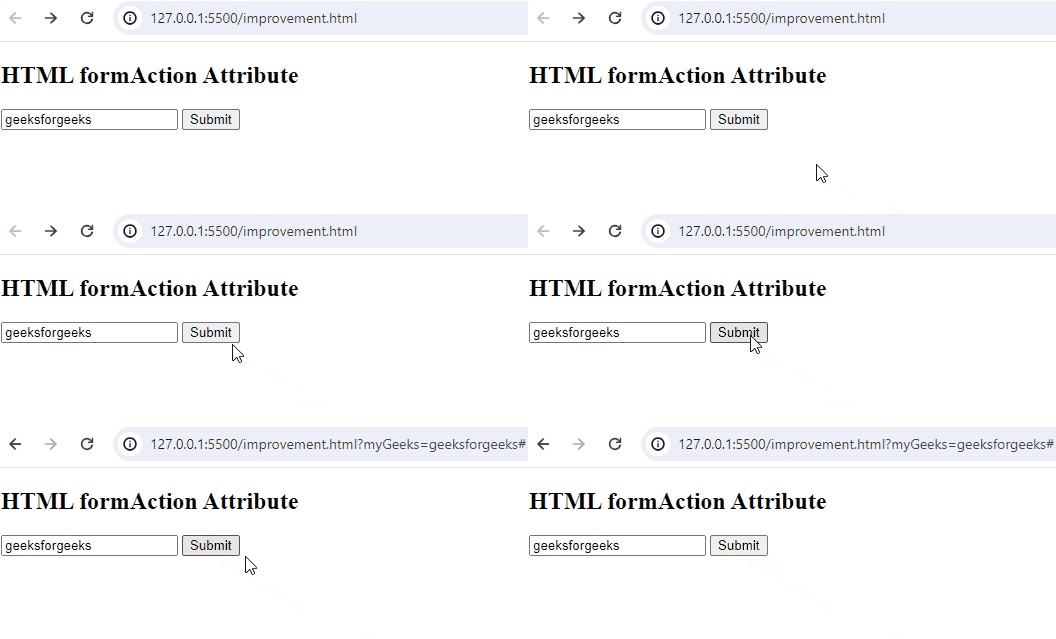
The HTML formaction Attribute determines the submission destination of form data, overriding the form's default action. It's exclusively applied to input/buttons with type="submit".
Syntax
< element formaction="URL">Supported Tags : <button> ,<input type="image"> or <input type = "submit">
Attribute Values
It contains a single value URL which is used to specify the URL of the document where the data to be sent after submission of the form. The possible value of the URL is:
| Type | Description | Example |
|---|---|---|
| Absolute URL | Points to the full address of a page. | "https://www.geeksforgeeks.org/html/html-tutorial/" |
| Relative URL | Points to a file within a webpage. | "gfg.php" |
HTML formaction Attribute Example
Example: In this example we demonstrates the formAction attribute, specifying the submission destination for form data, overriding the form's default action, set to "test.php".
<!--Driver Code Starts-->
<!DOCTYPE html>
<html>

<head>
    <title>HTML formAction Attribute</title>
</head>

<body>
    <h2>HTML formAction Attribute</h2>

<!--Driver Code Ends-->

    <form action="#"
          method="get"
          target="_self">
        <input type="text"
               id="Geeks"
               name="myGeeks"
               value="geeksforgeeks"
               formtarget="_blank"
               formmethod="post"
               formaction="test.php" />

        <input type="submit" />
    </form>

<!--Driver Code Starts-->
</body>

</html>
<!--Driver Code Ends-->
Output: