

The MouseEvent.screenX property is used to get the horizontal coordinate (in pixels) of the mouse pointer relative to the screen, not the viewport when a mouse event occurs. This value represents the distance from the left edge of the user's screen to the mouse pointer's position.
Syntax :
event.screenXReturn value: It returns the horizontal coordinate of the mouse pointer relative to the entire screen.
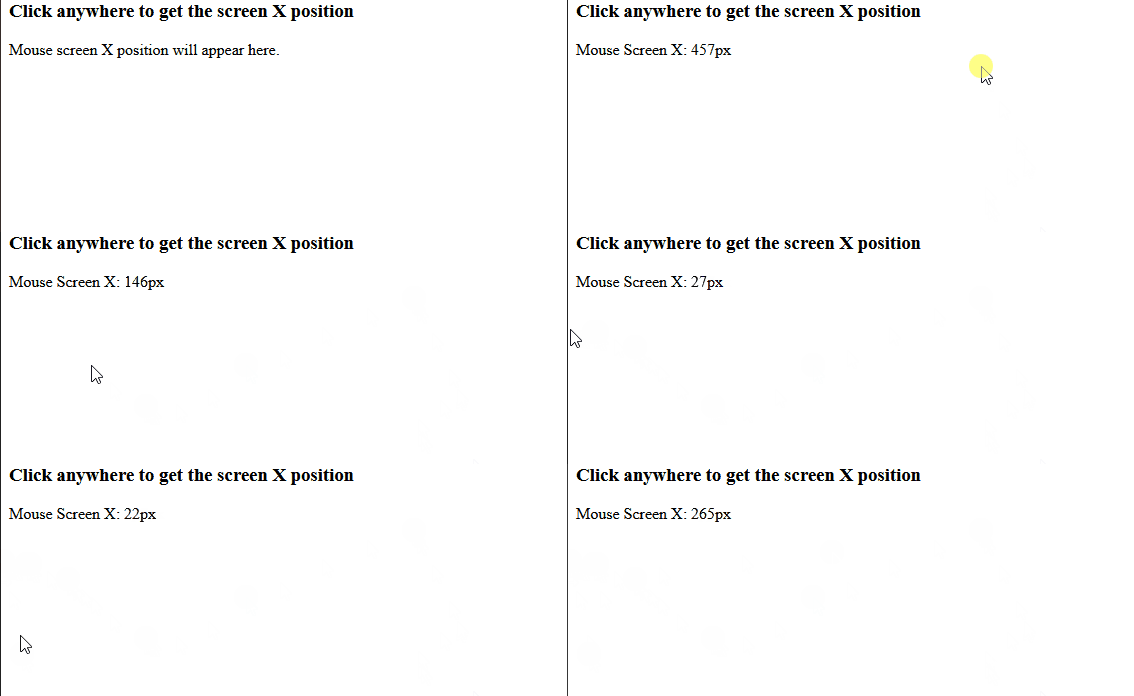
Example: The below example finds the horizontal coordinates of the mouse pointer, relative to the screen when the mouse clicks on the screen.
<!DOCTYPE html>
<html lang="en">

<head>
    <meta charset="UTF-8">
    <meta name="viewport" content="width=device-width, initial-scale=1.0">
    <title>MouseEvent.screenX Example</title>
</head>

<body>
    <h1>Click anywhere to get the screen X position</h1>
    <p id="output">Mouse screen X position will appear here.</p>

    <script>
        document.addEventListener('click', function (event) {
            const screenX = event.screenX;
            document.getElementById('output').textContent =
             `Mouse Screen X: ${screenX}px`;
        });
    </script>
</body>

</html>
Output:
Supported Web Browsers
- Opera 12.1
- Google Chrome a
- Firefox 1.5
- Apple Safari 1
