Hexxmap
A downloadable tool for Windows and Linux

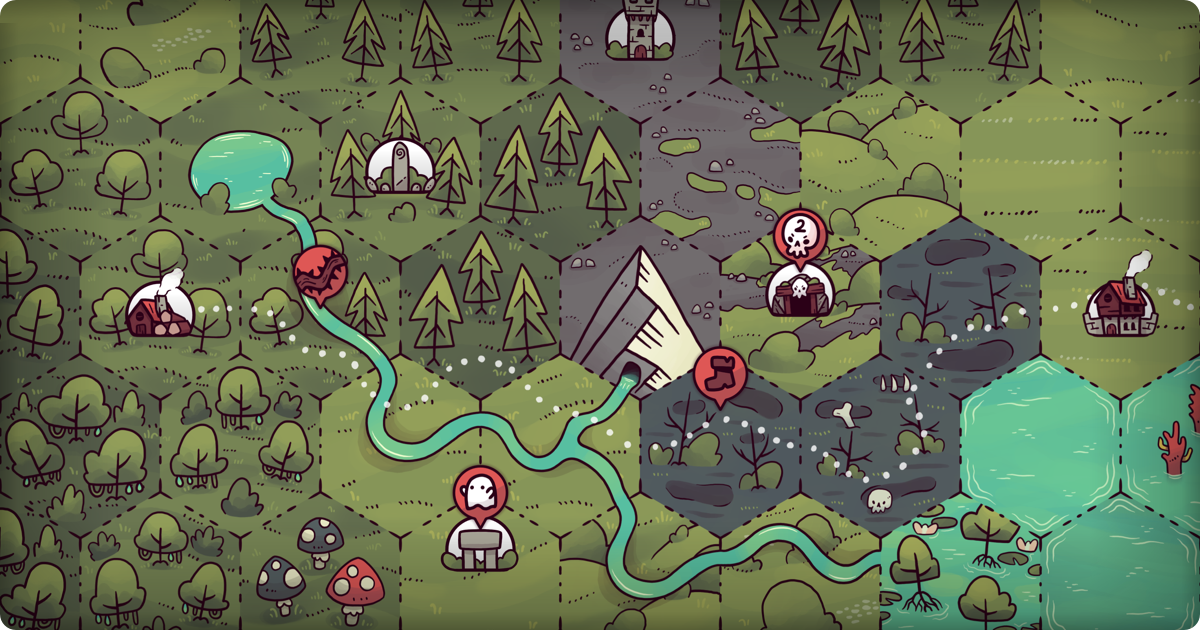
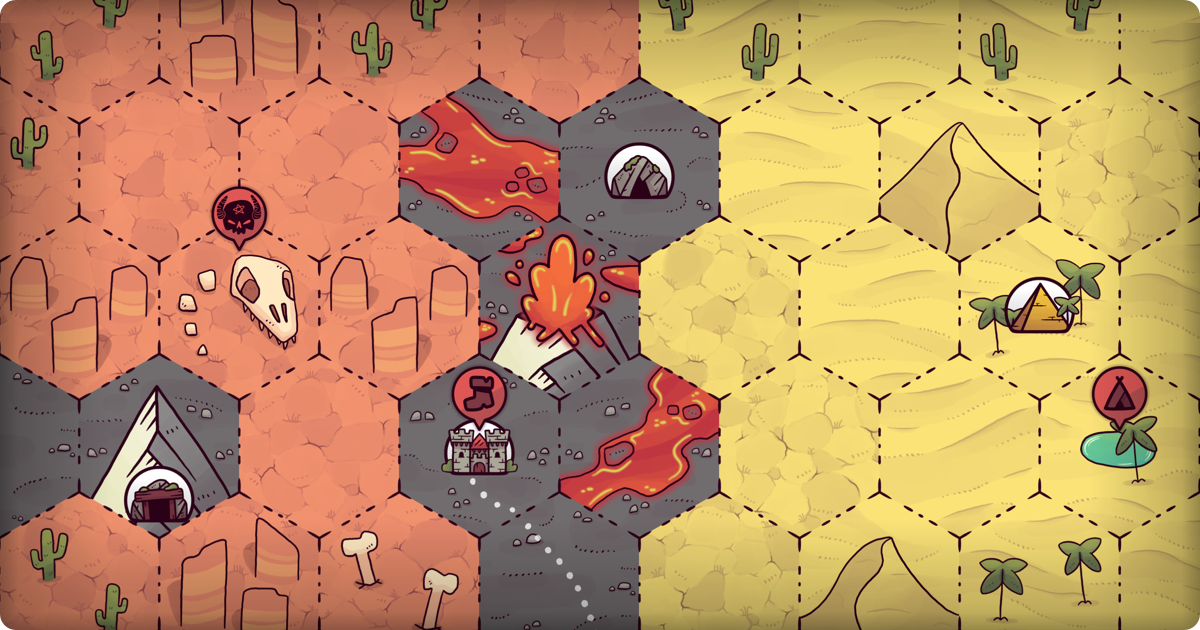
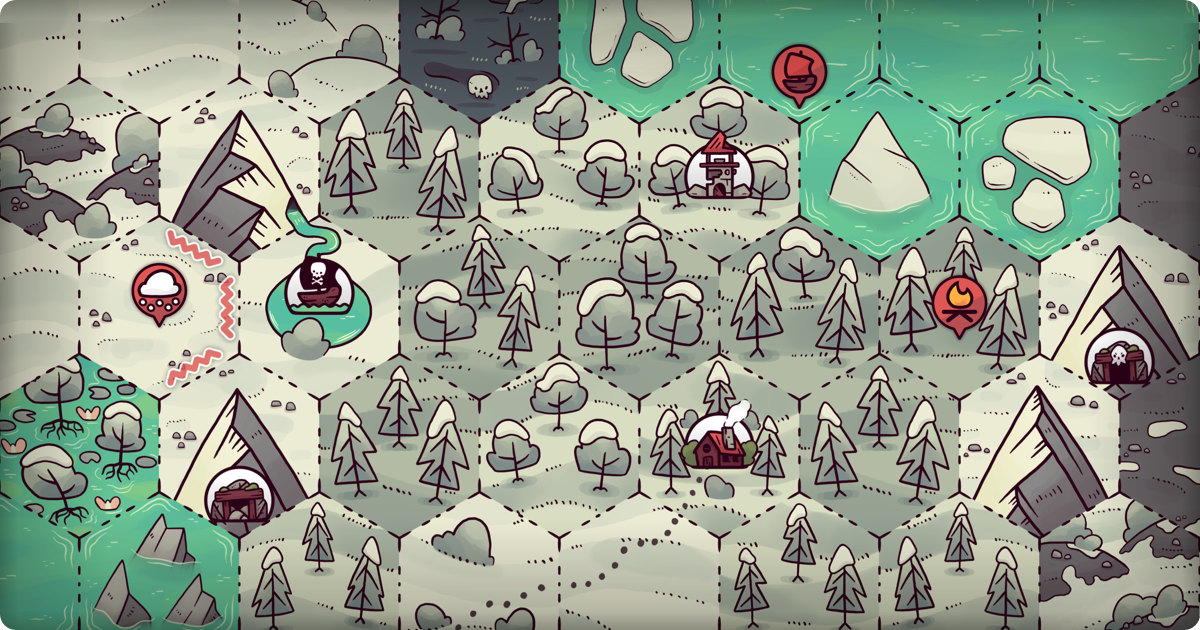
HEXXMAP is a fun to use hex tile map editor with cool features, available for Windows & Linux.

Check out the Showcase or Let's Make a Map! videos. In short, here is what you get:

PAINT & ERASE |
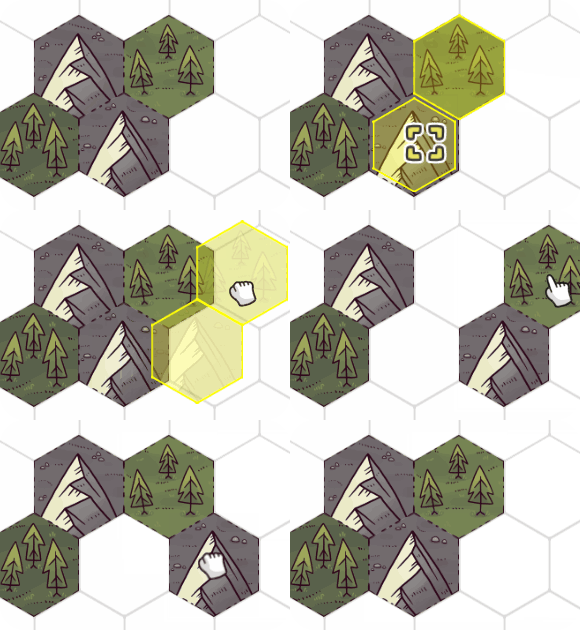
SELECT & MOVE |
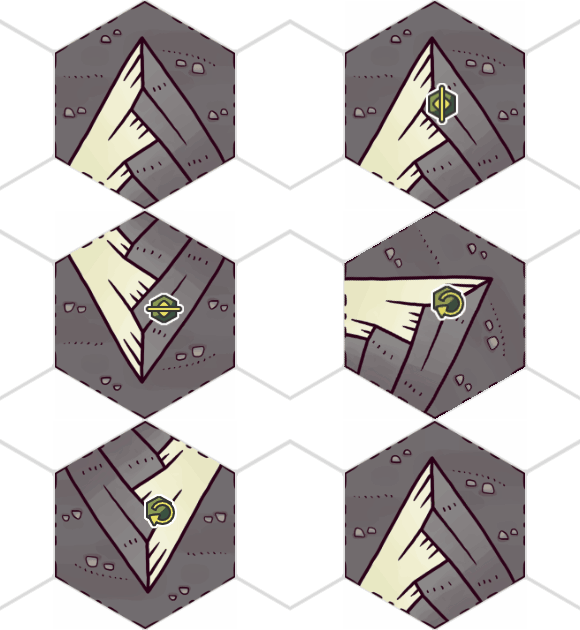
FLIP & ROTATE |
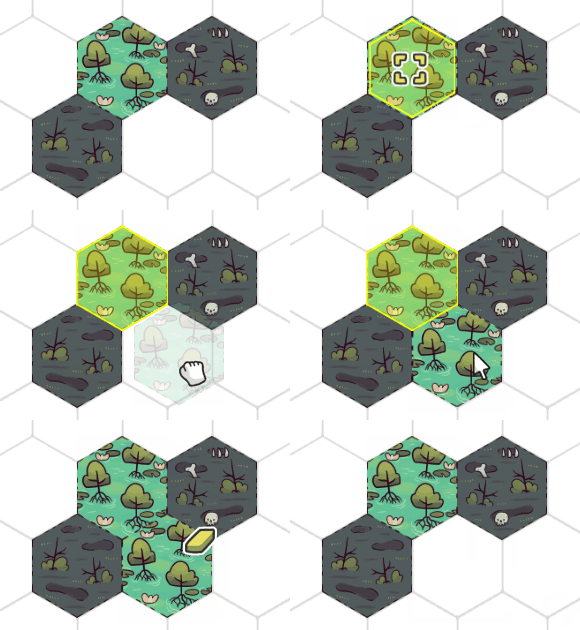
COPY & PASTE |
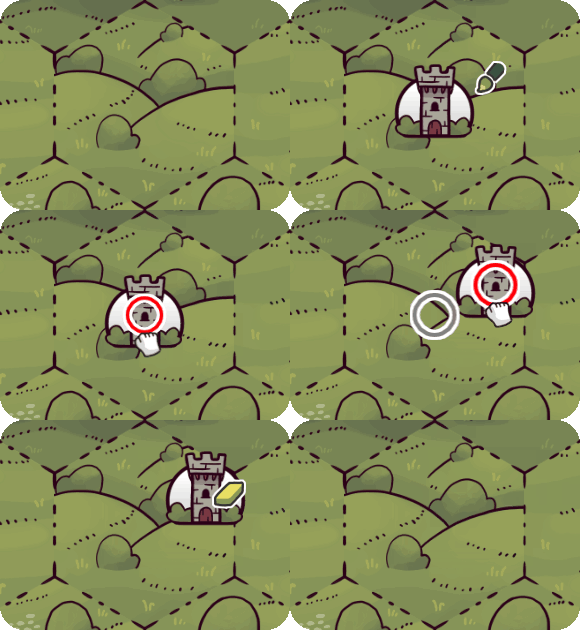
TILE OFFSET |
FLAT & POINTY |
SAMPLER |

DYNAMIC GRID |
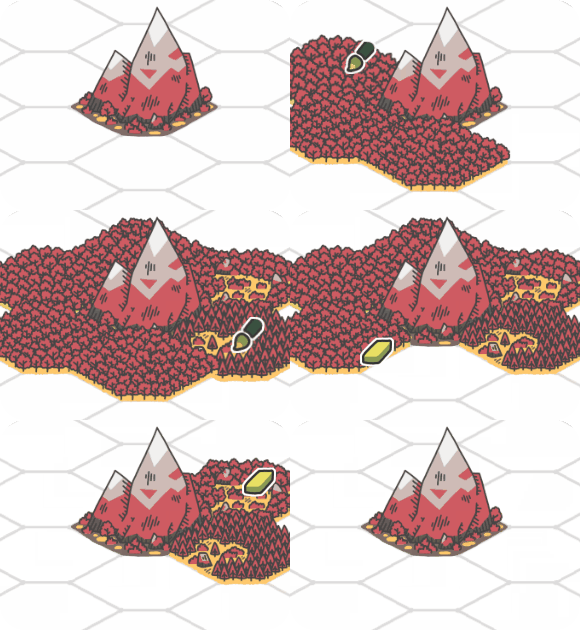
IRREGULAR TILES* |
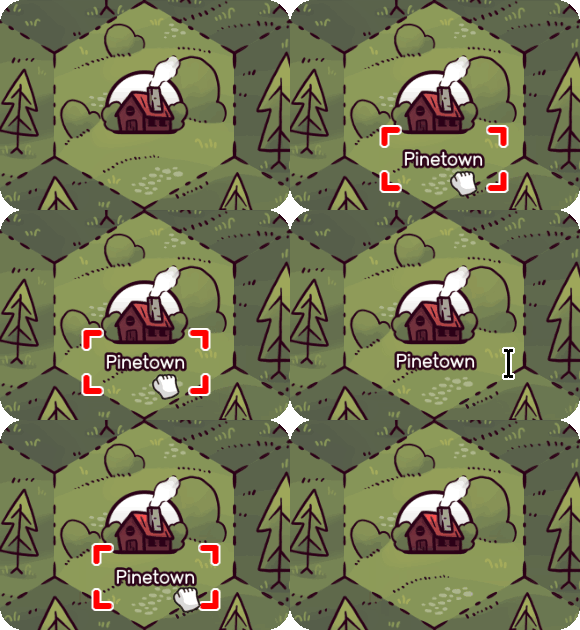
MAP LABELS |
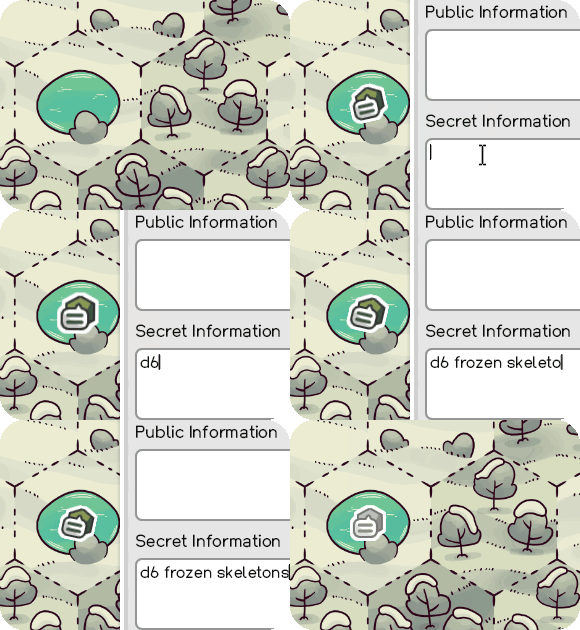
TILE STORIES |
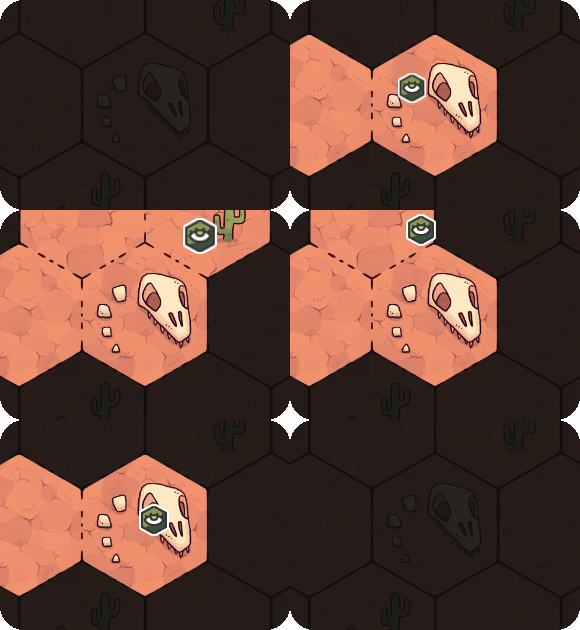
FOG OF WAR |
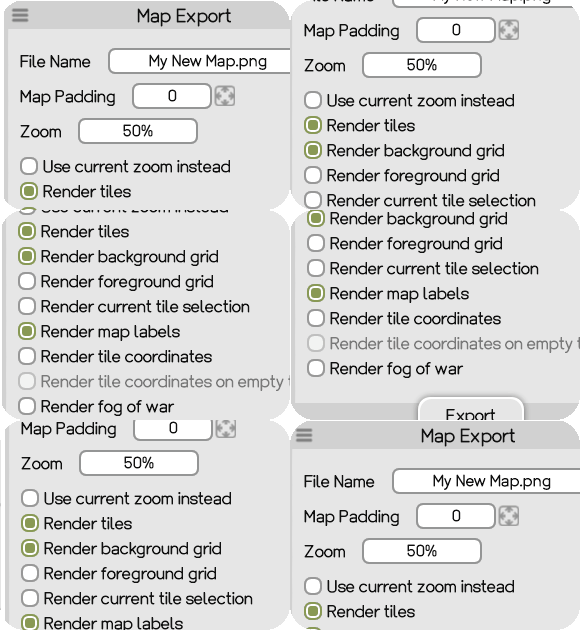
EXPORT TO PNG |
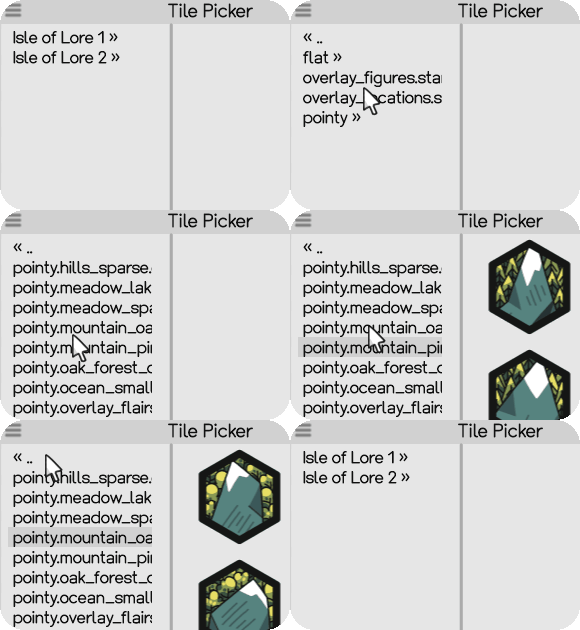
IMPORT TILES* |
DOCUMENTATION |
*Isle of Lore 1 hex tiles are not included. Instead, you'll get a small selection of Mythic Hex Tiles as well as Isle of Lore 2: Hex Tiles and Isle of Lore 2: Strategy Figures as part of your purchase. You can load other tile packs into Hexxmap, as long as they are image files (png).
HEXXMAP can be used commercially, given its license. Mailing List subscribers got a 30% discount on release, although that promotion is over, I sometimes give out exclusive discounts on my list.
Minimum system requirements: Windows 10 (64-bit) or 64-bit Linux (native build, tested on Ubuntu), dual-core 2.0 GHz processor, 4 GB RAM, OpenGL 3.0 compatible GPU, 200 MB available space. Performance depends on the size and complexity of the map.
Questions, problems or feedback? Contact me or join my Discord Server.
Purchase
In order to download this tool you must purchase it at or above the minimum price of $29.99 USD. You will get access to the following files:
Development log
- Version 1.3 - Linux & more62 days ago
- Version 1.2 - HotfixMar 25, 2026
- Version 1.1 - HotfixMar 20, 2026
- Version 1.0 - Hexxmap released!Mar 20, 2026


Comments
Log in with itch.io to leave a comment.
Do you think these will work with your app? https://2minutetabletop.com/product/world-map-hex-tiles/
They should work. If not, let me know and we figure something out. :)
this looks really cool, was it at all developed using AI?
also I see that exporting tile data isn't yet an option, this would be super necessary as I would only be interested in designing maps for play in person
are there plans to create regions for the purposes of blanketing a encounter table?
Hey! :)
I did not use AI to create any artifacts in regard to code or illustrations for Hexxmap or any of my other software and art packs. I use AI as a Google-replacement to gather information and research across websites instead of searching it myself on Stack Overflow, Reddit and so on, which includes finding explanations for bugs, but implementing and testing them myself.
The tile data is available in an own custom format as a text file, and maps can be exported to pngs. Can you elaborate what you mean with play in person? Would you like to feed the tile data into another software for printing?
With regions, you probably mean grouping multiple hexes together and then attaching an encounter table or tile information to it, right?
thank you for the reply, I appreciate the transparency! yeah, what I mean is printing and running content in real life so being able to make notes in each hex, or for instance, creating a faction or encounter table field and then covering a bunch of hexes, and then exporting all hex info to markdown would be amazing
I understand that's a lot, and there might be redundant info shared between hexes, so for 'regions' you might export "region information" and then include in hex information "included in region X" or, even more ideal, a user set note like "roll on table: forest biome"
running hexcrawls can be pretty high maintenance and these kinds of information organization + exporting is surprisingly difficult to come by
Would it be an idea to allow to link hexes to Obsidian notes via its file protocol? With that, you could organize the data within Obsidian and use its powerful plugins to export the information in a fitting way.
I think that would be great, but I also think that would be the same as exporting to markdown tbh
if you allowed for exporting to markdown than you'd get the best of both worlds as people could plug it into obsidian and do exactly as you say, or just print it out with very sparse formatting
Right! :)
Insta buy now that Linux version is available :-) Thank you for providing that.
After using it for a couple of hours I have some feedback
In general the app is great! thanks for making it and for the Linux version
# General
- There doesn't seem to be any way to scale down tiles to the size of the map? That's useful when I'm using different tilesets with different dimensions (Hex Kit & Isle of Lore)
# Tile picker
- It would be nice if the folders had previews similar to how it works on the palette, right now I need to click each folder individually to find the tile I'm looking for.
- Multi select tiles to quickly randomize between them. Currently the only way of doing this is adding them to the palette.
- Keyboard arrows to move up and down enter and exit a folder, the click target for each folder is just a small line of text so it's easy to miss.
- Parent folder name somewhere, it's easy to get lost when navigating a tile sets and there is no easy way to know the name of the parent folder.
- A Hover effect for the folder row would help knowing what are you going to click.
# Configure pallete
- Double click on a folder name to select toggle the selection
- Sometimes clicks will miss while the preview of the tiles are loading making it really slow to navigate
# Bugs
- Mouse is laggy on Linux haven't tried on Windows so this might be only happening on linux but overall moving the mouse feels quite choppy even in the normal map view
Oh, thank you for the feedback! I've put your ideas on my todo! :)
While not really helpful, the cursor is or should be smooth on Windows and Linux (I tested it on Ubuntu). Can I ask you for your system specs and what distro you are using? Are you using the direct download or the .deb package? And is it choppy on a new, empty map, after starting Hexxmap?
I just tried again and open and closed Hexxmap and the laggy mouse issue seems to be fixed! Not sure what triggered it but if it happens again I will let you know!
OS: Arch Linux x86_64
Kernel: Linux 6.18.51-1-lts
CPU: 12th Gen Intel(R) Core(TM) i7-12700KF (16+4) @ 5.00 GHz
GPU: AMD Radeon RX 580 Series [Discrete]
Memory: 15.10 GiB / 31.15 GiB (48%)
Okay, weird! But I'm glad it's not a persistent issue! :D
Opening the documentation on Linux opens the following URL: http://./Documentation/Documentation.htm which isn't where the docs are. (Installed from the .deb file). (I don't know if there's somewhere else you'd prefer this sort of feedback but I couldn't see one...
When you click the grinning witch face a frog falls out. This is, without a doubt, my favourite feature I've found so far :)
I think that's because the browser (snap Firefox?) is sandboxing the file when Hexxmap is installed through the .deb package. I haven't found a proper solution yet. In the meantime, you can open the documentation here. Sorry for the inconvenience!
Finally someone is mentioning the easter egg! :D
Can’t wait to get this!
Has anyone tested and confirmed this works on Windows on ARM?
Hexxmap is currently x64 and x86 on Windows and very soon native on Linux, too, but no ARM. :(
This looks interesting. I'll definitely keep a lookout for the Linux version. I currently use Worldographer, but it is extremely slow when zooming in/out and scrolling for some reason. And it has way more features than I need, so this could be a good alternative.
I've just released an update for Hexxmap with native Linux support.
Would also love a Linux version, though a confirmation that it works with WINE or Proton would be just as good!
A friend tested it with WINE and it worked fine. The reason I'm not announcing it, is that I didn't have the chance to test it myself and that I'm working on a native Linux build at the moment. What I can offer is a refund if it doesn't work.
I would help you debug either version if you give me a temporary license! I was a linux sysadmin for 20 years.
Another set of eyes for the Linux version would be great, please write me at info@stevencolling.com! :-)
Can this handle a 1000 by 1000 tile map?
I intend to use it for designing the world of a hex grid game
What size in pixels are the tile images and how much RAM does your computer have?
I have 64GB (computer strong) and I can make the images quite small, the important thing is for them to convey meaning and not necessarily be pretty.
I am just curious at which tile count does the software slow down? How many tiles can I move at once without significant slowdowns? I want to make sure that its still somewhat usable even if I have to make large edits to the map. Would be very thankful if you could try out some crazy manipulations like this and come up with functional limits to multi-tile editing
Can you write me at info@stevencolling.com? :)
I did some stress tests by repeatedly copy pasting smaller hexagon shapes into bigger ones. Here are some numbers:
Selection:
FPS became sluggish at around 15000 selected tiles, but still very much usable.
At 90000 selected tiles I was down to about 4-5 FPS. Considering I would rarely need to move that many at once, I would say this is completely adequate.
Pasting:
Pasting 90000 tiles takes about 3-4 seconds. I did this 5 times and then selected what was now nearly half a million tiles and pasted them on another layer, I had to do this because FPS had become seconds per frame, and It would take forever to move far enough away. Pasting took multiple tens of seconds, but it actually managed to do it, which is quite something.
I did have to mash the left mouse button quite a lot to actually place the tiles which means input during these rendering tasks is not registered/cached, so that is a suggestion for big map QoL.
Usability with high tile counts:
The map with nearly a million tiles opens and is usable within 10-15 seconds.
As long as you don't have crazy amount of tiles selected, the FPS is actually great even with a million tiles, and tile painting is buttery smooth.
One issue with a map this big is that it becomes difficult to find things, something like a "frame/focus" function is quite needed to teleport the view to your selection.
Overall I am very impressed and happy with the results!
+1 for JSON export and +1 for native Linux version (maybe using Mono?).
Tiled-compatible export would also be nice.
Btw, does it work via Wine?
Thanks for the feedback! Someone made it run on Linux (no guarantee from my side though!), but I will have a look in making it available natively! :)
I've just released an update for Hexxmap with native Linux support.
Great news!
Sounds interesting, +1 for Linux support and various coordination schemes for hex tiles!
It works with Linux?
Not officially, but I'm looking into it after I finished work on a new hex tile pack! :)
I've just released an update for Hexxmap with native Linux support
Will have to try this out on my Windows laptop, but a Linux version would be sick.
I've just released an update for Hexxmap with native Linux support.
Awesome news, thanks for letting me know!
Love this tool, the map art is gorgous. My only gripe at the moment is with the coordinates. I don't quite know how to explain ut, but is there any way to have the coordinate numbers be the same as in the attached image? In the default numbering, for example, 1/1 and 2/1 are the same, but 05.01 would become 5/-1 and so forth. It's not a huge trainsmash but if there is a way to adjust it, it would save a lot of effort in converting my maps.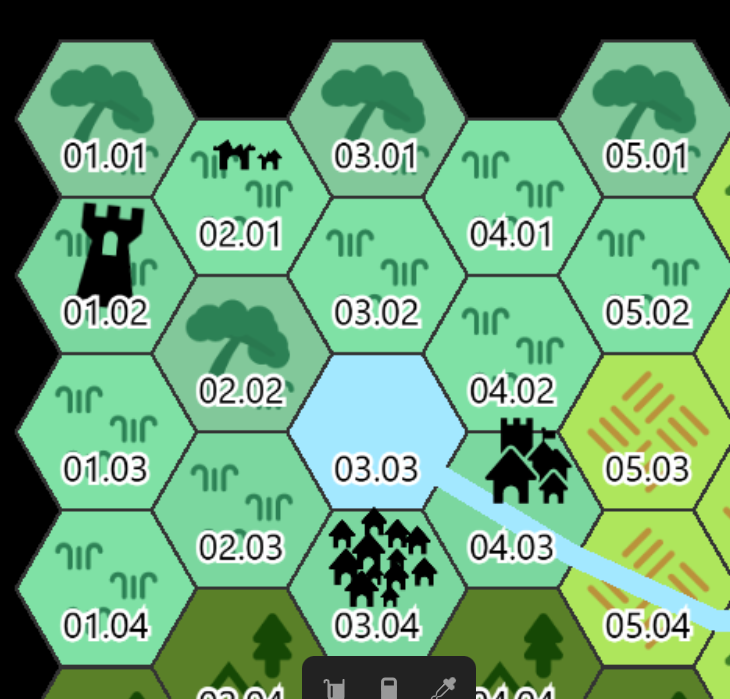
No problem, I will put it on my list! More flexibility in how tiles are numbered sounds like a good idea. :)
I dont suppose we can get a mac version?
Unlikely, sorry! :(
;(
I ditched Windows completely two years ago. Would be an instant buy with a Linux version.
Has anybody tried to run it under Linux with Proton or something like this?
I've just released an update for Hexxmap with native Linux support.
Any plans for a Linux port? I've migrated all of my machines off of windows at this point and would love to move to a more modern/maintained tool for hex maps.
I will look into it at some point, but can't give a timeframe or guarantee. Given some of the libraries I use, I'm not sure if I can make it work. :(
I've just released an update for Hexxmap with native Linux support.
Awesome, just picked it up, excited to tool around after work. Thanks for porting it!
In case anyone is searching through this section for potential answers later: After installing the Linux version from the .zip on a non-debian distro (I've installed on both CachyOS (Arch) and Fedora 44), I had to make a copy of the "Contents" folder in my /home/USER directory and then I was able to launch the app successfully.
Oh, good to know, thanks for sharing! :)
Also, after I did some testing and this method worked reliably, I set up the /home/USER copy of the folder as a symlink to the original so any potential file changes would only need to be updated in one spot. Hope this helps someone else out!
After fixing that minor hiccup, it works great, thanks again for the port!
Is there any feature(s) for, or guidance on, exporting to, or importing to, Foundry VTT?
I'm not all too familiar with Foundry, but one could load the exported image file (png) into it. I've uploaded the export of the sample map, available here, in case you want to try it out. :)
You may be able to get things to work so that Tile Stories data (with the map itself) can be imported into one of the Hex Crawl modules that are out there. Two that might be worth checking out are:
Hexplorer
World Explorer
Tapping into the Foundry market might really help the reach of this app. Folks being able to use Hex Kit (now abandoned by dev?) tile packs I am sure adds to the potential reach of this app.
Thank you for the insight, really appreciate it! More compatibility sounds like a good idea. Would you value Foundry support over other VTT in general or on a more personal note? By the way, Hex Kit tiles can be set up in Hexxmap with the following map properties: 160,190 / 50 / 160,140 / 0,0 (size, displacement, distance, offset).
I mean I have and have used most VTTs. It just seems Foundry has the best Hex Map features. Plus Foundry is more open environment where others seemed more closed. I think easier for indie devs…
(but see what others have to say here)
PS love you are doing this, I have the Isles of Lore and Icons and stuff, so repeat purchaser and fan… (Just FYI, if I am asking too many questions…)
No, I really appreciate it! :) I think there's nothing worse than absolute silence after releasing something. I will have a look at Foundry.
I don't see any information on sharing it with players. Do they need the app too? How accessible is the map to the people I made the map for?
The map is meant to be exported to an image file (png). Would that work for you?
It's fine by me, but wouldn't the "Tile Stories" feature be unusable for players, if so?
Yes, right now the Tile Stories are meant as a tool for the dm. A preview client sounds very reasonable as a new feature! :)
I was wondering the same thing.
Whoa, that's SO awesome! Any plans on making a Mac or web-based version? Unfortunately, I don't have a Windows machine, but I would absolutely love to use this!
I wanted to focus on Windows first and the tech isn't really suitable for web-based, sadly. I also don't own a Mac. If I decide to do Linux at one point, would that work for you? I'm really sorry! :(
Honestly, that's so understandable. Unfortunately, Linux programs don't work well on Mac either. At some point I might purchase the program, cross my fingers, and see if I can get it to work well on a Windows emulator for Mac. Haha!
I'm almost sure it won't work on an emulator because of one of the libraries I use (I researched that some time ago).
Ah, good to know. Thanks!
Which tech specifically? These days Kotlin can be used to write apps that support every platform under the sun with a single code base.
I'm using .NET 10.0, WindowsForms, MonoGame (DesktopGL) and Typography.OpenFont. I think the challenge would be WindowsForms (and Systems.Drawing within).
Awesome. Well done on getting it out.
Thank you!
I see this only supports PNG exports for now? Export to a data format that supports hex coordinates would be great as well.
https://www.redblobgames.com/grids/hexagons/
The map files are text files which can be opened and edited. I actually used redblobgames' tutorial on hex grids, it's an amazing resource. What type of data format would you like to see?
Hello, not the person above--but are you using JSON at all? That would make them very easy to use for other things
I use an own human-readable format, but I could add a JSON or YAML export, if someone needs it and has a use case for it. I've uploaded the demo map Hexxmap comes with as an example.
It seems, from what I know, that the json format might have utility for VTT, specifically Foundry folks.
Fair point, I will have a look at it! :)
Honestly for me any format would be fine, as long as the spec is clear and makes sense. Knowing there's easily readable map files using hex coords is already good enough. Originally I wasn't sure if there was anything available as the product page only mentioned PNG exports.
Fair point! :)
Looks amazing! I have several packs of Hex Kit tiles from different creators, are they easy to import and use with Hexxmap?
Yes, they are! You can copy them to the Content folder, either restart Hexxmap or press F6 to reload the content and they are available within the editor, although you have to set up the hex grid (dimensions etc.) once. If you want, you can have a look at the documentation, specifically this and this.
Well that's freaking cool!
I hope so! :D