
GBSFX Studio
A SOUND EFFECT STUDIO ON A GAME BOY CARTRIDGE!
Browse 300 ready-made sounds across a range of common categories, edit any of them with up to eight sliders, and keep your favorites in a 60-slot bank. The bank saves as an FX Hammer .sav file, and drops straight into a GB Studio project.
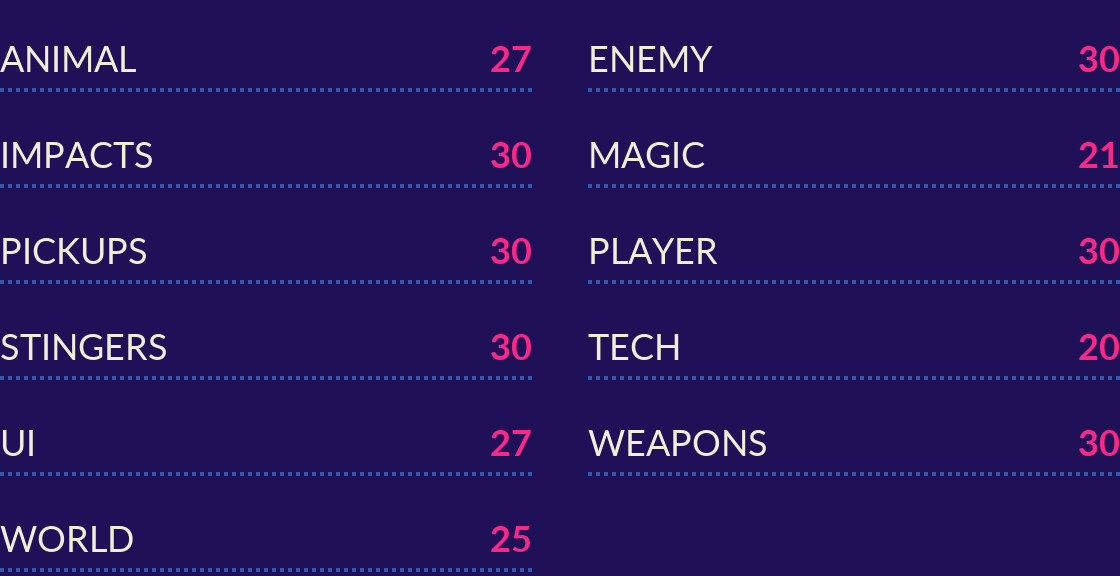

Pick a type, a sound, then a variant. Open the editor and edit its properties using sliders to change pitch, echo, length and more. Hit GENERATE to randomly set the sliders and produce a twist on the default sound, or MUTATE for a small random nudge. On a sound with both tone and noise, push MIX to either end to switch one off, providing you with more control when balancing your game's music and SFX.

 Save any sound into one of 60 slots.
 Copy the .sav into your project's assets/sounds folder.
 Play it in GB Studio with a [Play Sound Effect] event.

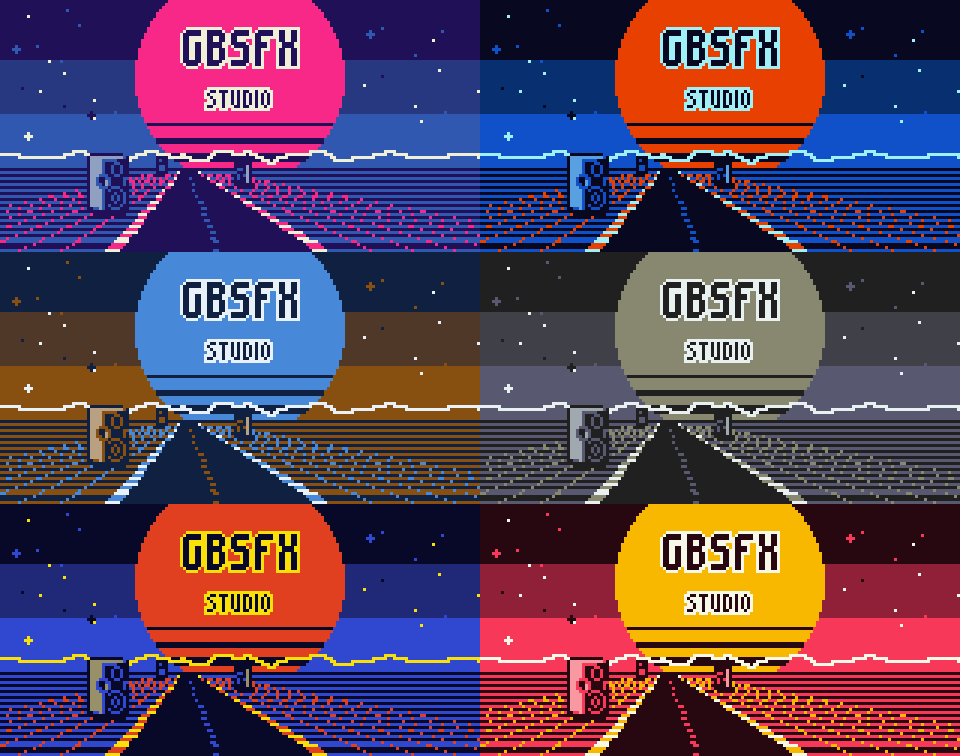
Personalize the interface with 20 color themes (color device only).

Try it before you buy it. The free "Jam Kit" version is the whole studio: browse, the editor with GENERATE and MUTATE, the 60-slot bank and the GB Studio export.
It comes with a starter set of 30 sounds
to shape and save into your own games. Every other sound is still listed, grayed out, so you can see the full
library of 300 before you upgrade. Download it below, or play it right here on the page.

GBSFX Studio is a single .gb file that is compatible with:
- Game Boy Color and Game Boy Advance: full color, with 20 themes to choose from.
- Super Game Boy (full version): your theme's colors inside a matching border.
- Original Game Boy, Game Boy Pocket and Super Game Boy: a 4-shade gray version with its own title screen.
- Emulators and flash carts: anything that runs Game Boy ROMs with battery saves.
Made for GB Studio. The bank is an FX Hammer .sav, the sound effect format GB Studio imports. Drop it
in your project's assets/sounds folder and play any slot with a [Play Sound Effect] event.
An instruction booklet. The download includes a 20-page manual (PDF) in the classic Game Boy booklet size (115 x 85 mm), illustrated with screenshots from the ROM. It covers getting started, finding a sound, the editor and its actions, saving and the bank, settings, importing into GB Studio, keeping more than one bank, all 20 themes, and the full list of every sound and variant.
License. Royalty-free: use the sounds in as many games as you like, free or paid. Credit Gumpy Function and link to this page. Sharing or selling the sound files themselves isn’t allowed. Banks from the free Jam Kit edition can go in your game’s public source; banks from the full version can’t. Full terms are in the license file in the download.
Made by Gumpy Function. Thanks to Aleksi Eeben for FX Hammer, Chris Maltby for GB Studio, and ChunkySteveo for playtesting.
AI Disclosure: GBSFX Studio was created using AI assisted coding.
Purchase
In order to download this tool you must purchase it at or above the minimum price of $9.99 USD. You will get access to the following files:
Download demo
Development log


Comments
Log in with itch.io to leave a comment.
It's great! I'm using it to finally add sfx to my game.
Excited to give this a go! Quick question though, RetroArch produces .srm save files instead of .sav, I tried just straight up renaming the extension, and it seems to work, so before I get too far, is there any reason to believe that might be a bad idea?
It's totally fine to change the extension name. The data in a .srm file is exactly the same as a .sav file. The extension string can be swapped back and forth without harming the data within.
Perfect, thanks!
Downloaded the kit, awesome work!
Finally a proper tool to create GameBoy SFXs with. 🙏
Seriously handy tool to have on your carts. Being able to pick, listen and then tweak SFX to your liking, and then import them direct into GB Studio is a gamechanger for me.
All I used to do was use the same free SFX packs - now I can create my own!