GitHub Actions workflow lockfiles are generally available
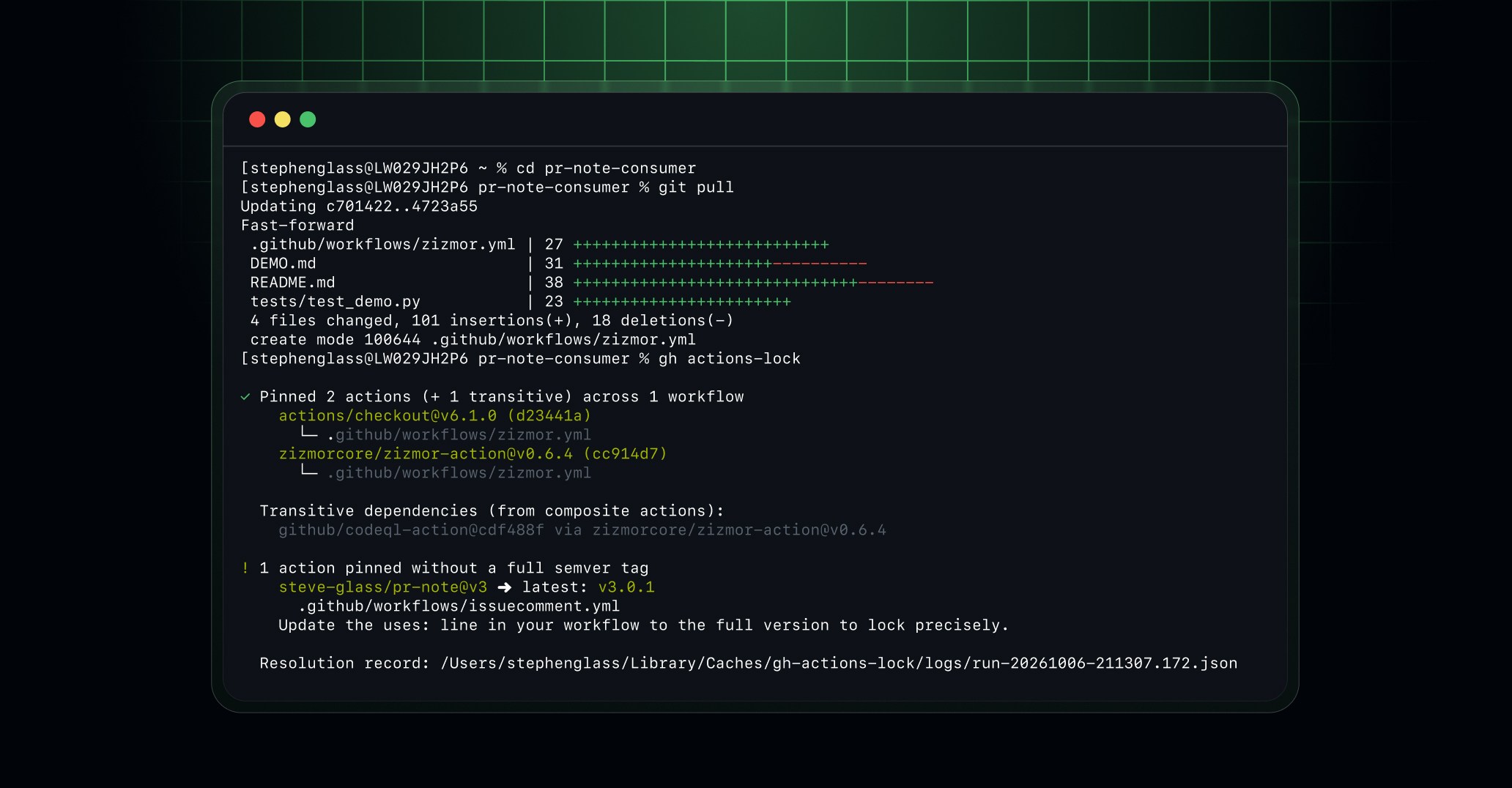
You can now use GitHub Actions workflow dependency lockfiles in general availability on GitHub Enterprise Cloud, GitHub Enterprise Cloud with data residency, Team, and Free plans. Lockfiles let you keep readable tag and branch references in your workflows while running the exact commits you locked, even if those references move.
This release brings the capabilities introduced in the public preview to general availability:
- Lock your dependencies: Use the
gh actions-lockextension for the GitHub CLI to generate.github/workflows/actions.lockfor actions and their transitive dependencies. - Adopt locking gradually: Onboard workflows individually. GitHub Actions requires each dependency of an onboarded workflow to be in the lockfile and runs its recorded commit.
- Keep updates in sync: When Dependabot opens a version update for an action in an onboarded workflow, it also regenerates the matching lockfile entry in the same pull request, without additional configuration.
- Require lockfile: Enterprise, organization, and repository administrators can use the Require lockfile policy to enforce adoption.
- Check for stale lockfiles: Verify that your lockfile is up to date without modifying files, including in a CI check.
Lockfiles help protect against unexpected dependency changes, but they don’t determine whether a dependency is safe. Review dependencies before locking them.
Get started
Install the extension from the gh-actions-lock repository, then review and commit the generated lockfile and workflow changes. See workflow dependency lockfiles in GitHub Docs for details and setup instructions.
Share feedback in the community discussion or report an issue with the extension.
