GitHub Copilot Fusion now supports selection of local models
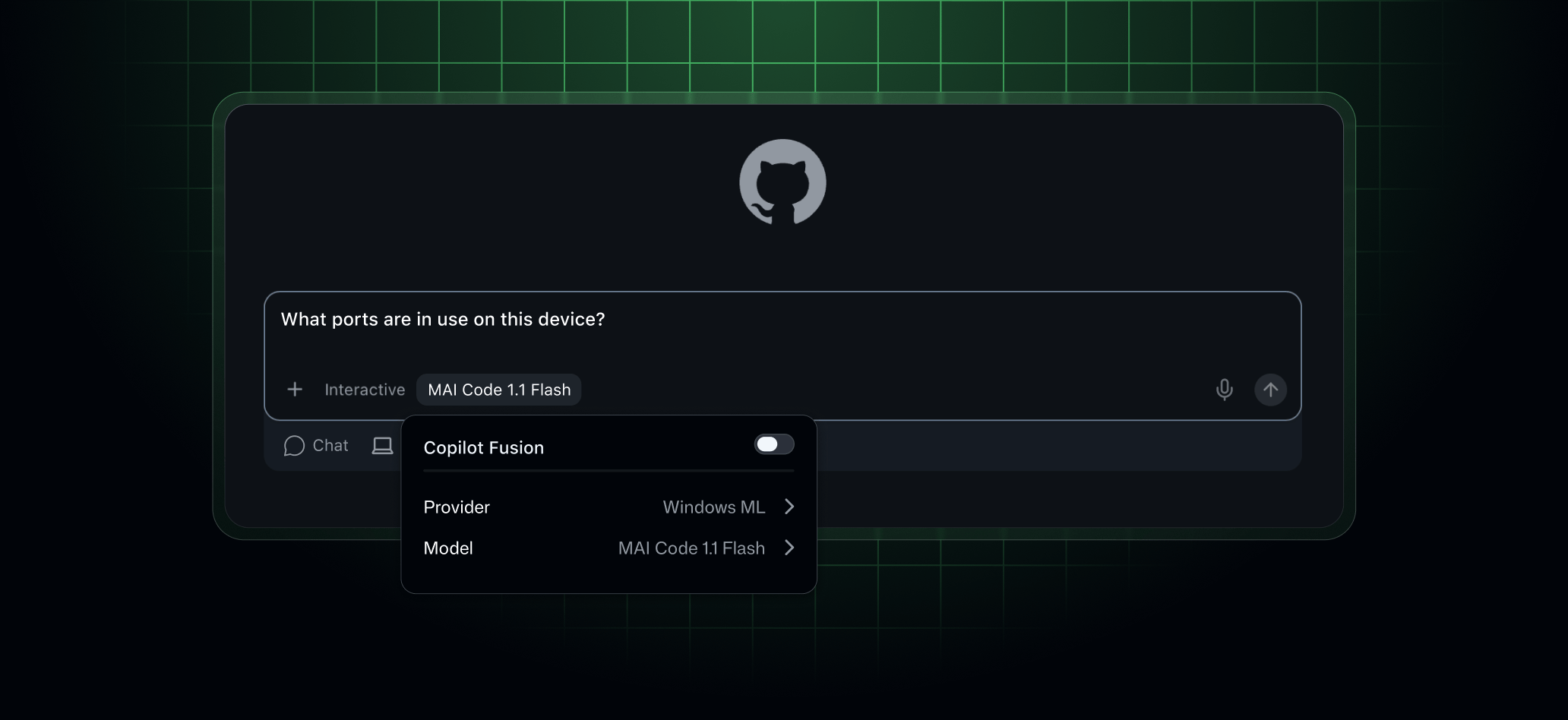
Today we are shipping intelligent routing for local models into experimental preview. GitHub Copilot Fusion can now choose between supported on-device models and cloud models, enabling intelligent local model routing in GitHub Copilot CLI, GitHub Copilot app, and Visual Studio Code. This opt-in experimental preview lets you use your device’s compute without switching models manually for each request. For a deeper dive into this feature, see our original announcement on October 7th.
Managed download and setup on Windows
On supported Windows devices, you can download and configure MAI Code 1.1 Flash through the Windows ML provider.
- In Copilot CLI, enable experimental mode and open
/modelto follow the setup prompts. - In the Copilot app, configure the Windows ML provider under Settings > Model providers, enable Local model auto routing under Settings > Experiments, and start a new session. Windows ML local models is enabled by default on Windows.
- In VS Code, enable
chat.copilot.localModel.enabled.
Once the model is ready, select Standard in Copilot Fusion to let Copilot choose between local and cloud models. You can also select the local model directly for your session.
Bring your own local model
The managed download experience is Windows-only, but Copilot CLI’s local Copilot Fusion routing also works with manually configured models on Windows, macOS, and Linux.
You can configure MAI Code 1.1 Flash or Qwen3.8 Flash Next through a local OpenAI-compatible server. You manage the model download and inference runtime, and your device must have sufficient resources to run it. Configure the model as a supported local-model provider, enable experimental local routing, and select Standard in Copilot Fusion to let Copilot choose between eligible local and cloud models.
This builds on the recent local-model discovery improvements in Copilot CLI. Adding or discovering a model through bring your own key (BYOK) configuration doesn’t automatically make it eligible for Copilot Fusion.
The Copilot app also supports connecting and directly selecting compatible local models through BYOK. However, its intelligent routing currently supports managed Windows ML models only.
Local inference doesn’t make your session offline. Copilot Fusion still makes routing decisions in the cloud, and local models may have different safety protections from Copilot-provided cloud models.
For setup instructions, see Adding LLM models to GitHub Copilot CLI and Adding LLM models to the GitHub Copilot app. For routing behavior, see our docs on intelligent routing to local models.
