



安装
1、nodejs 、npm
2、yarn(https://yarnpkg.com/zh-Hans/docs/install)
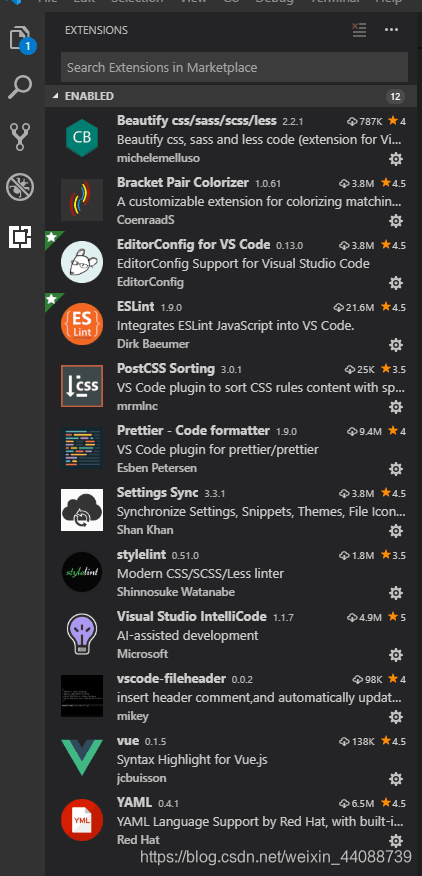
3、安装vscode及需要的工具
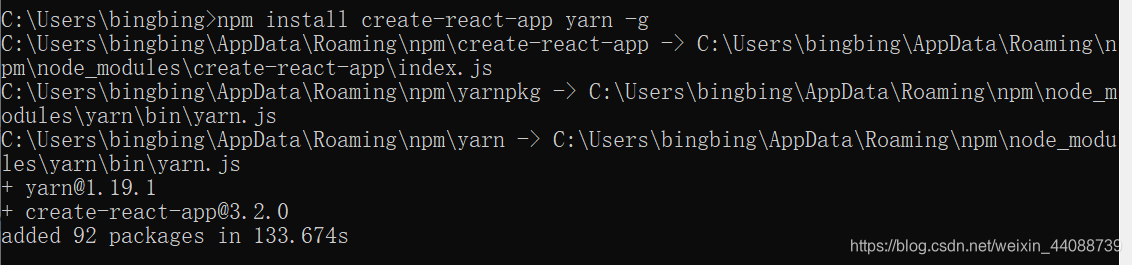
4、在cmd下输入“npm install create-react-app yarn -g”
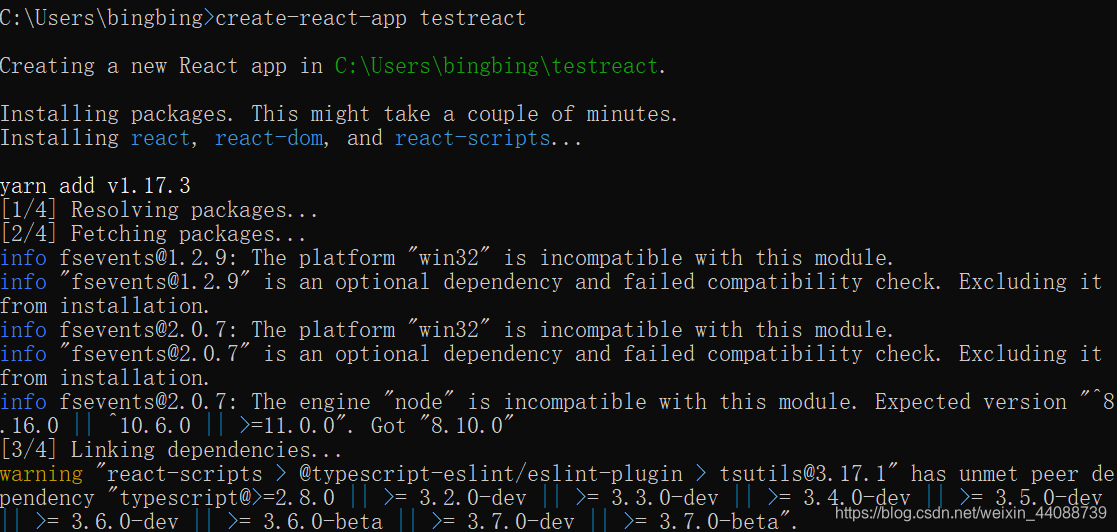
5、在指定项目目录下输入 create-react-app testreact
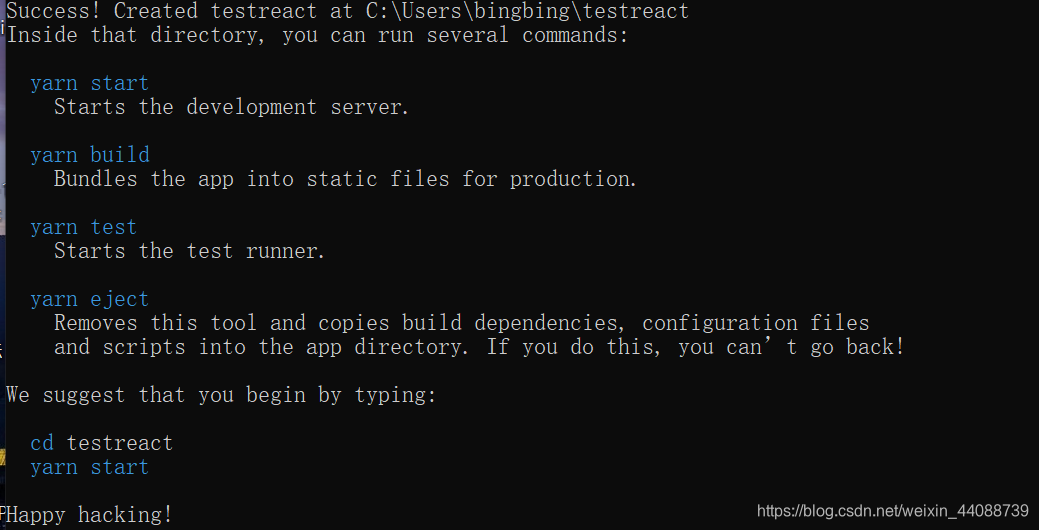
yarn start =》运行项目
yarn build =》 打包
yarn test =》运行
yarn eject =》释放react项目的配置
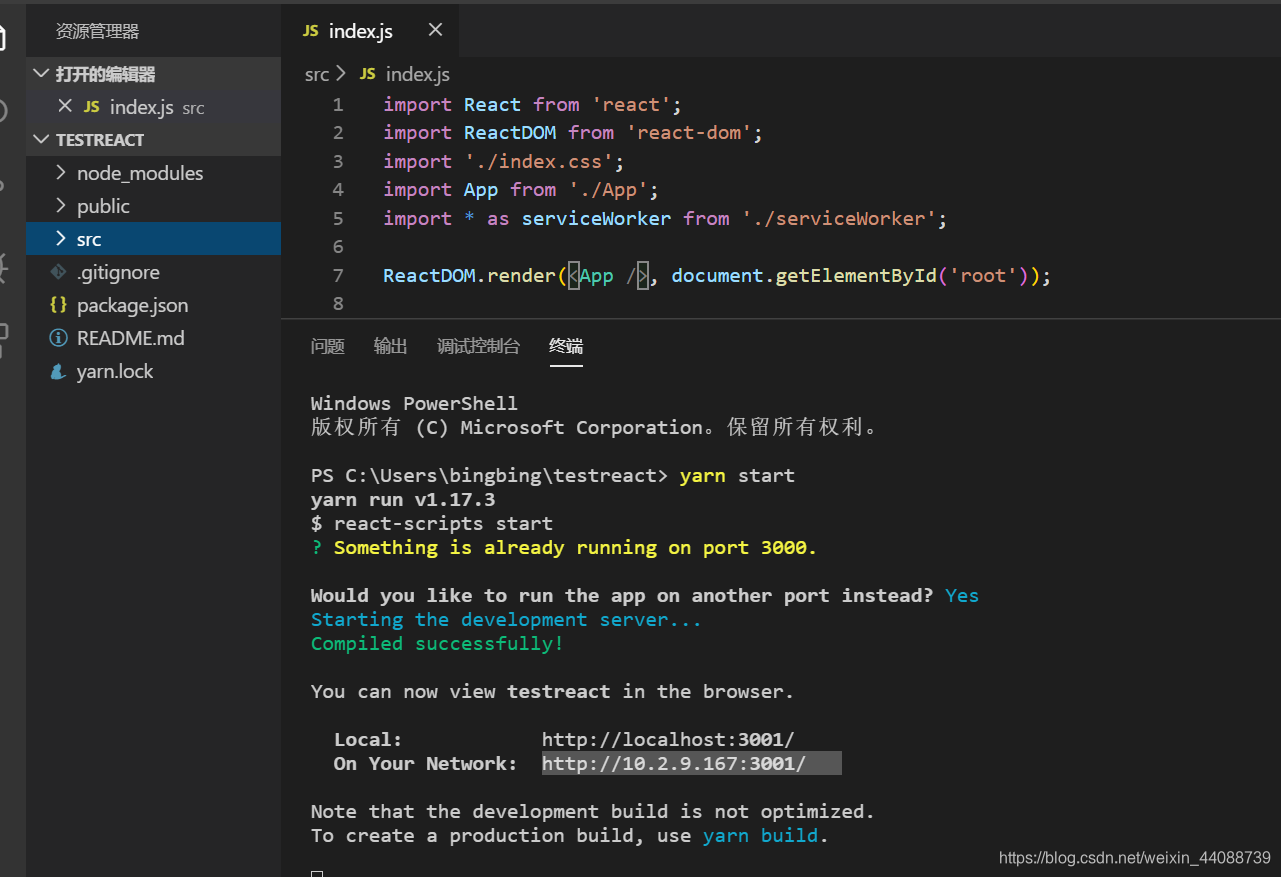
6、运行项目,在vscode页面里面打开项目,点击终端,运行yarn start


 扫一扫
扫一扫


&spm=1001.2101.3001.5002&articleId=101054324&d=1&t=3&u=d295c85304884971be75ef0eb1880d6c)
 1256
1256

 被折叠的 条评论
为什么被折叠?
被折叠的 条评论
为什么被折叠?
 到【灌水乐园】发言


