OpenAI expanding ChatGPT dot access to iMessage and RCS

Well this is pretty cool. OpenAI is expanding ChatGPT dot access to iMessage and RCS.
Expand Expanding Close
Zac Hall is a Senior Editor, covering Apple, apps, and AI. His work is regularly featured by Techmeme.
He joined 9to5Mac in 2013. He later served as Lead Editor from 2016 through 2020, before creating the Space Explored website.
In 2015, Zac began co-hosting 9to5Mac Happy Hour, establishing the format of the site’s premier podcast, which he hosted for eight years.
In 2018, he created 9to5Mac Daily, providing audio recaps of Apple and technology news each weekday. He also hosted multiple seasons of the 9to5Mac Watch Time podcast, a health and fitness-focused interview series.
Zac is based in the lovely Gulf Coast town of Ocean Springs, MS, where he lives with his brilliant kids and Nova, his loyal Cavachon rescue.
Contact: zac@9to5mac.com
Well this is pretty cool. OpenAI is expanding ChatGPT dot access to iMessage and RCS.
Expand Expanding Close
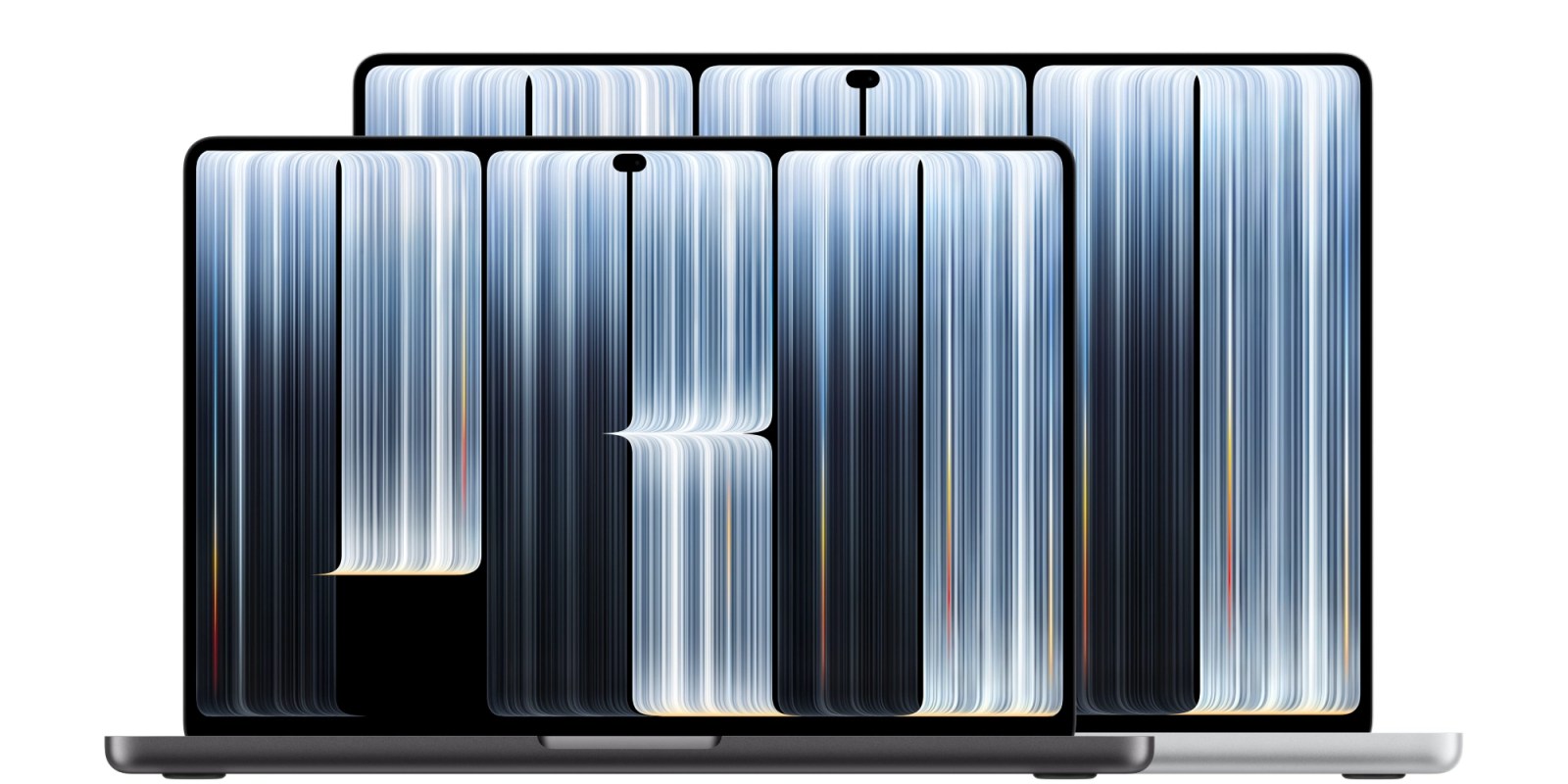
Apple has officially announced the all-new MacBook Pro with PROLED XDR display, its first touchscreen laptop.
The new machine was first hinted at by Apple on October 19 with the company’s “Pro and tell” experience teaser. Earlier today, new Apple CEO John Ternus shared a “spotlight” teaser for the laptop as well.
Read on for all the details about the new high-end laptop…
Expand Expanding Close
Earlier this year, OpenAI unveiled its gpt-live-1 voice model. This includes the ability for the model to listen to you while it speaks. Starting today, Perplexity has upgraded its Mac app voice mode by using gpt-live-1 under the hood.
Expand Expanding Close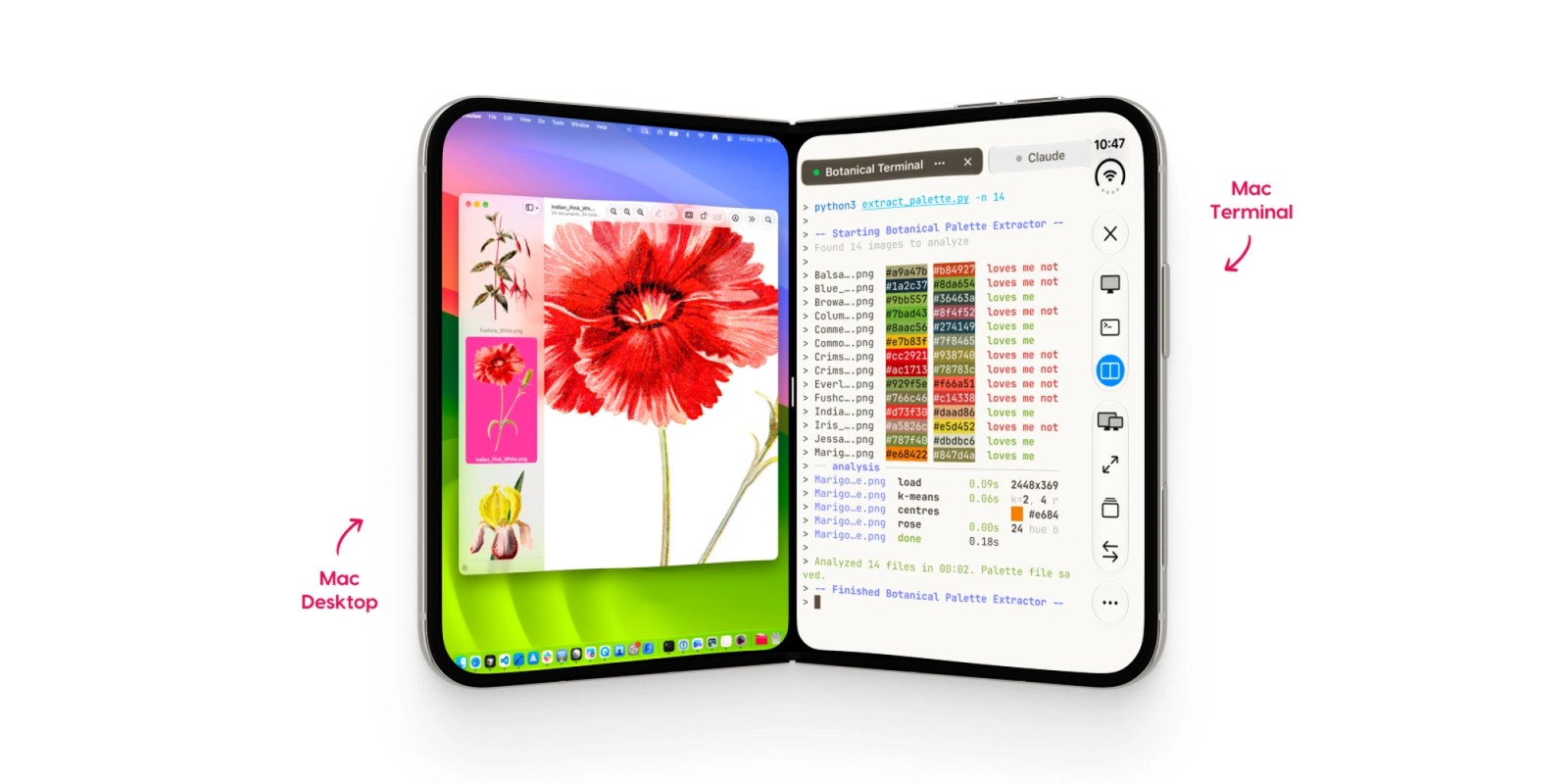
Astropad is out today with Workbench 1.4, the latest update to its remote desktop app for Mac. The release adds a built-in terminal, native iPhone Duo support, and a new way to transfer files between Macs.
Expand Expanding Close

Here’s a welcome change. OpenAI just announced iCloud Mail and Calendar plugin support for ChatGPT. That means you can connect ChatGPT to your Apple email and calendar just like Gmail and other services.
Expand Expanding Close
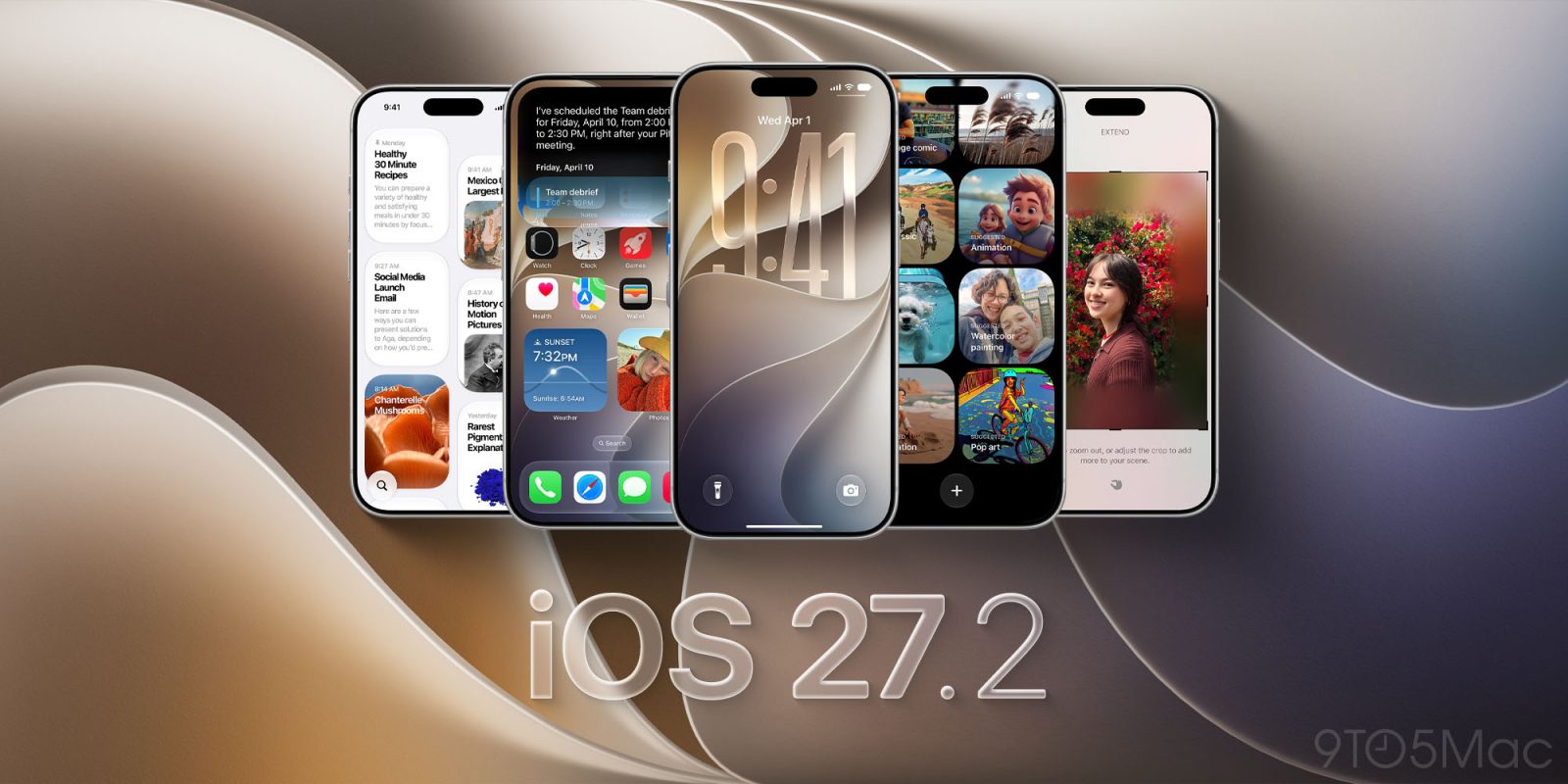
Apple has officially released iOS 27.2 for iPhone. The update brings a new look to Apple Music, more Siri AI languages, changes to Messages and Podcasts, and Apple Pencil support for iPhone Duo. Here’s what’s new.
Expand Expanding Close
Earth is so back. Last month when OpenAI released GPT-6 models of Sol and Luna, its medium model Terra was excluded from the update. Now OpenAI has upgraded Terra from GPT-5.6 to GPT-6.1, touting speed and computer use at a lower price.
Expand Expanding Close
It’s iPhone Duo launch day around the world, and Wall Street is pleased. Apple reclaimed the title of most valuable company in the world on Friday as it reached new trading highs.
Expand Expanding Close
Starting tomorrow, Orangetheory Fitness will allow members to connect the Apple Watch to the club’s proprietary in-studio performance-tracking experience. Using a personal Apple Watch with the Orangetheory system will require a one-time fee.
Expand Expanding Close
The Browser Company announced plans to discontinue its flagship Arc browser in favor of a new browser project called Dia. Today, Arc received a sunset date that gives users exactly two months to move on from the discontinued app.
Expand Expanding Close
1Password has been focused on building password management tools that make sense in the age of agentic AI. In July, the company launched a special integration with Claude. Today, 1Password is going further with the arrival of 1Password for Agents.
Expand Expanding Close
Perplexity is adding a new local-first mode to its Mac app that lets Computer work entirely on the device. This includes running tasks without an internet connection.
Expand Expanding Close
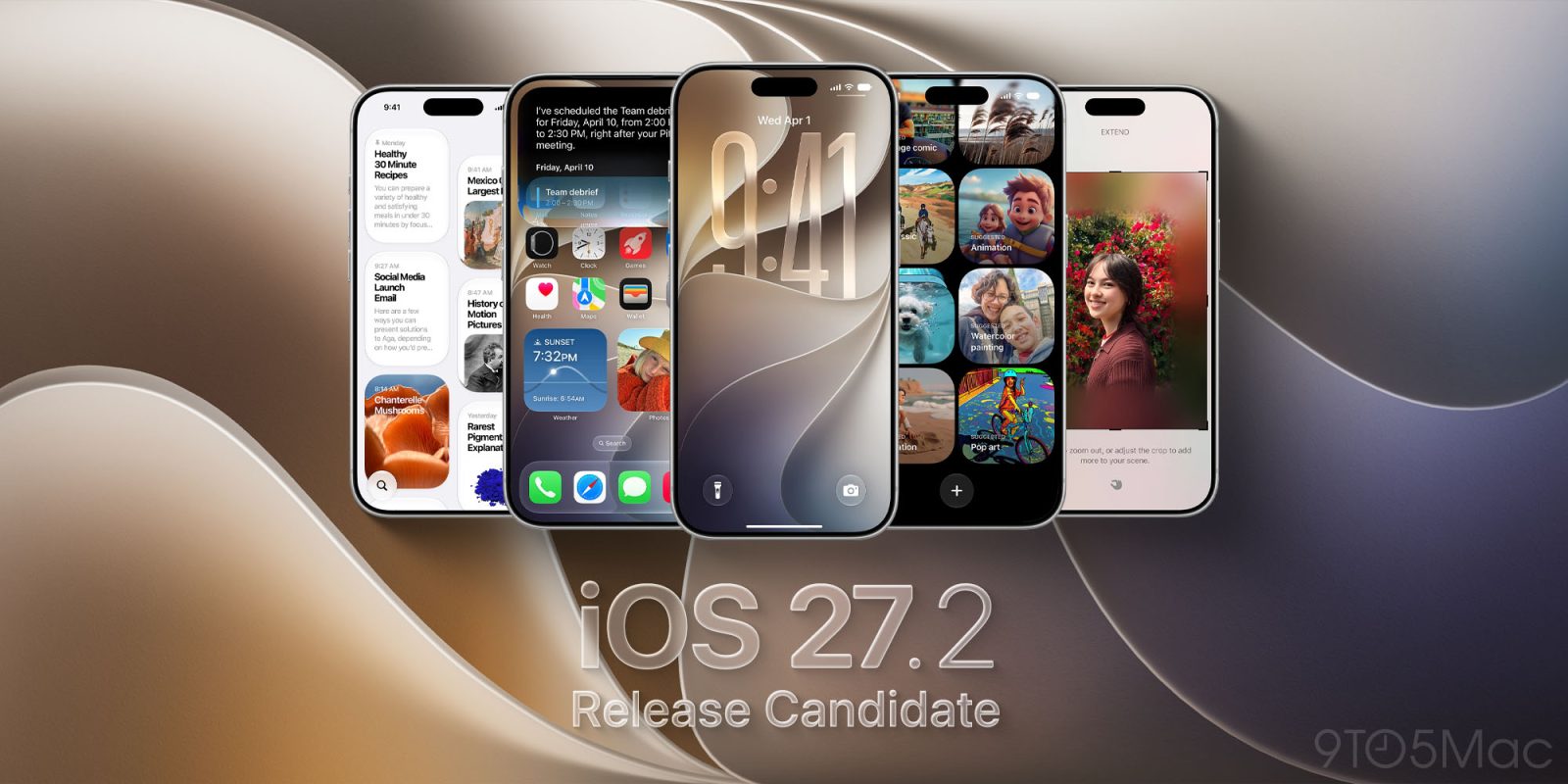
Apple has released the first iOS 27.2 release candidate for iPhone. The update brings Apple’s next iPhone software release one step closer to its public launch.
Expand Expanding Close
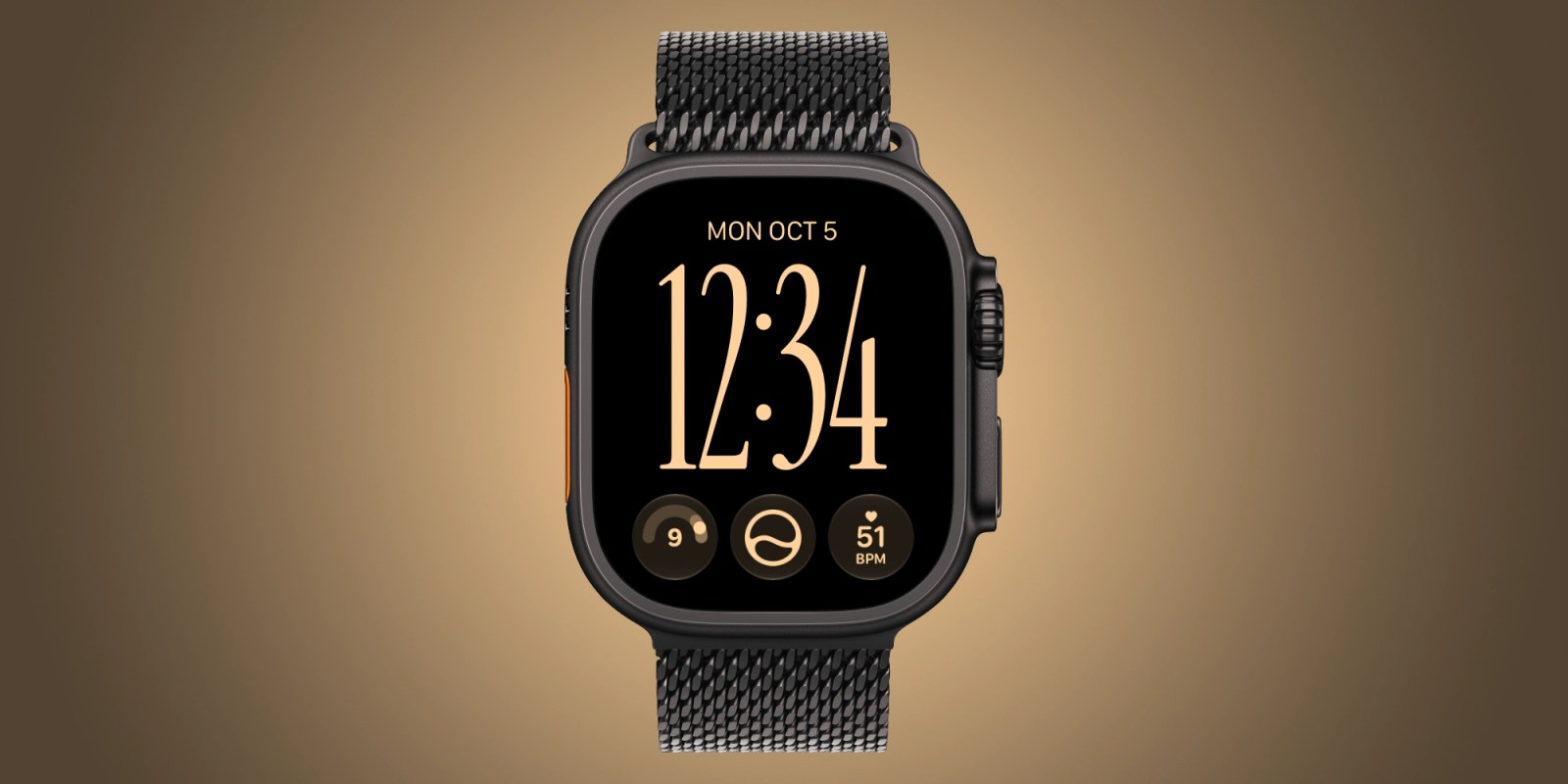
Apple Watch sleep apnea notifications launched two years ago. Since then, the health feature has been quietly working in the background and making a difference for people who may not know they need it.
Expand Expanding Close
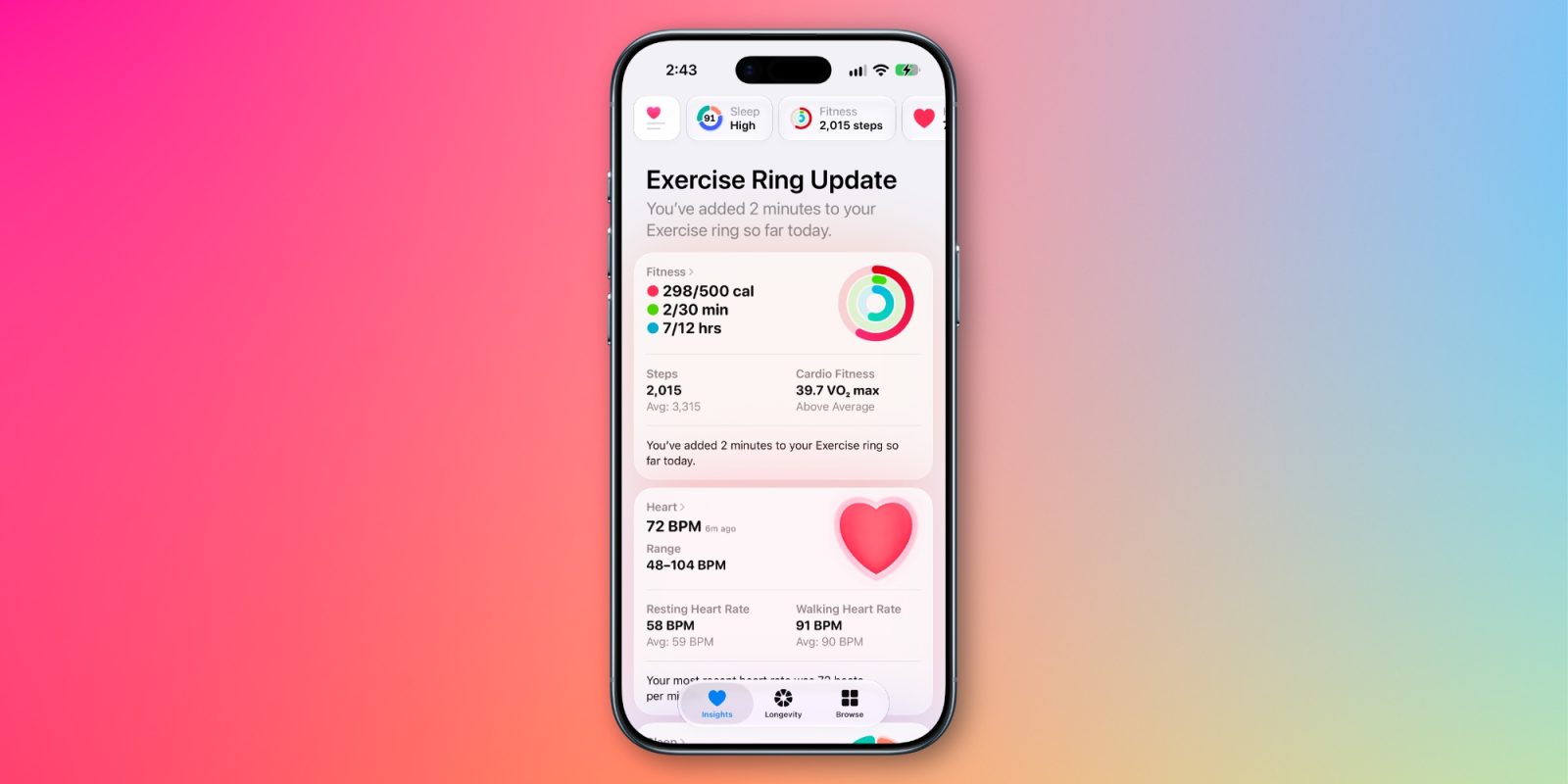
An overhauled Apple Health app is coming, but it looks like iOS 27.2 won’t include it.
Expand Expanding Close
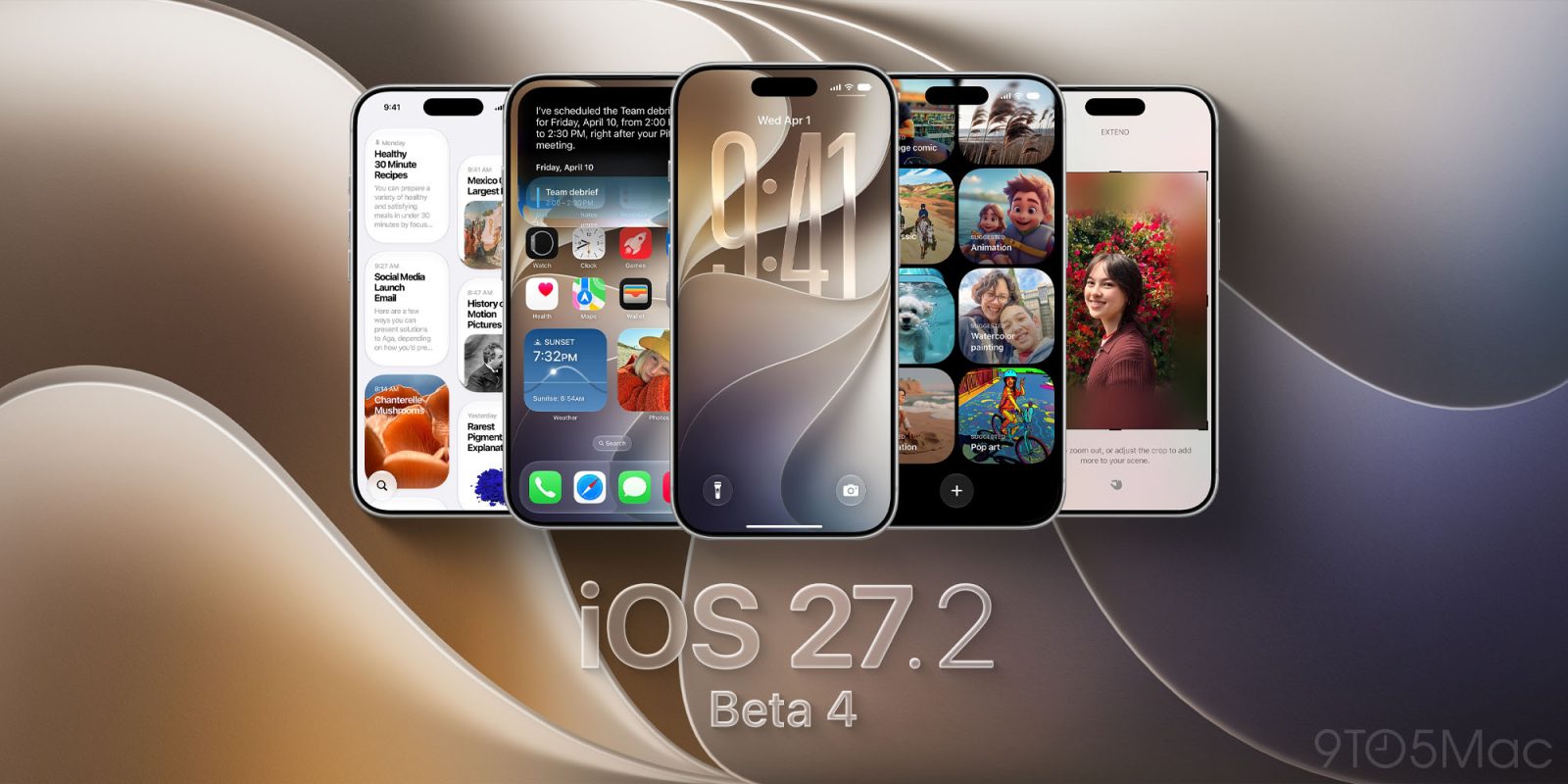
Update, 5:56 p.m. ET: The public beta for iOS 27.2 is now available as well.
Apple has released the fourth iOS 27.2 developer beta for iPhone. The update follows the release of iOS 27 to everyone. It also leaps over iOS 27.1, which Apple has shown as an iPhone Duo-focused release.
Expand Expanding Close
Wow, $299. That’s a very surprising price. For HomeView, Apple’s all-new smart display, $299 feels surprisingly affordable. For Apple TV 4K, $299 feels surprisingly painful.
Expand Expanding Close
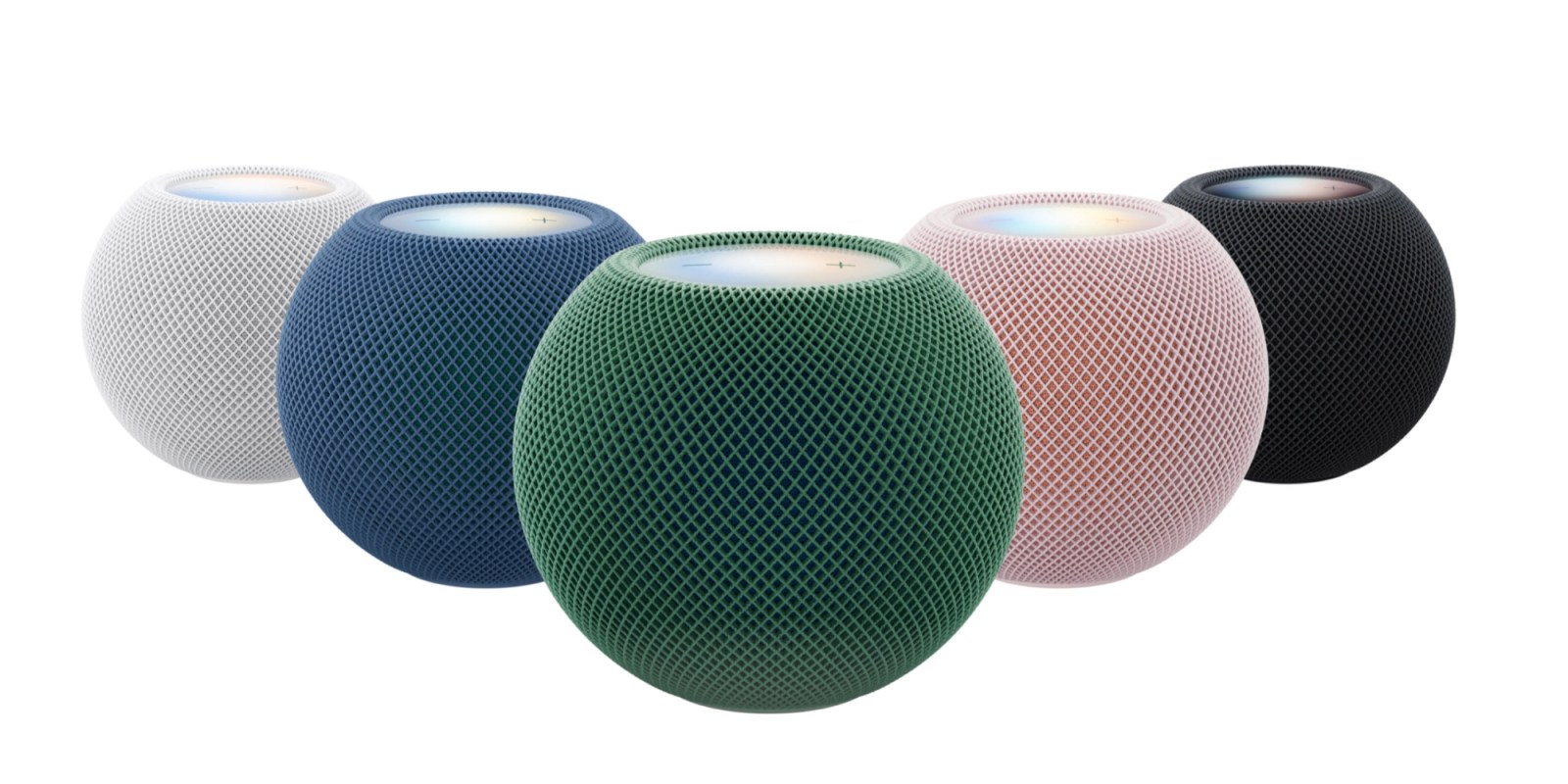
Apple has officially announced the new HomePod mini 2 smart speaker. The new product was announced by Apple today alongside the new HomeView smart display and fourth-gen Apple TV 4K.
Expand Expanding Close
It looks like Apple’s Beats and Pokémon are teaming up for a Beats Pill Bluetooth speaker collaboration.
Expand Expanding Close
Grok Bot just got a second significant upgrade this week: its own email address.
Expand Expanding Close
Anthropic has released its latest AI model with Claude Haiku 5.5. The new version arrives about a year after the previous Haiku model upgrade.
Expand Expanding Close
SpaceXAI’s Grok Bot kicked off the consumer-friendly AI agent app wave this summer. Facing competition from Meta’s Muse and OpenAI’s ChatGPT Dot, Grok Bot just got a new capability upgrade with the help of Anthropic’s Claude.
Expand Expanding Close
Meta’s Muse AI agent app has spent the last several weeks as the #1 free iPhone app on the U.S. App Store. The latest Muse app update adds a new platform to tackle: iPad.
Expand Expanding Close
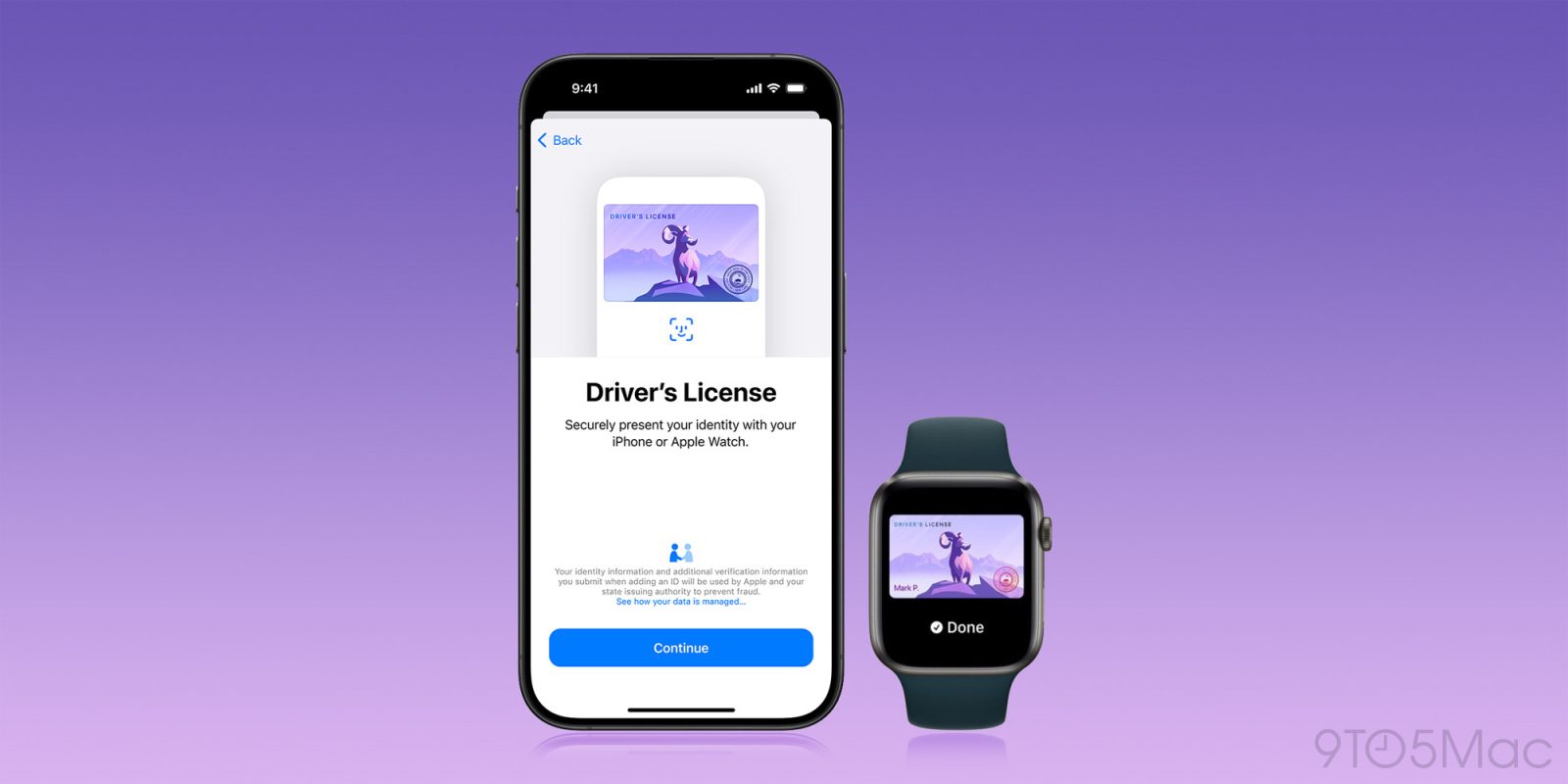
Apple announced plans to let iPhone users add a driver’s license or state ID to Wallet back in 2021. The rollout started slowly, but it has picked up significantly over the past year. Apple also now offers a second option that does not depend on your state at all.
Today, there are two distinct ways to carry an ID in Apple Wallet:
The two options coexist in Wallet, but they have different requirements and are not accepted everywhere. Here’s what each one does, where you can use it, and which states could be next.
Expand Expanding Close