


When it comes to getting things done, productivity software is crucial. But high-quality tools often come with a steep price tag—unless you explore the world of open-source software. Open-source productivity apps offer many of the same features as their commercial counterparts, but for free. They’re community-driven, constantly improving, and customizable to suit your needs. Whether you’re looking to streamline your workflow, collaborate with teams, or simply stay organized, there’s likely an open-source solution that fits your needs.
Here are some of the best open-source productivity tools available today.
8 Nextcloud
Open-source cloud collaboration tool


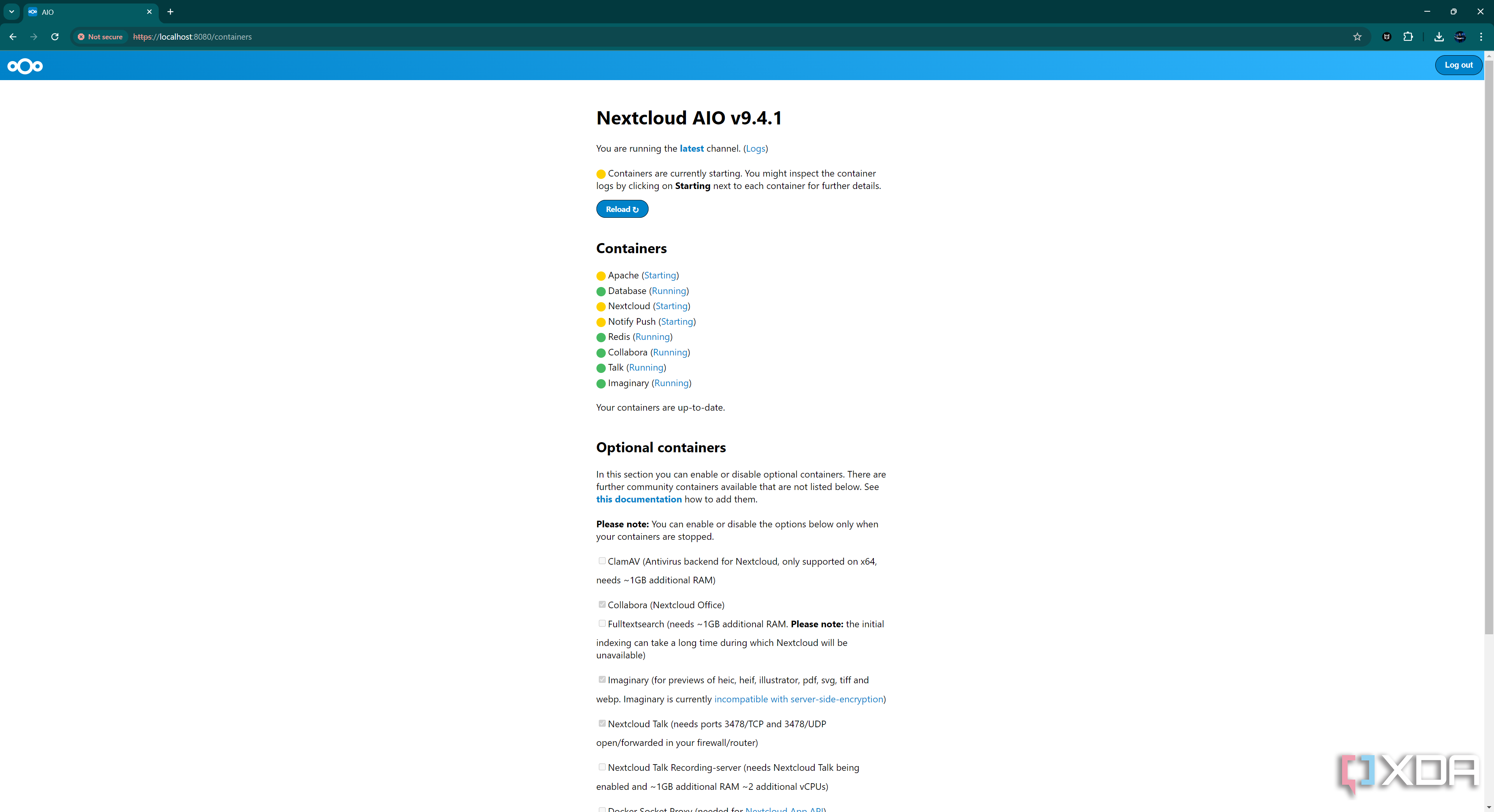
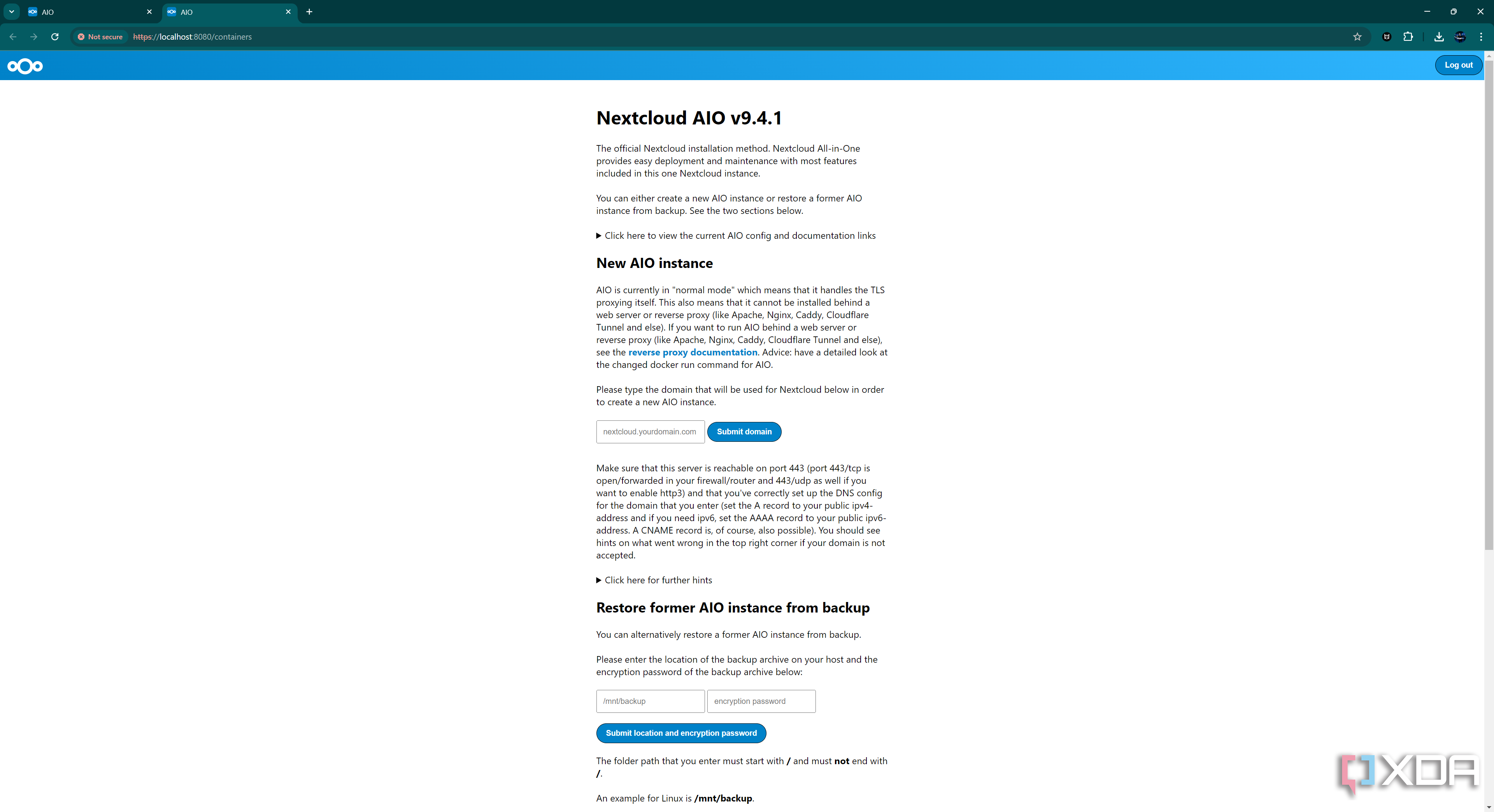
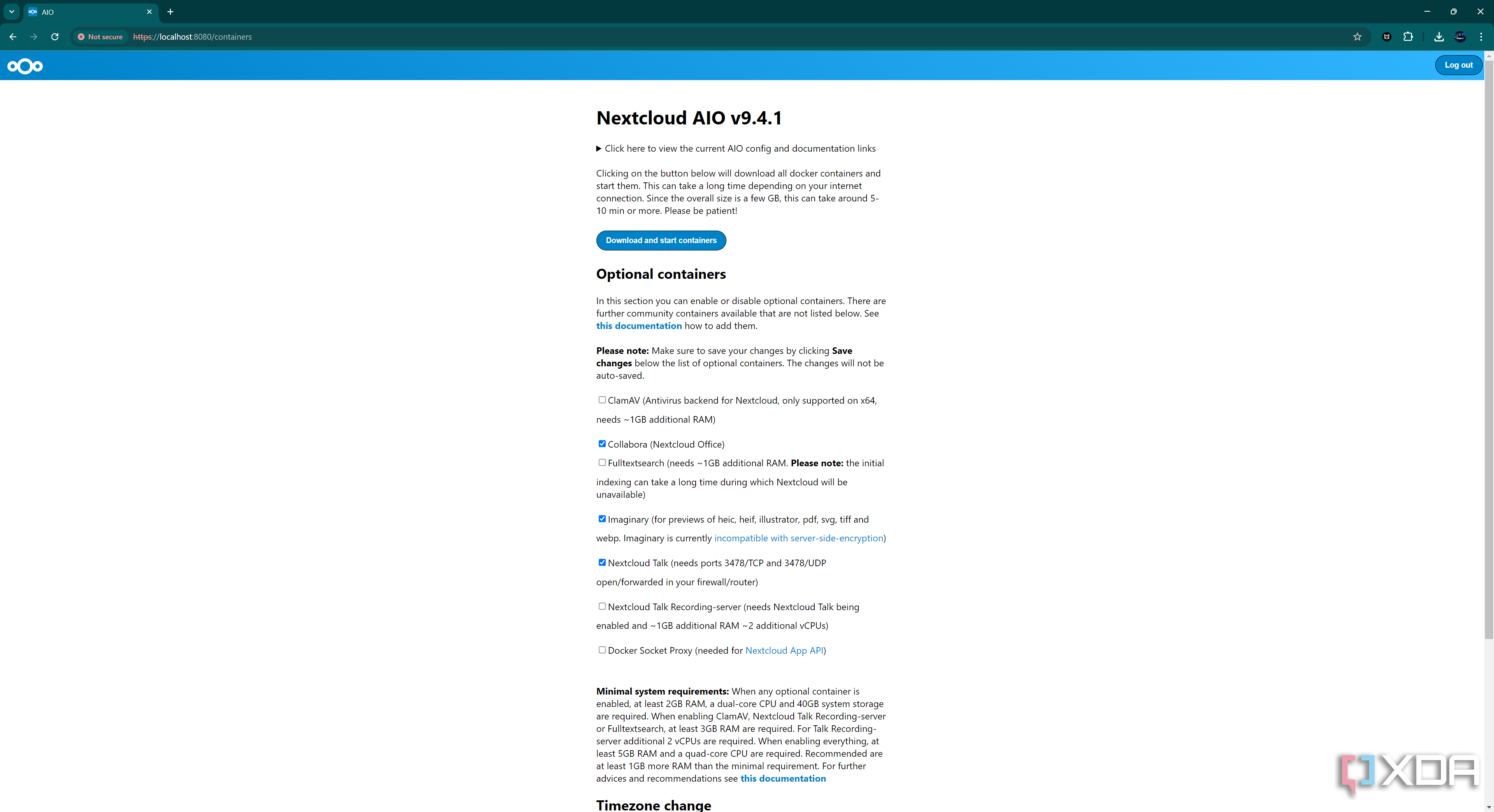
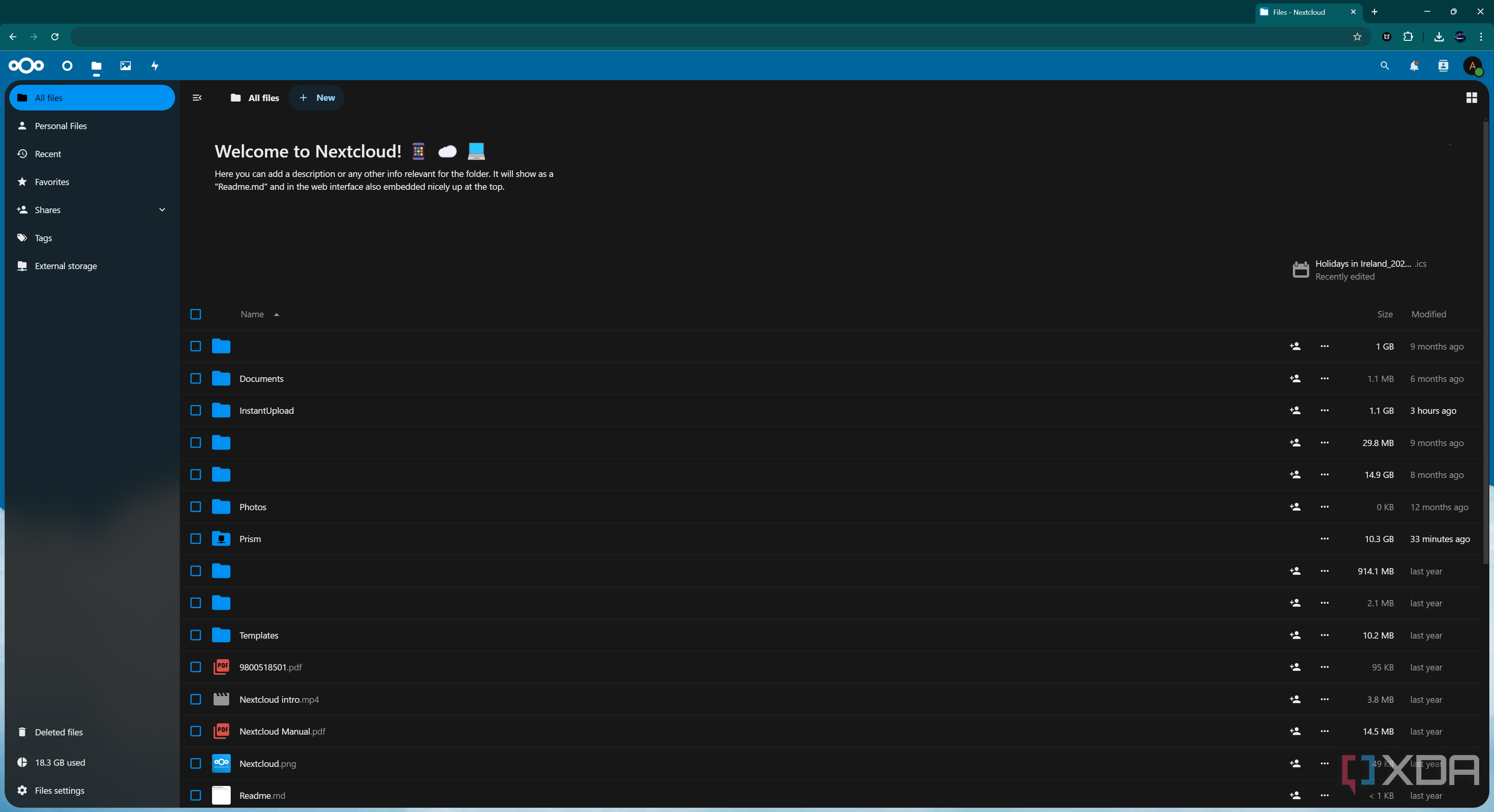
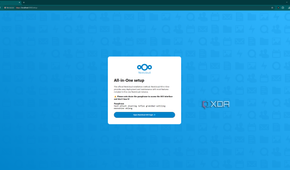
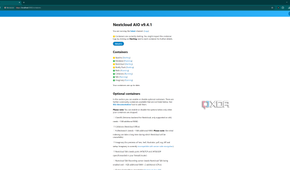
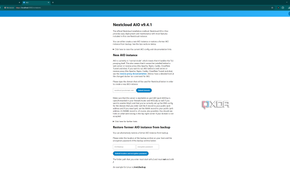
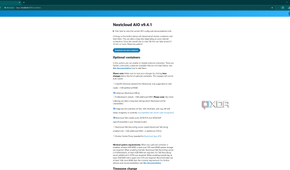
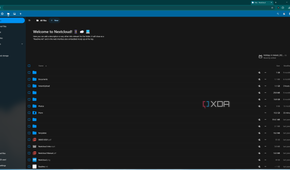
When it comes to file sharing and collaboration, Nextcloud is the open-source alternative to services like Google Drive and Dropbox. But Nextcloud goes beyond just file storage; it also includes apps for calendars, contacts, and even document editing, making it a one-stop shop for productivity.
- Why it’s great: Nextcloud is self-hosted, meaning you can install it on your own server for maximum privacy and control. It offers file synchronization across devices, secure sharing options, and integration with other open-source apps like Collabora for document editing.
- Best for: Teams or individuals looking for a secure, self-hosted cloud platform that offers more than just file storage.
If privacy and control over your data are a priority, Nextcloud offers a powerful and flexible cloud solution.
7 Joplin
A flexible note-taking app

Joplin is an open-source note-taking app that rivals Evernote in functionality. With a clean interface and support for Markdown, it’s perfect for taking notes, organizing to-do lists, and even managing web clippings.
- Why it’s great: Joplin syncs across devices via cloud services like Nextcloud or Dropbox, allowing you to access your notes anywhere. It also supports end-to-end encryption, ensuring that your notes are secure.
- Best for: Users who want a secure, cross-platform note-taking app with robust organizational features.
Joplin is an ideal choice if you need a free, open-source alternative to Evernote with better security and customization.
6 Thunderbird
A powerful email client
From the creators of Firefox, Mozilla Thunderbird is a feature-packed email client that handles not only email but also calendars, tasks, and contacts. It’s an open-source alternative to Outlook and other commercial email clients.
- Why it’s great: Thunderbird supports multiple email accounts, filters, and labels for organizing your inbox. It also integrates well with other productivity tools like calendar apps, and you can customize it with a wide array of add-ons to extend its functionality.
- Best for: Anyone who needs a free, customizable email client that supports multiple accounts and integrates with calendars and task managers.
Thunderbird is a fantastic all-in-one communication tool that’s highly customizable and completely free.
5 Zotero
The best reference manager
Whether you’re a student, researcher, or writer, Zotero is one of the best open-source tools for managing references and citations. It helps you organize research, store PDFs, and create bibliographies for papers or articles.
- Why it’s great: Zotero automatically extracts metadata from web pages and PDFs, making it easy to add items to your library. It integrates with word processors like Microsoft Word and LibreOffice to streamline citation and bibliography creation.
- Best for: Researchers, students, and writers who need a free and easy-to-use reference management tool.
Zotero is essential for anyone doing research or working with academic papers and references, providing professional-grade features for free.
4 GIMP
Free photo editing
GIMP (GNU Image Manipulation Program) is one of the most well-known open-source alternatives to Adobe Photoshop. It offers a wide range of features for photo editing, graphic design, and illustration.
- Why it’s great: GIMP supports almost all image formats and includes advanced tools like layers, masks, and color correction. With its extensive library of plug-ins and scripts, you can tailor GIMP to your specific needs.
- Best for: Designers, photographers, and hobbyists who need powerful image editing software without the cost of Adobe’s Creative Cloud.
GIMP is an excellent alternative for anyone looking for a free, open-source image editor with nearly the same functionality as Photoshop.
3 OnlyOffice
A collaborative office suite

OnlyOffice is an open-source office suite designed for collaborative work. It includes tools for document, spreadsheet, and presentation editing, and it’s built to integrate with cloud platforms like Nextcloud.
- Why it’s great: OnlyOffice offers real-time collaboration, making it ideal for teams working together on documents. It’s fully compatible with Microsoft Office formats, so sharing files is seamless.
- Best for: Teams looking for an open-source solution for collaborative document editing, with features similar to Google Docs or Office 365.
If you need a collaborative office suite, OnlyOffice is an open-source alternative that offers real-time editing and cloud integration.
2 WeKan
Open-source Trello clone

For those familiar with Trello, the popular project management tool, WeKan offers a similar experience but in an open-source format. It’s a Kanban-based tool that allows you to create boards, cards, and lists to manage tasks and projects.
- Why it’s great: WeKan is self-hosted, so you have full control over your data and setup. It offers many of the same features as Trello, like drag-and-drop cards, due dates, and task assignments, but without any subscription fees.
- Best for: Project managers or teams looking for a free, customizable project management tool.
WeKan is a great option if you love Trello’s layout and functionality but prefer open-source, self-hosted tools.
1 LibreOffice
Free Office suite alternative


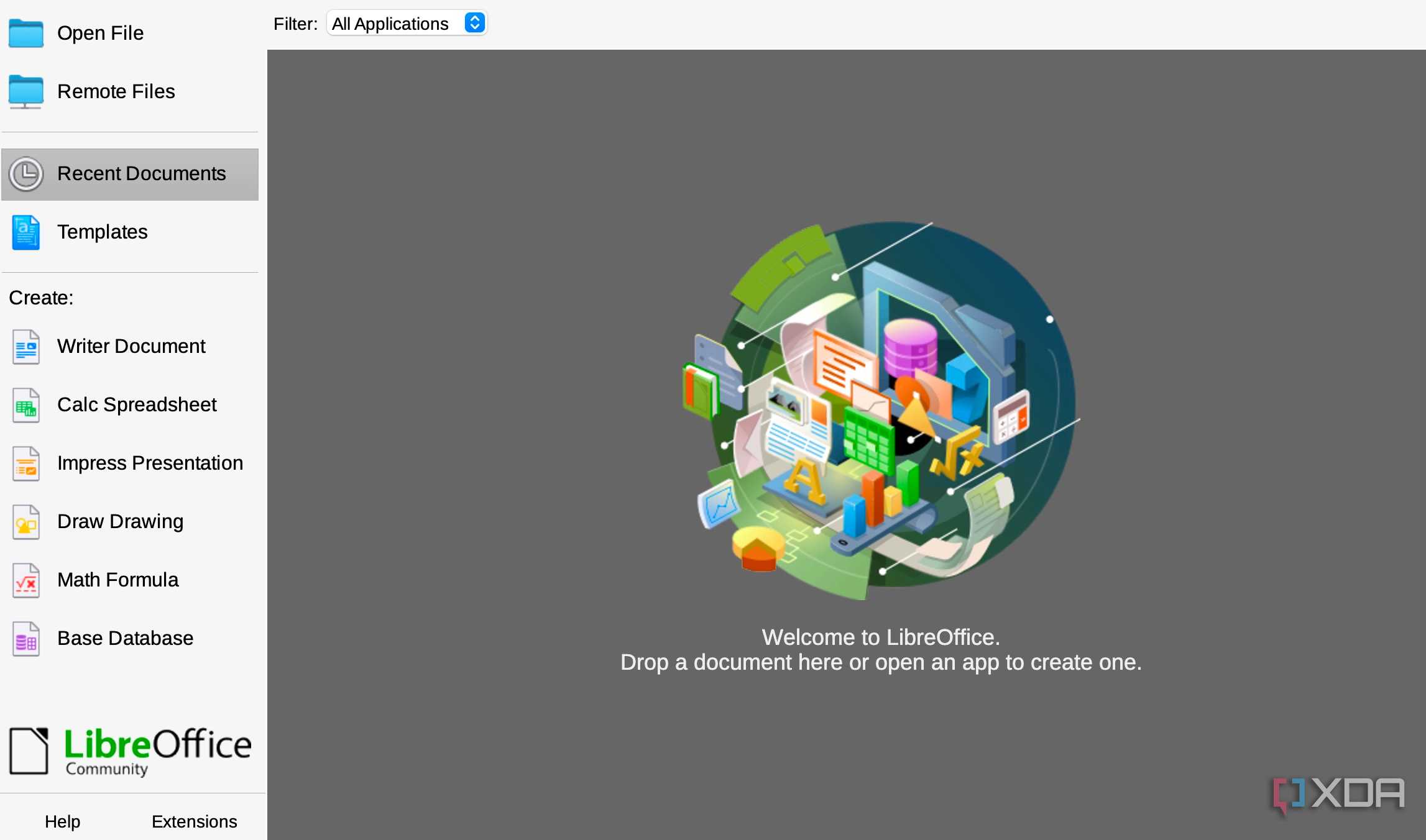
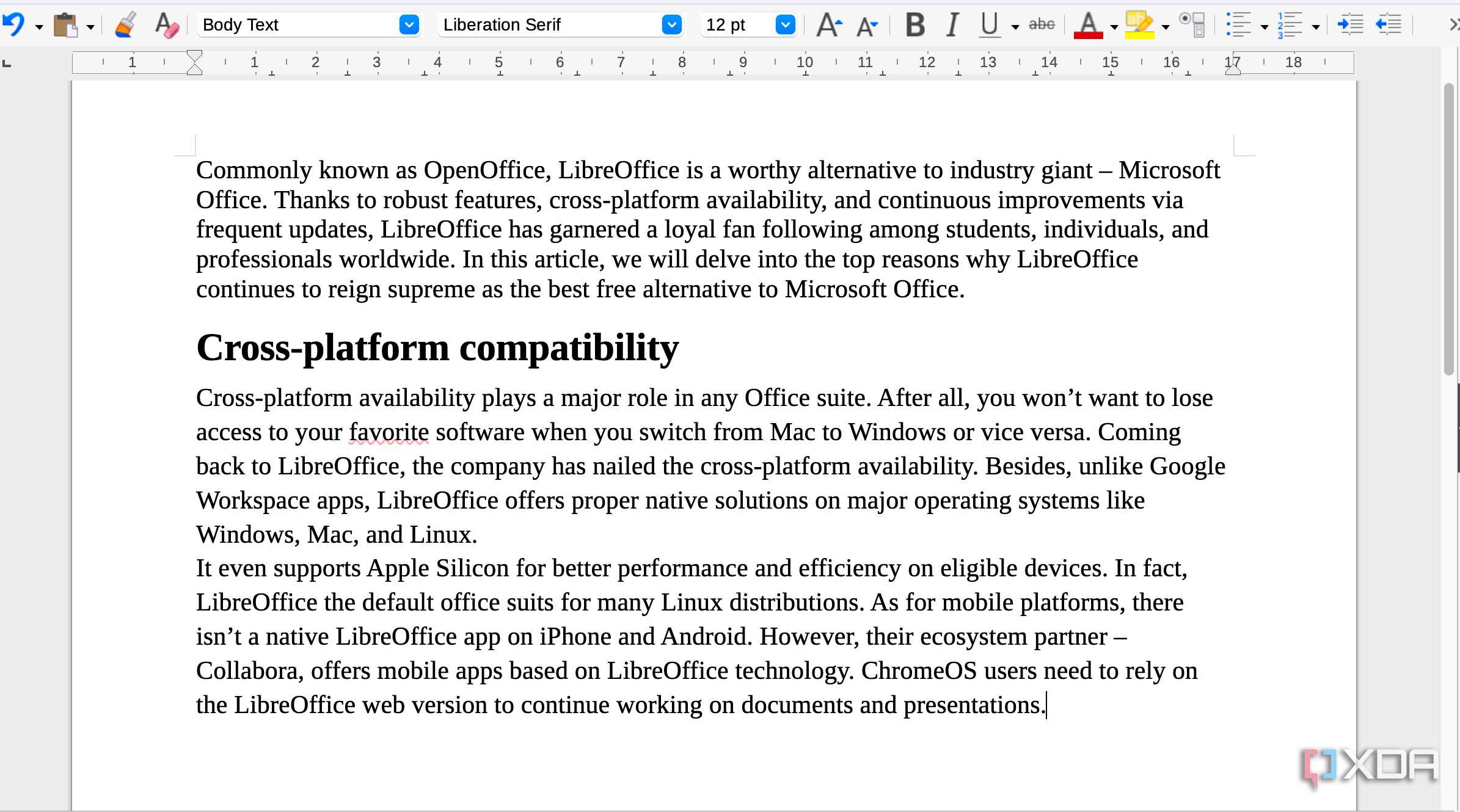
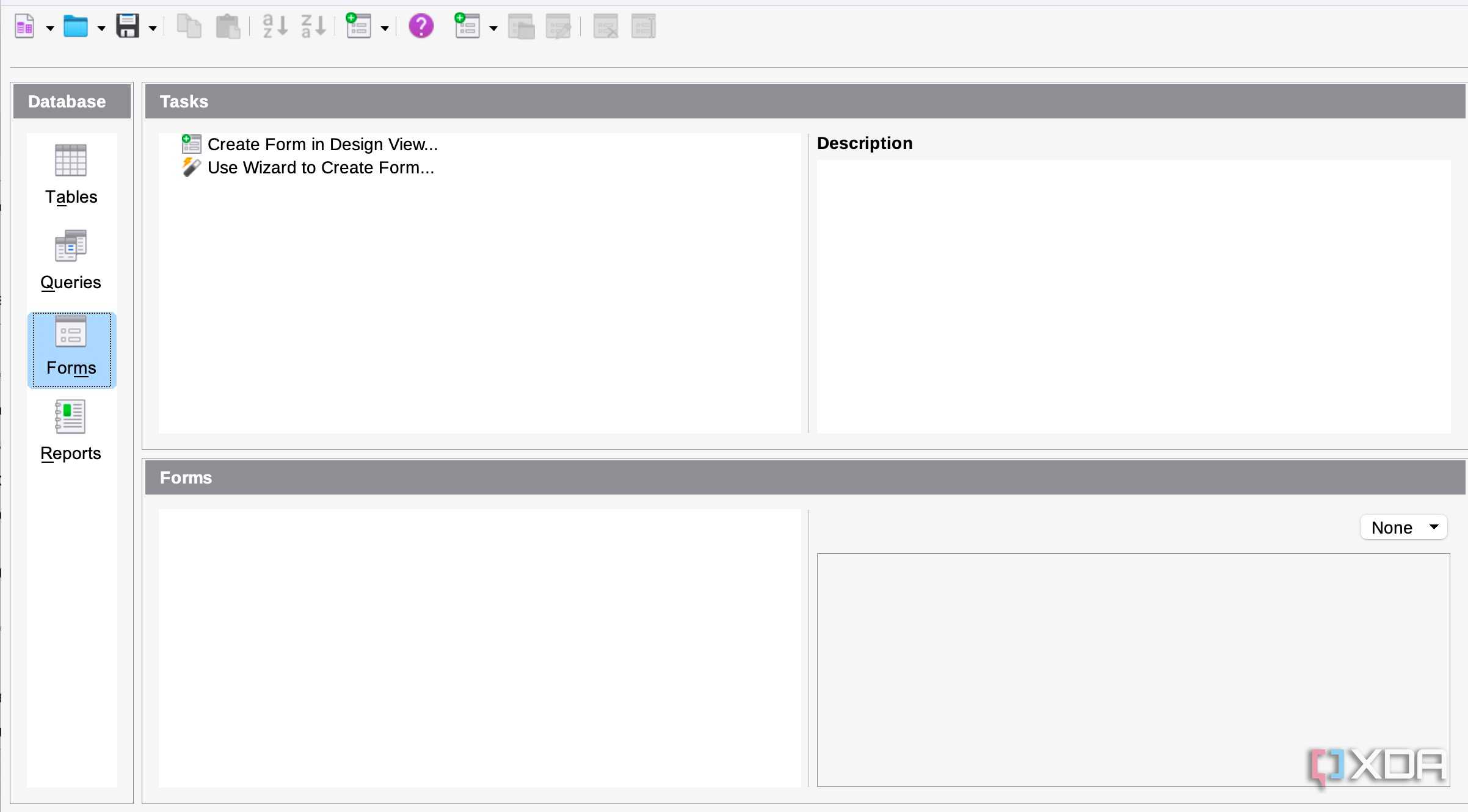
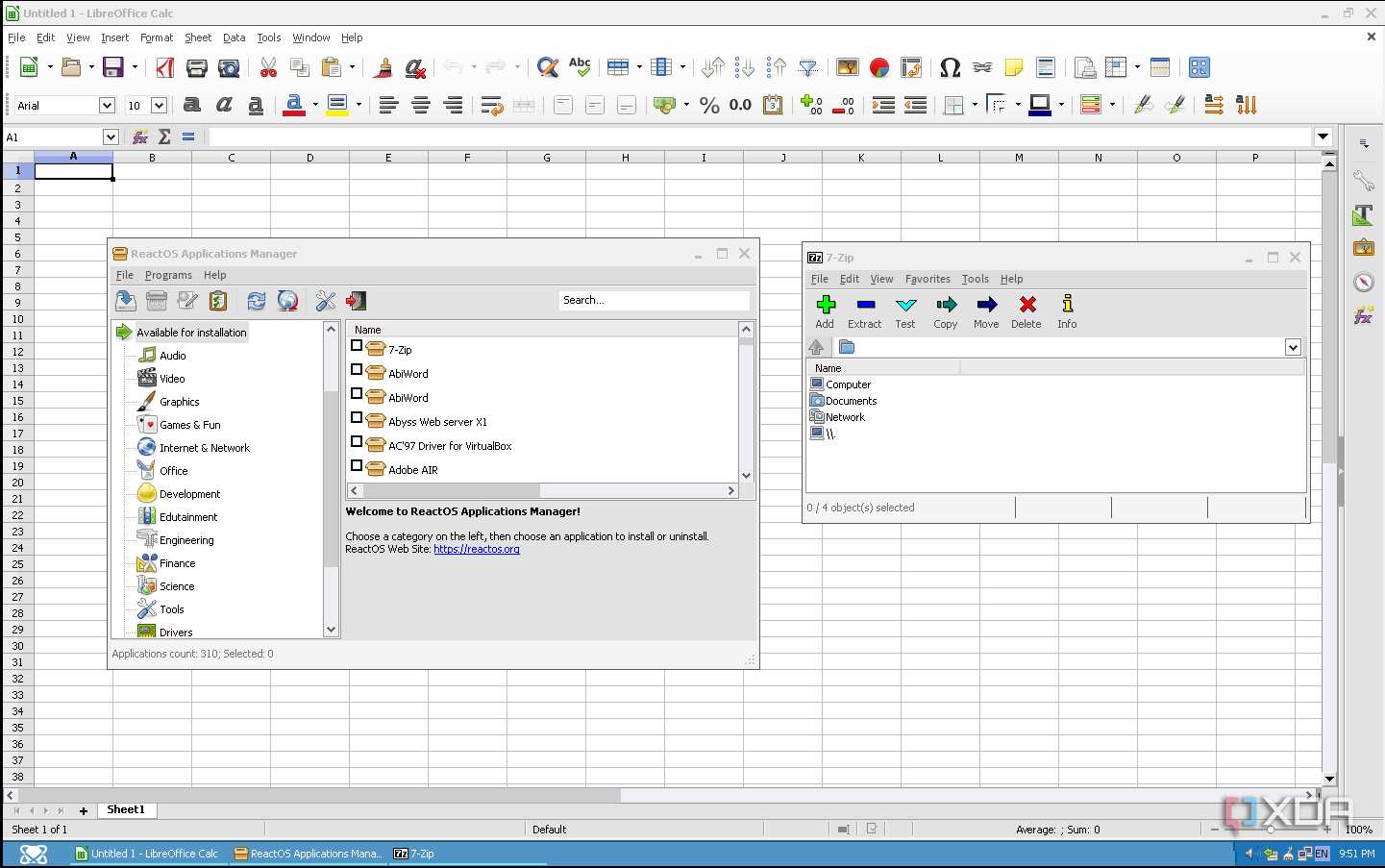
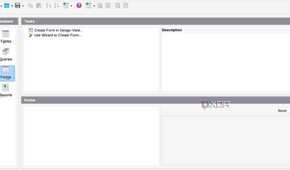
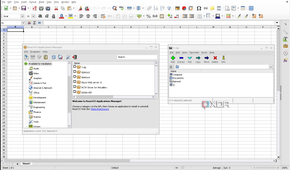
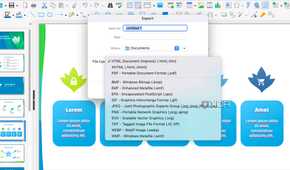
For most people, office software is synonymous with Microsoft Office, but LibreOffice is one of the best open-source alternatives out there. It’s a fully-featured office suite that includes word processing, spreadsheets, presentations, and more.
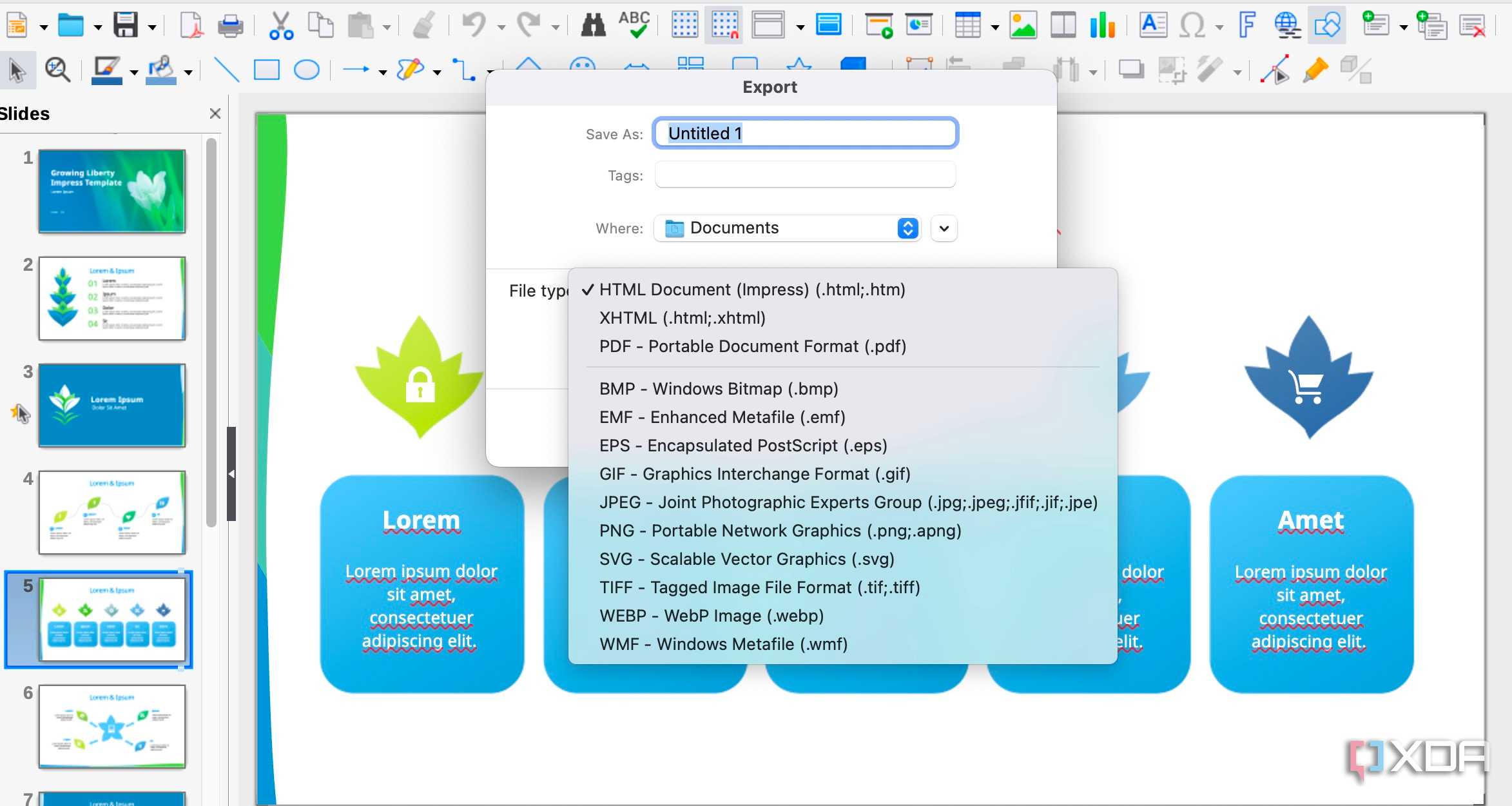
- Why it’s great: LibreOffice supports a wide range of file formats, including Microsoft’s .docx and .xlsx, so you can seamlessly collaborate with people using Office. It also has powerful tools for customizing your workspace and automating repetitive tasks with macros.
- Best for: Those looking for a free, powerful office suite that can handle everything from simple documents to complex spreadsheets and presentations.
If you need a robust, Office-like suite without the subscription fee, LibreOffice is one of the best choices available.
Alternative software options are plentiful and robust
If you're looking for free productivity tools without compromising on features or quality, the world of open-source software has you covered. From office suites like LibreOffice to specialized tools like Joplin and Zotero, there’s an open-source solution for just about any productivity need. And because they’re open-source, these apps are constantly being improved by the community, ensuring that they stay relevant, secure, and up to date. Whether you’re a student, professional, or just someone looking to streamline your workflow, these tools are well worth a try.
