


Summary
- Invest in a diverse screwdriver toolkit to handle various types of screws effectively in your projects.
- Utilize a magnetic tray to prevent the frustrating loss of screws while you work on your tinkering projects.
- Consider acquiring a 3D printer to ensure precise measurements for your components and unleash your creativity.
Although the prices of PC components have steadily risen over the last couple of years, the situation is a lot different on the tinkering front. Sure, newer devices, like the Raspberry Pi 5, are more expensive than their predecessors. Still, there are just as many affordable yet fully functional tools and components that work well for most projects.
But if you’re just starting out, you may be overwhelmed by the sheer number of DIY accessories available on the market. So, here’s a quick checklist of the hardware you’ll need to become a tinkering maestro.
8 Decent screwdriver toolkit
With enough tips to deal with every type of screw imaginable

Kicking things off with a basic recommendation, a proper screwdriver set is essential for anyone remotely interested in computing. But if you’re planning to become a DIY god, it’s a good idea to grab a toolkit that supports Torx, Tri-wing, Hex, and other screw heads besides the commonly-used Phillips screws. Additionally, if you’re as prone to dropping screws as I am, I recommend going for a screwdriver with a pre-magnetized set of tips to avoid accidentally losing your screws.

iFixit Essential Electronics Toolkit
- Components
- 16 precision bits, Spudger, Suction cup
7 Magnetic tray
To keep said screws in place while you tinker

It goes without saying that if you're working on a project involving screws, you'll need a mat or a tray to store them. I can't count the number of times I lost a tiny screw after placing it on my desk and committing its location to my memory. Certain trays, like iFixit's FixMat have magnetic sheets that prevent your screws from rolling off, making them the perfect companion if you wish to store your screws in an organized fashion.

6 Soldering station
You'll either grow to love soldering, or end up despising it from the bottom of your heart

Soldering isn’t required when all you wish to do is build some simple projects with an SBC or a mini PC. However, once you move onto circuit boards, a soldering station becomes a mandatory tool to push your PCBs and ICs projects to the next level. Heck, there are plenty of microcontroller and SBC projects that wouldn’t work unless you pair the components using a soldering iron. Finally, if you’re planning to build a mechanical keyboard from scratch, a soldering station will come in handy when connecting the switches to the keyboard’s PCB.

5 3D printer
Fair warning: 3D printing can get rather addicting...

It’s not easy to find plastic components of the perfect size, especially if you’re working on something small, like a drone. The situation becomes even more complex when you’re building a project from scratch using parts with precise dimensions.
That’s where a 3D printer comes in handy; by allowing you to print 3D models with exact measurements, you can rest assured your creative drive won’t be restrained by ill-fitting components. Additionally, having a 3D printer at the ready makes it easy to replicate the creations built by the DIY community.

4 Sensors, jumper wires, and breadboards
Using all three simultaneously may lead to a messy desk


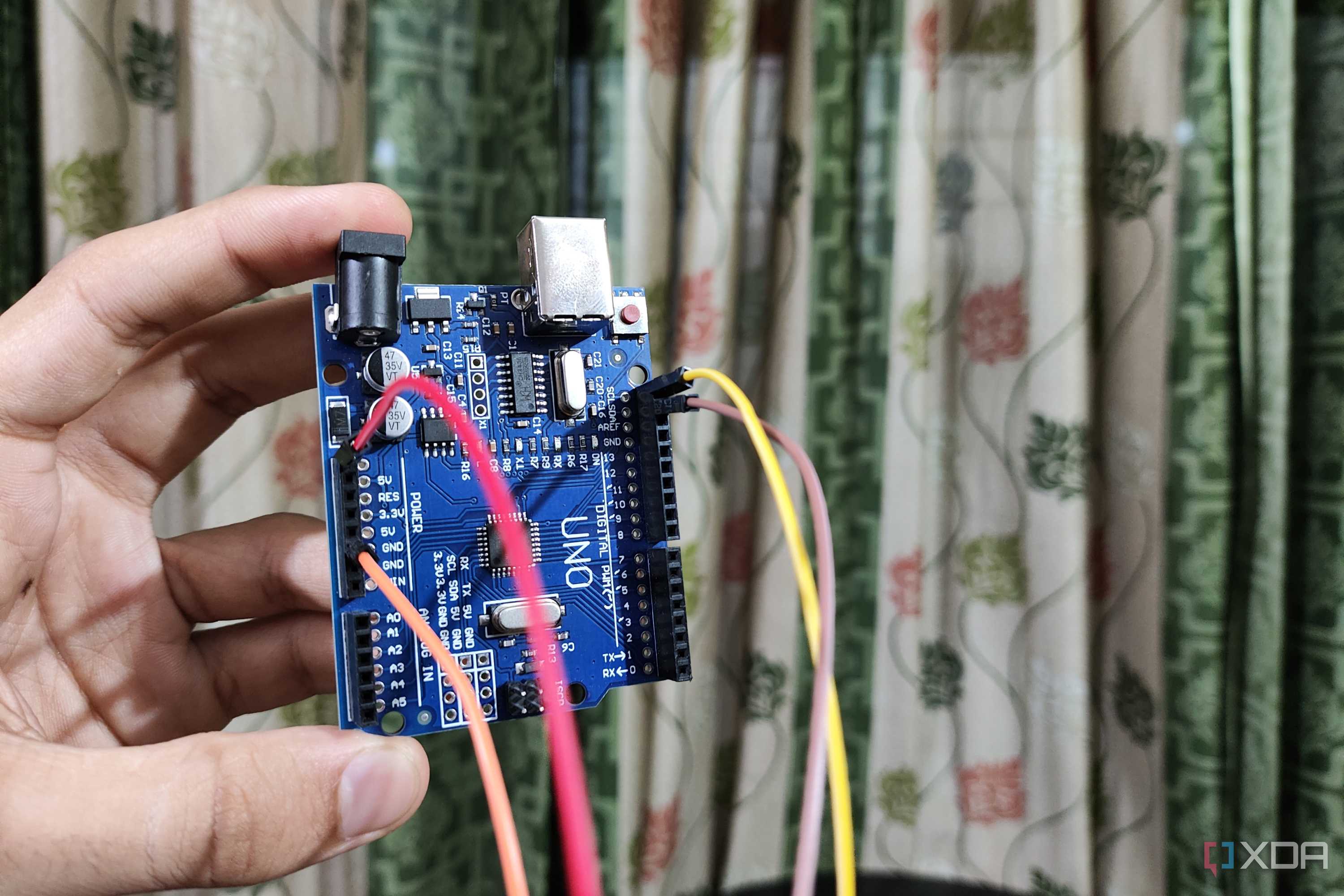
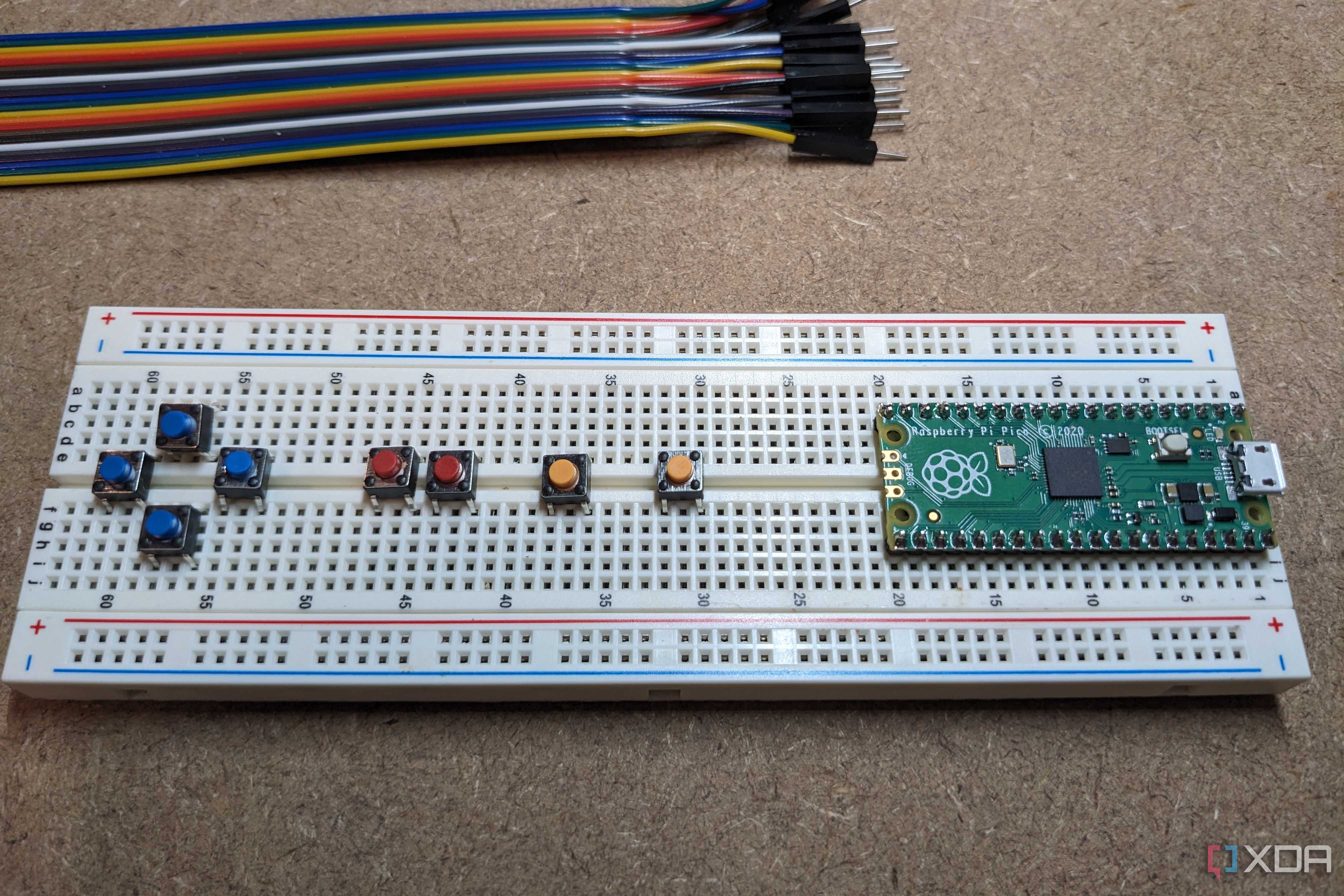
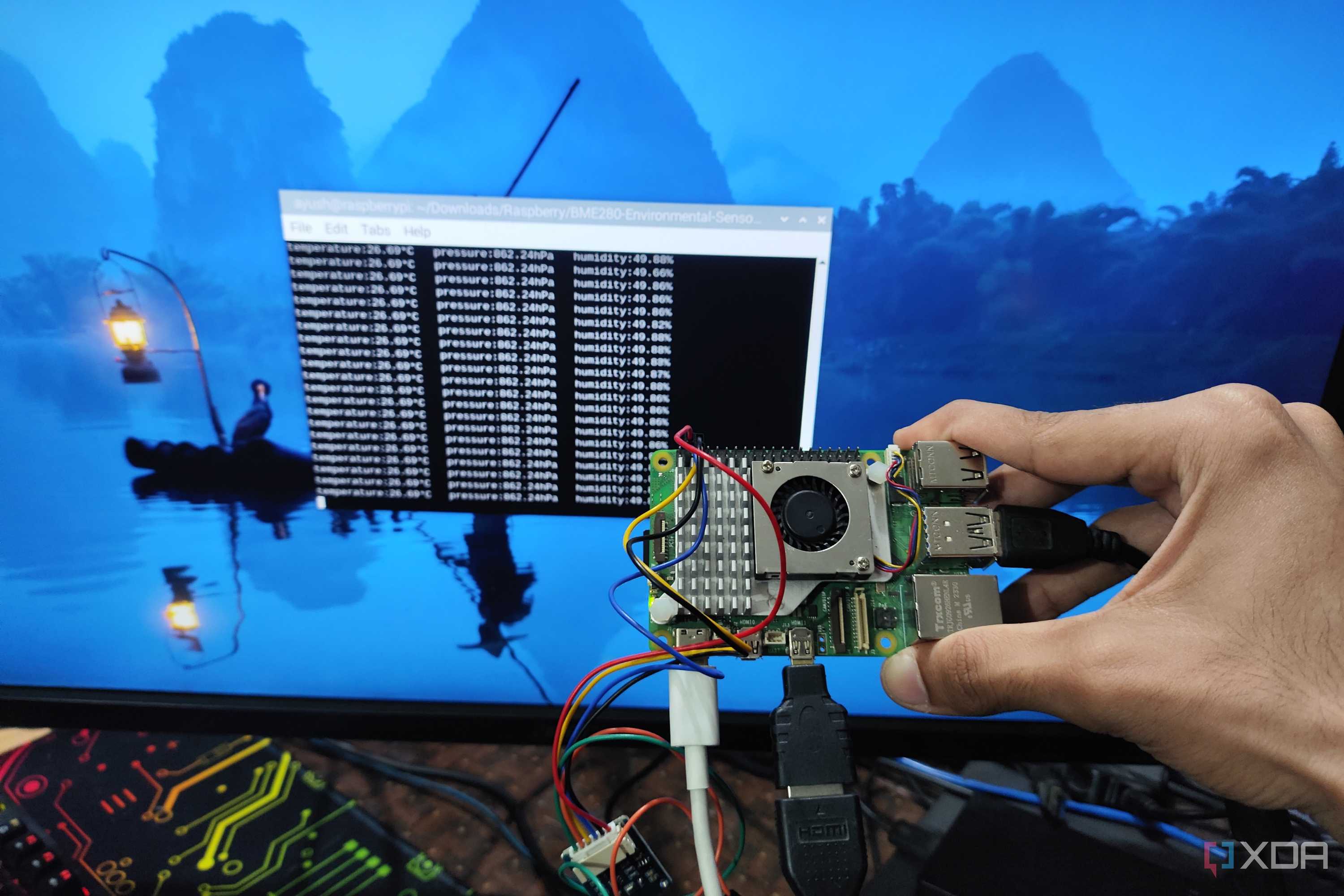
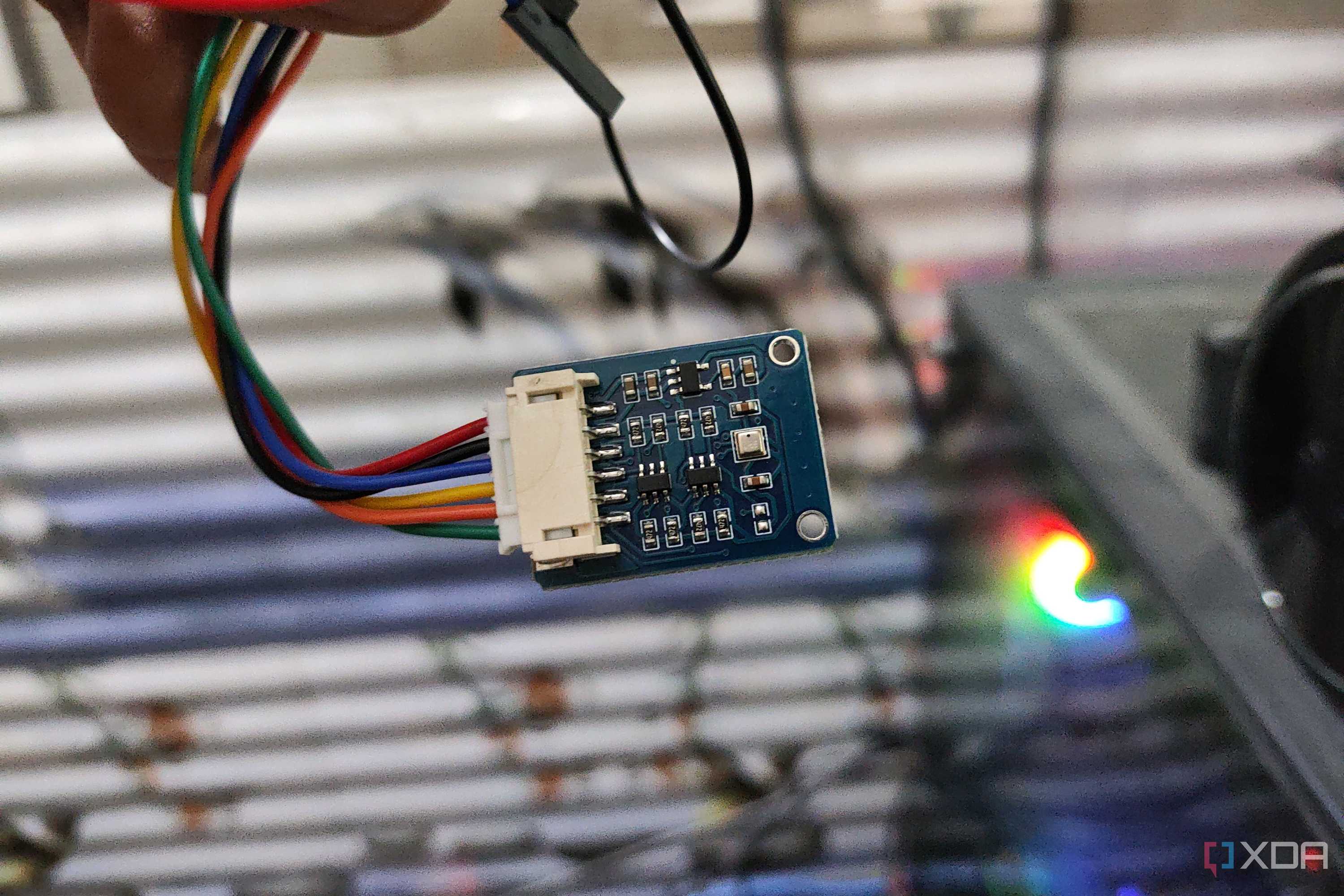
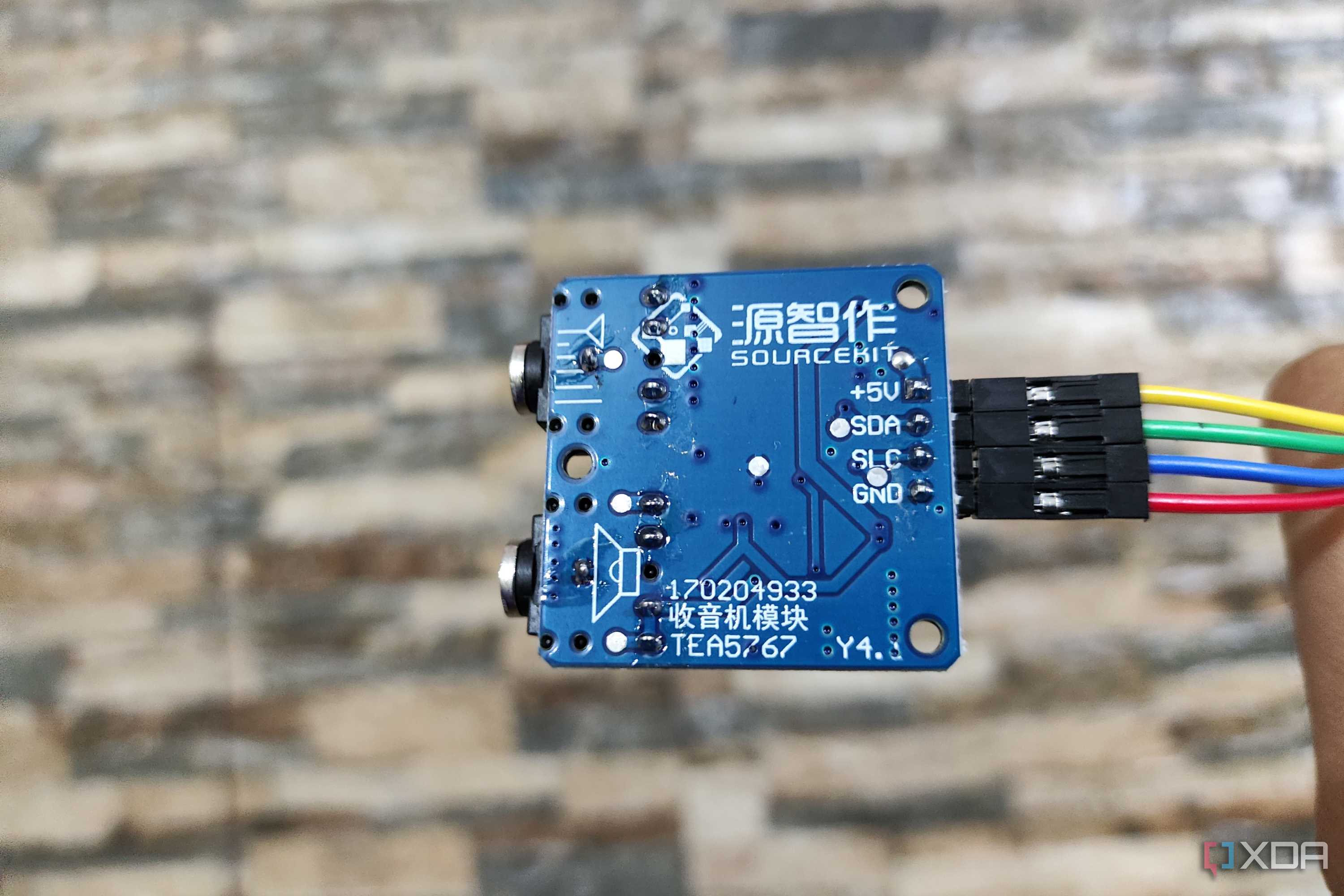
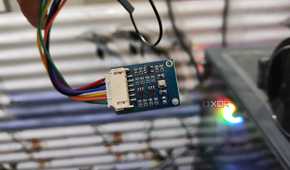
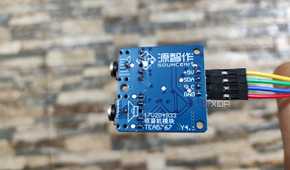
If you’ve ever worked on a project involving electrical circuits, you may already have some of the essential accessories lying around already. These include temperature, soil, radio-frequency, and other sensor modules to feed data to your microcontroller – or even an SBC.
Likewise, a breadboard is essential if you wish to connect sensors and other add-ons to your microcontroller without permanently joining them together via soldering. To that end, you’ll also require some jumper wires. These wires are available in three varieties: male-to-male, male-to-female, and female-to-female, and depending on the complexity of your project, you may require all three types.


3 Microcontrollers
Difficult for beginners, but the payoff is huge


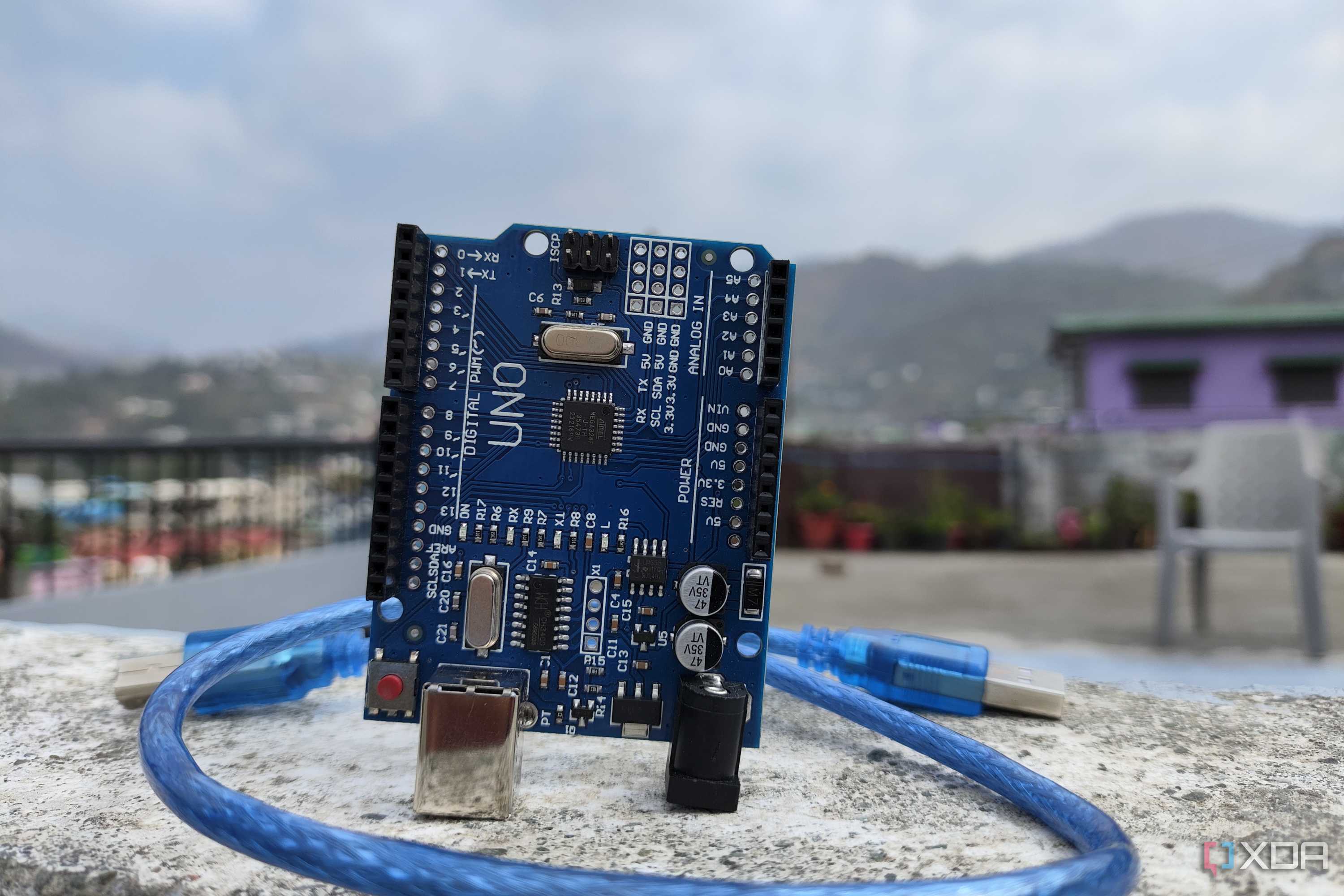
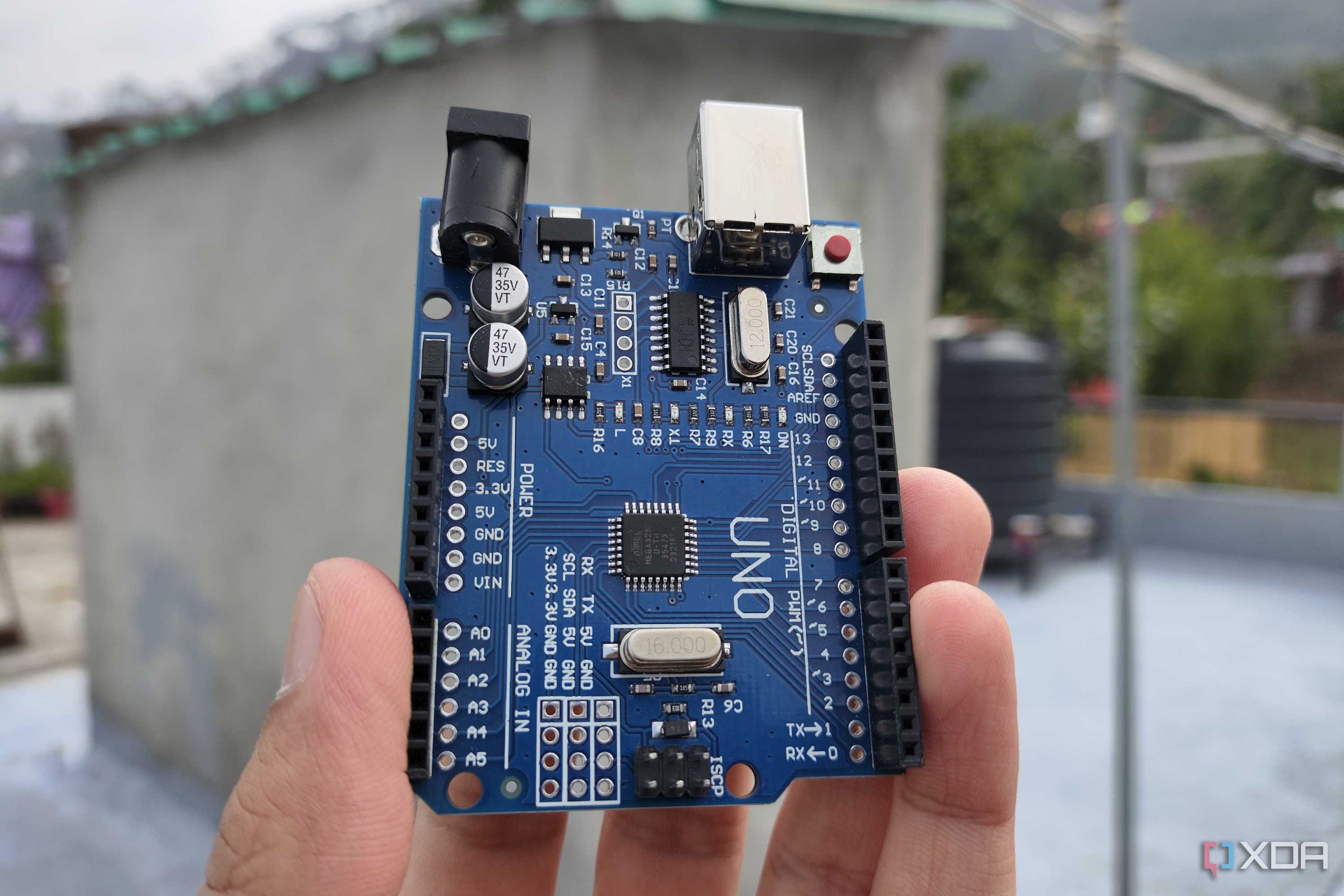
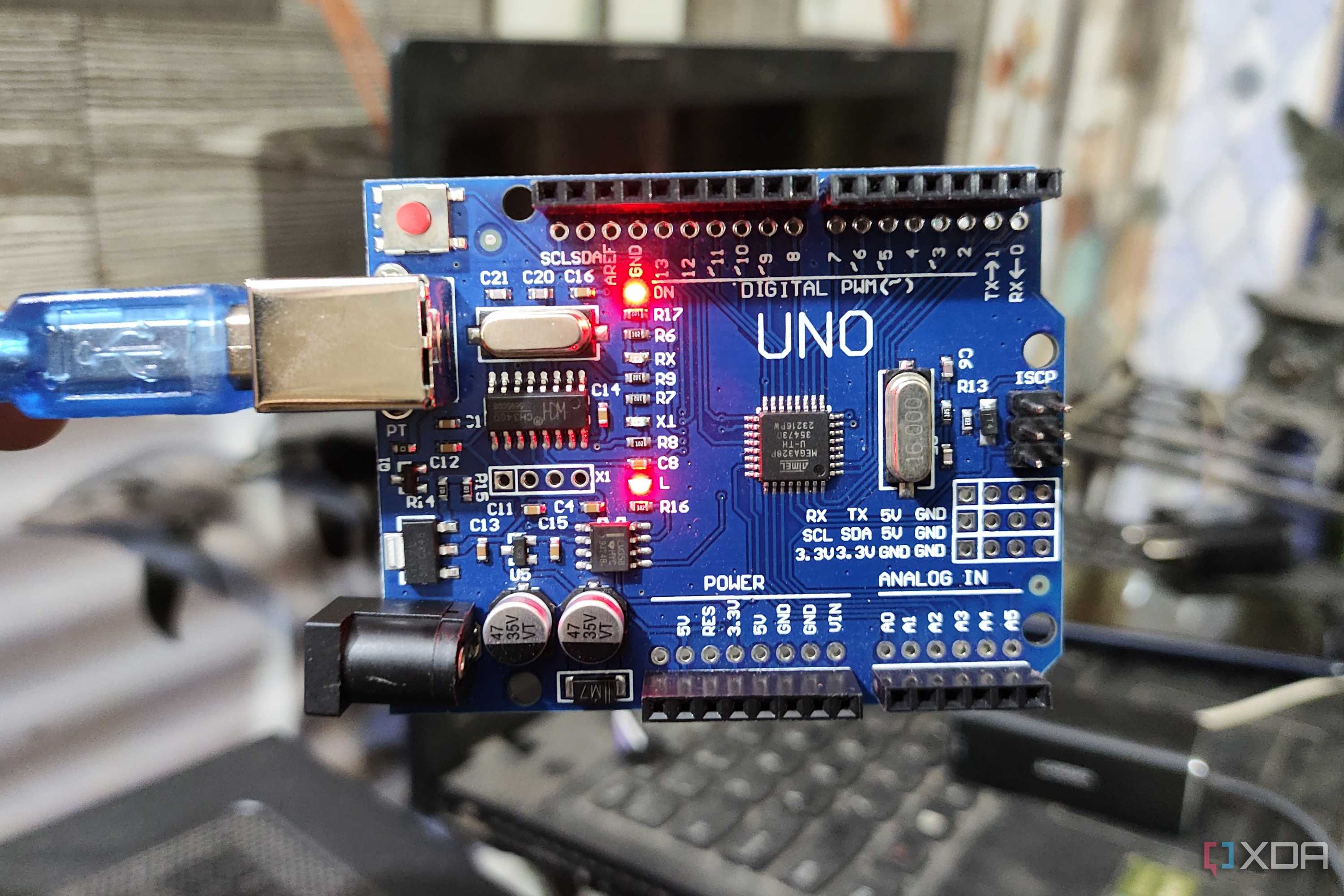
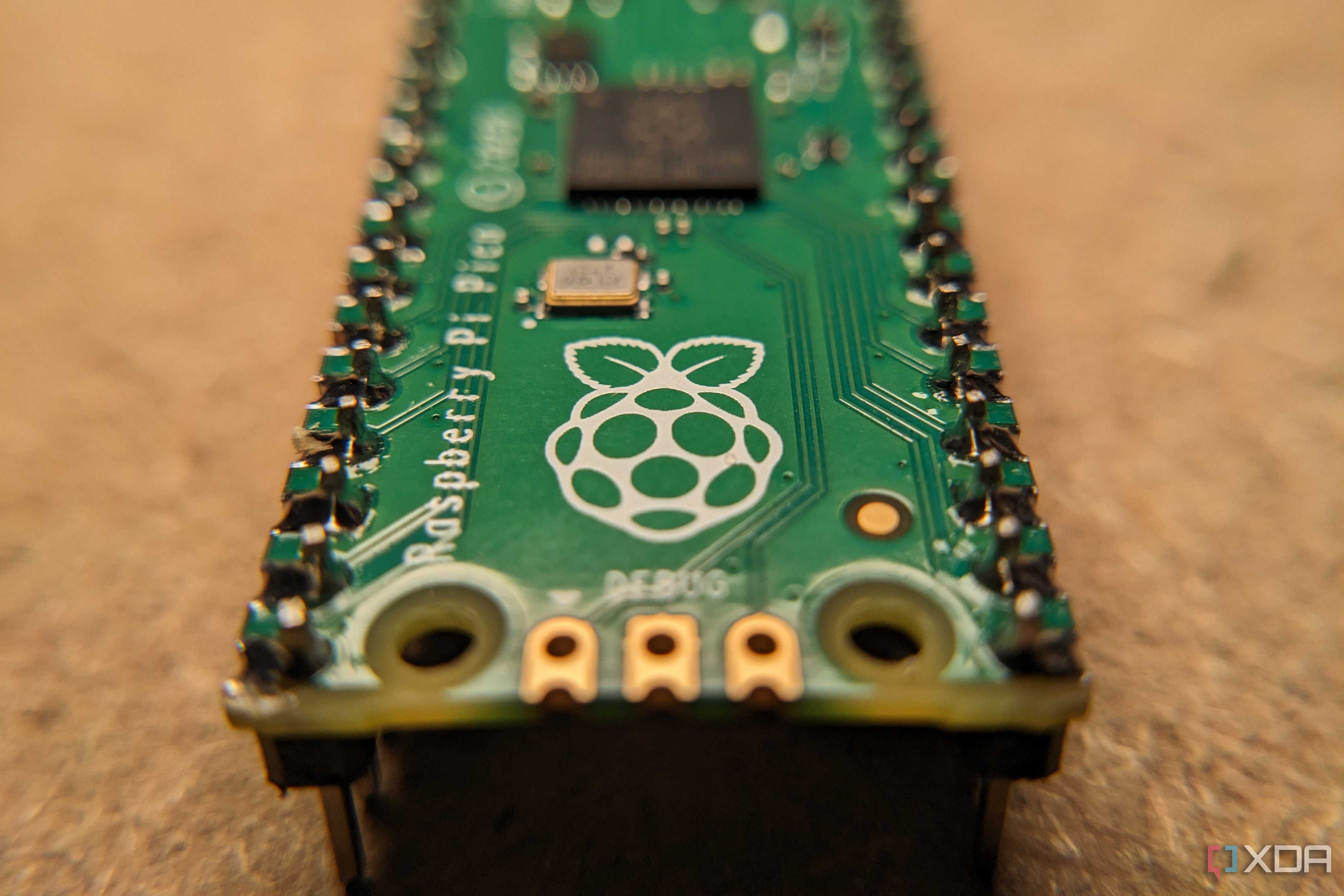
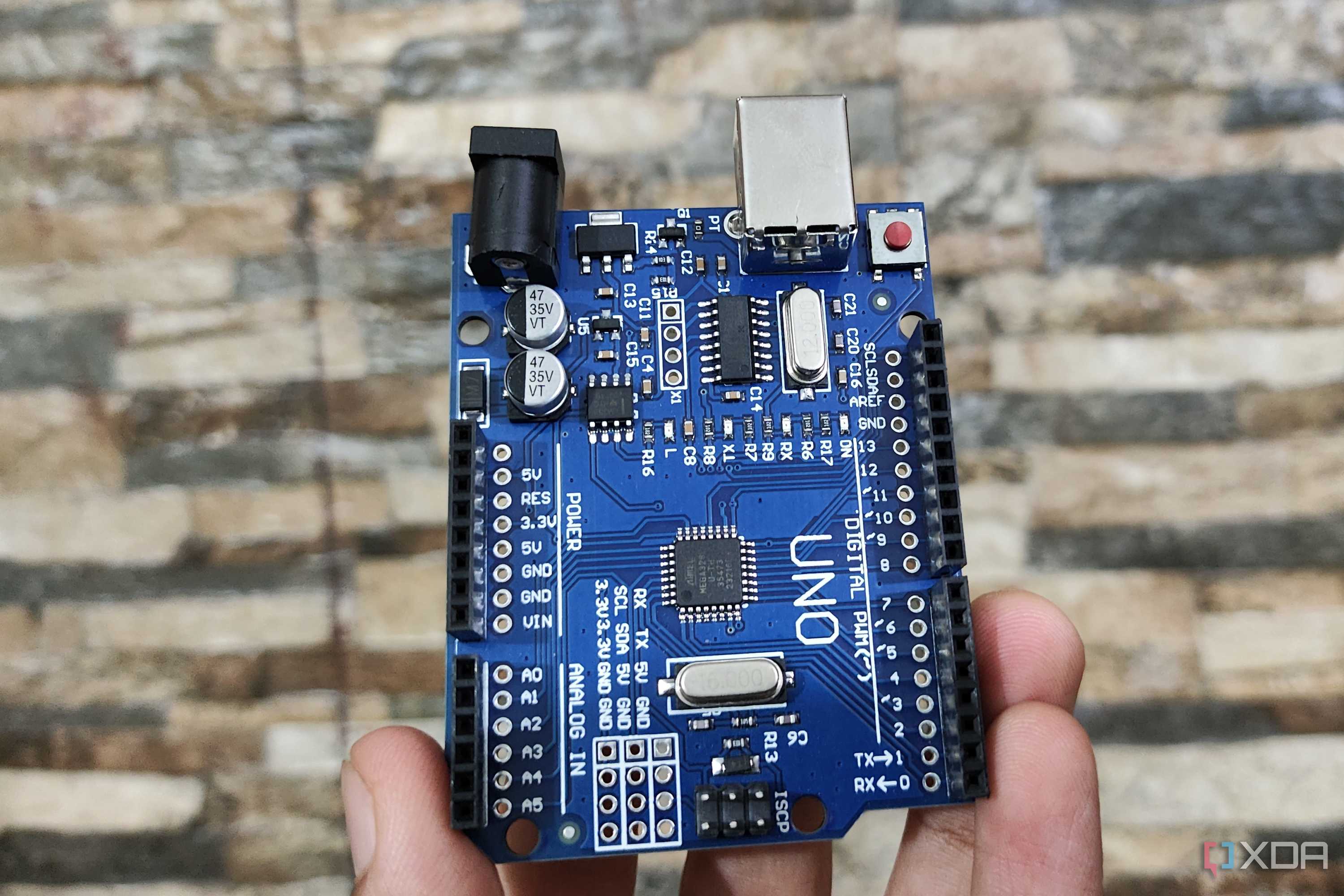
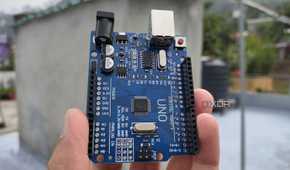
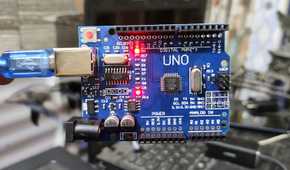
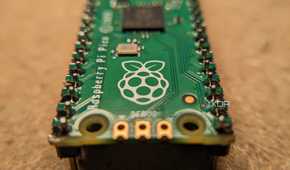
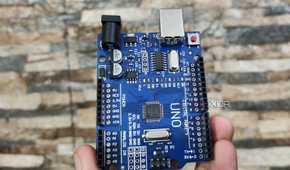
Continuing from the last section, microcontrollers are a staple of circuitry and automation projects, and for good reason. They’re extremely cheap, compatible with a host of input and output peripherals, and have just enough juice to execute complex codes. Microcontrollers may lack in performance and ease-of-access fronts, but you can build pretty much anything imaginable once you master these boards.
What's more, you have a ton of microcontrollers to choose from. There’s the Arduino family and its multitude of first-party and third-party boards. For more complex projects, you might want to use an ESP32. And while the Raspberry Pi series is mostly associated with SBCs, the all-popular lineup even has a microcontroller: the Raspberry Pi Pico.

2 Daughter boards
HATs for SBCs, Shields for microcontrollers

For those who love working on particularly complex projects, there are times when you may need to add specific functionality that isn’t natively available on the board of your choice. Daughter boards are incredibly useful in this scenario: by interfacing with your project’s main circuit board, be it an SBC or a microcontroller, these add-on boards can provide the much-needed sensors, motors, lights, and other modules to help you build your DIY creation.
1 Single-Board Computers
Hands-down the best starting point for beginners


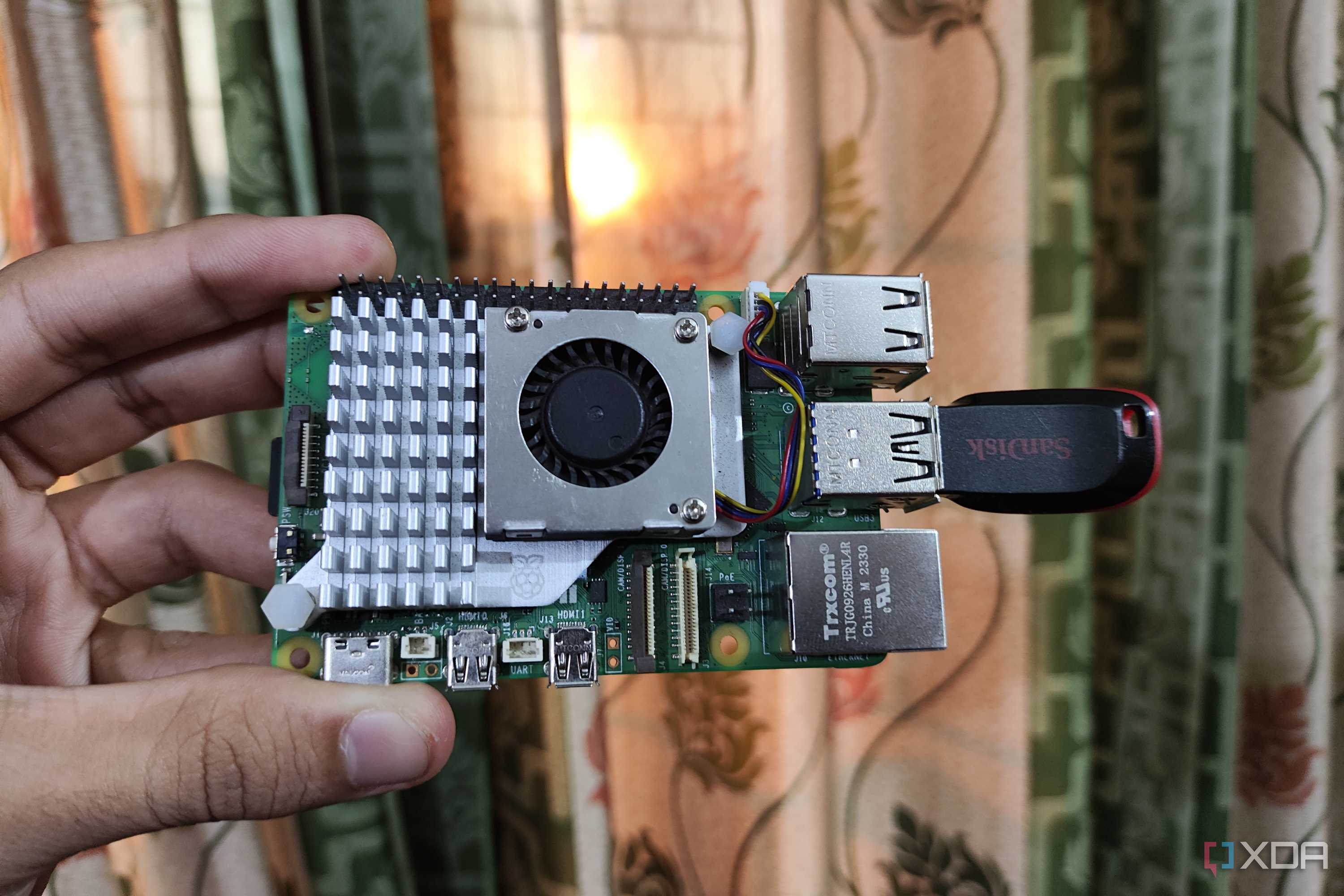
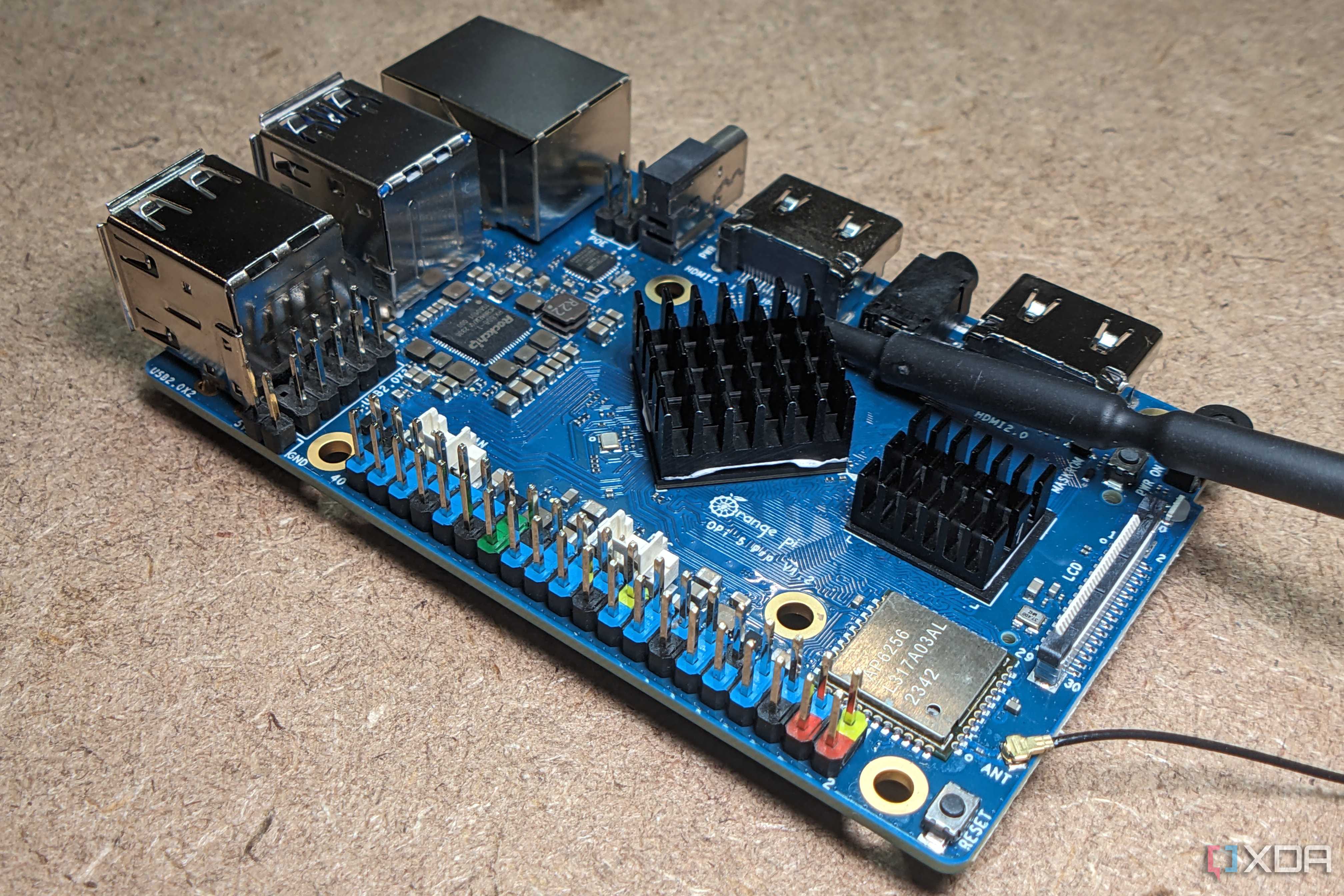
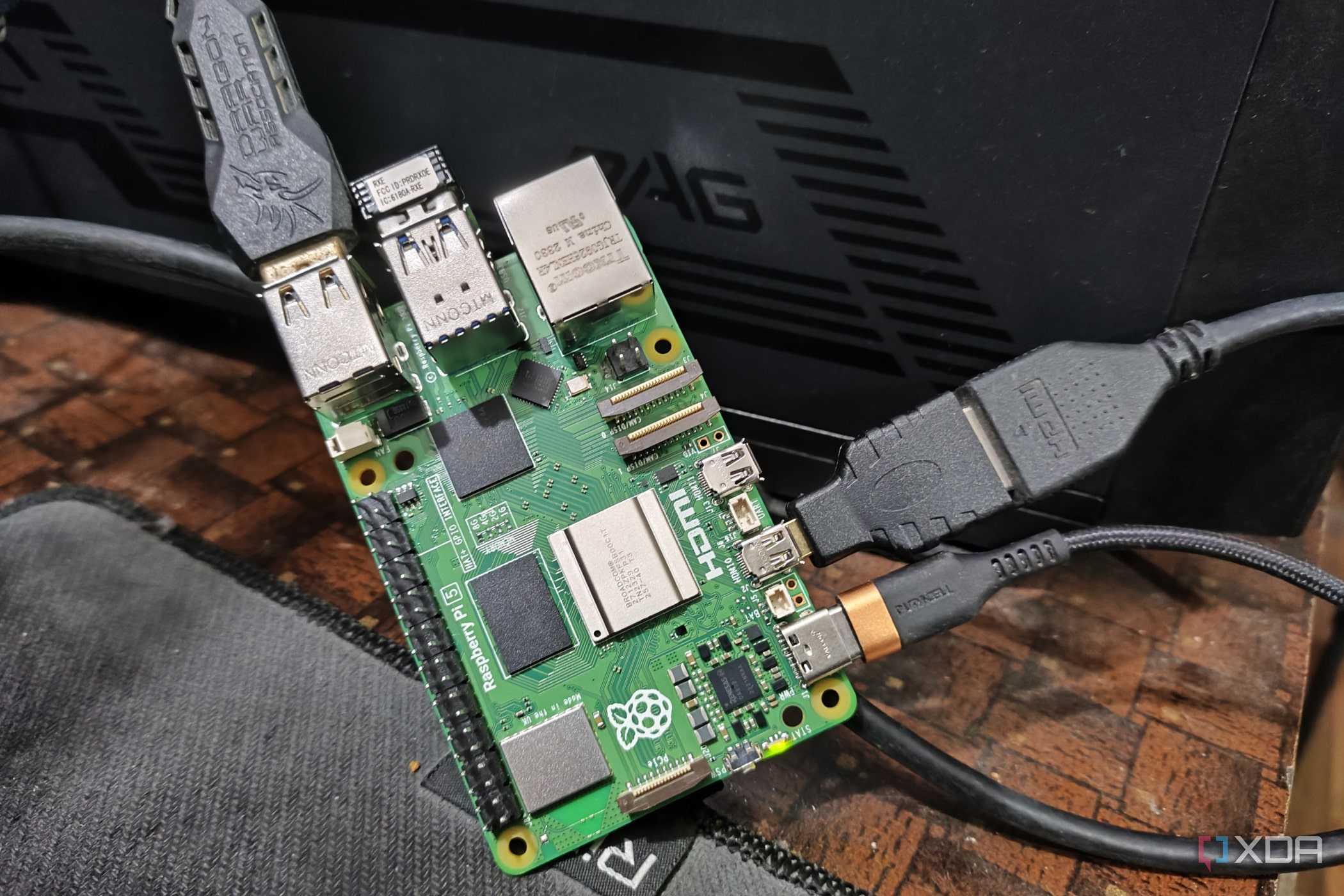
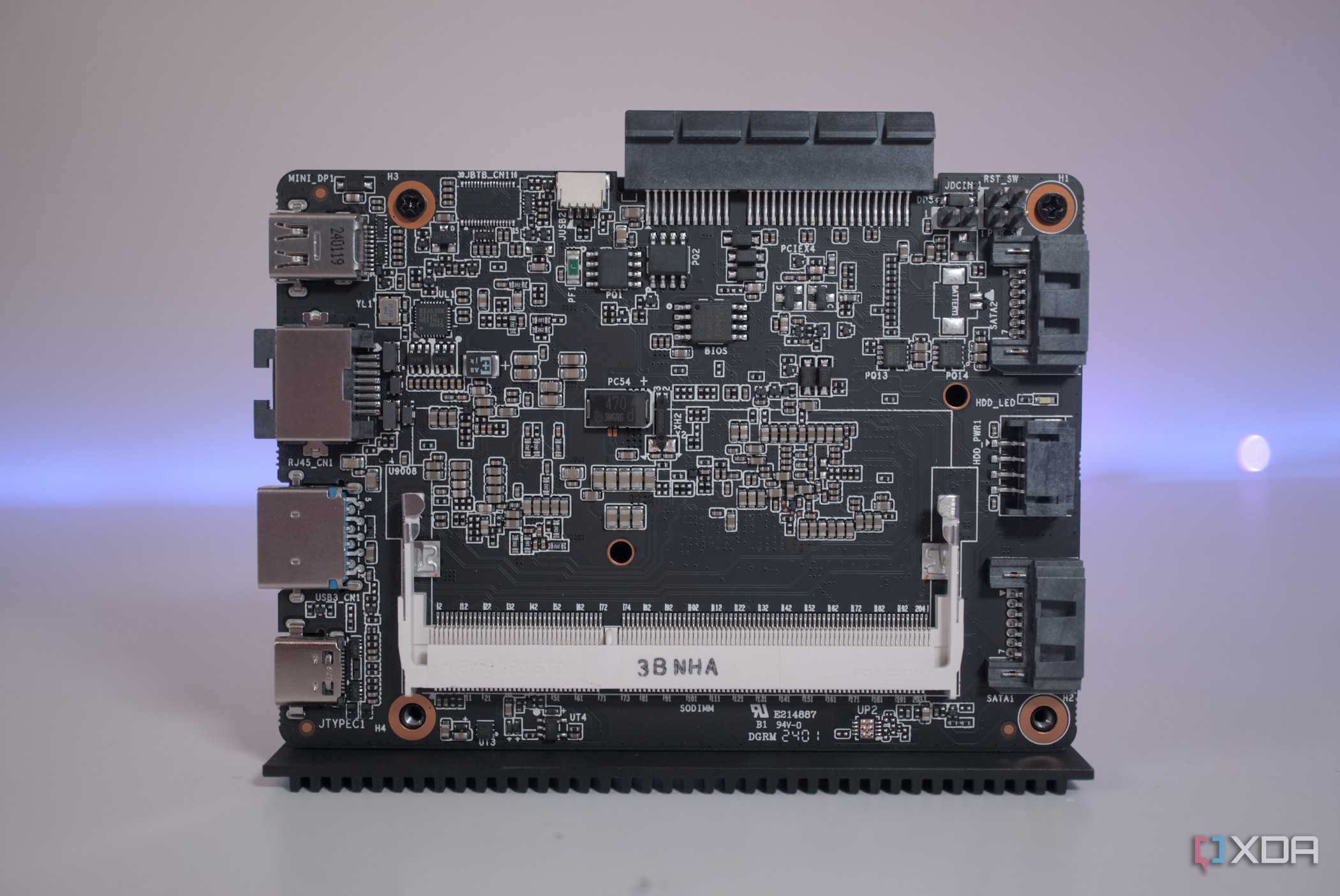
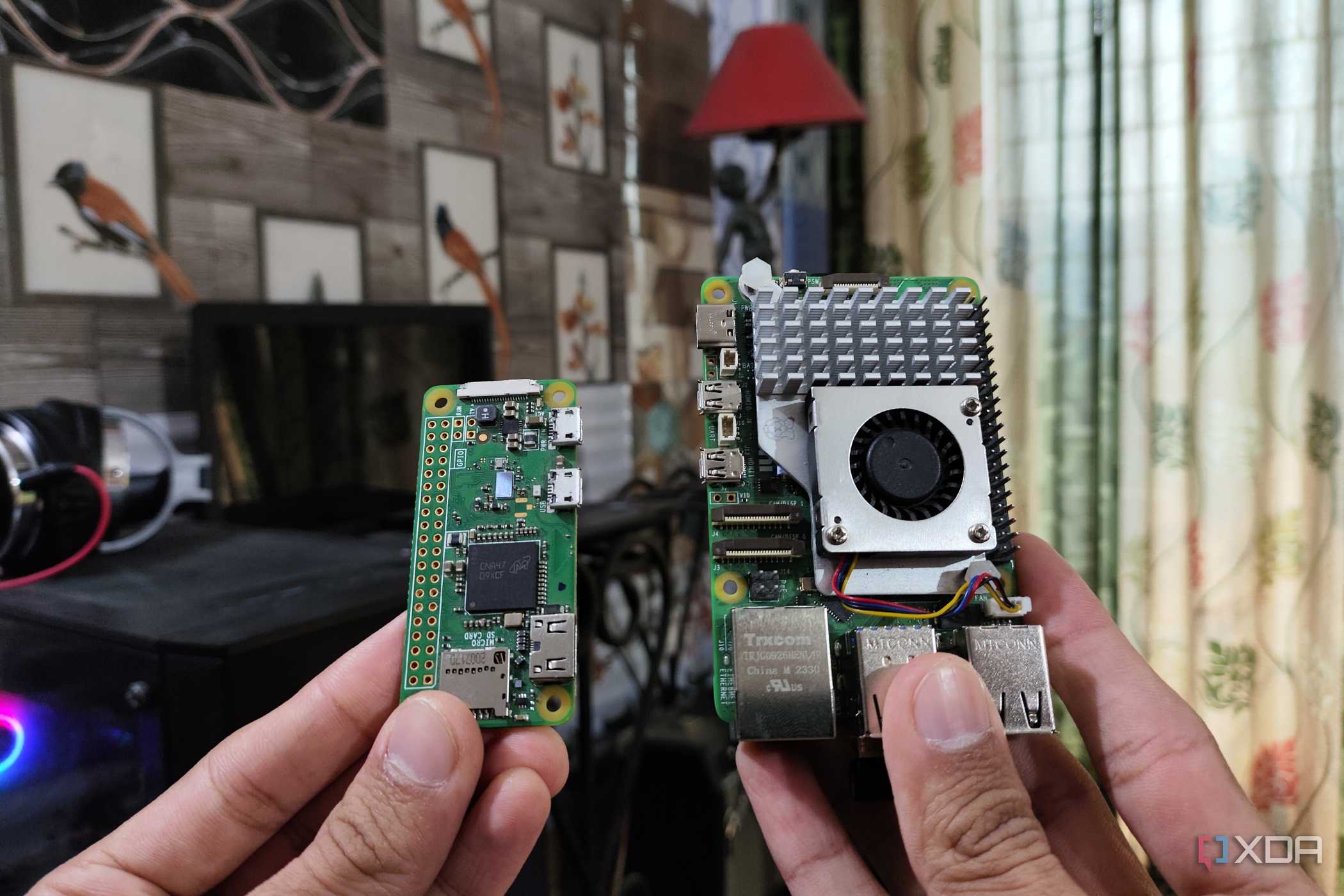
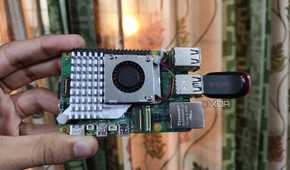
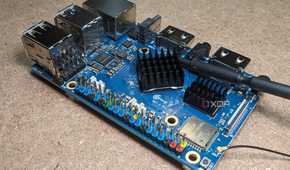
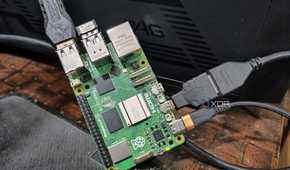
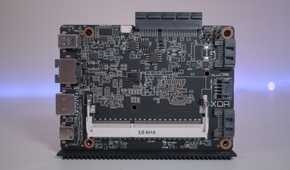
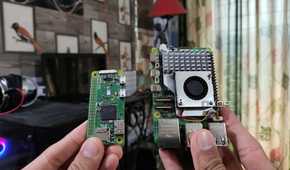
If microcontrollers can be thought of as specific tools for the job, SBCs are more akin to a versatile Swiss army knife. Unlike microcontrollers, Single-Board Computers are standalone devices that have their own operating systems. Factor in their IO connectivity, and you can use them just like an ordinary PC. Except, well, they’re way smaller, affordable, and have multiple general-purpose input-output pins for connecting HATs and other peripherals.
The Raspberry Pi family may have become synonymous with SBCs, but there are just as many alternatives. For example, you have Orange Pi and Odroid boards, which outperform their Raspberry Pi counterparts on the performance front. Likewise, you have the server-oriented ZimaBoard series, while the LattePanda’s offerings provide mini-PC level performance in exchange for a high price tag and even greater power consumption.
Do you have everything you need to embark on your DIY project journey?

If you’re looking for more stuff that can aid in your projects, we still have a couple of other suggestions. Dremel tools can be a lifesaver when you’re having a hard time connecting some poorly measured components, or when you want to clean tiny components with a rotary tool. Finally, you might want to grab an anti-static wristband to protect the delicate electronics components from static buildup.
A heat gun is another useful tool when you wish to desolder some joints, while multimeters are a godsend for any projects involving circuitry. And for those still hungry for more, be sure to check out our favorite applications for DIY enthusiasts.
