


I’ve used Microsoft 365 and Google One for years, and now I'm more convinced than ever that I should cancel my Microsoft 365 subscription. For a while, I kept both subscriptions, one out of habit and the other out of necessity. However, over time, I found myself using Google’s apps for almost everything, while Microsoft's apps sat there collecting dust.
Although the Microsoft 365 apps may offer more features, there are some Google Apps that keep me bound to its ecosystem. I wasn’t using most of Microsoft’s apps anyway, but I consistently use nearly all of Google’s. So, I’m saving some cash and moving on.
I get more out of Google One
More storage, more value, and easier sharing

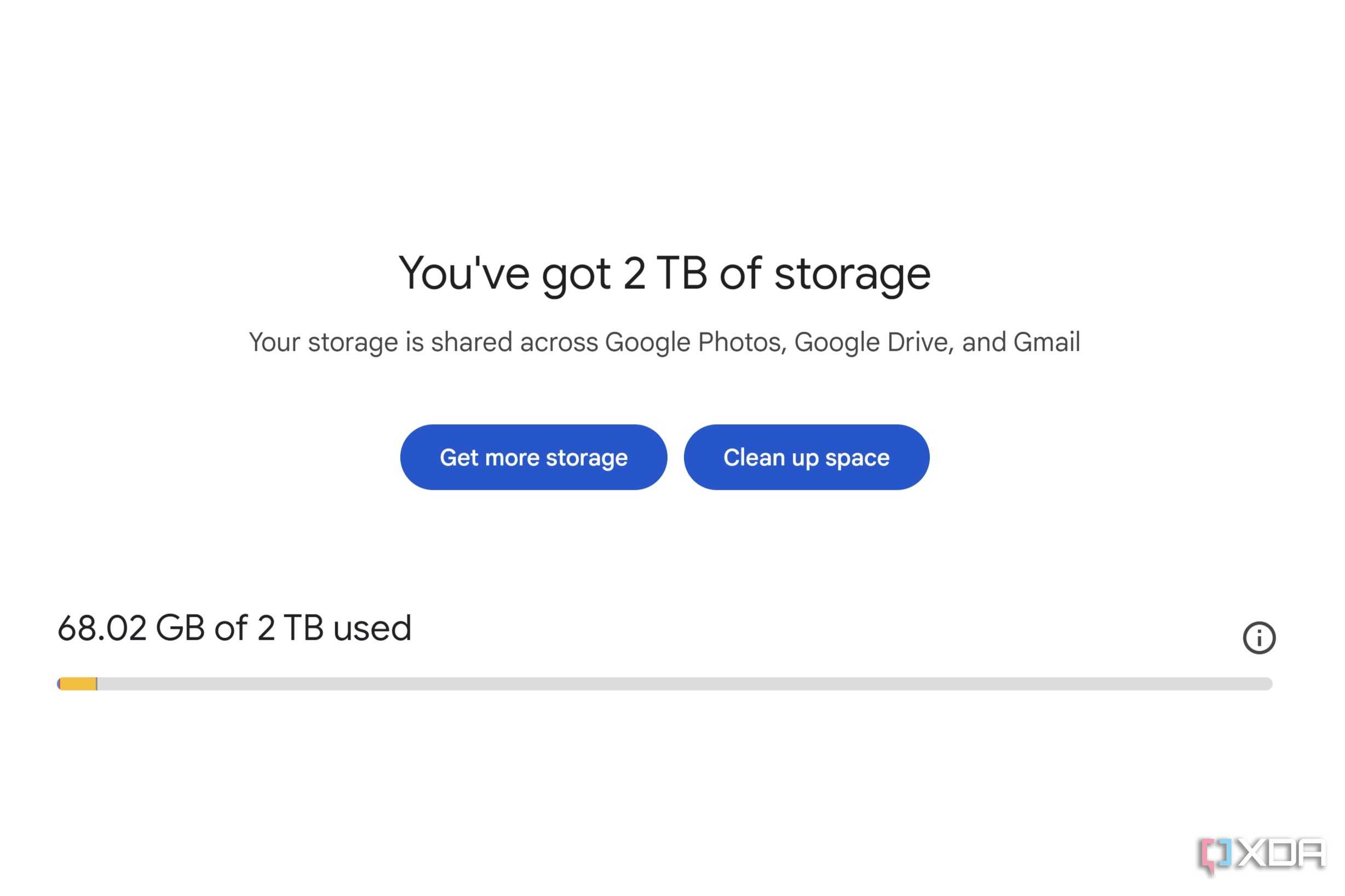
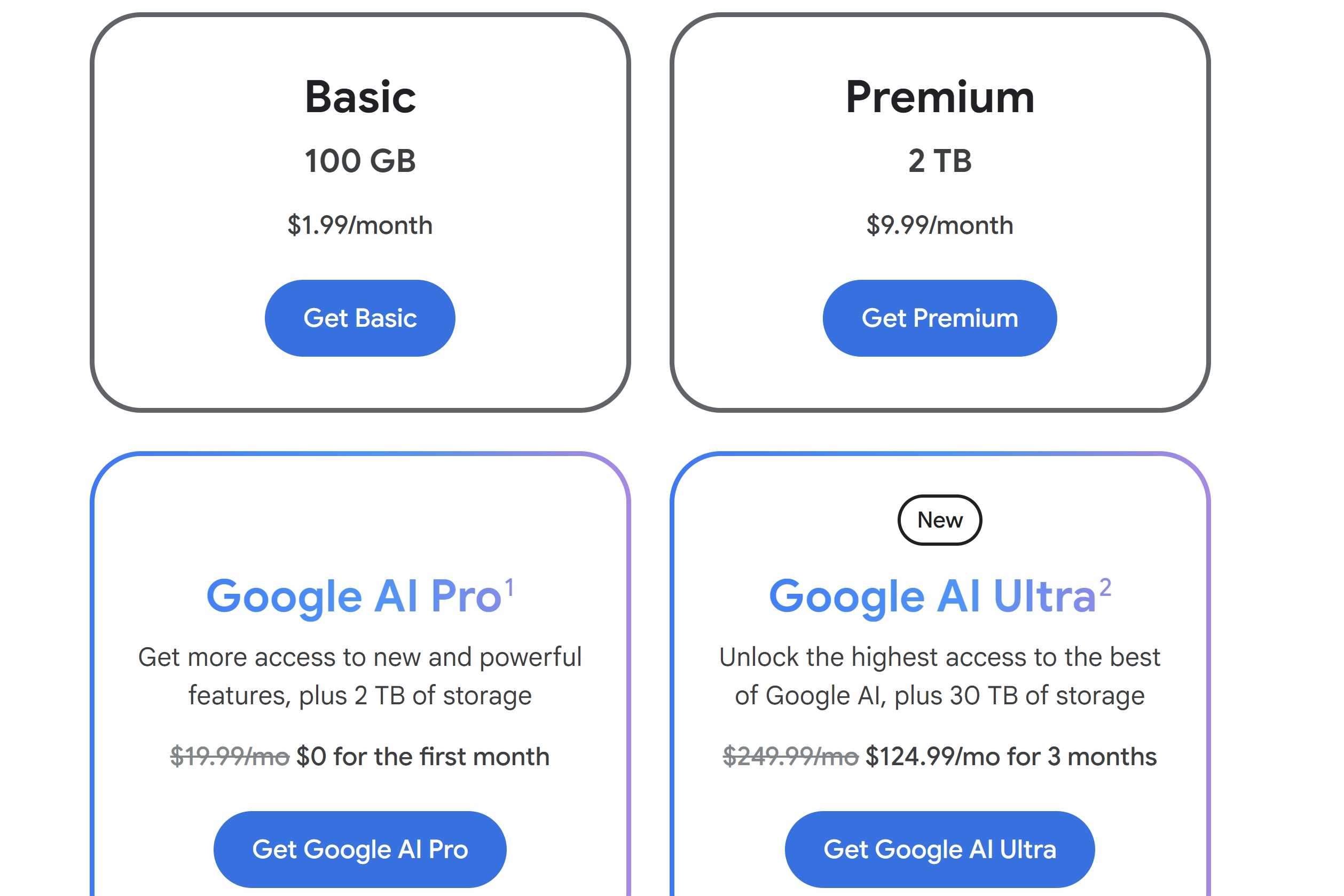
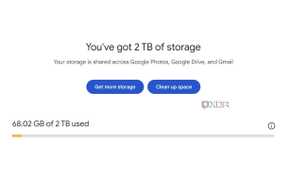
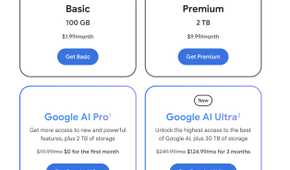
The pricing was also a factor that tipped the balance in favor of Google One. With Google One, I pay $100 per year, which includes 2TB of shared storage across Google Drive, Gmail, Photos, and more. I can also share it with up to five family members — something I can’t do with my Microsoft 365 personal account. The extra storage is important, since I take a lot of pictures and videos, and I receive more emails than I'd like to admit.
I pay $100 per year for Microsoft 365, but I’m not getting the value I expect from it. I only get 1TB of storage, and the fact that I can’t share my account with anyone makes it a dealbreaker for me. On top of that, there are several Microsoft 365 apps that I don’t use, like Access and Publisher, since I don’t work with large amounts of data or create flyers or calendars.
Sharing is just easier with Google
Seamless contacts integration and file sharing


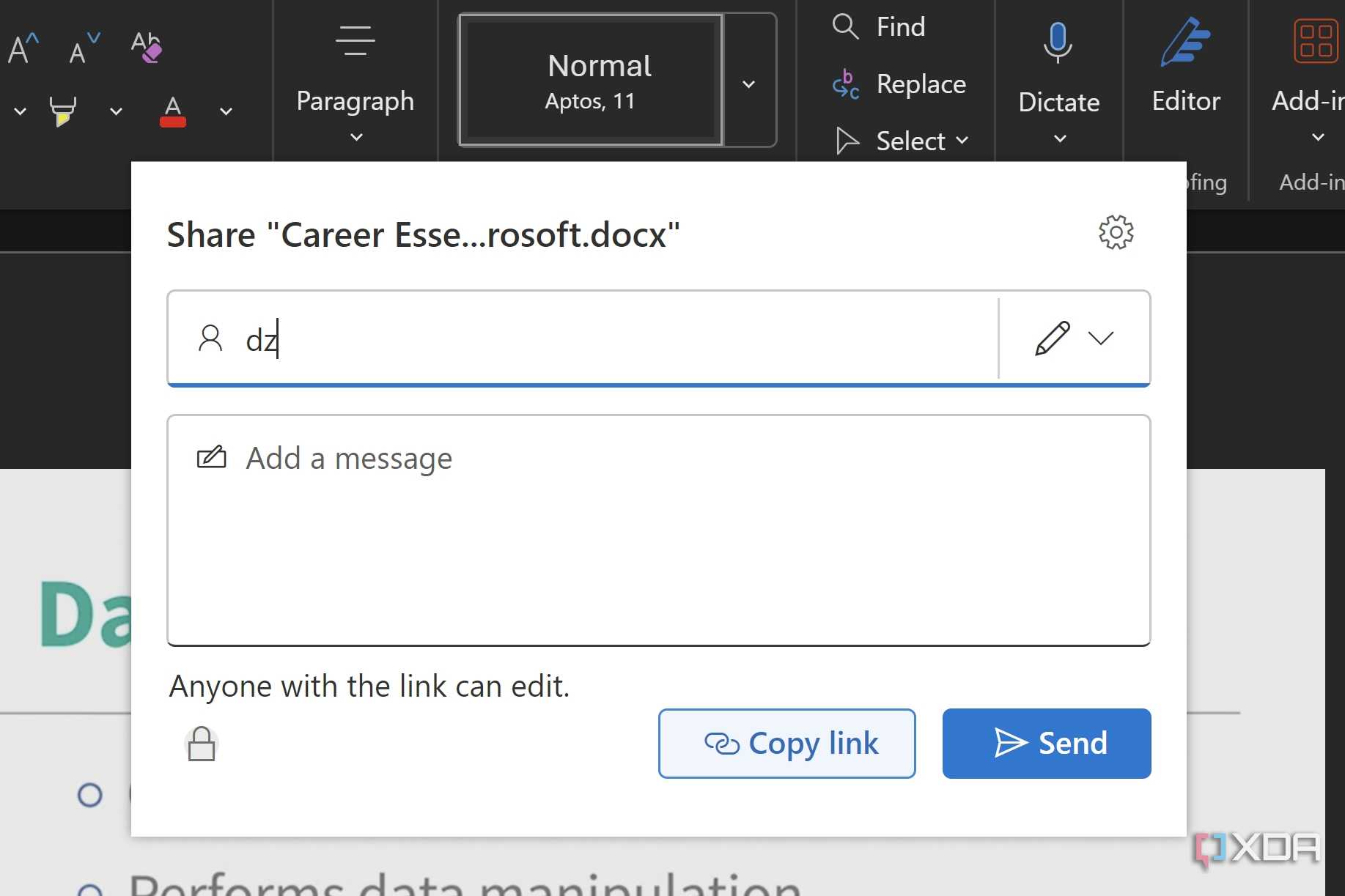
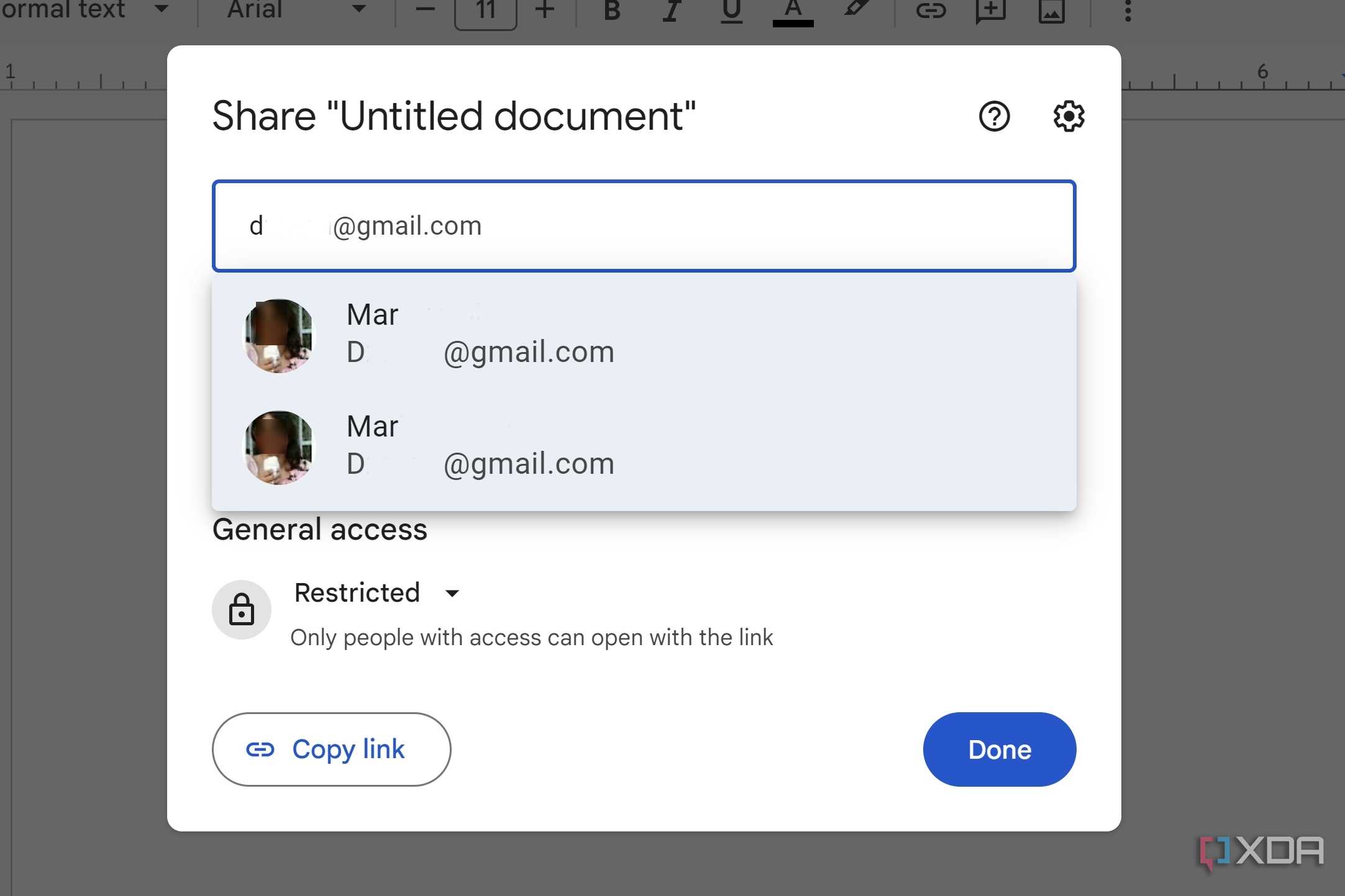

Most of the people I work with and share files with have a Google account. Although Microsoft 365 offers free web versions, many people might still see Microsoft’s apps as a paid service, which might make them less likely to use them. If I’m sharing a file with someone tech-savvy, they’ll find a way to open it, but not everyone is. For as long as I’ve had Google Docs, I've never had someone tell me they couldn’t open a file. With Word, that’s happened more than once.
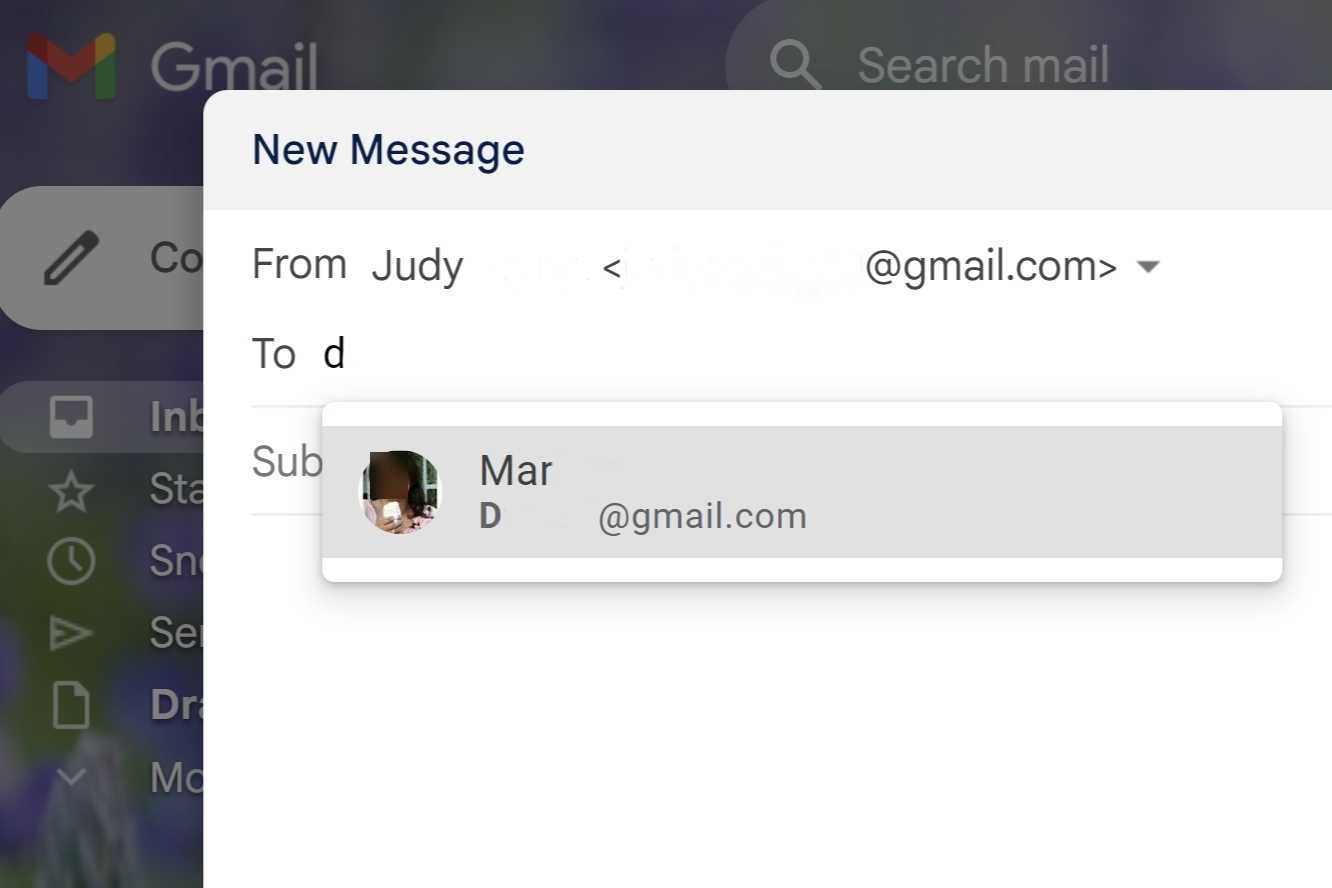
Most of my contacts are stored on Google, since I’ve been using it longer than Microsoft. Technically, I could transfer them into Outlook, but I’ve never seen the point. I prefer Gmail's design to Outlook’s; it just feels cleaner, more intuitive, and Gmail and Google Docs already recognize everyone I need.
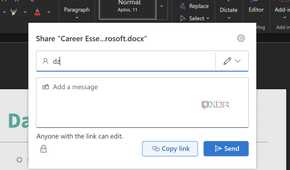
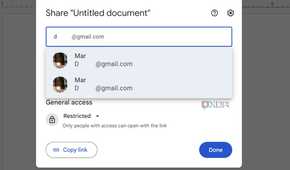
With Outlook, I do have a contact saved, but Word doesn’t always remember them when I try to share a file. With Google Docs, when I type the first two letters of the name, it automatically appears. It’s just easier with Google.
Sure, Microsoft is more powerful, but I don’t need that
More isn’t always better

I know Microsoft 365 is packed with features that professionals depend on, including plenty of hidden Word features. Word has more formatting tools, but I don’t need much of that. My daily workflow doesn’t involve building pivot tables or writing legal contracts. I’m mostly working on documents, lists, and everyday files. For that, Google Docs and Sheets are more than enough. I can complete my work using Google’s apps and get extra cloud storage for my photos in the process.
When it comes down to it, I don’t need everything Word offers. Google Docs has what I need with options like increase indent, decrease indent, align & indent, line & paragraph spacing, checklists, bulleted list, numbered list, and clear formatting. Those are my go-tos for project outlines, article drafts, and even shared task lists. Word might be more feature-rich, but for me, it just gets in the way. With Google Docs, I have easy-to-use basics and a clutter-free design that makes it easier to find.
Microsoft 365 has its place, but just not in my workflow
When keeping things simple is the way to go
Microsoft 365 is still the right choice for plenty of people. These tools are hard to beat if your job involves advanced formatting, data modeling, or creating polished presentations and reports. But just because something offers more features doesn't mean it's the better fit.
For the kind of fast, cooperative work I do every day, Google's streamlined approach yields better results with less friction. I use nearly all of its tools regularly, unlike Microsoft's, which mostly remain unused. It's not about limiting what I do; it's about choosing tools that work for me in line with my existing workflow. The added perks, like Meet upgrades and generous storage, just make it an easier win.
