


When it comes to text editing, you want a Swiss army knife of sorts. Something that can handle a few different kinds of workflows without a hitch. It also needs to just work. You don’t want to be fumbling around with different tools just to make quick edits.
The integrated Notepad application that comes with Windows 11 is severely lacking in features. Sure, you can open .txt files and edit them, and they finally added tab support, but it’s still a shell of what it could be. Enter Notepad++, an open-source, free app developed specifically to be a Notepad replacement. I’ll never go back to using stock Notepad, and here are 5 reasons why.
5 Supports a wide range of file types
Notepad can only do a handful

We’ve all opened up what we think is a compatible file in Notepad, only for it to be a jumbled pile of indiscernible garbage. Notepad supports plain text file formats along with other very simple files, like .log, .ini, .csv, etc. Some of the more complex text files, like XML, .json and others, can be opened but won’t have proper formatting.
Notepad++ takes care of this by adding full support for all kinds of file types. If it doesn’t support a specific one you’re looking for out of the box, chances are there’s a plugin that adds full support for it.
4 Supports syntax highlighting
Makes everything much easier on the eyes


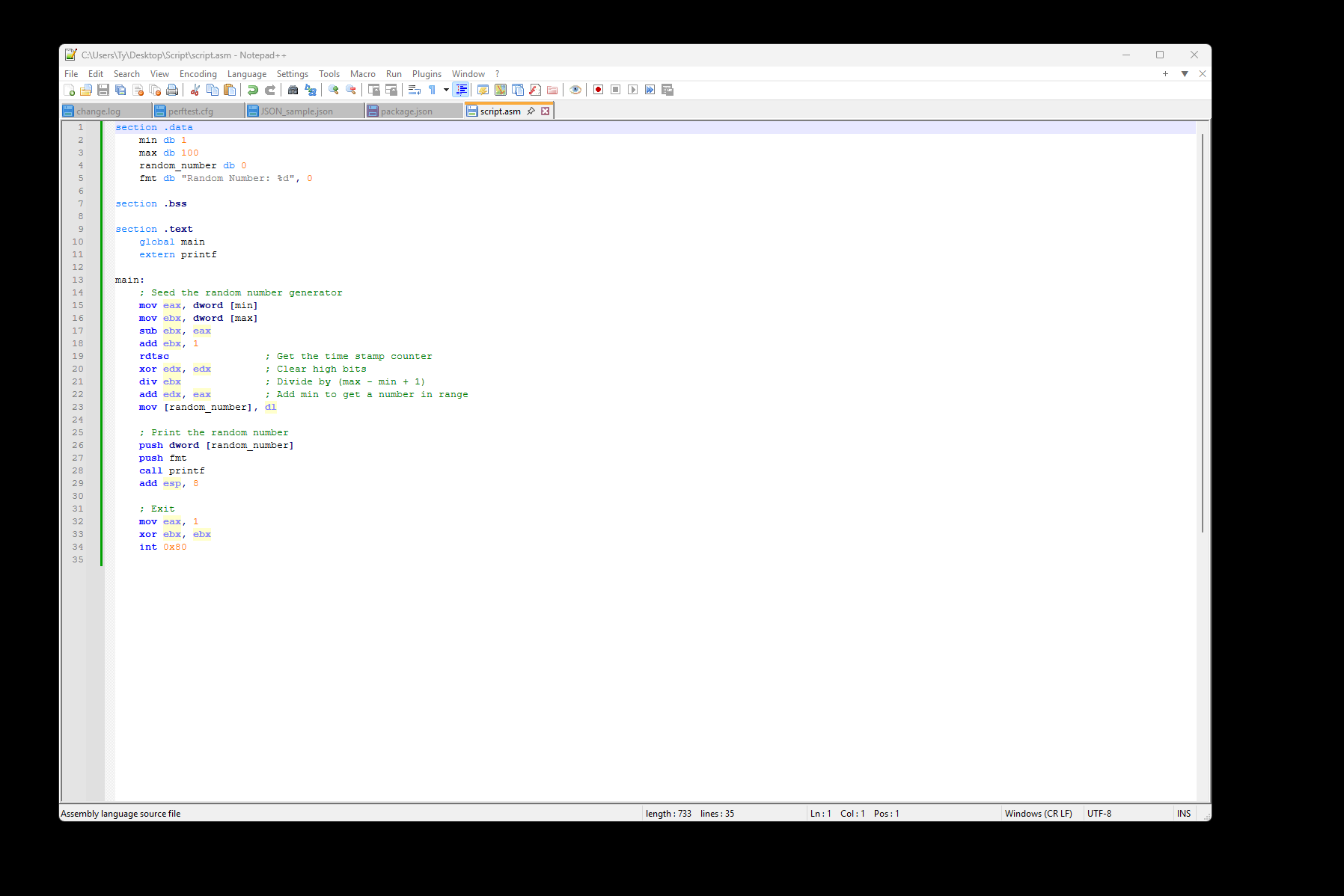
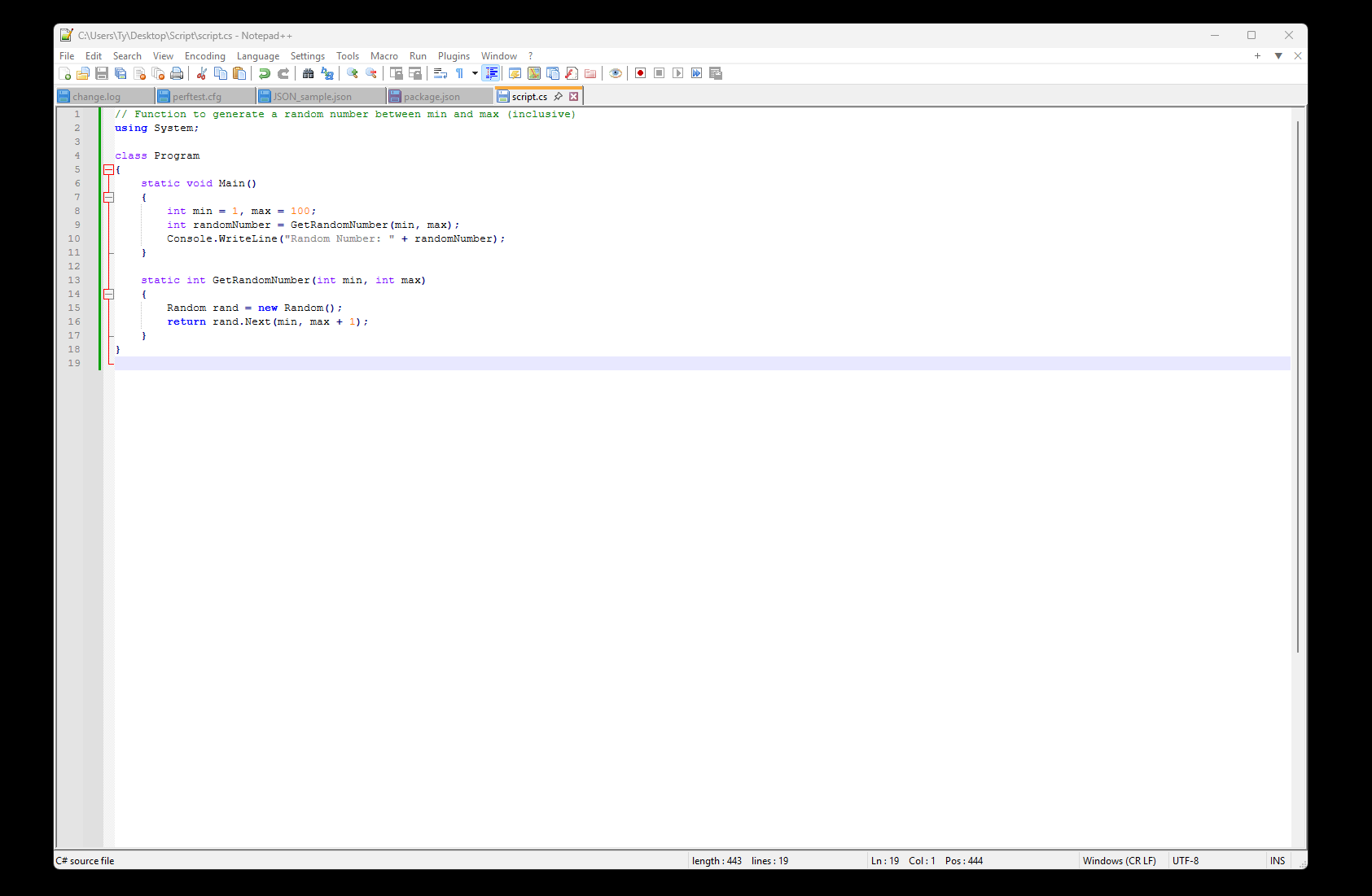
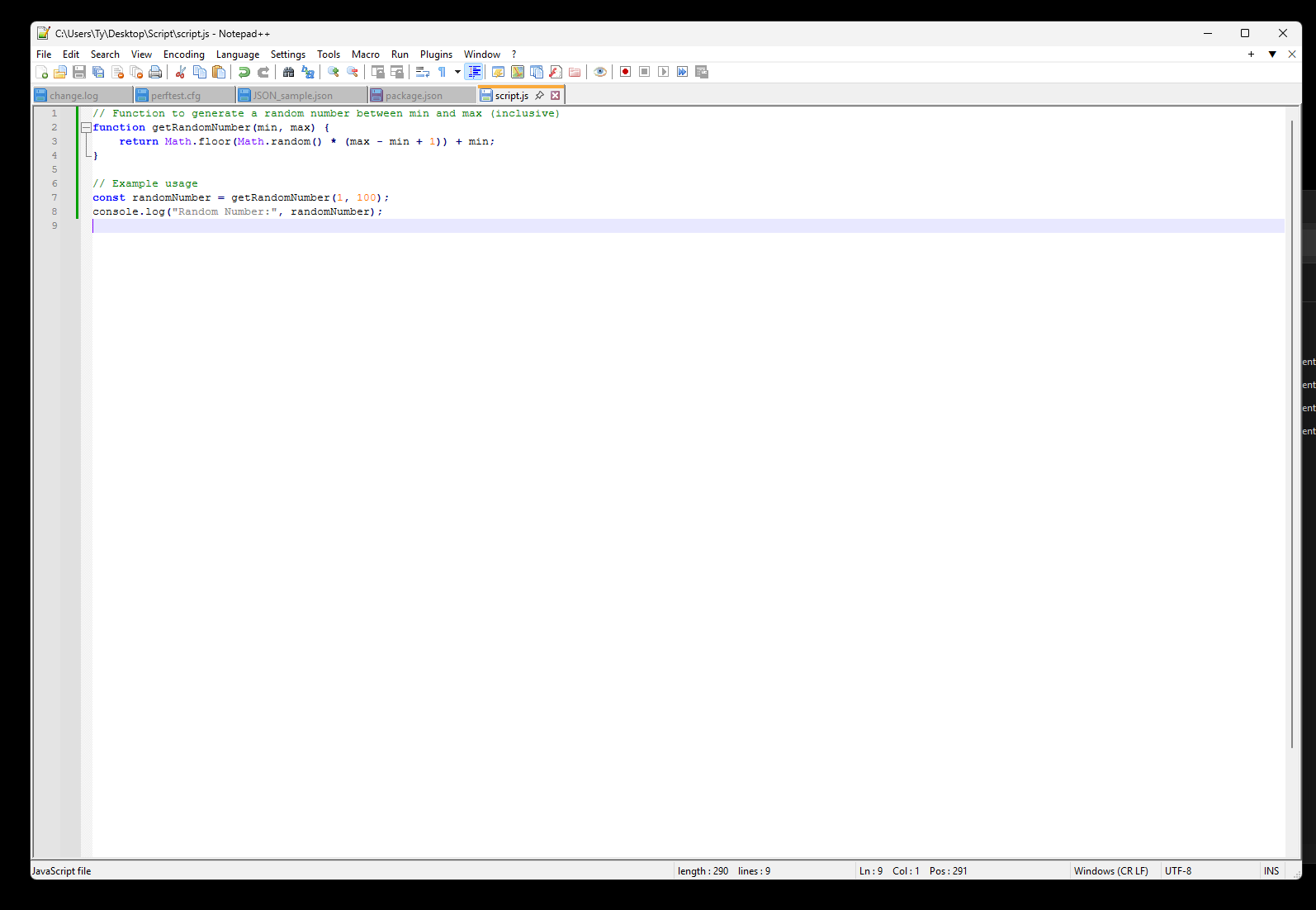
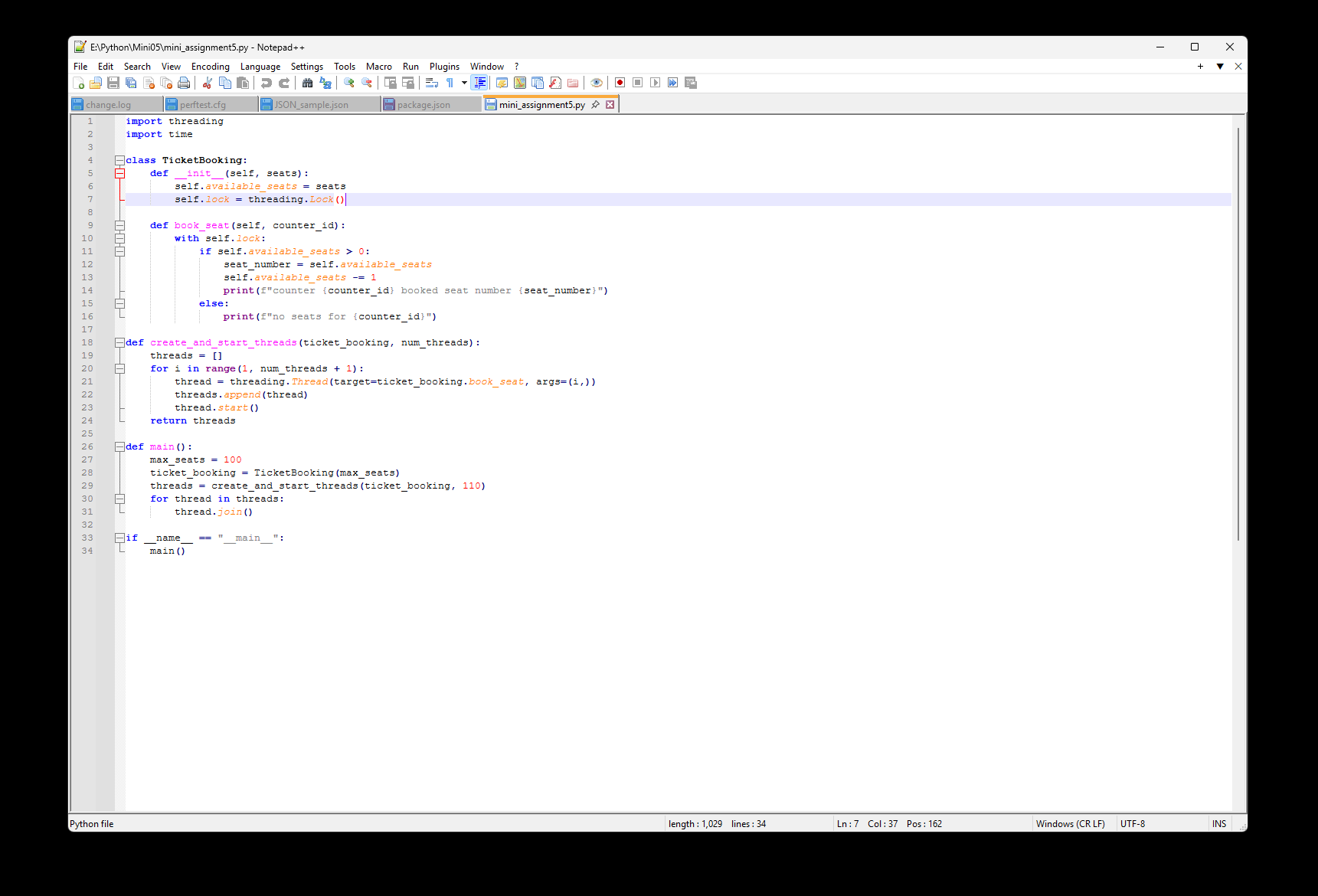
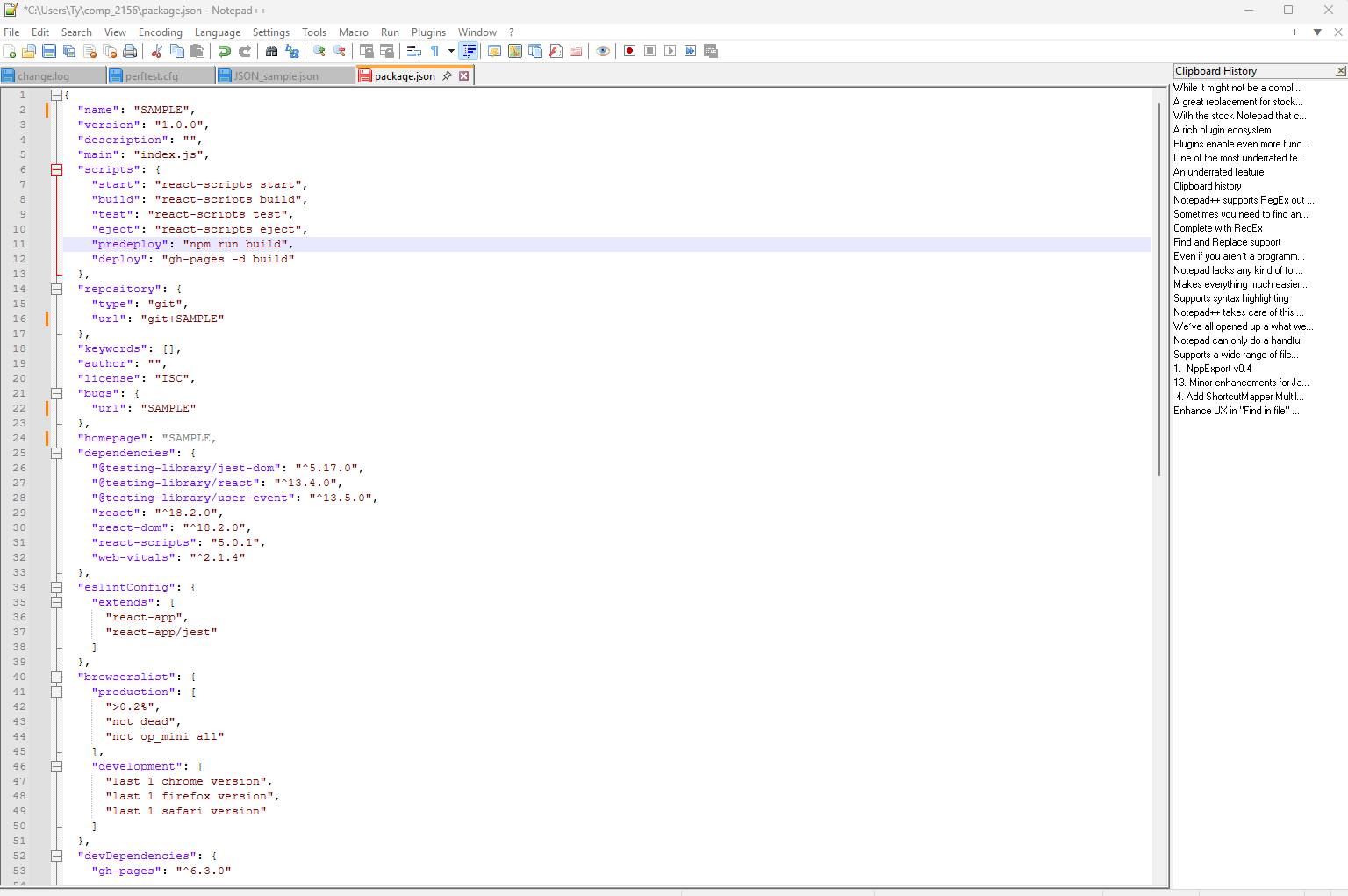
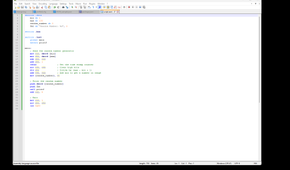
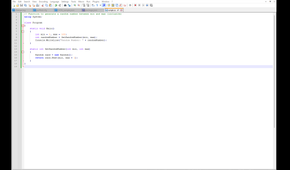
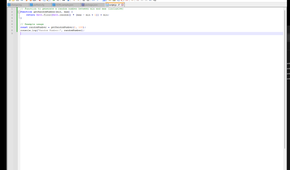
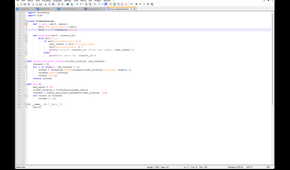
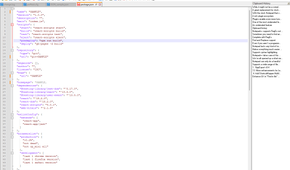
Notepad lacks any kind of formatting when it comes to opening anything other than a plain text file. Any color coding or indenting that would normally be shown in a more dedicated IDE is completely lost on Notepad. Notepad++ supports syntax highlighting for over 80 languages out of the box, with more available to be added through plugins.
Even if you aren’t a programmer, syntax highlighting helps immensely when you’re editing any kind of .ini or .cfg file. In Notepad++, it’s much harder to make a mistake because of the addition of syntax highlighting. I can find what I’m looking for easily because the information is displayed in a much more readable format.
3 Find and Replace support
Complete with RegEx

Sometimes you need to find and replace a bulk amount of text, and with stock Notepad, you can do this, it’s just pretty cumbersome. The “find” function is quite rudimentary and doesn’t support RegEx, which is an extremely powerful pattern-matching language.
Notepad++ supports RegEx out of the box, allowing you to harness the full power that comes with it. It allows you to find text formatted a very specific way, like emails or phone numbers, and instead of spending time finding and replacing text the old-fashioned way, you can do so much quicker.
2 Clipboard history
An underrated feature

One of the most underrated features of Notepad++ is the clipboard history. Need that specific line of text you copied 10 minutes ago? Instead of navigating back to where you found it and copying it again, you can use the integrated clipboard history to grab it much quicker. Yes, Windows 11 does have integrated clipboard history, but it mixes in images and files that were once in your clipboard. When you’re editing text, you likely won’t need a file that was in your clipboard 40 minutes ago. You also might not want clipboard history enabled all the time, and might only need it when working within Notepad++.
1 Plugins enable even more functionality
A rich plugin ecosystem

With the stock Notepad that comes with Windows 11, what you see is what you get. There’s no adding additional functionality; Microsoft felt it was pertinent to add Copilot writing tools to Notepad before any kind of syntax support. Notepad++ comes with a ton of stuff out of the box, but as I’ve mentioned a couple of times already, plugins enable even more functionality depending on your use case. You can add features like spellcheck, FTP integration, even the capability to run code directly inside the editor for languages like Python.
A great replacement for stock Notepad
While it might not be a complete replacement for a full-scale IDE like Visual Studio, Notepad++ is lightyears better than the stock Notepad that comes with Windows 11. Notepad++ gives you basically everything you could need from a text editor out of the box, and if it doesn’t, there’s almost certainly a plugin that fills that gap. It’s faster, more feature-rich, and still updated all the time. What’s not to love?
