


Summary
- Adobe Creative Cloud offers versatile tools like Photoshop, InDesign, and After Effects that dominate their respective industries.
- Photoshop's unrivaled features, such as brushes and extensions, make it a go-to choice for image editing and digital art.
- While some Adobe tools have alternatives, their industry-standard status and unique features make them worth the subscription fee.
Open-source tools are more prominent than ever in the productivity space. However, Adobe has maintained its dominance over the graphic design sector for well over two decades. Although I’m not very fond of the company’s anti-consumer approach, I have to admit, that the Creative Cloud subscription has a couple of amazing tools that you just can’t find anywhere else. Having tried out the alternatives to many CC products, I can attest that these three applications are worth the $60 subscription fee.
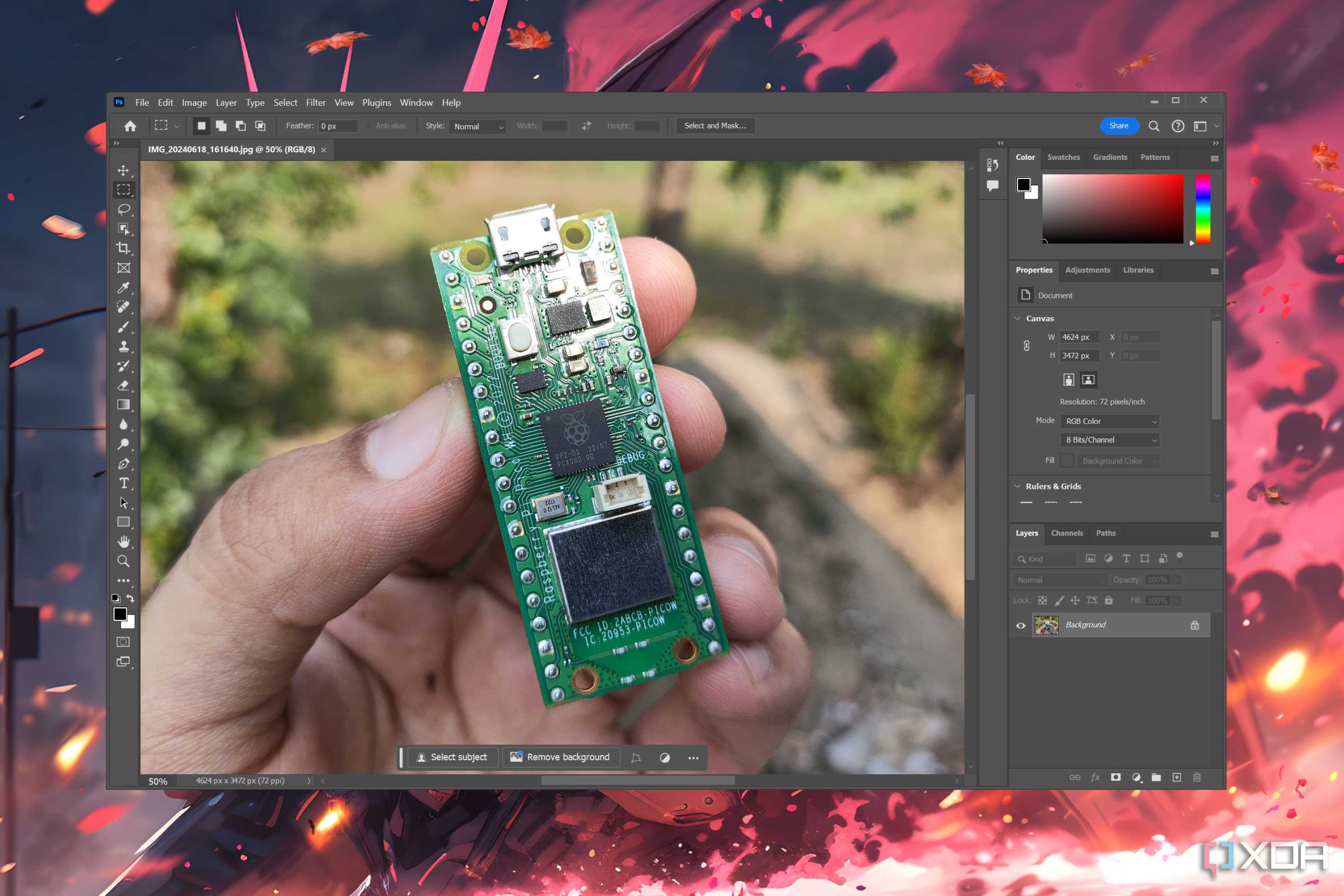
3 Adobe Photoshop
It’s the industry standard for a reason


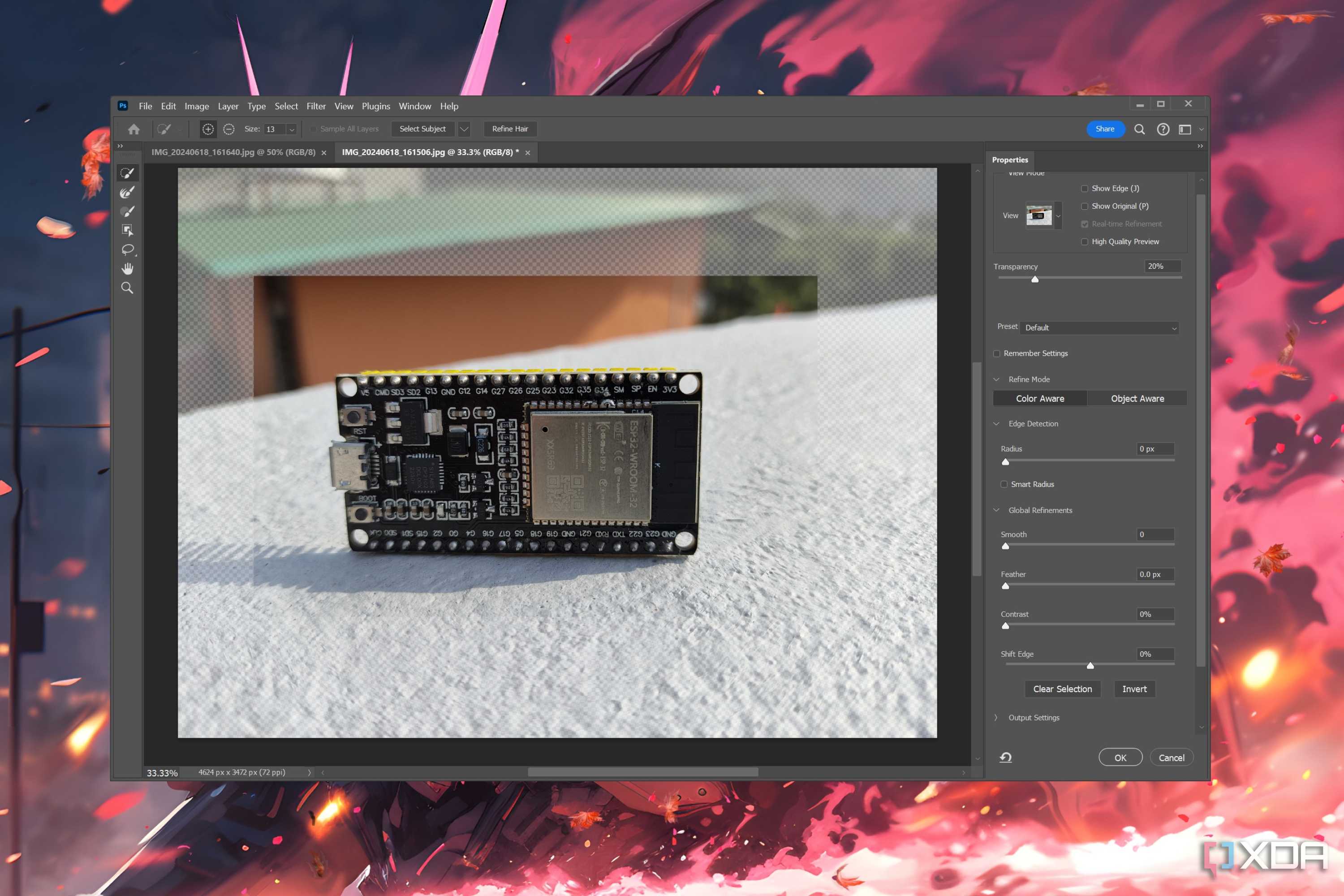
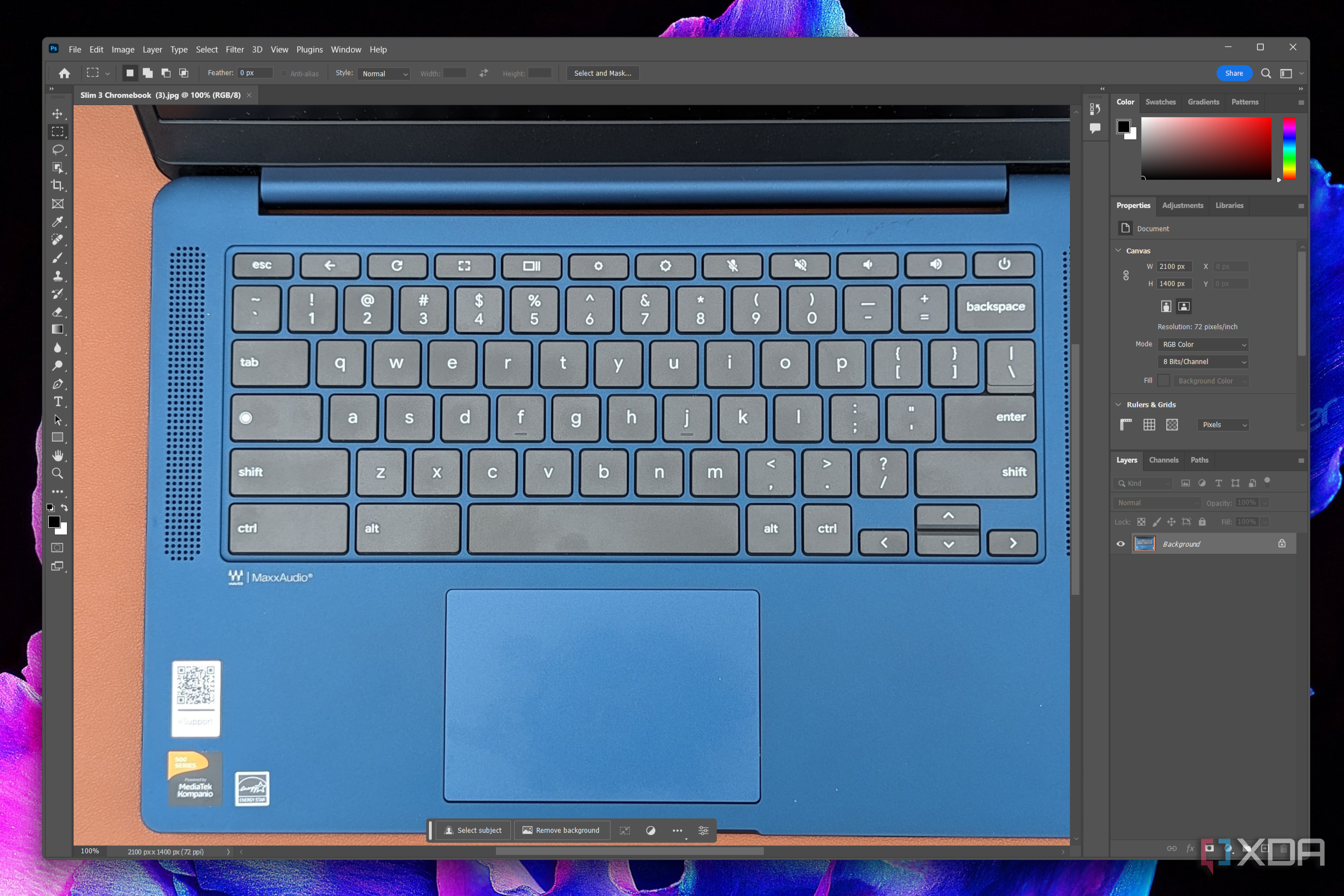
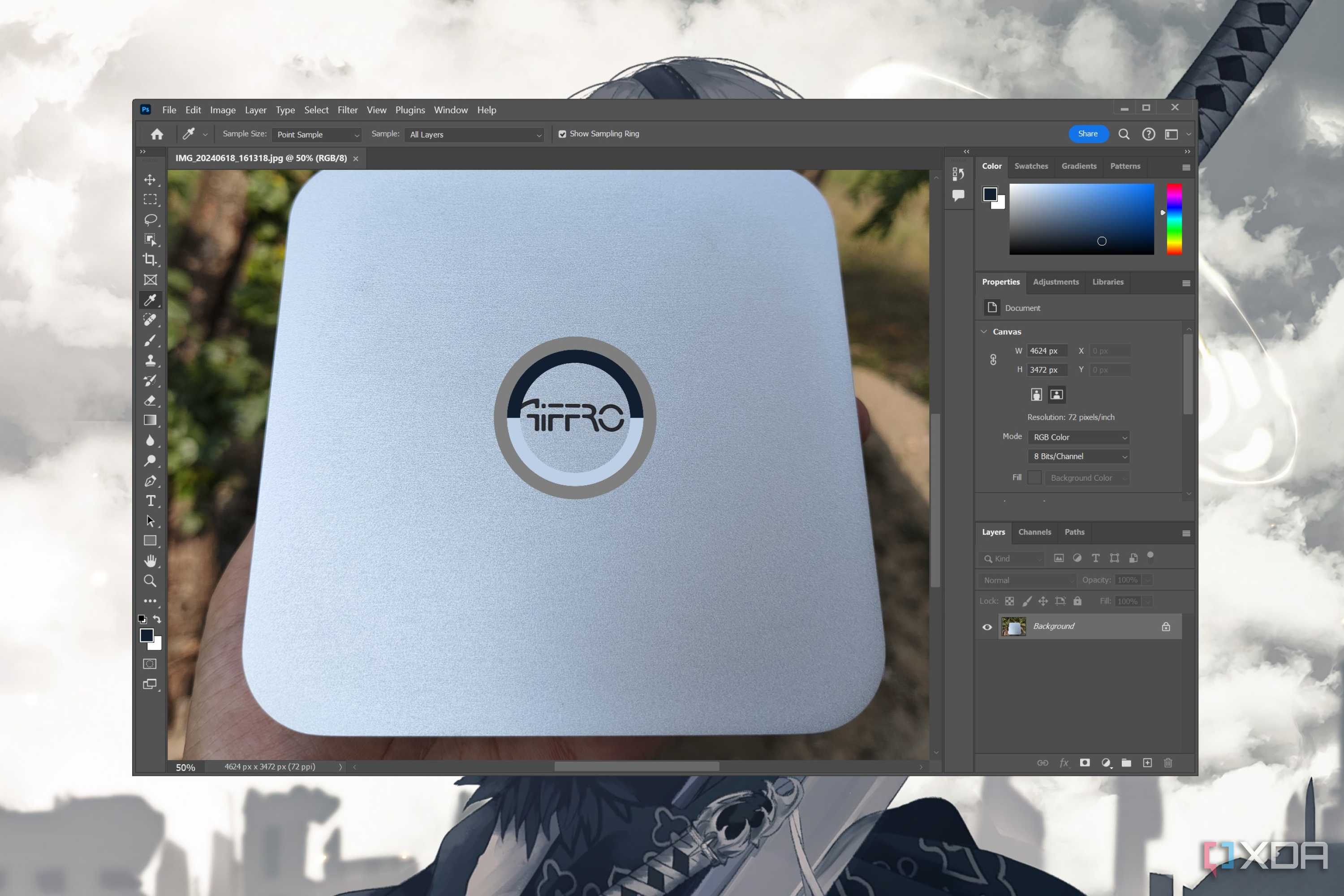
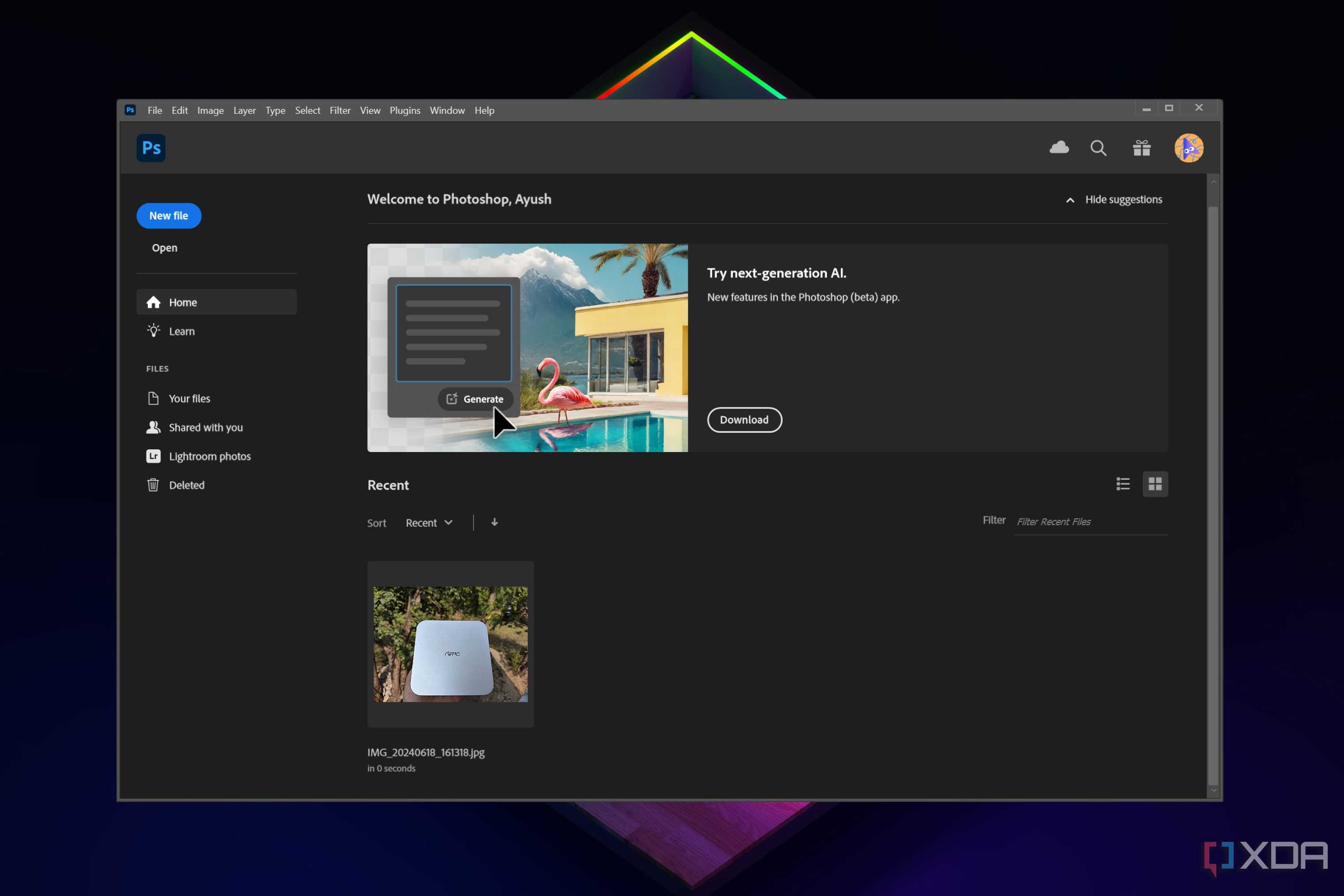
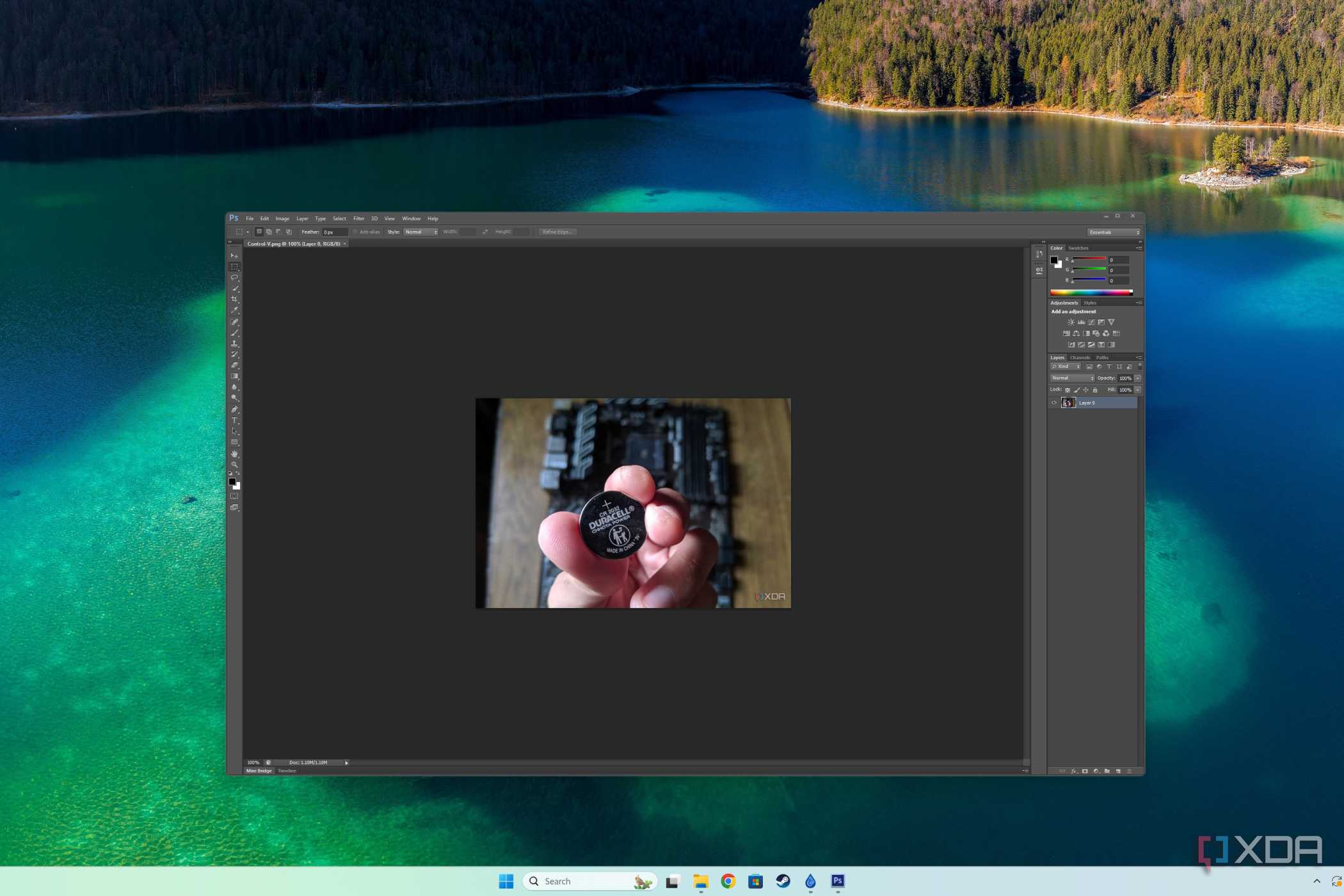

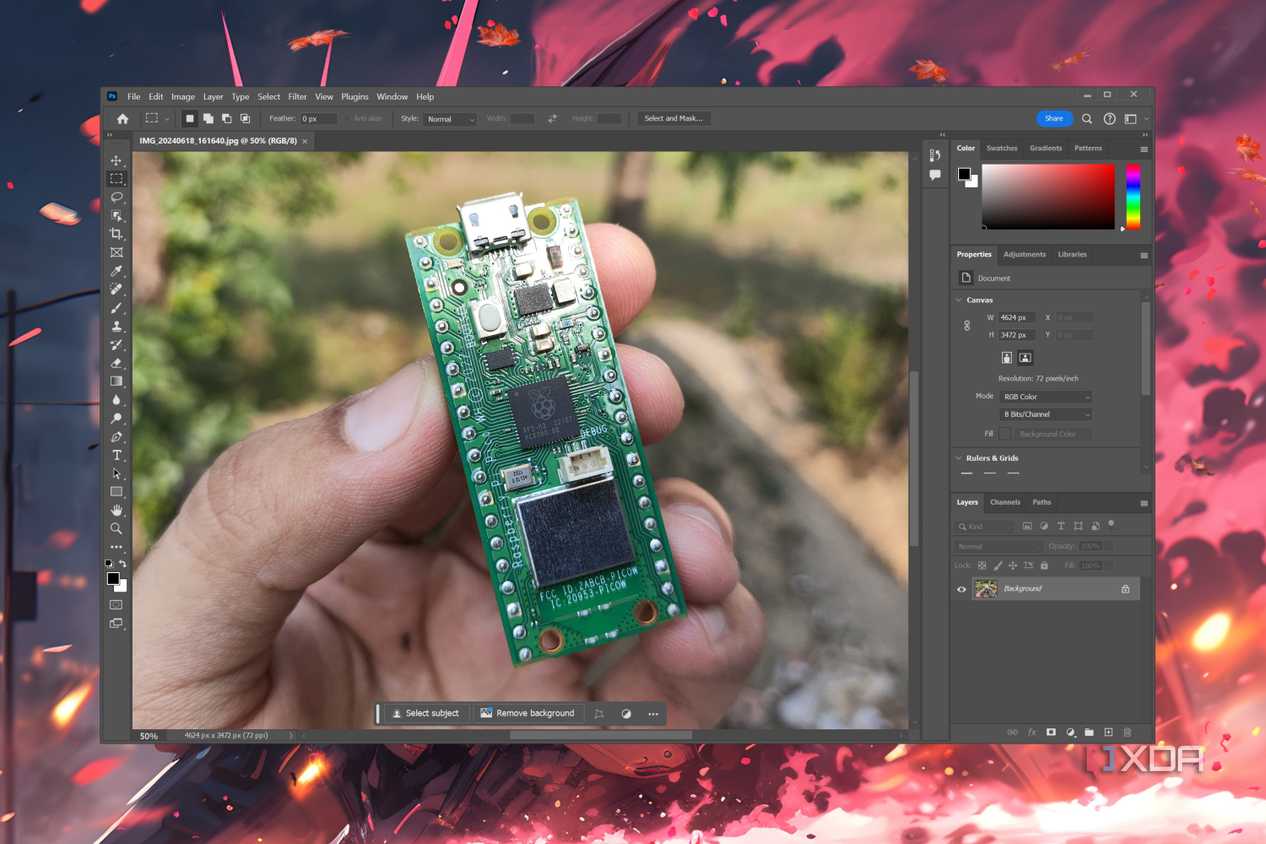
Months after Adobe took over Photoshop in 1990, the app became so popular that people began using Photoshop as a verb to describe the act of editing images… and not much has changed since then. Sure, Photoshop alternatives are a dime a dozen, but there’s nothing as versatile as Adobe’s poster boy app.
Besides its obvious use as an image editor, Photoshop is well-suited for creating raster illustrations, digital paintings, concept art, and much more. Plus, it has a mind-boggling number of brushes created by the community, and some of the brush packs are so incredible that you might have a hard time switching to the default brushes, let alone the rudimentary brushes in alternative apps. That’s before you include the amazing third-party extensions and plug-ins that take Photoshop’s functionality and usefulness to the next level.
Finally, if you’re someone like me, who has been hooked to Photoshop since its early days, it’s a bit difficult to switch to other applications, even if said apps have a simpler UI.
2 Adobe InDesign
The definitive way to create digital documents

InDesign is admittedly a tool that I use sparingly. But when I need to design a poster or create an article in a magazine-esque format, it’s hands-down the most feature-laden app out of everything I’ve tried so far.
Need something to insert graphical elements into large volumes of text? InDesign has got you covered. Have a multi-document that needs to be properly formatted? InDesign will come in handy with its plethora of typesetting tools. As if that’s not enough, it’s compatible with pretty much every file format used to store text, image, audio, and video files, making it an all-rounder tool for combining rich graphics with a printable document.
Learning it isn’t all that difficult either; if you’re familiar with Photoshop and Illustrator’s UI, you won’t have any trouble navigating InDesign’s menus.
1 Adobe After Effects
The be-all and end-all motion graphics app

Let me preface this section by saying this: Adobe After Effects isn’t for everyone. It has one of the most daunting UI out of all Adobe apps, and you’ll need more than a couple of months to familiarize yourself with its myriad of tools.
Despite all these issues, After Effects is the best application for anyone looking to begin a career in the VFX and post-production fields. Plus, there isn't an alternative that can replicate all the functions of After Effects. That’s because AE combines rock-solid VFX compositing tools with a robust set of motion graphics utilities. Sure, you could use Nuke and Cavalry to cover some aspects of After Effects, but you'll have to familiarize yourself with two different apps instead of one.
To top it off, After Effects even has decent video editing, animation, and 3D rendering facilities, so you don’t have to switch between multiple applications for all your post-production needs!
Putting your creativity to good use with Adobe CC’s offerings

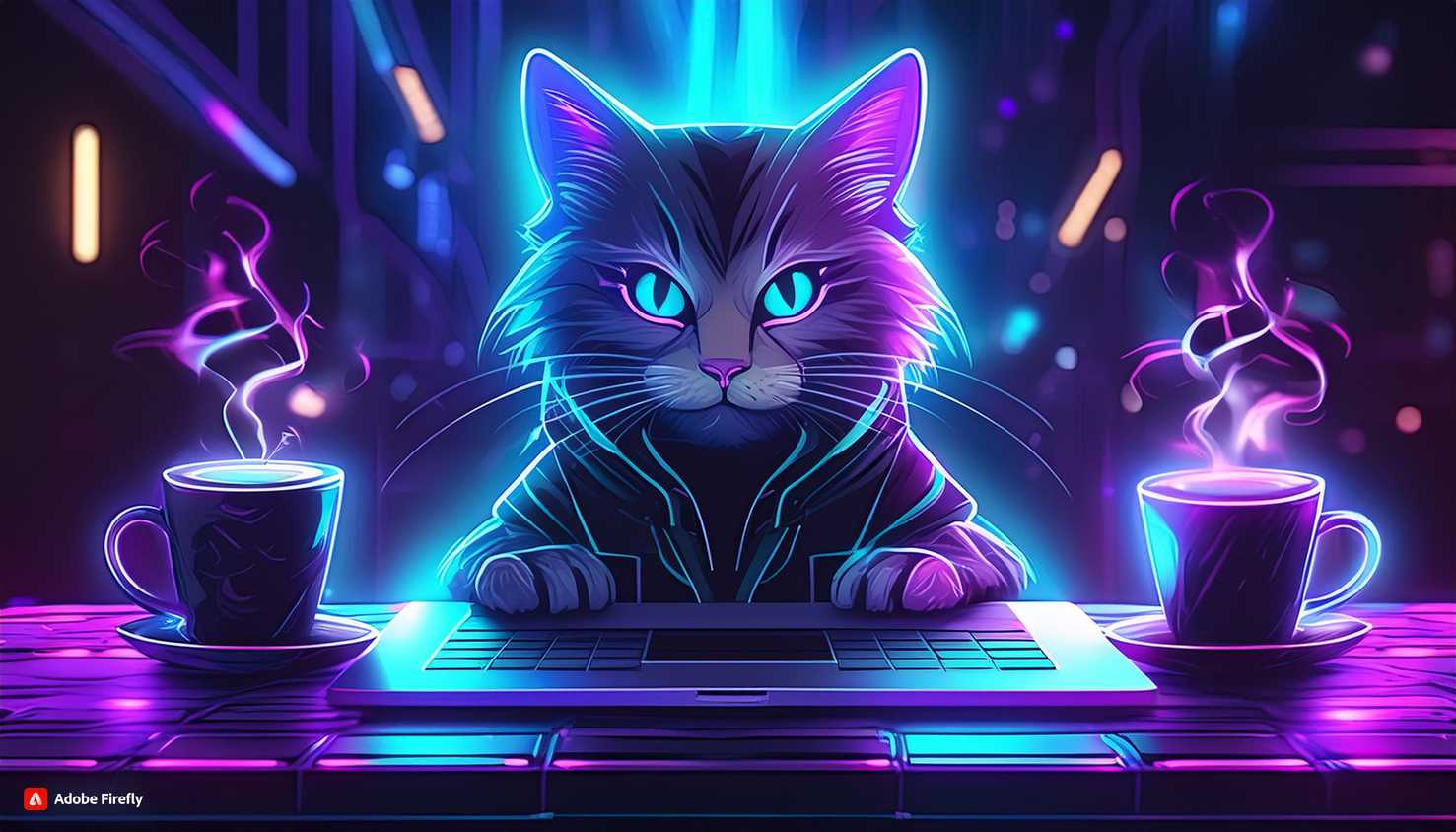


 Credit: Image generated by Simon Batt with Adobe Firefly Image 3
 Credit: Image generated by Simon Batt with Adobe Firefly Image 3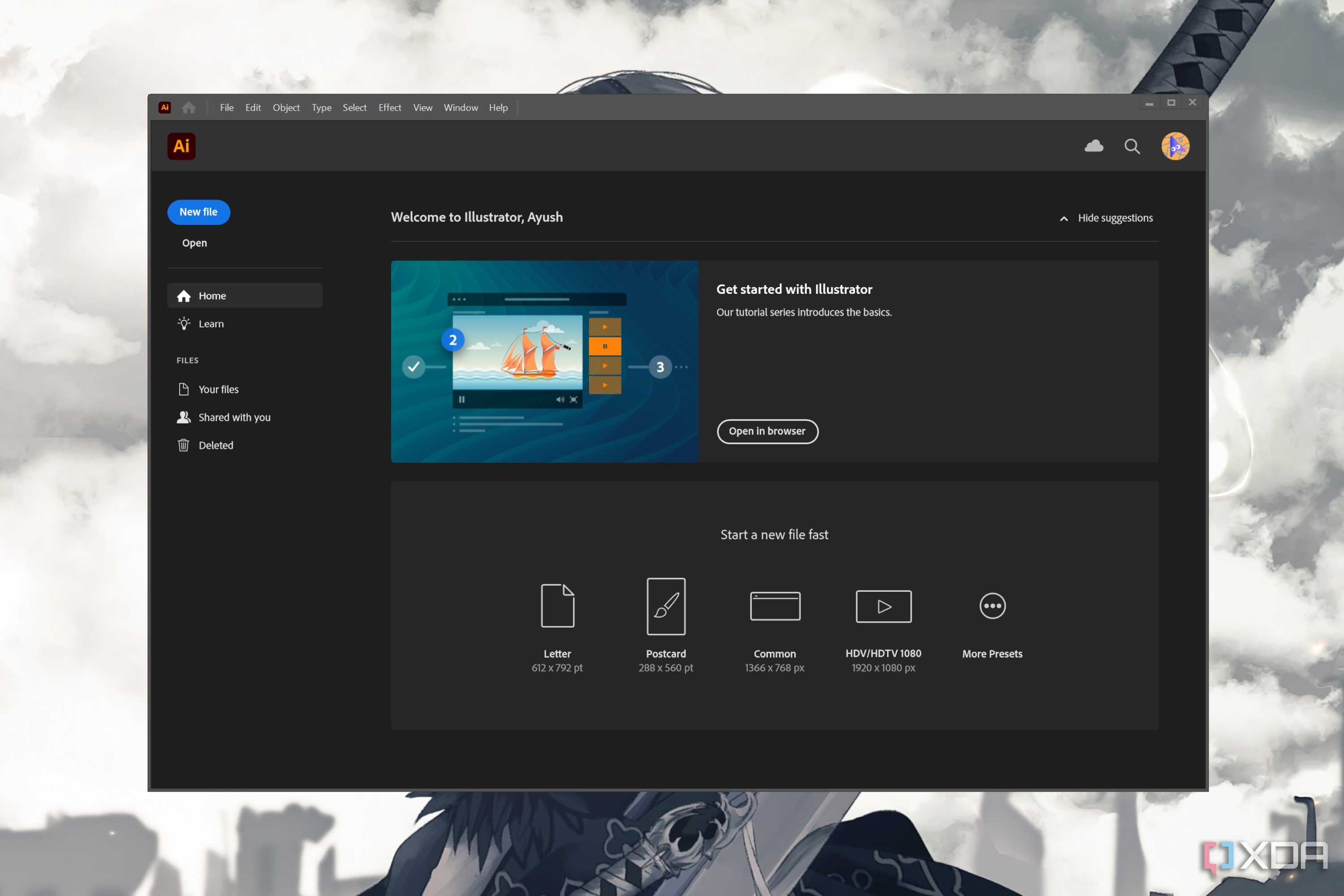




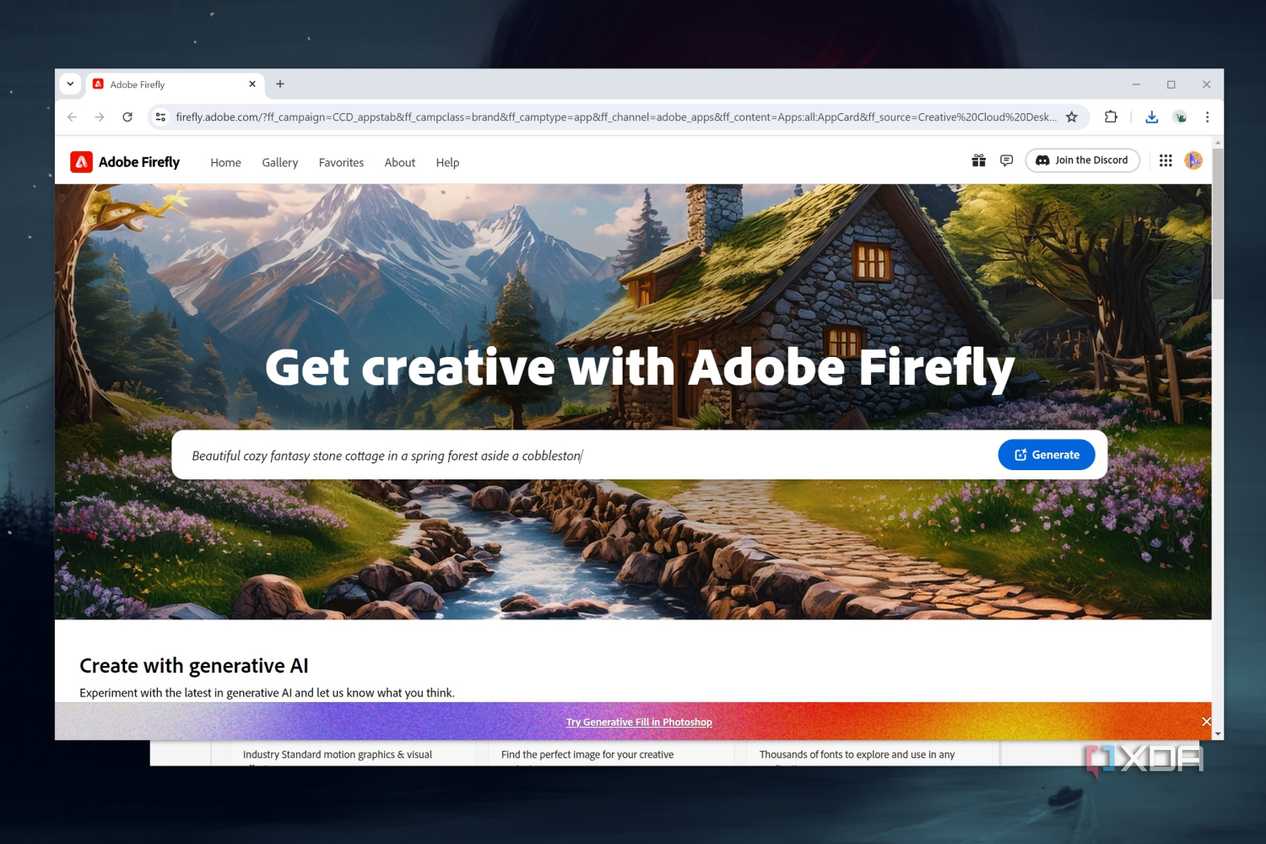
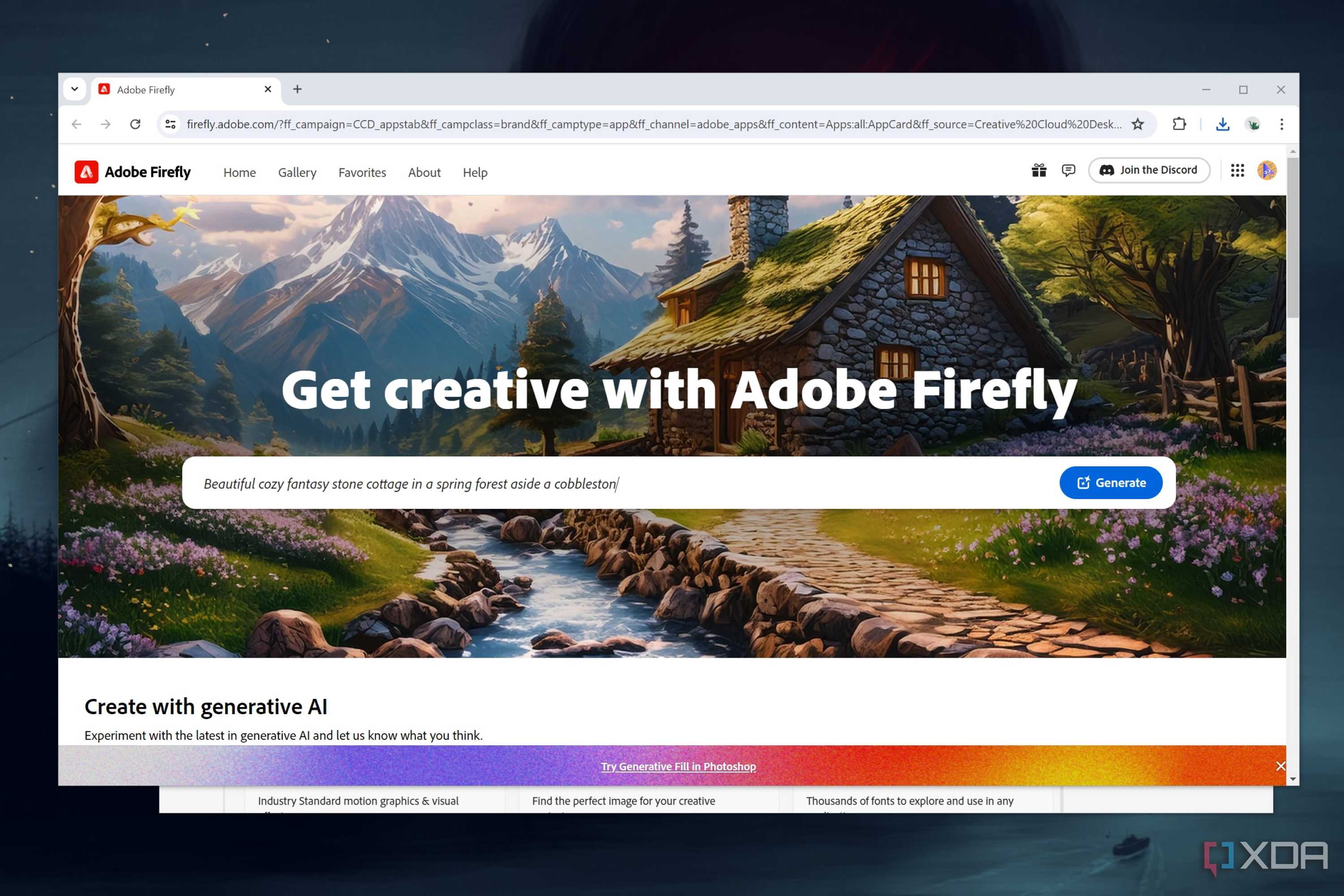
Besides these three applications, there are still many useful tools you can access once you’ve subscribed to CC. You have Adobe Audition, which is a fantastic software for professional-level audio editing. Subscribing to Creating Cloud also grants more generative credits that you use to create AI images via the browser-based Firefly utility.
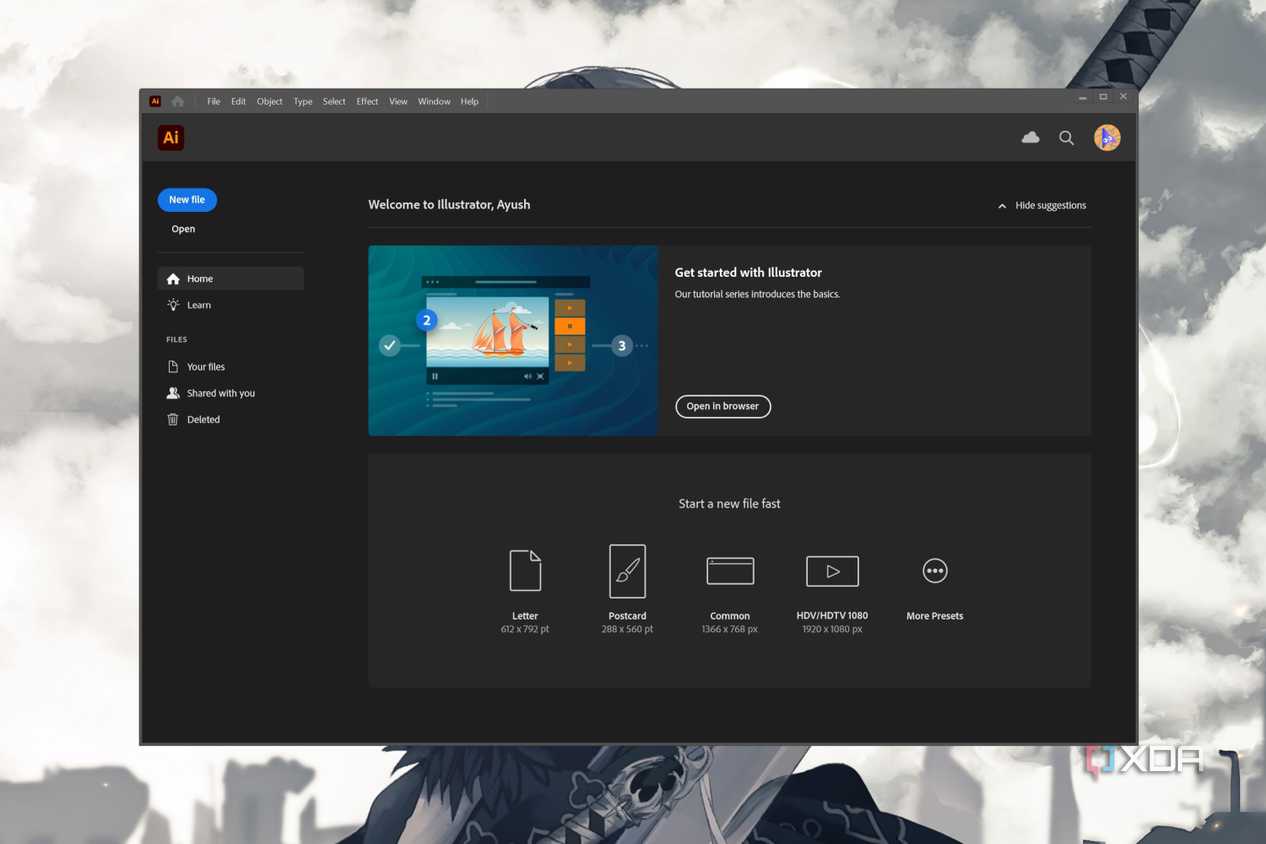
Of course, not all Adobe tools are as unrivaled in their fields as Photoshop, InDesign, and After Effects. For example, Adobe Illustrator, despite being extremely handy for vector-based image processing, is still outmatched by Inkscape. The only reason why I would recommend Illustrator over its rival is because the latter lacks native support for the CMYK color model.
Likewise, DaVinci Resolve is still my go-to video editing software whenever I need to fine-tune the footage obtained from After Effects, even though I can freely use Adobe Premiere Pro. Then there’s Adobe Animate, which has already been surpassed by Toon Boom.

Adobe Creative Cloud
Adobe Creative Cloud is great for media professionals who want access to their photos and videos at any given time across multiple devices. Also, the fact that you get also get Adobe's powerful photo and video editing tools within the same plan is also a bonus.
