

Table of contents

Xero API integration: everything you need to know



Jon Gitlin
Xero, an online accounting software, helps organizations across industries send and process invoices, submit and reimburse employee expenses, receive and pay bills, and more.
Given all the valuable data Xero generates and collects, your other applications and your product can benefit from integrating with it.
We’ll break down some of the impactful integrations you can build and share tips for implementing any successfully. But first, let’s align on the definition of Xero’s API.
What is the Xero API?
It’s any set of endpoints that Xero makes publicly available. These endpoints span several resources, from purchase orders to bank transactions, and they include certain methods, like GET, PUT, and POST.
In addition, depending on your integration requirements, you can connect Xero with your internal applications and/or with your product.
.webp)
{{this-blog-only-cta}}
Authenticating to Xero's API
Before you can start making API requests, you'll need to get your Xero client ID and client secret. You can then exchange them for your Xero access token, which you'll need to include in requests to validate your identity and level of permissions.
Here's how you can get your Xero client ID and client secret:
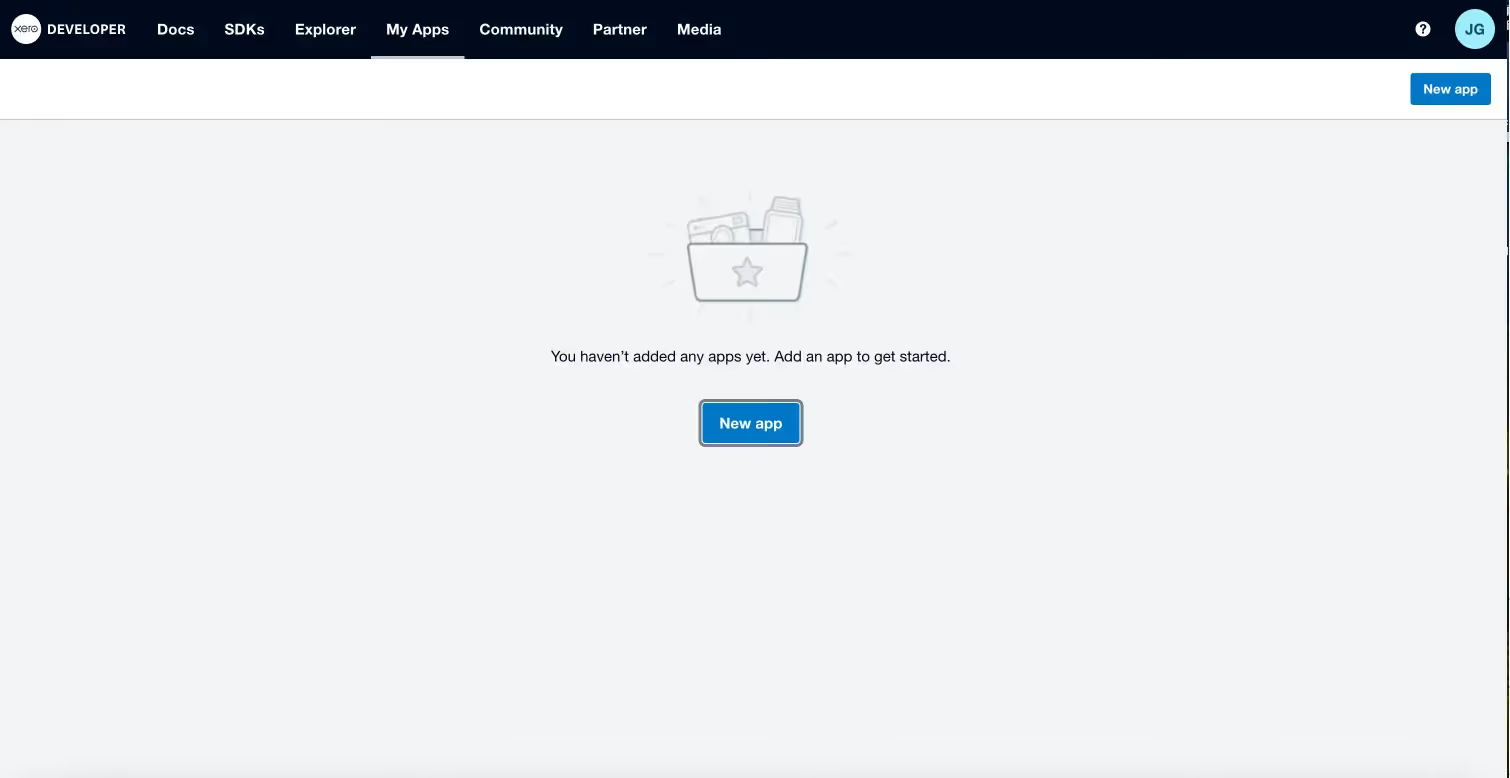
1. Select “New app” in Xero’s developer page.
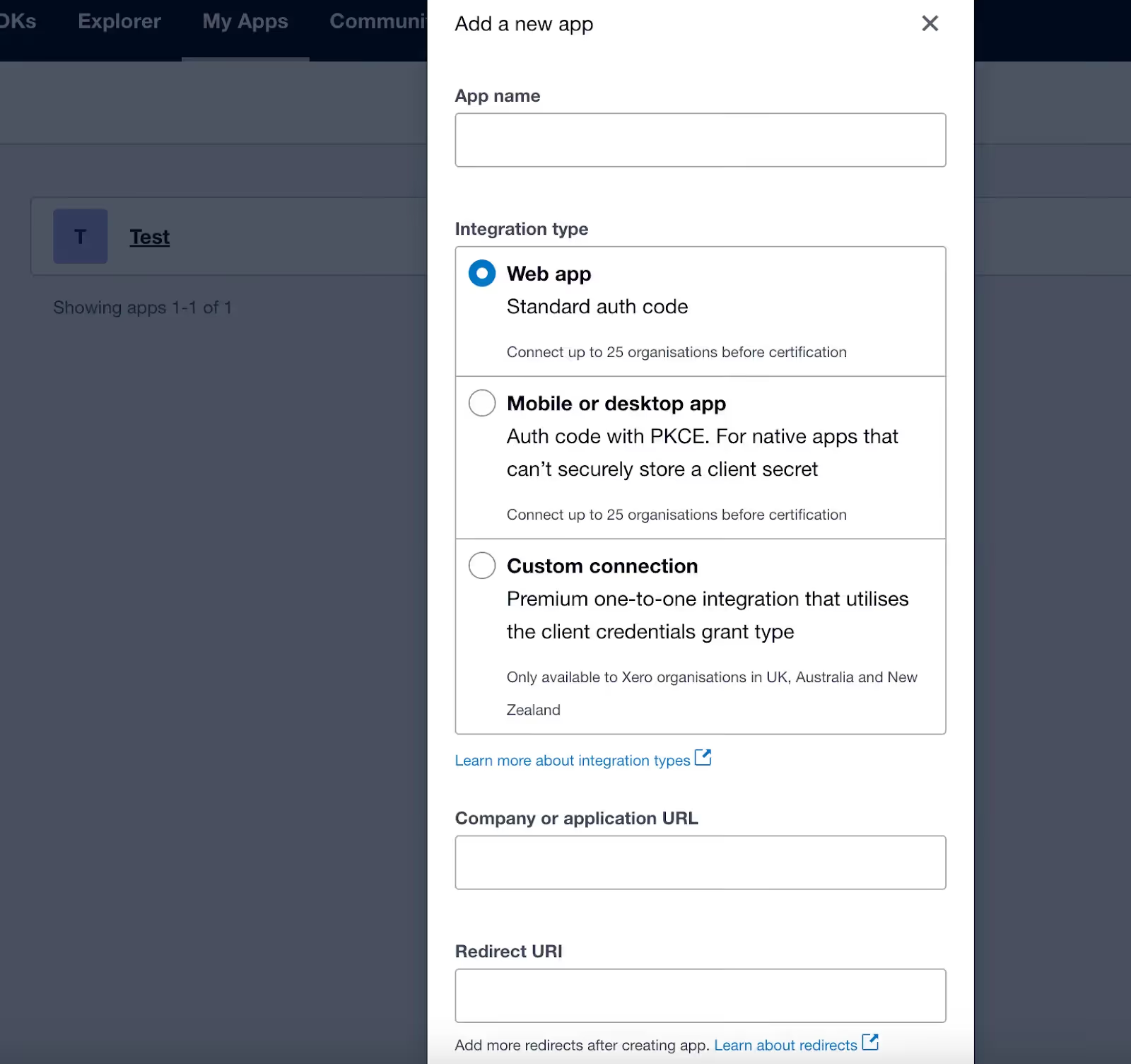
2. Create the app by filling out its name, integration type, company or application URL, and the relevant redirect URI. You’ll then need to confirm that you’ve read their terms and conditions before selecting “Create app.”
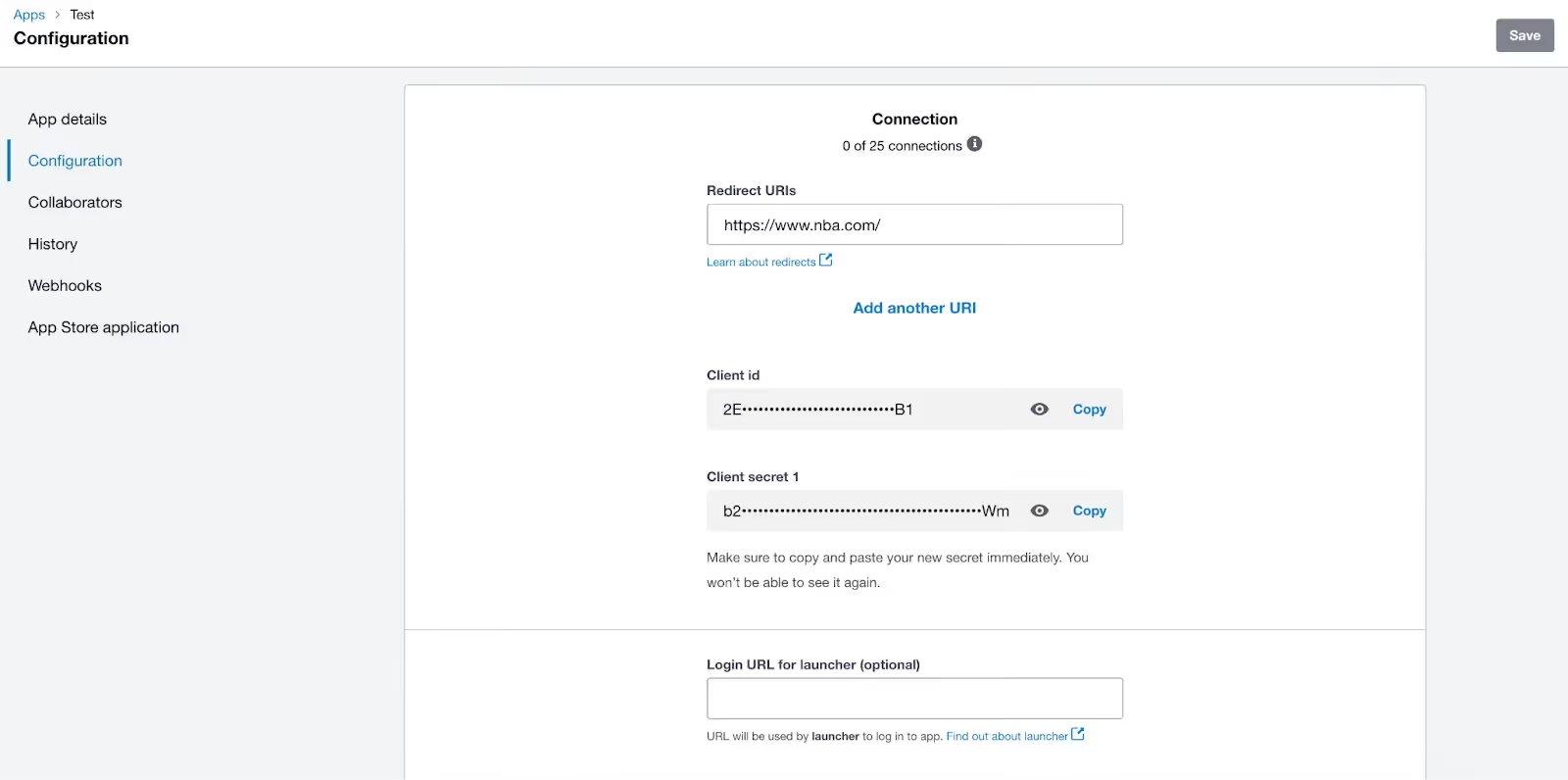
3. Copy the client and client secret that’s been generated and store it in a secure place. This step is crucial as both items won’t be shown again.
4. You can now retrieve your access token by including your client ID and client secret in a POST API request to Xero's token endpoint:<code class="blog_inline-code">https://identity.xero.com/connect/token</code>
You can learn more about how to include the client ID and client secret within the request and how your response will come back on this page.
Related: A guide to using the QuickBooks API
Xero API integration examples
To help make our definition more tangible, let’s walk through a few internal and then customer-facing use cases.
Manage invoicing issues seamlessly
As your finance team sends invoices, some customers will, unfortunately, not pay them on time.
Finance can quickly and easily enlist the customer’s dedicated customer success manager (CSM) for help by integrating Xero with a ticketing system like Jira and building the following sync: Any time an invoice isn’t paid by its due date, an issue gets created in the ticketing system. Based on the information synced from Xero, the issue gets assigned to the appropriate CSM and includes context on the customer and invoice.
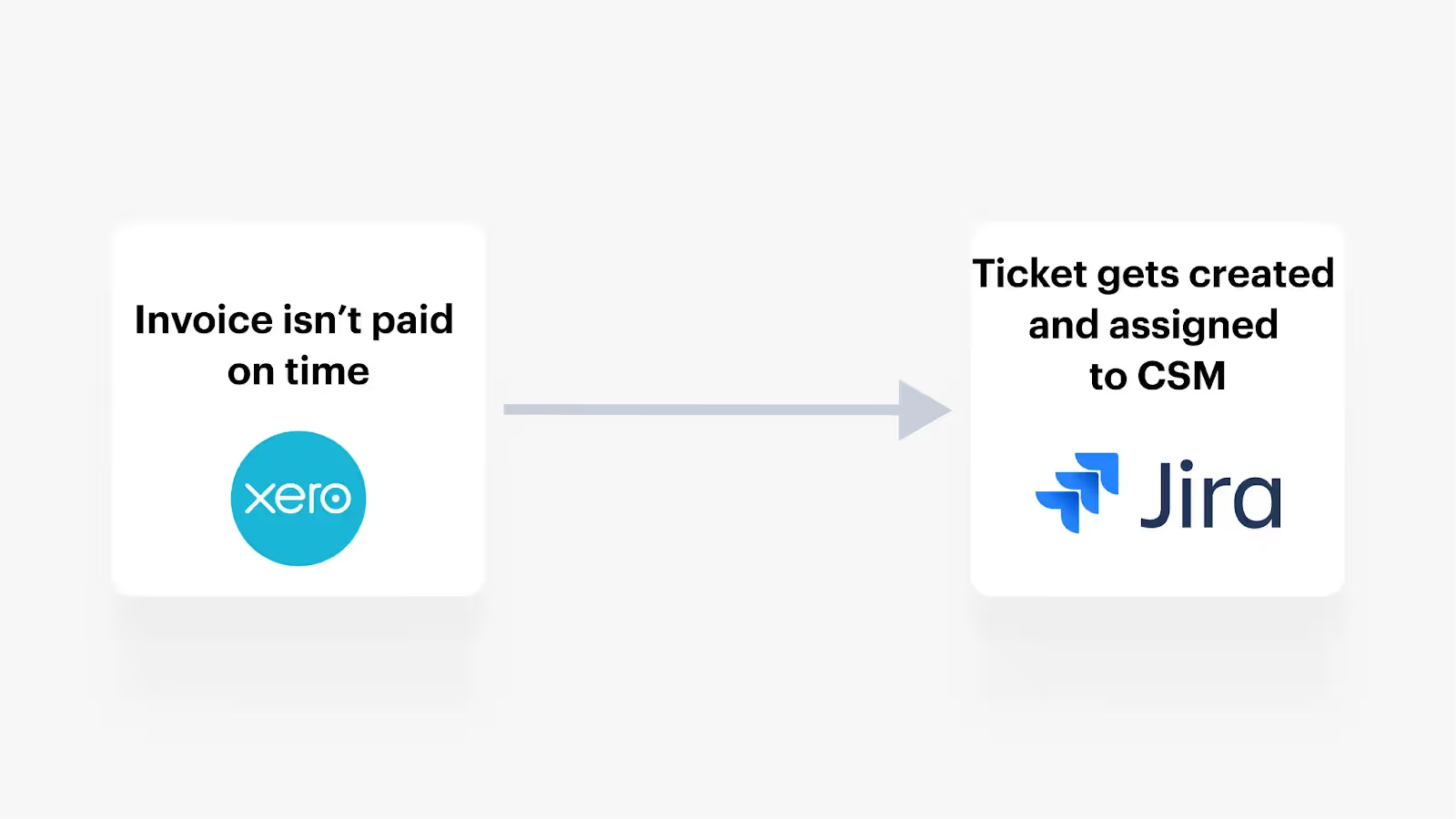
In addition, any updates on the ticket can be reflected in the corresponding Xero invoice, allowing finance to stay up to speed on the invoicing issue.
Store key financial documents in your file storage solution
Your finance team is likely to collect and store a variety of important documents in Xero, like POs, bank statements, receipts, etc.
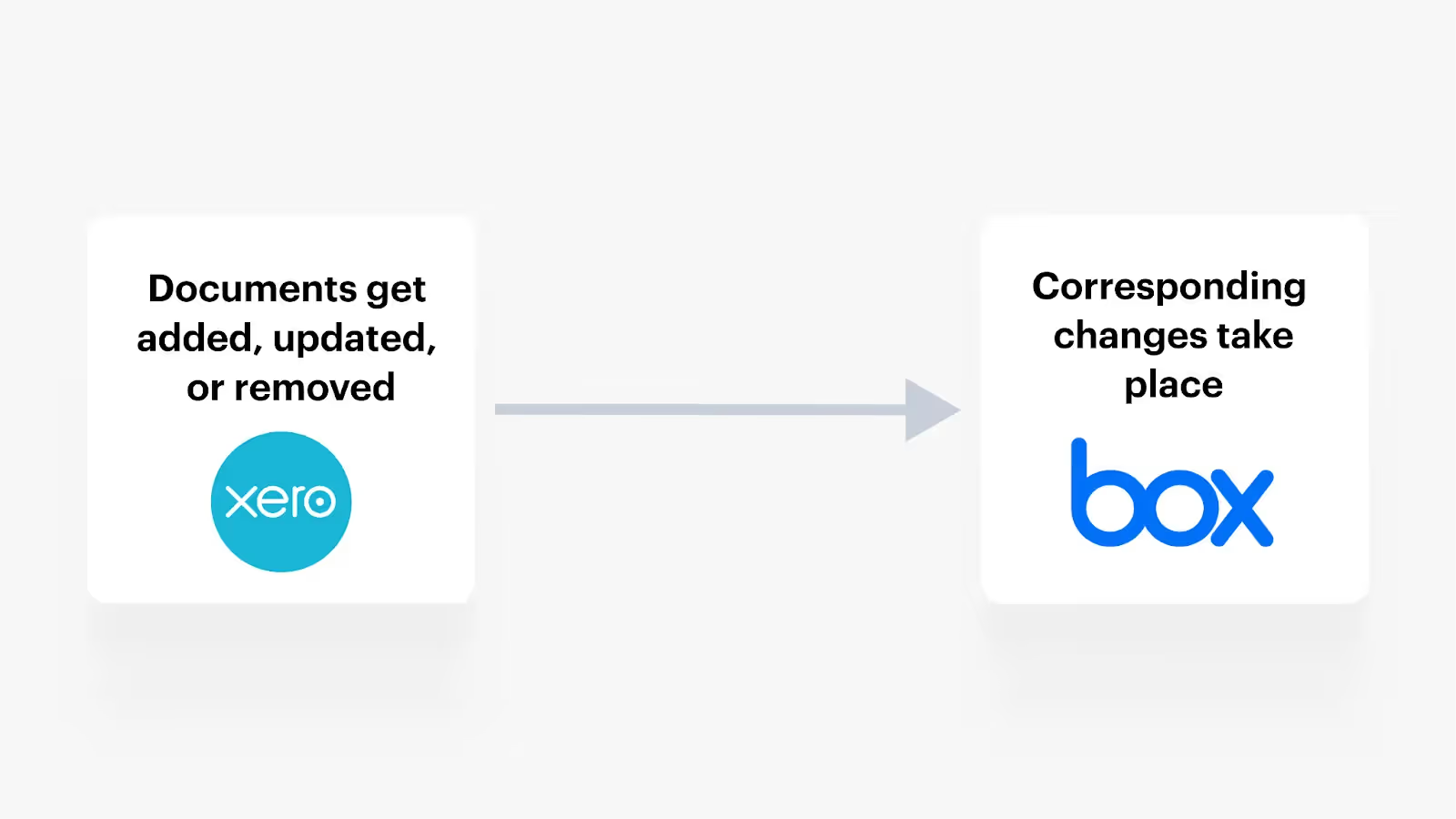
To help them access these documents easily, quickly, and securely at any point in the future, you can connect a file storage system like Box with Xero and implement a flow where any time certain types of documents get added, updated, or deleted in Xero, the corresponding changes happen in an associated folder within your file storage system.
Related: API integration examples with Sage Intacct
Add customers’ financial data to your product to power your analytics features
Say you offer an analytics tool that can help data teams uncover key trends and make timely and important business decisions.
To help them access up-to-date, comprehensive, and relevant data in your product over time, you can integrate with their instances of Xero and sync transactions—such as invoices, payments, and expenses—with your product in or near real-time.
.webp)
Power your product’s AI features with customers’ data in Xero
Imagine that you offer an AI copilot that can help customers build reports, get questions answered based on their financial data (e.g., “Why did our costs go up this quarter?”), and more.
To power this AI copilot, you can integrate with customers’ instances of Xero and pipe in a wide range of financial data to the copilot’s large language model (LLM), allowing your copilot to address a broad set of users’ requests, quickly.
.webp)
Xero API integration best practices
Before you begin building to Xero’s API, it’s worth keeping the following in mind.
Adopt measures to strategically avoid Xero’s rate limit
Xero has a rate limit of 5,000 calls per day; and given all the data you may need to access from the application, hitting this limit can prove easier than you’d expect.
To help you avoid doing so, you should structure your API calls in a way that only pulls the data you need. For instance, you can filter requests by date ranges so that you only fetch data that’s been updated or created since the last request.
You could also leverage Xero’s webhook functionality to not only make less calls but also receive data updates in real-time.
Account for Xero’s high volume threshold limits
Xero has imposed high volume threshold limits for GET requests across several popular endpoints (see the full list).
To help you navigate this successfully, you can (like the previous best practice) use date filtering to only retrieve data created or modified after a certain time.
You can also leverage query parameters. For instance, in the case of invoices, the parameter “amountdue” can be greater than a certain figure in one request and below that figure in another to break up the invoice data that’s returned.
Understand how the Manual Journals and Journals endpoints differ before using either
Xero’s Manual Journals endpoint is (as its name implies) any journal that’s created manually, while the Journals endpoint refers to any journals that are created for any type of transaction.
With this in mind, use the Manual Journals endpoint whenever you want to create, update, or get a journal entry that was created manually. And use the Journals endpoint when you want to get any type of journal entry (whether it’s manually or automatically created).
Related: Best practices for integrating with NetSuite
Integrate all of your customers' accounting systems with your product via a single API
Merge lets you add more than a dozen accounting integrations—including Xero—to your product through its unified API.
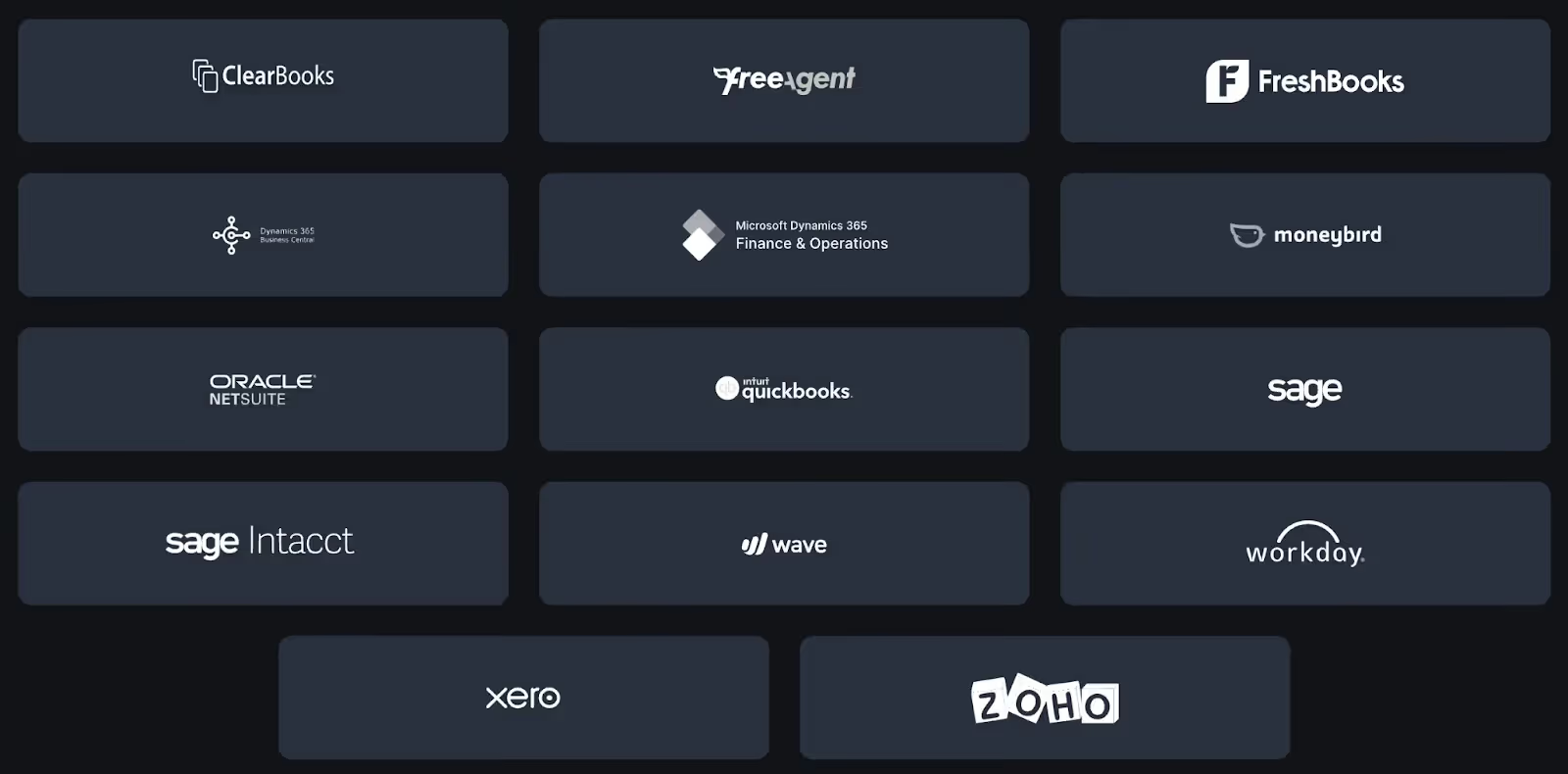
Merge also provides comprehensive Common Models and advanced features to sync custom data (e.g., Field Mapping), enabling you to sync all the financial data that’s relevant.
Finally, Merge provides integration observability features—from fully-searchable logs to automated issue detection functionality—to help your customer-facing teams identify, diagnose, and troubleshoot integration issues quickly and easily.

Learn more about using Merge to add accounting integrations to your product by scheduling a demo with one of our integration experts.
Xero API FAQ
In case you have any more questions on Xero’s API, we’ve addressed several more below.
What are some popular Xero API endpoints?
While there are a number of different ones you can point to, here are a few that are widely used:
- Fetch, update, and create invoices through this endpoint: <code class="blog_inline-code">https://api.xero.com/api.xro/2.0/Invoices</code>
- Retrieve, update, remove, or create credit notes via this endpoint: <code class="blog_inline-code">https://api.xero.com/api.xro/2.0/CreditNotes</code>
- Get, modify, and add purchase orders with this endpoint: <code class="blog_inline-code">https://api.xero.com/api.xro/2.0/PurchaseOrders</code>
Learn more about Xero’s endpoints and how they work by reading through their API documentation.
What programming languages do Xero’s SDKs support?
Xero’s SDKs are available in C#, Java, Node, PHP, Ruby, and Python.
Is the Xero API free?
You’ll need to have a Xero account to access the API. Therefore, Xero’s API is only free—and temporarily so—while you’re on their 30-day free trial.
What are Xero’s API rate limits?
Xero applies rate limits on both a minute-by-minute and daily basis for a specific tenant (i.e., individual account). The current limit for concurrent requests is 5, the limit per minute is 60 calls, and limit per day is 5,000 calls.
For all of the Xero accounts used within a given organization, they apply a minute limit, which is set at 10,000 calls.
You can learn more about Xero’s rate limits, including how you can monitor and handle them, by reviewing this page.
Jon Gitlin




Add more than a dozen ERP integrations to your product via Merge
Learn how Merge's Unified API can help you add all of the ERP integrations your product needs—including Xero—by scheduling a demo with our team.


But Merge isn’t just a Unified
API product. Merge is an integration platform to also manage customer integrations. gradient text
But Merge isn’t just a Unified
API product. Merge is an integration platform to also manage customer integrations. gradient text
But Merge isn’t just a Unified
API product. Merge is an integration platform to also manage customer integrations. gradient text
But Merge isn’t just a Unified
API product. Merge is an integration platform to also manage customer integrations. gradient text
