


.avif)
A guide to authenticating AI agents



Jon Gitlin
Without strong authentication and authorization protocols in place, your AI agents can unintentionally expose sensitive data to unauthorized parties.
This can cause irreversible reputational damage to your AI agents and, in turn, prevent them from getting adopted.
To prevent data leaks, you can implement authentication and least‑privilege authorization flows for your agents.
To that end, we’ll review everything you need to know to authenticate your AI agents successfully— from how AI agent authentication works to why it’s effective.
What is AI agent authentication?
It’s the process of verifying the agent’s identity and establishing secure credentials for it to access third-party tools. This covers how credentials are obtained and presented—like OAuth 2.0 user consent flows or API keys—and the security controls applied around them.
Depending on your use case, you may also use individual authentication (per-user credentials) or shared authentication (a common credential across users).
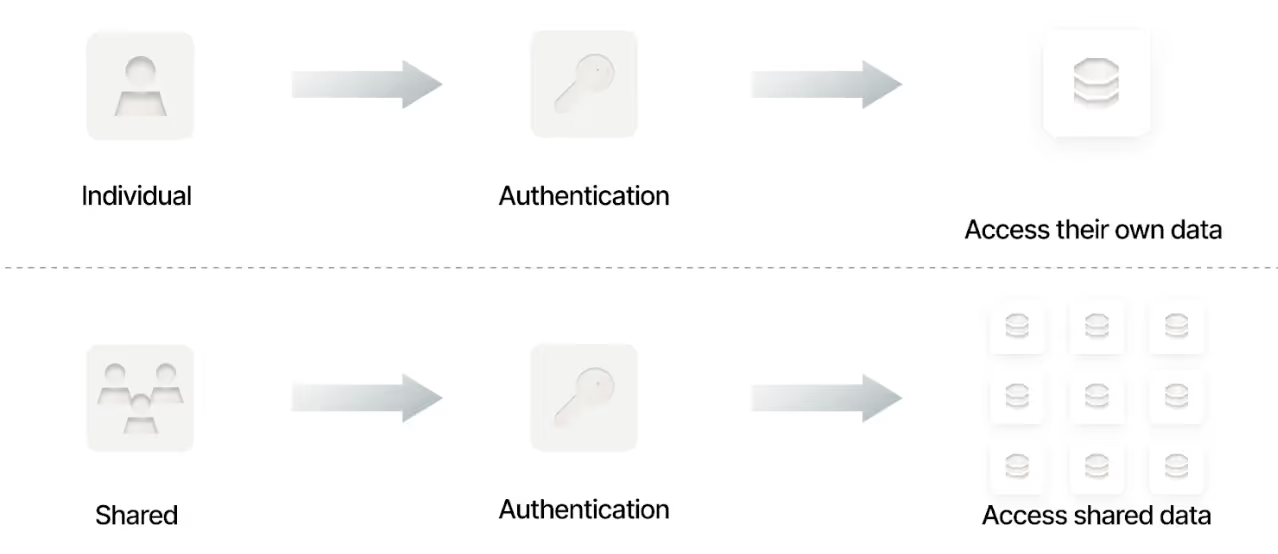
Note: AI agent authentication flows can differ depending on the application. They are shaped by the authentication methods the application supports (e.g., OAuth, API keys, service accounts) and the workflows defined by its MCP server and underlying API endpoints.
In other words, our authentication workflow example with Notion in the following section may not be applicable to the integrations you need to build for your AI agents.
{{this-blog-only-cta}}
AI agent authentication example
Say a user asks your product’s AI agent to create a new page in a specific workspace in Notion.
To ensure the user has the right permissions to create pages in that workspace, the AI agent can redirect them to the Notion OAuth consent screen. The user would then sign in and pick the correct workspace.
The consent screen would show the integration’s capabilities, like below:

The user then chooses the specific pages or databases to grant to the integration. Only those, and their nested content when applicable, will be accessible.

The user is redirected back with an authorization code that your backend exchanges for a token. And the agent then uses the token when it makes the appropriate tool call (in this case create_page).
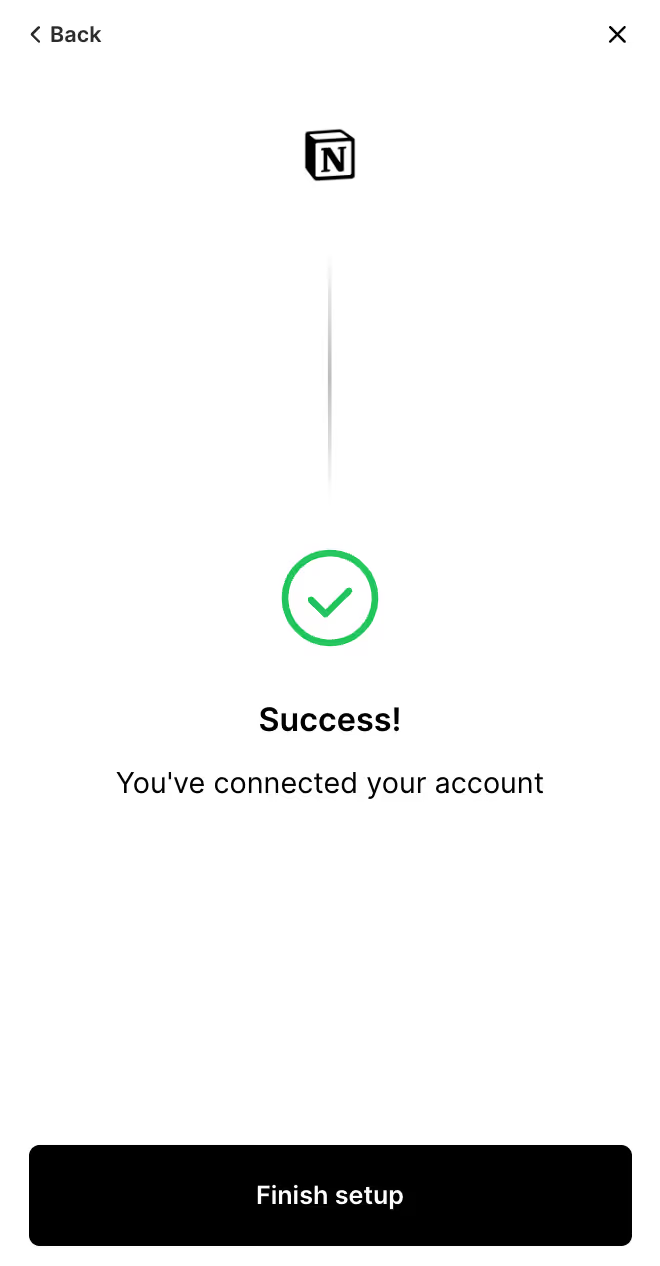
Finally, your product can display a “Success” message after the redirect and token exchange is completed.
Related: How to manage AI agents
Why authenticating AI agents is important
There are a few key reasons why authentication is particularly important for AI agents.
Prevents malicious actors from abusing your AI agents
A malicious actor can easily use tactics like prompt injection to manipulate your AI agents to:
- Send employees’ social security numbers to an unknown application
- Share customer information from your CRM
- Deliver phishing emails to your employee base
Effective authentication implementations help mitigate this type of abuse, as it helps block malicious actors from accessing the underlying applications via your agents.
Enables you to follow the principle of least privilege
Assuming you use individual authentication, users can only access and interact with applications—via your AI agents—in ways that meet their existing level of permissions. In other words, you’ll be able to continue to enforce strict agent access controls.
Limits the impact of undesirable tool calls
Authentication doesn’t prevent an AI agent from making incorrect or unsafe tool calls, but it ensures those calls can only be executed within the authenticated user’s existing permissions.
Since users may provide confusing inputs for your AI agents, and the MCP servers’ tools may be misconfigured or poorly maintained, this containment is often more valuable than expected.
Related: The benefits of governing AI agents
Best practices for implementing authentication flows for AI agents
To help you build intuitive, quick, and effective authentication flows for your AI agents, you can follow the tips below.
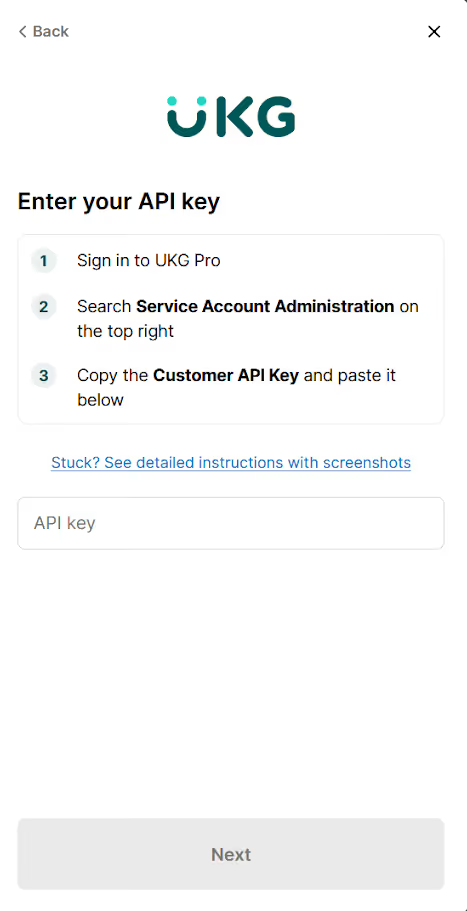
Share clear steps for authenticating with each application
Forcing users to search for authentication instructions themselves makes them significantly less likely to authenticate. It’s also just a bad user experience.
To that end, you should provide the instructions on a per-app level as your users go through each step.
Group authentication by connectors and tools
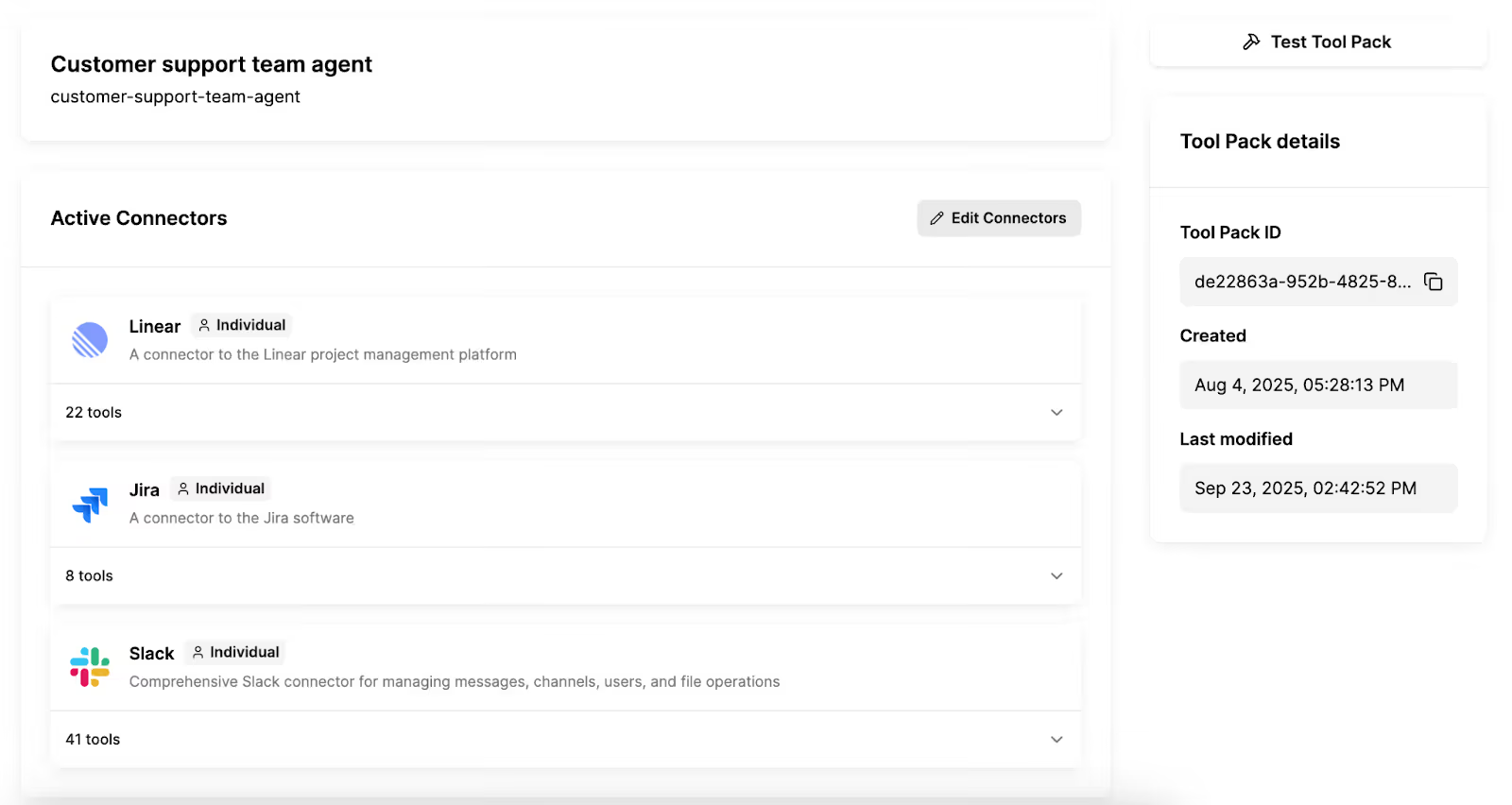
Create designated groups of connectors and associated tools that require a single authentication flow. This helps users avoid authenticating several times while still keeping sensitive information secure.
For example, say you want to help a certain group of users leverage AI agents to manage tickets. You can create a group of all the relevant connectors, like Jira, Salesforce, and Slack, and tools within these connectors, like get_account, create_issue, update_issue, and post_message.
You can then use a single authentication flow for a user who wants to access this group. More specifically, they would authenticate with Jira, Salesforce, and Slack once within the flow. From there, the user would not only have access to these connectors but also the relevant grouped tools.
Related: The best AI agent authentication tools in 2026
Implement alerts when integrations need to be re-authenticated
An integration may need to be re‑authenticated for several reasons, whether it’s because OAuth tokens expired or scopes were revoked.
To help you determine when an integration needs re‑authentication, you can build alerts that trigger on authentication‑related failures, such as invalid or expired tokens, or missing or changed scopes.
You can even build agentic workflows for these alerts, such as automatically pausing affected jobs, alerting the relevant app admins in Slack to re‑authenticate, and then retrying after successfully re‑authenticating.

Catch auth issues before pushing integrations to production
It’s worth testing a wide range of potential user prompts across models (if your AI agent uses different models) and connectors.
As part of these tests on your agents, you can see if the tool calls trigger auth flows, and verify tokens, scopes, and refresh behavior.
You can also validate failure cases, like expired or invalid tokens, and confirm your alerts or policies trigger correctly.

{{this-blog-only-cta}}
AI agent authentication FAQ
In case you have any more questions on authenticating AI agents, here are a few commonly-asked questions—answered.
What are the challenges of authenticating AI agents successfully?
Common challenges include:
- Managing prompt injection attacks: Malicious actors can manipulate agents into revealing or misusing authentication credentials, which can lead to unauthorized access to sensitive systems or data
- Navigating hallucinations: Your agents may confuse users or systems with one another, leading the agents to potentially use the wrong credentials and expose data to unintended parties
- Handling credentials: The lack of standardized, secure mechanisms for issuing, storing, rotating, and revoking credentials makes it hard to audit and enforce security policies across your agents
- Lack of visibility: Whoever is managing your agents may lack holistic visibility on the authentication errors taking place across your agents, which prevent them from addressing potential security and performance issues on time
- Poorly-built authentication flows: As your company experiences “agent sprawl,” or a proliferation of agents across your business, your team members may accidentally implement authentication poorly or forget to implement it at all. These gaps can be difficult to detect proactively, and create hidden security vulnerabilities
What are the specific authentication methods available for AI agents?
You typically have a few methods at your disposal, including OAuth2, API keys, mutual TLS (mTLS), and JSON Web Tokens (JWTs).
When an MCP server supports OAuth2, you should use this method. It’s typically the most secure because it provides fine-grained access control, short-lived tokens, and delegated authorization without exposing long-term credentials.
What is agent-to-agent authentication?
It’s when one AI agent needs to access or activate another agent as part of a workflow. Before it can do so, the initiating agent needs to authenticate to confirm that it’s a trusted, authorized entity with the appropriate permissions to make that request.
Jon Gitlin




Authenticate your AI Agents with ease via Merge Agent Handler
Leverage Merge Agent Handler to securely connect your agents to thousands of pre-built tools, as well as manage and monitor all tool interactions.


But Merge isn’t just a Unified
API product. Merge is an integration platform to also manage customer integrations. gradient text
But Merge isn’t just a Unified
API product. Merge is an integration platform to also manage customer integrations. gradient text
But Merge isn’t just a Unified
API product. Merge is an integration platform to also manage customer integrations. gradient text
But Merge isn’t just a Unified
API product. Merge is an integration platform to also manage customer integrations. gradient text
