

Terminal and Shell are essential components of Kali Linux that allow users to interact with the operating system using commands. While the graphical interface is suitable for everyday tasks, many penetration testing and security tools in Kali Linux are primarily designed to run from the terminal.
Understanding how the terminal and shell work is an important step for anyone learning Kali Linux or cybersecurity.
Terminal
A terminal is an application that provides a text-based interface for interacting with the operating system. It accepts commands entered by the user, sends them to the shell for execution, and displays the resulting output.
Depending on the desktop environment, Kali Linux supports multiple terminal emulators, including:
- QTerminal
- XFCE Terminal
- GNOME Terminal
- Konsole
- XTerm
- Terminator
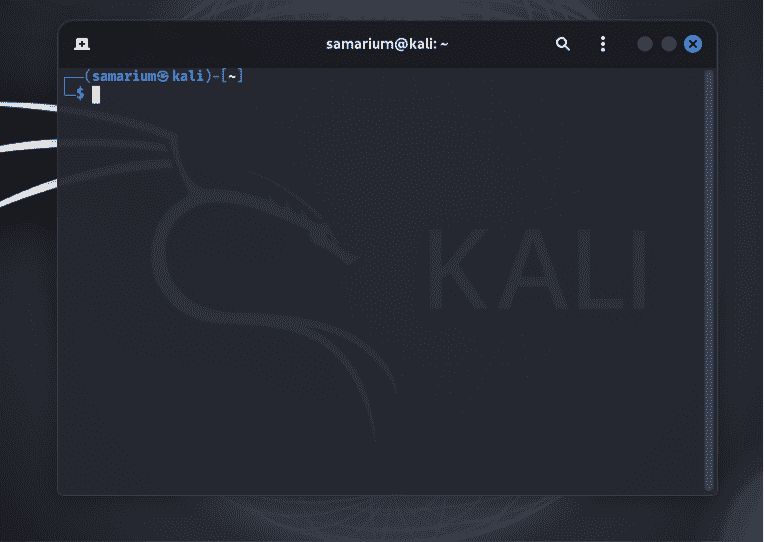
Why Use the Terminal in Kali Linux?
The terminal plays a vital role in Kali Linux because many cybersecurity tools are command-line based. Using the terminal allows users to:
- Execute penetration testing tools efficiently.
- Perform system administration tasks.
- Manage files and directories.
- Install and update software packages.
- Automate repetitive tasks using shell scripts.
Although graphical applications are available for many tasks, the terminal often provides more control and faster execution.
Shell
A shell is a command interpreter that processes commands entered through the terminal. It communicates with the Linux kernel, executes commands, and returns the output to the terminal. Kali Linux uses Bash (Bourne Again Shell) as its default shell.
Some commonly used shells include:
- Bash
- Zsh
- Fish
- Korn Shell (Ksh)
- C Shell (csh)
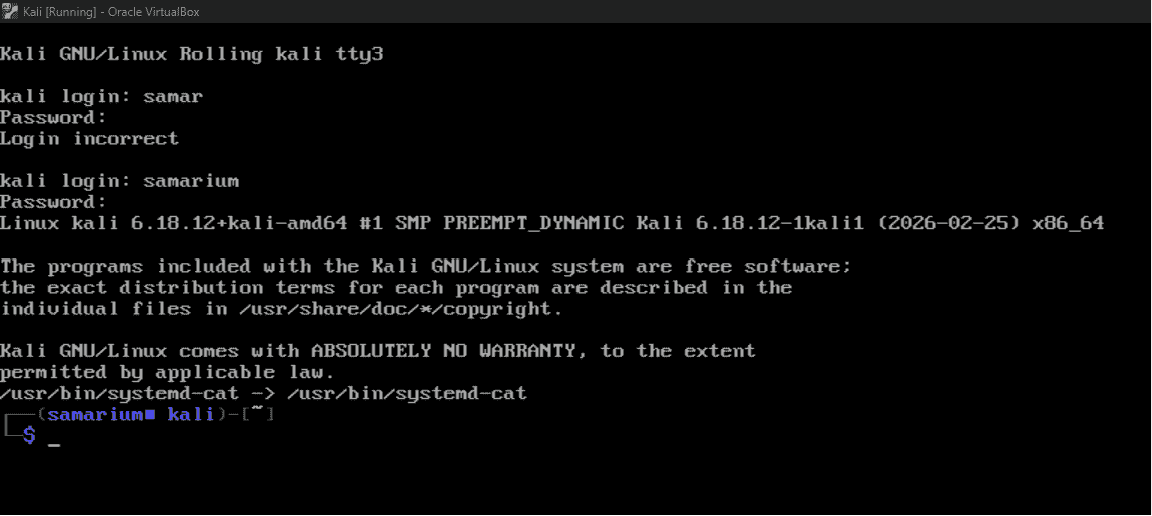
Terminal vs Shell
| Feature | Terminal | Shell |
|---|---|---|
| Purpose | Provides a command-line interface. | Executes user commands. |
| Function | Accepts input and displays output. | Interprets commands and communicates with the kernel. |
| Role | Acts as the user interface. | Acts as the command interpreter. |
| Examples | XFCE Terminal, GNOME Terminal, QTerminal | Bash, Zsh, Fish, Ksh |
