

SQLmap is an open-source penetration testing tool designed to automate the detection and exploitation of SQL Injection (SQLi) vulnerabilities. It identifies vulnerable parameters, fingerprints database management systems (DBMS), retrieves database information and supports advanced testing features.
Note: SQLmap should only be used on systems you own or have explicit authorization to test.
Requirements Before Installation of SQLmap
Before installing SQLmap, ensure your Linux system meets the following requirements:
- Using Controlled Environment(Virtualbox, Vmware etc)
- Linux distribution (Ubuntu, Debian, Kali, Fedora, Arch, CentOS, etc.).
- Python 3.8 or later.
- Git (recommended).
- Internet connection.
- Terminal access.
- sudo privileges (for package installation).
Check Whether Python is Installed
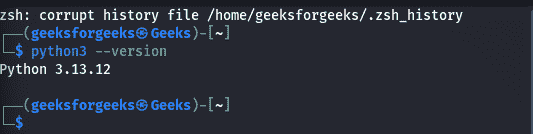
Most Linux distributions include Python by default.Verify the installed version. Run the below Command:
python3 --versionOutput:
If Python is not installed
Run the command to install python on different distro of LINUX.
Ubuntu/Debian
Run the Command:
sudo apt update
sudo apt install python3
Fedora
Run the Command:
sudo dnf install python3Arch Linux
Run the Command:
sudo pacman -S pythonMethod 1: Install SQLmap Using Git (Recommended)
Installing from the official Git repository provides the latest version and makes updates easier.
Step 1: Install Git
Refer to this article to: Install and setup the git on Linux
Step 2: Clone the SQLmap Repository
Visit the SQLmap repository on browser and search for sqlmap git install. Click on first site to go to repository. Copy the HTTPS path in code section and Run the below command on LINUX machine.
git clone --depth 1 https://github.com/sqlmapproject/sqlmap.gitOutput:
Step 3: Navigate to the Directory
Run the Command:
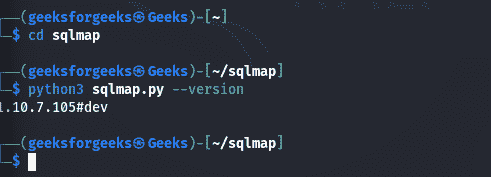
cd sqlmapOutput:
Method 2: Install SQLmap Using Package Manager
Some Linux distributions include SQLmap in their official repositories.
Ubuntu/Debian
Run the Command:
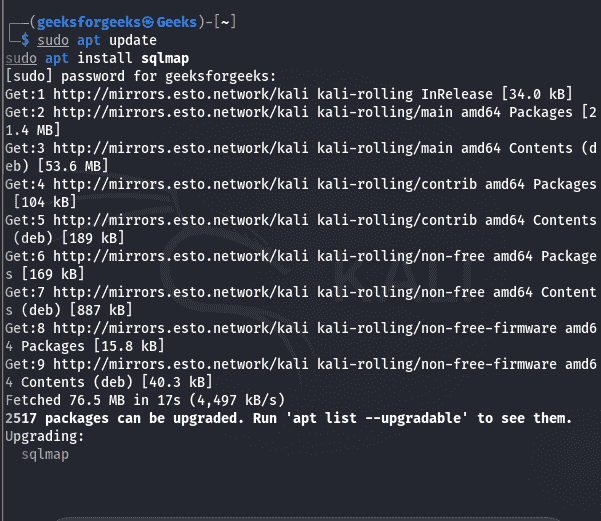
sudo apt update
sudo apt install sqlmap
Output:
Fedora
Run the Command on Fedora distro:
sudo dnf install sqlmapArch Linux
Run the command on Arch Linux:
sudo pacman -S sqlmapKali Linux
SQLmap is generally pre-installed. Verify by Run the below command:
sqlmap --versionIf missing:
Run the Command
sudo apt install sqlmapMethod 3: Install SQLmap Using pip
Although Git installation is recommended, SQLmap can also be installed using pip if available.
Ubuntu/Debian
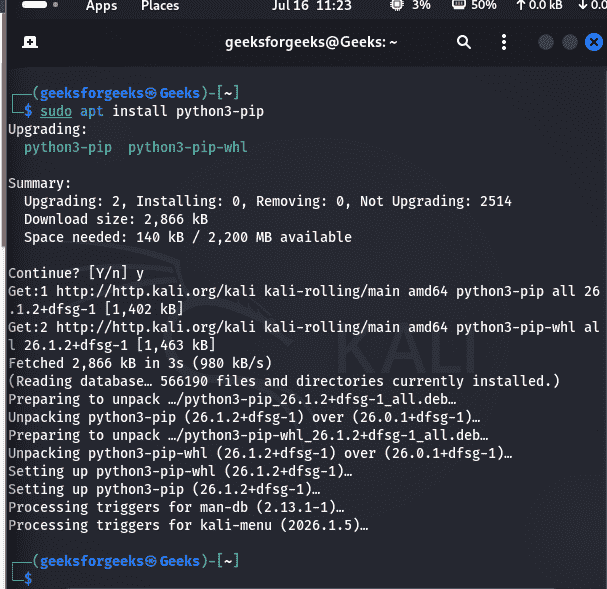
Run the Command:
sudo apt install python3-pipOutput:
Install SQLmap
Run the Command:
pip3 install sqlmapVerify SQLmap Installation
Check whether SQLmap is accessible
Run the Command:
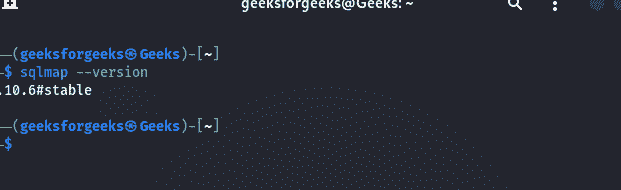
sqlmap --version
or
python3 sqlmap.py --version
Output:
Display the help menu
Run the Command:
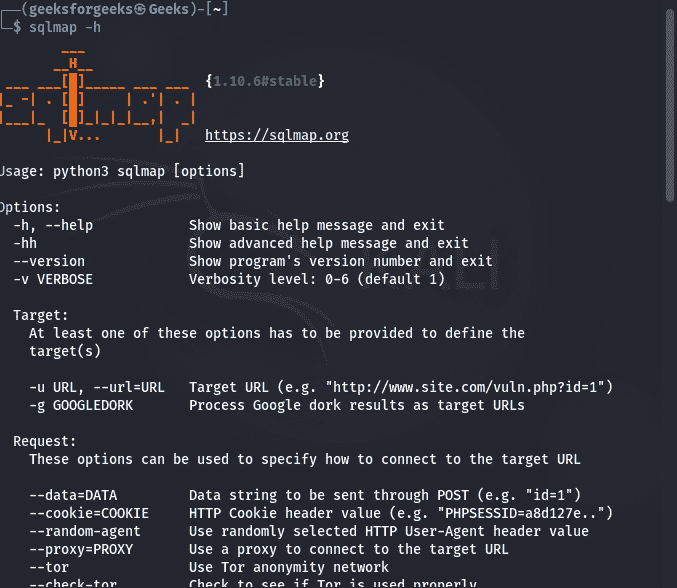
sqlmap -h
or
python3 sqlmap.py -h
Update SQLmap
If installed using Git
Run the Command:
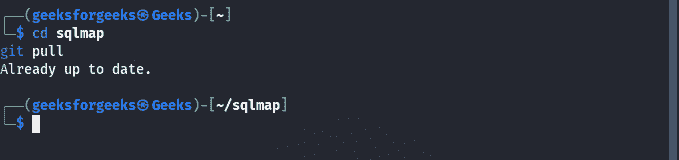
cd sqlmap
git pull
Output:
If installed using apt
Run the Command:
sudo apt update
sudo apt upgrade sqlmap
Output:
Uninstall SQLmap
Git Installation
Simply remove the cloned directory. Run the below Command:
rm -rf sqlmapUbuntu/Debian
Run the Command:
sudo apt remove sqlmapFedora
Run the Command:
sudo dnf remove sqlmapArch Linux
Run the command:
sudo pacman -R sqlmapBest Practices After Installation
- Keep SQLmap updated to receive the latest bug fixes and features.
- Use Python 3 for compatibility with current releases.
- Prefer the official Git repository if you need the newest version.
- Run SQLmap only on systems where you have explicit permission to perform security testing.
- Review the built-in help (sqlmap -h) to understand available options before running assessments.
