

C# is a modern, object-oriented programming language developed by Microsoft. It is useful, type-safe and relatively easy to learn compared to languages like C++.
- Designed for building Windows applications, web services and games
- Used by millions of developers worldwide
- Similar syntax to Java and C++
- Runs on the .NET framework
Why Does Unity Use C#?
- Beginner-friendly: Clean syntax with less complex memory management than C++.
- Performance: Faster than interpreted languages like Python or JavaScript.
- Garbage collection: Automatic memory management.
- Object-oriented: Perfect fit for Unity's GameObject-Component model.
- Large ecosystem: Thousands of libraries and learning resources.
What Makes C# in Unity Different?
C# in Unity is the same language as standard C#, but Unity provides additional classes and methods specifically for game development.
| Standard C# | Unity C# |
|---|---|
| Console applications | Game scripts attached to GameObjects |
| Console.WriteLine() | Debug.Log() |
| System.Timer | Time.deltaTime |
| Manual game loop | Update(), FixedUpdate(), LateUpdate() |
| No built-in input handling | Input.GetKey(), Input.GetMouseButton() |
What Can You Do with C# in Unity?
- Control GameObjects (move, rotate, scale, enable, disable)
- Handle player input (keyboard, mouse, touch)
- Manage game state (score, health, levels)
- Spawn objects (enemies, bullets, power-ups)
- Respond to collisions and triggers
- Control UI (text, buttons, menus)
- Implement enemy AI (chase, patrol, attack)
- Play sounds and visual effects
How Scripts Work in Unity
A script is a Component. Just like a Transform or Rigidbody, you attach it to a GameObject.
Basic workflow:
- Create a C# script in the Project window.
- Write code inside the script.
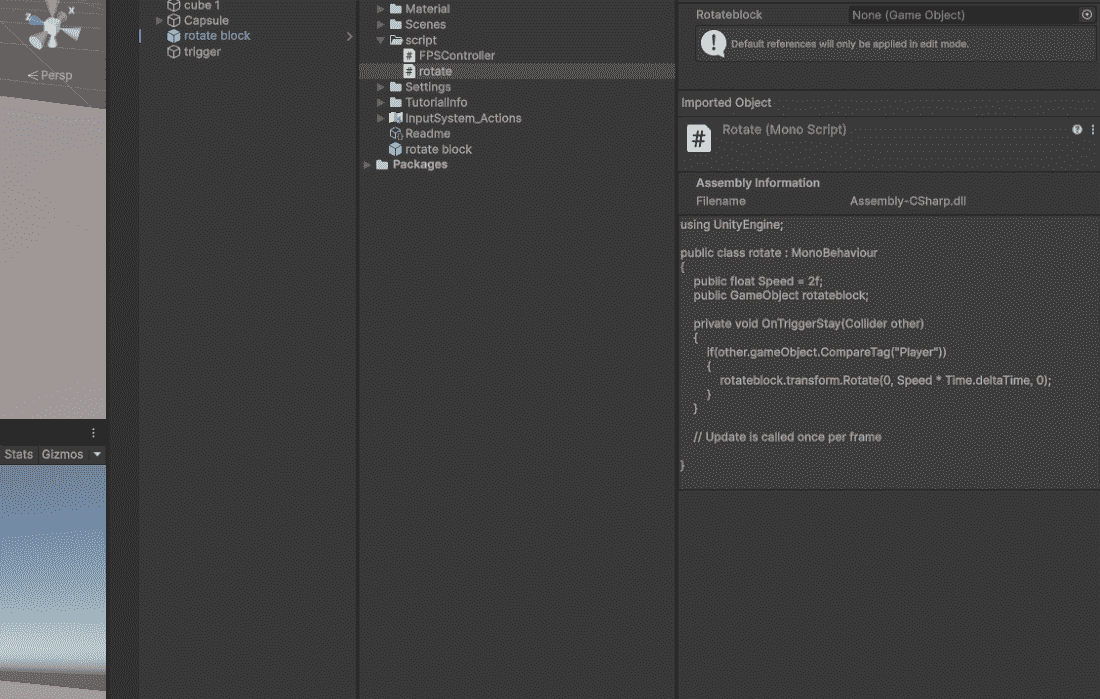
- Drag the script onto a GameObject in the scene.
- Press Play – the code runs automatically.
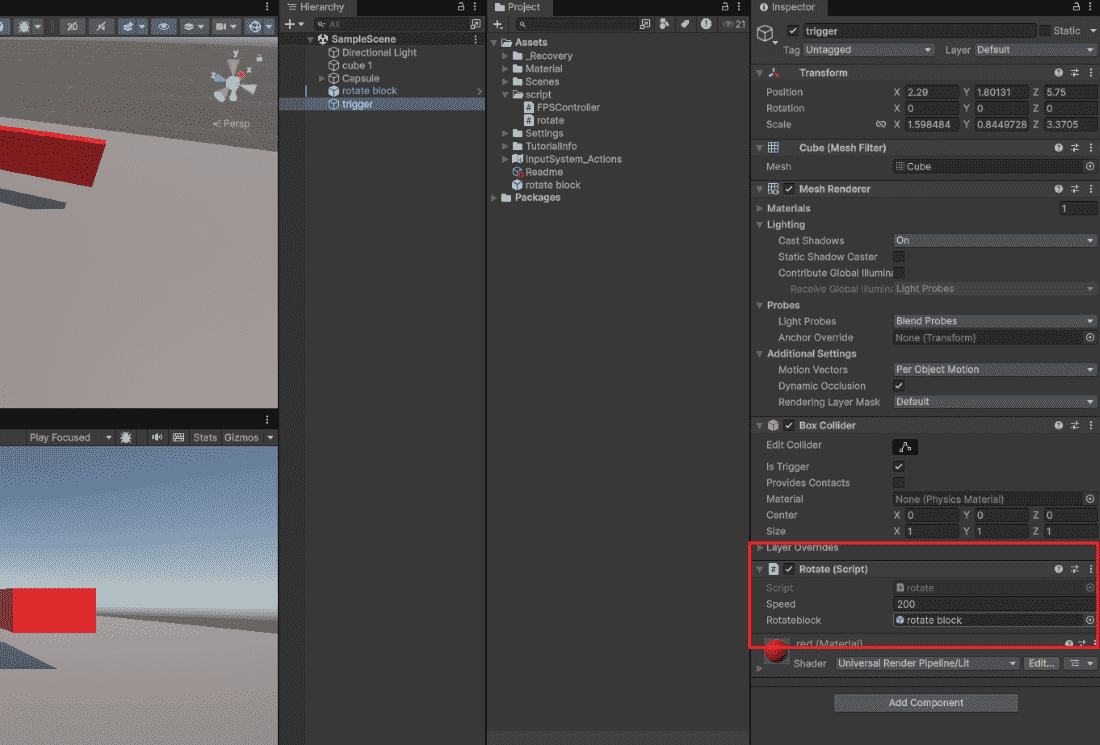
Structure of a Unity Script
using UnityEngine;
public class ScriptName : MonoBehaviour
{// Variables (data)
    public int score = 0;
    private float health = 100f;
    // Methods (behavior)
    void Start()
    {
        // Runs once at beginning
    }
    void Update()
    {
        // Runs every frame
    }
}
Every Unity script needs:
- using UnityEngine; – Access to Unity engine features
- : MonoBehaviour – Inherit Unity event methods
- A name that matches the file name
Public vs Private in Unity Scripts
public int health = 100;        // Visible and editable in Inspector
private int score = 0;          // Hidden in Inspector
[SerializeField] private int lives = 3;  // Visible but still private
- public: Shows in Inspector, accessible by other scripts
- private: Hidden in Inspector, only accessible within this script
- [SerializeField]: Private but visible in Inspector (best practice)
