

Bootstrap 5 Popovers show() method is used to open the popover manually. It will show the popover before the actual shown.bs.popover event occurs.
Syntax:
popover.show()
Return value: This method will manually trigger the element’s popover to be displayed.
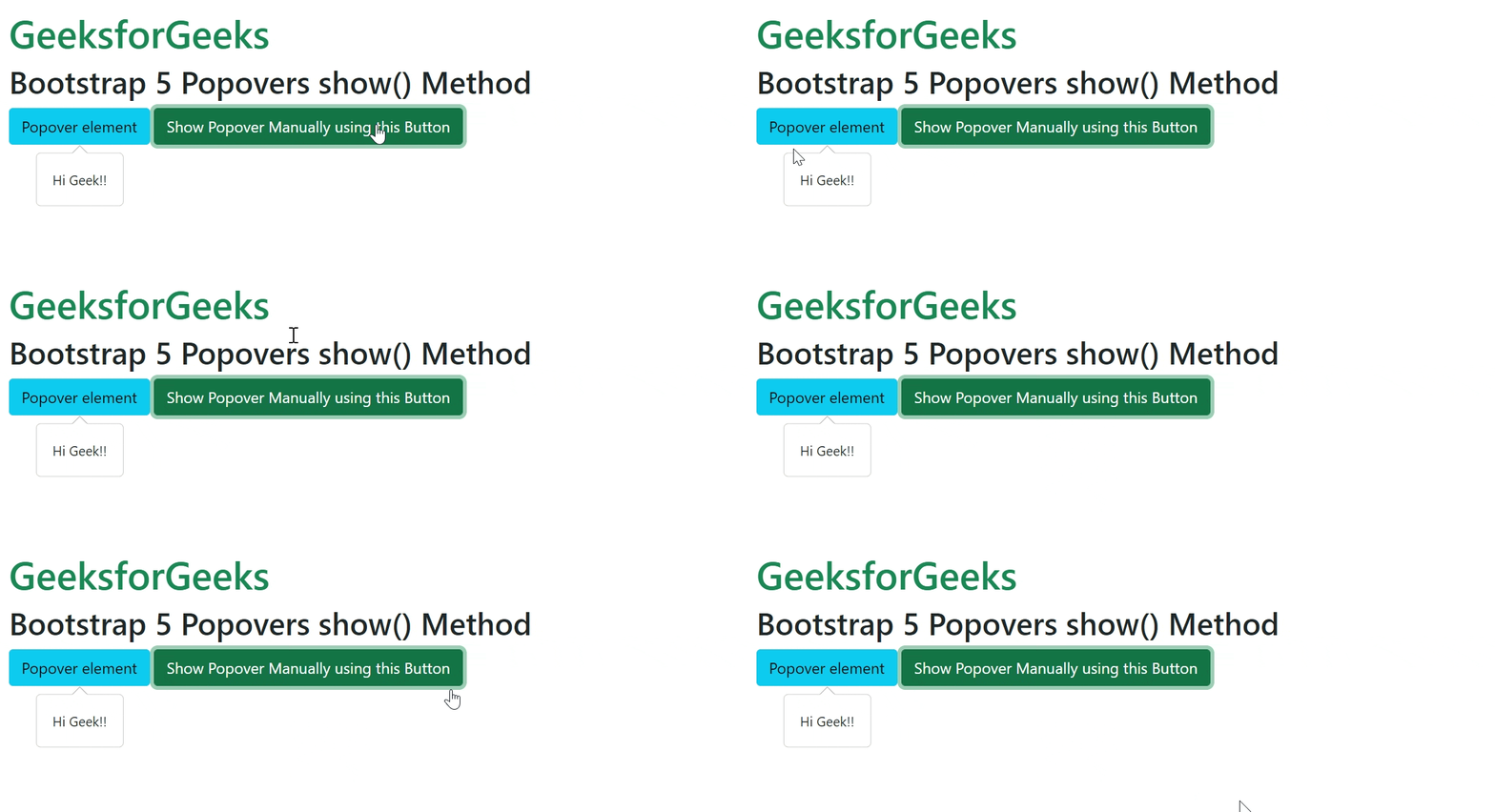
Example 1: In this example, we will learn about the Bootstrap 5 Popovers show() method.
<!DOCTYPE html>
<html lang="en">

<head>
    <link href=
"https://cdn.jsdelivr.net/npm/bootstrap@5.0.2/dist/css/bootstrap.min.css"
        rel="stylesheet" integrity=
"sha384-EVSTQN3/azprG1Anm3QDgpJLIm9Nao0Yz1ztcQTwFspd3yD65VohhpuuCOmLASjC"
        crossorigin="anonymous">
    <script src=
"https://cdn.jsdelivr.net/npm/bootstrap@5.0.2/dist/js/bootstrap.bundle.min.js"
            integrity=
"sha384-MrcW6ZMFYlzcLA8Nl+NtUVF0sA7MsXsP1UyJoMp4YLEuNSfAP+JcXn/tWtIaxVXM"
            crossorigin="anonymous">
    </script>
</head>

<body class="m-3">
    <h1 class="text-success">
        GeeksforGeeks
    </h1>
    <h2>Bootstrap 5 Popovers show() Method</h2>
    <button type="button" id="example"
            data-bs-content="Hi Geek!!"
            data-bs-placement="bottom"
            class="btn btn-info">
        Popover element
    </button>

    <button type="button" id="show"
            class="btn btn-success">
            Show Popover Manually using this Button
    </button>

    <script>
        const exampleEl = document.getElementById('example')
        const popover = new bootstrap.Popover(exampleEl)
        const showButton = document.getElementById('show')

        showButton.addEventListener('click', () => {
            popover.show()
        })
    </script>
</body>

</html>
Output:
Example 2: In this example, we will see the working of the show() and hide() methods.
<!DOCTYPE html>
<html lang="en">

<head>
    <link href=
"https://cdn.jsdelivr.net/npm/bootstrap@5.0.2/dist/css/bootstrap.min.css"
        rel="stylesheet" integrity=
"sha384-EVSTQN3/azprG1Anm3QDgpJLIm9Nao0Yz1ztcQTwFspd3yD65VohhpuuCOmLASjC"
        crossorigin="anonymous">
    <script src=
"https://cdn.jsdelivr.net/npm/bootstrap@5.0.2/dist/js/bootstrap.bundle.min.js"
            integrity=
"sha384-MrcW6ZMFYlzcLA8Nl+NtUVF0sA7MsXsP1UyJoMp4YLEuNSfAP+JcXn/tWtIaxVXM"
            crossorigin="anonymous">
    </script>
</head>

<body class="m-3">
    <h1 class="text-success">
        GeeksforGeeks
    </h1>
    <h2>Bootstrap 5 Popovers show() Method</h2>
    <button type="button" id="example"
            data-bs-content="Hi Geek!!"
            data-bs-placement="bottom"
            class="btn btn-info">
        Popover element
    </button>

    <button type="button" id="show" class="btn btn-success">
        Show Popover Manually using this Button
    </button>
    <button type="button" id="hide" class="btn btn-danger">
            Hide Popover Manually using this Button
    </button>

    <script>
        const exampleEl = document.getElementById('example')
        const popover = new bootstrap.Popover(exampleEl)
        const hideButton = document.getElementById('hide')
        const showButton = document.getElementById('show')
        hideButton.addEventListener('click', () => {
            popover.hide()
        })
        showButton.addEventListener('click', () => {
          popover.show()
        })
    </script>
</body>
</html>
Output:

Reference: https://getbootstrap.com/docs/5.0/components/popovers/#show
