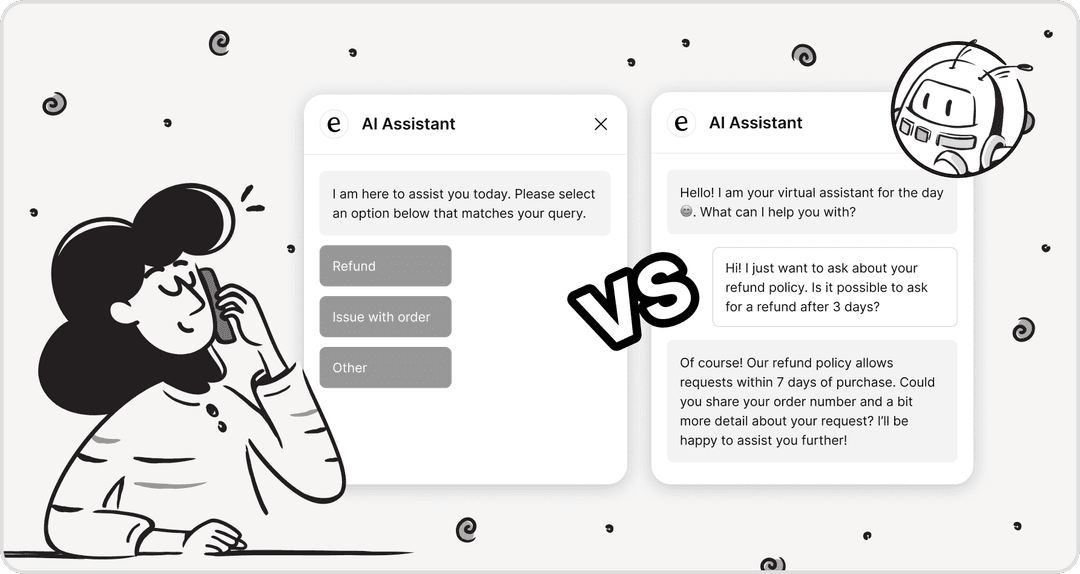
If you're on a support team, you know the drill. The inbox is a never-ending flood, and you're trying to send fast, personal, and accurate replies to everyone. It's a lot. With the average professional getting around 121 emails a day, it’s no wonder so many of us feel completely fried by the end of the day.
AI writing assistants have popped up as a way to lighten the load, and one of those tools is Front's AI Compose feature. This guide is an honest look at what Front AI Compose Email actually brings to the table, from its cool features to its real costs and the limitations you should be aware of.
What is Front AI Compose Email?
Front is a communication platform that pulls all your channels, like email and chat, into one shared inbox for your team. Tucked inside this platform is Front AI Compose Email, an AI-powered helper designed to help your agents write and tweak messages without leaving their inbox.
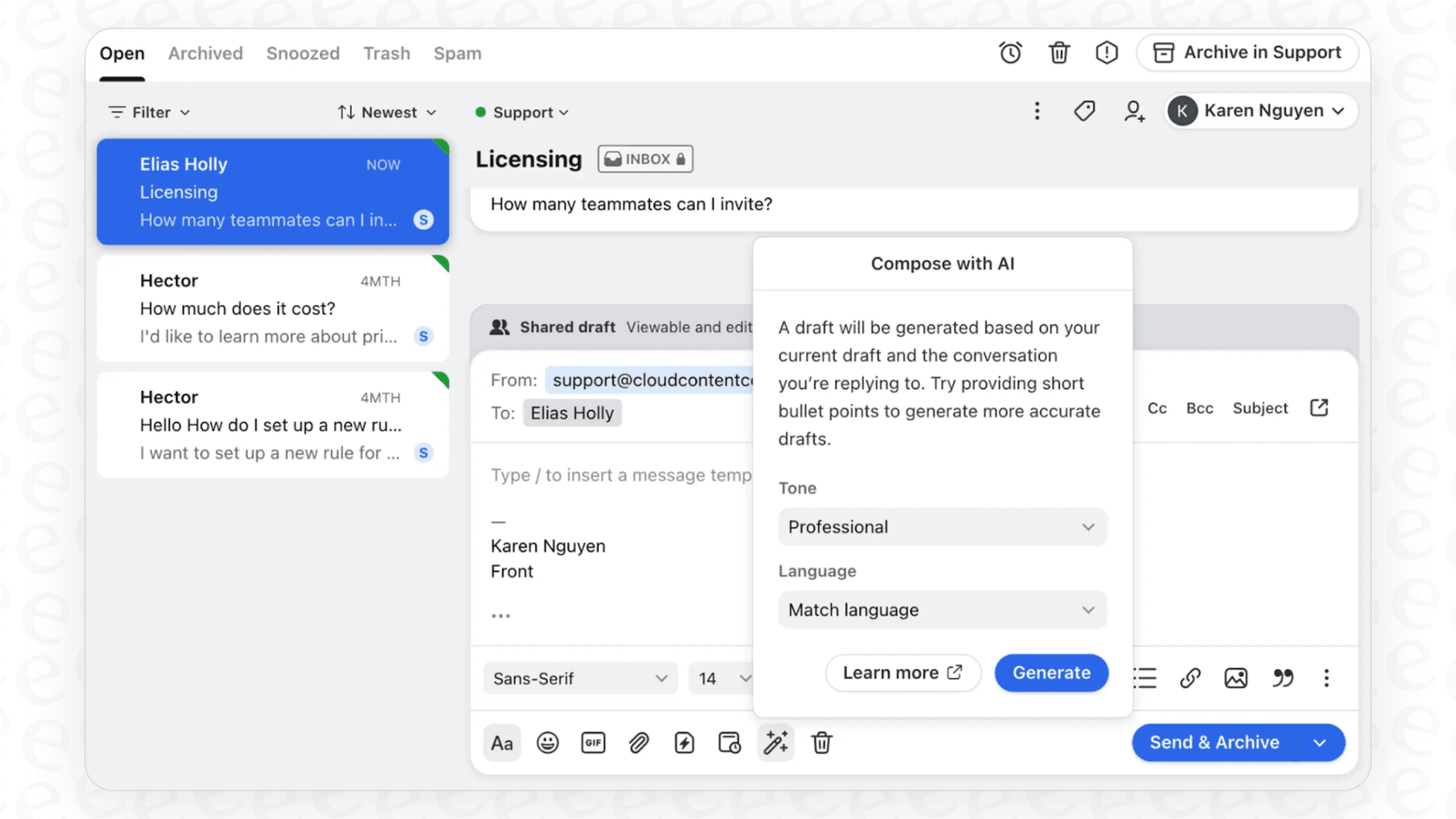
The whole idea is to help agents work faster and make sure every reply sounds like it came from your company. It’s one part of a bigger AI toolkit from Front, but its main job is to assist a human agent, not to completely take over conversations from start to finish.
Key features of Front AI Compose Email and how people use it
While it sounds simple, the Compose feature has a few handy uses that can make the daily grind a bit more manageable.
Fix grammar, change the tone, and polish your message
At its simplest, the tool is like a super-powered proofreader, catching spelling and grammar mistakes to keep things looking professional.
But where it gets really useful is in tweaking the tone of a message. We’ve all been there: you’re writing back to a frustrated customer, and your first draft comes out a little… sharp. A common use for the AI is to soften an angrily drafted message so it sounds more empathetic. It can also take your quick notes and flesh them out into a full email or trim down a long, rambling explanation into something short and sweet.
Generate drafts from scratch and translate languages
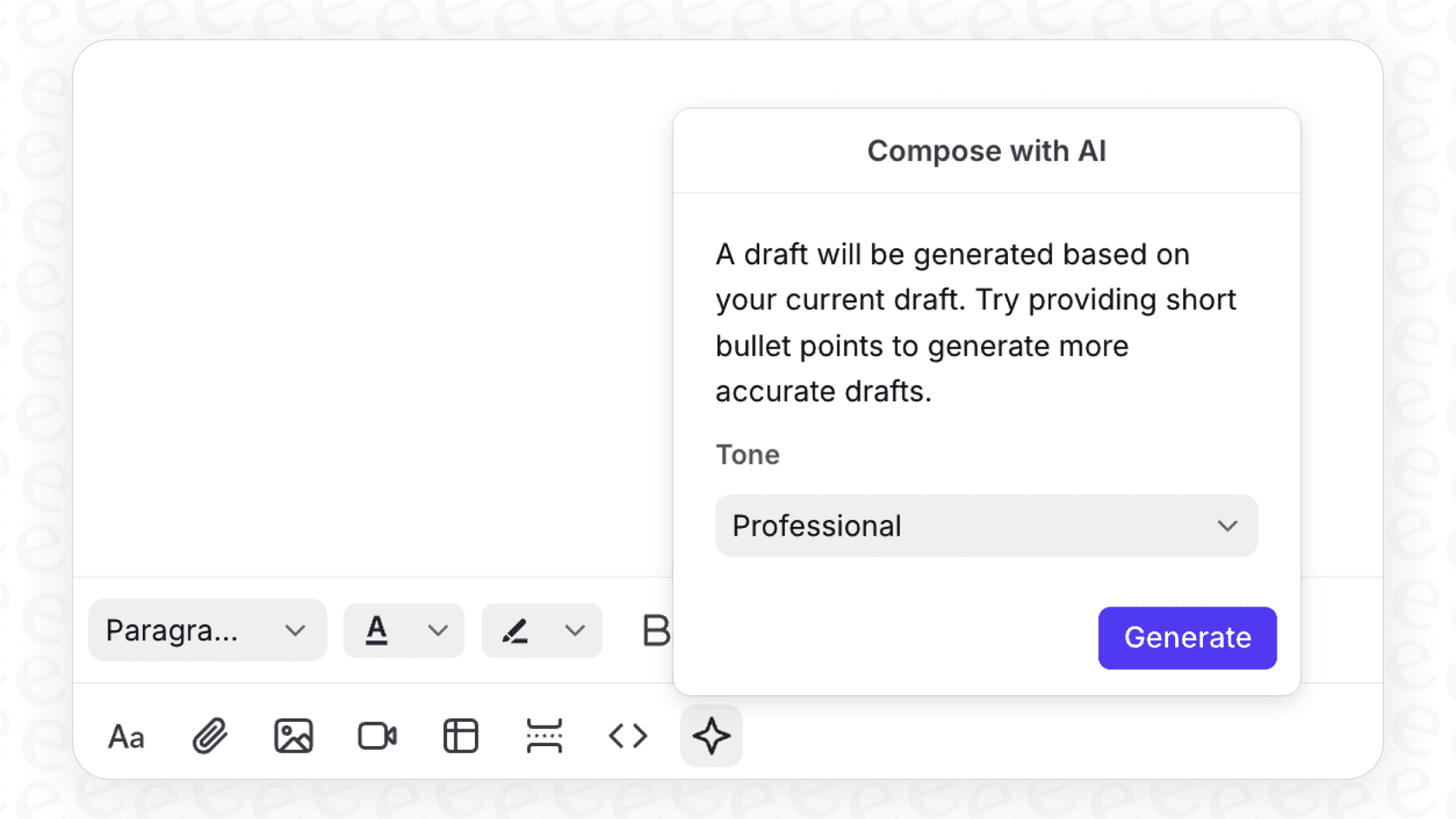
For those moments when you’re staring at a tough email and have no idea where to even start, the AI can generate a full draft for you based on the conversation so far. It gives you a jumping-off point so you're not stuck with a blinking cursor on a blank page.
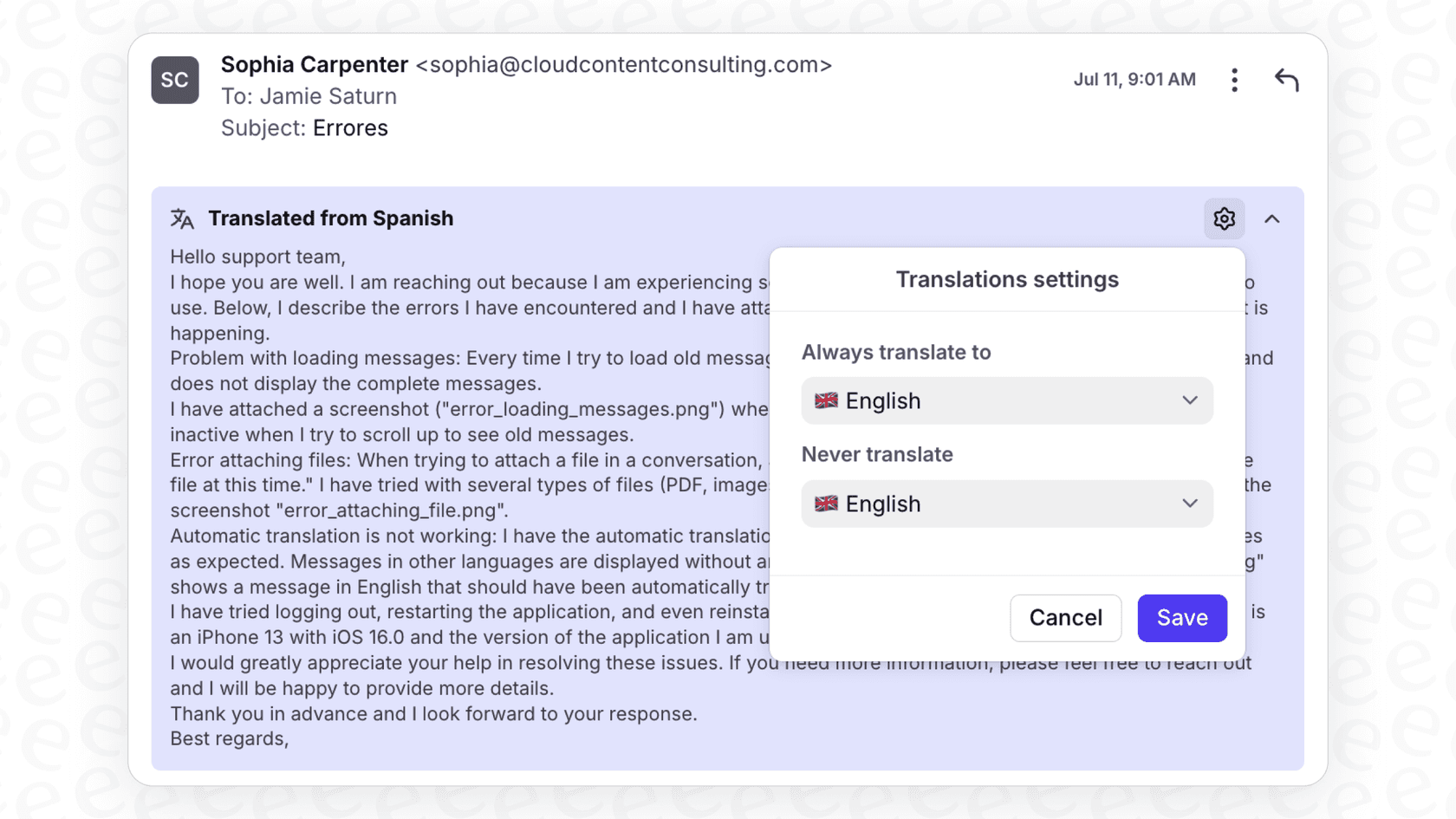
And if you work with customers around the world, the translation feature is a big plus. It can handle 18 languages (like Chinese, Danish, Dutch, English, French, and German), which helps break down language barriers without needing a full-time multilingual team.
How teams use Front AI Compose Email
-
Training new agents: It gets new hires up to speed on the company's voice and tone without weeks of hand-holding.
-
Keeping the brand voice consistent: It makes sure everyone, from the newbie to the seasoned pro, sounds like they work for the same company.
-
Working a little faster: By cutting down the time spent typing and editing, it frees up agents to tackle more complex customer issues.
Front AI Compose Email: Pricing and limitations
Before you jump on any new tool, you need to know what it’s really going to cost and where it might fall short. Front’s AI features are packaged in a way that makes reading the fine print pretty important.
How much does Front AI Compose Email cost?
The Compose feature is included in all of Front's current plans, but there’s a catch: you’re limited to 200 Compose actions per teammate, per day (Summarize gets its own separate 200/day cap). If you have a busy team, you could burn through that limit fast.
The bigger headache is that the more powerful AI tools cost extra, and the pricing gets messy. While Compose helps you write, the features that really automate your work, like auto-drafting replies ("Copilot") or fully closing out tickets ("Autopilot"), are either pricey add-ons or locked away in the most expensive plans.
Here’s a quick look at how the costs can pile up:
| Feature / Plan | Starter ($25/seat/mo) | Professional ($65/seat/mo) | Enterprise ($105/seat/mo) |
|---|---|---|---|
| AI Compose | ✅ (200 requests/day) | ✅ (200 requests/day) | ✅ (200 requests/day) |
| AI Copilot (Auto-drafts) | Add-on ($20/seat/mo) | Add-on ($20/seat/mo) | ✅ Included |
| AI Autopilot (Resolutions) | Add-on ($0.05/conversation) | Add-on ($0.05/conversation) | Add-on ($0.05/conversation) |
| Smart QA & CSAT | Add-on | Add-on | ✅ Included |
The main thing to watch out for is the potential for unpredictable costs. That "Autopilot" feature, at $0.05 per conversation, means your bill scales with your volume. Front meters it as a usage add-on on every plan, so even Enterprise doesn't bundle it in. If you have a massive influx of tickets one month, your bill climbs right alongside them.
The downsides of a built-in compose tool
Pricing aside, a writing assistant that’s stuck inside one platform has some natural drawbacks.
-
It’s a writer, not a doer: "Front AI Compose Email" is great with words, but it can't actually do anything. For example, it can't read a PDF attachment, pull out an order number, and send the ticket over to the right person.
-
It only knows what’s inside Front: Compose's knowledge is limited to your Front conversation history. It can't connect to your other knowledge sources to get real-time info, like a detailed guide in Confluence, a policy doc in Google Docs, or live product data from Shopify. Front's higher-tier Autopilot and Copilot can connect external sources like Confluence and Google Drive, but that reach doesn't extend to Compose.
-
No custom moves: The tool can't be set up to perform specific actions, like checking an account status in your internal database and using that information in its reply. It’s limited to the info it has right there in Front.
-
You can't fully try before you buy: Front's Autopilot has a simulation, but it runs scenarios you write rather than replaying your own past tickets. So you still can't see how the AI would have handled your real historical volume, or what it would resolve, before you turn it on for live customers.
A better way: Separating your AI from your help desk
The smartest AI tools aren't just another feature buried inside your help desk; they're an intelligent layer that connects to all of your tools. This is where a dedicated AI platform like eesel AI changes the game by tackling the very limitations of a built-in composer.
While eesel AI has a great AI Copilot that drafts instant, on-brand replies, it does a lot more. It also offers a fully autonomous AI Agent that can understand, categorize, and resolve tickets all by itself.
Here’s why that makes such a big difference:
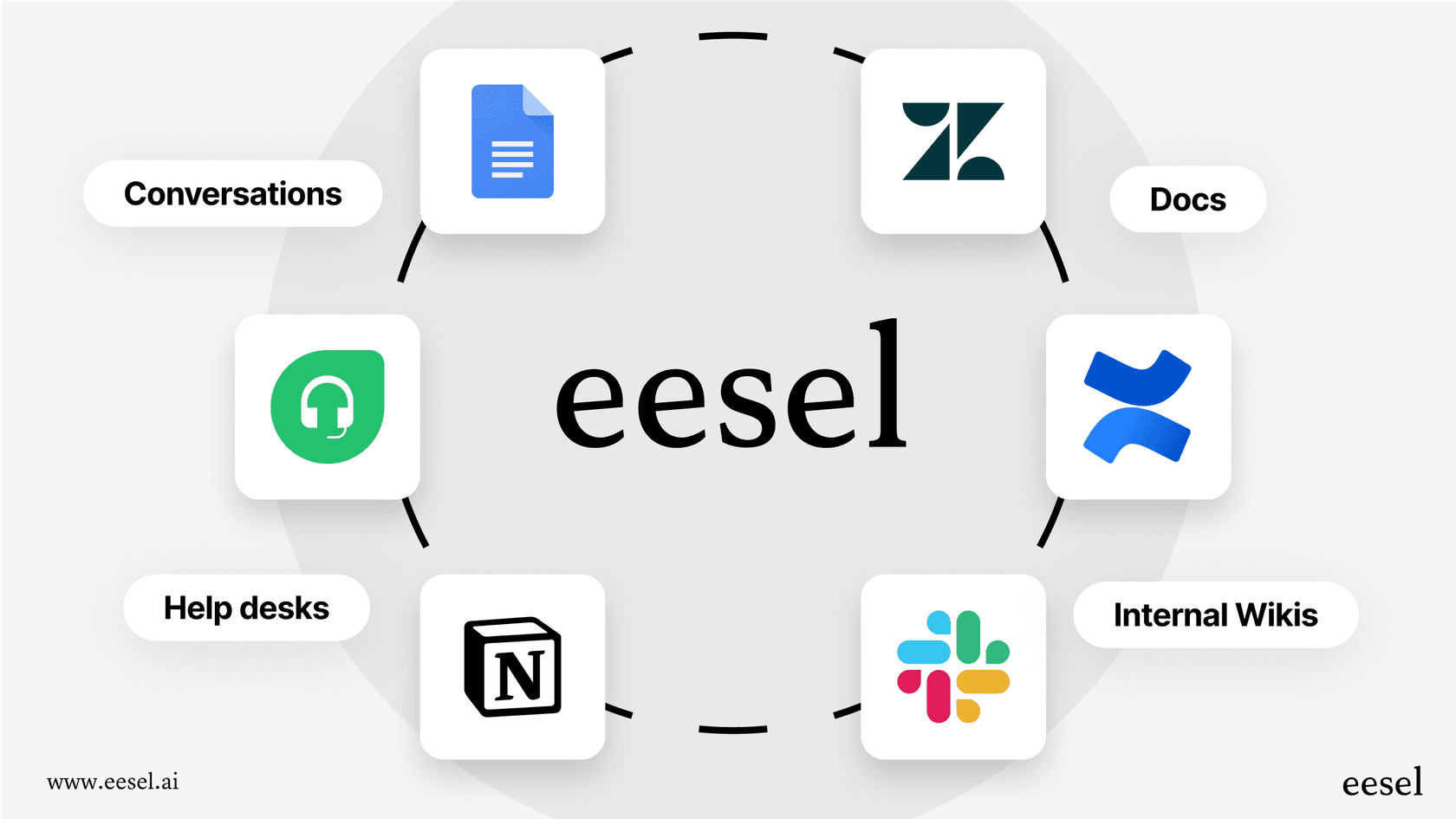
- Connect all your knowledge: An AI is only as smart as the information it can access. eesel AI plugs right into your help desk and all the other places your team knowledge is stored. It learns from your help center articles, past conversations, and external docs in places like Confluence, Google Docs, and Notion to give you complete and accurate answers.
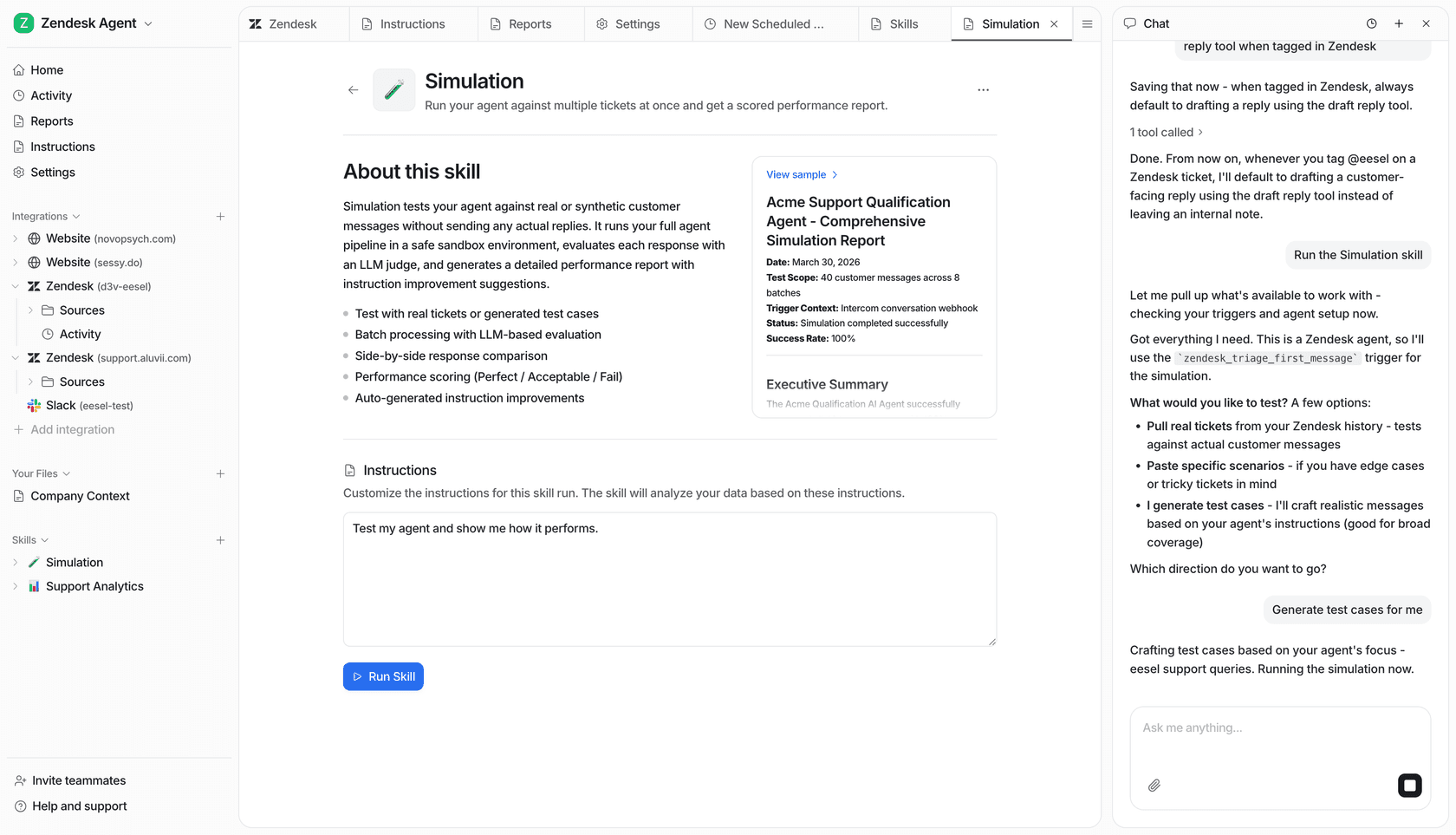
- Test without the risk: eesel AI comes with a powerful simulation that lets you run it over hundreds of your past tickets. You see exactly how the AI would have replied, scored against what your team actually sent, before it ever talks to a real customer. It takes the guesswork out of the equation.
Get started in minutes with simple pricing
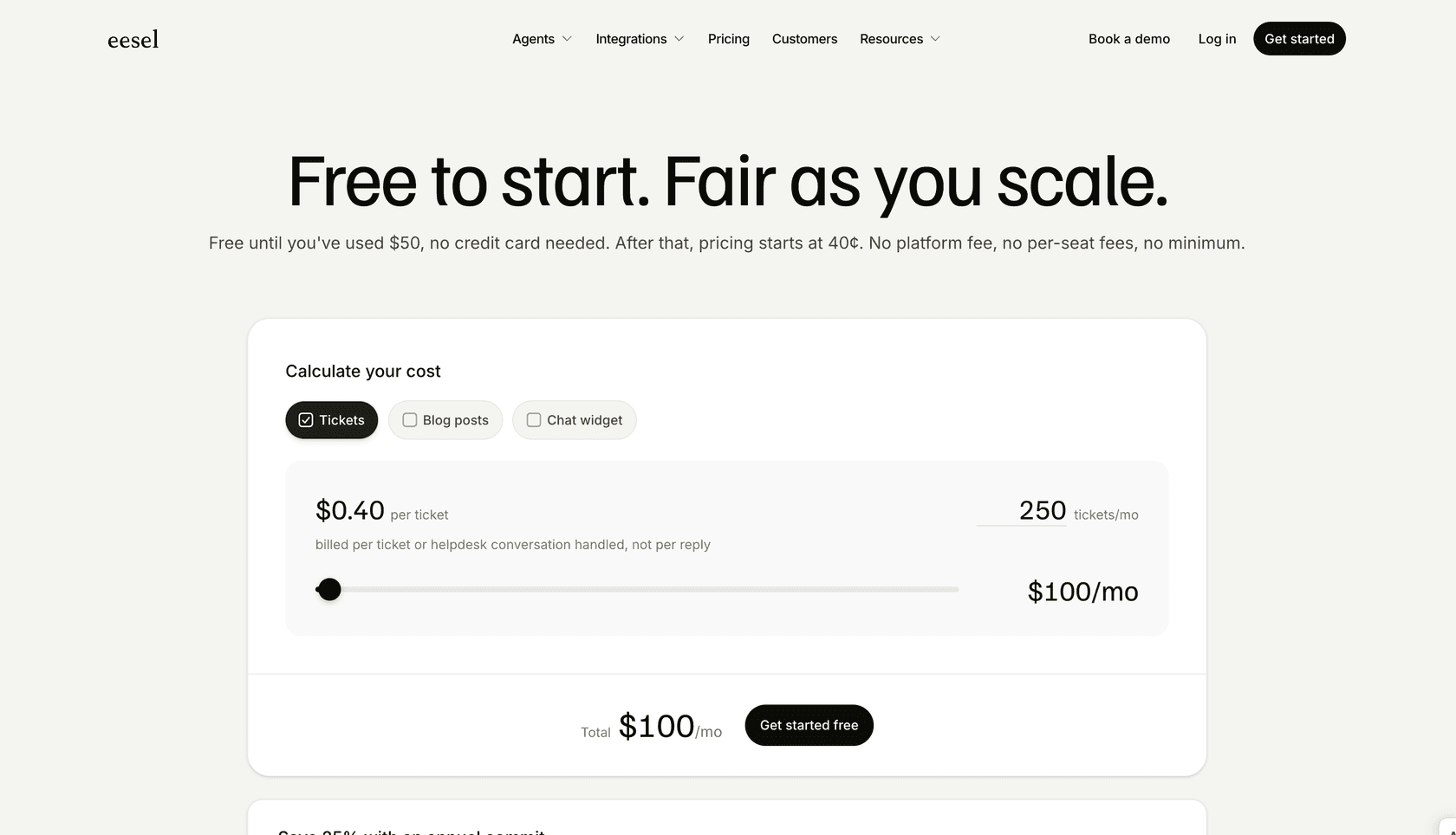
Unlike Front's confusing, add-on-filled model, eesel AI keeps it simple: you pay 40¢ per ticket it handles, with no platform fee and no per-seat charges. You can set a hard monthly spend cap, so a busy month never turns into a surprise bill.
Best of all, you can set it up yourself. You don’t have to sit through a sales demo just to try it. You can connect your help desk and get started in minutes.
Front AI Compose Email: A feature, not a partner
"Front AI Compose Email" is a handy tool for helping agents write a bit better and a bit faster. But at the end of the day, it's just a feature. It’s held back by its limited knowledge, lack of real automation power, and a pricing model that can get expensive and unpredictable in a hurry.
If your team is serious about using AI to really improve your support, a dedicated platform that works with your entire tech stack is a much smarter move. You need an AI partner that plays well with the tools you already have, learns from all your knowledge, and gives you the confidence to automate support, not just sentences.
Ready to see what a truly powerful AI co-pilot can do for your team? Get started with eesel AI for free and see how you can automate support, not just sentences.
Frequently asked questions
What exactly is Front AI Compose Email and what is its primary purpose for support teams?
Front AI Compose Email is an AI-powered helper integrated within the Front communication platform. Its primary purpose is to assist human agents in drafting and refining messages directly within their inbox, aiming to boost efficiency and maintain brand consistency in replies.
What key functionalities does Front AI Compose Email offer to agents beyond basic grammar checks?
Beyond basic grammar and spelling corrections, Front AI Compose Email can adjust the tone of messages, expand brief notes into full emails, condense lengthy explanations, generate initial drafts from scratch, and translate messages into 18 different languages.
Can Front AI Compose Email automate full customer interactions, or is it purely an assistance tool?
Front AI Compose Email is primarily designed as an assistance tool to help agents compose and refine messages. It does not fully automate customer conversations or resolve tickets independently; more advanced automation capabilities are typically found in other, often extra-cost, Front AI features like Copilot or Autopilot.
How does the pricing model for Front AI Compose Email impact its usability and cost-effectiveness?
While Front AI Compose Email is included in all Front plans, it comes with a daily limit of 200 Compose actions per teammate (Summarize gets its own separate 200/day). More robust automation tools are usually pricey add-ons or locked into higher-tier plans, which can lead to unpredictable costs due to usage fees for features like Autopilot, billed at $0.05 per conversation.
What are the main limitations of Front AI Compose Email regarding its ability to access external information or perform complex actions?
Its knowledge is restricted to Front's conversation history, preventing it from accessing external information from sources like Confluence, Google Docs, or Shopify. Furthermore, as a writing tool, it cannot perform custom actions such as checking an account status in an external database or processing attachments.
Is there a way to test the performance of Front AI Compose Email on my team's actual past tickets before implementing it live?
Front's Autopilot does include a simulation, but it runs scenarios you write rather than replaying your team's own historical tickets, so you can't preview how it would have handled your real past volume before going live. That makes it harder to gauge its effectiveness or overall value for your specific operational needs ahead of deploying it to live customers.


Article by
Rama Adi Nugraha
Rama is a software engineer at eesel AI with two years of experience writing about B2B SaaS, AI tools, and customer support technology. Based in Bali, Indonesia, he brings a developer's perspective to product comparisons — cutting through marketing copy to what the integrations and APIs actually do.