
Novli scanning a book and showing Chinese and Japanese reading, dictionary lookup, and flashcards

Just Snap a Picture, One Tap to Learn

Learn Chinese, Japanese
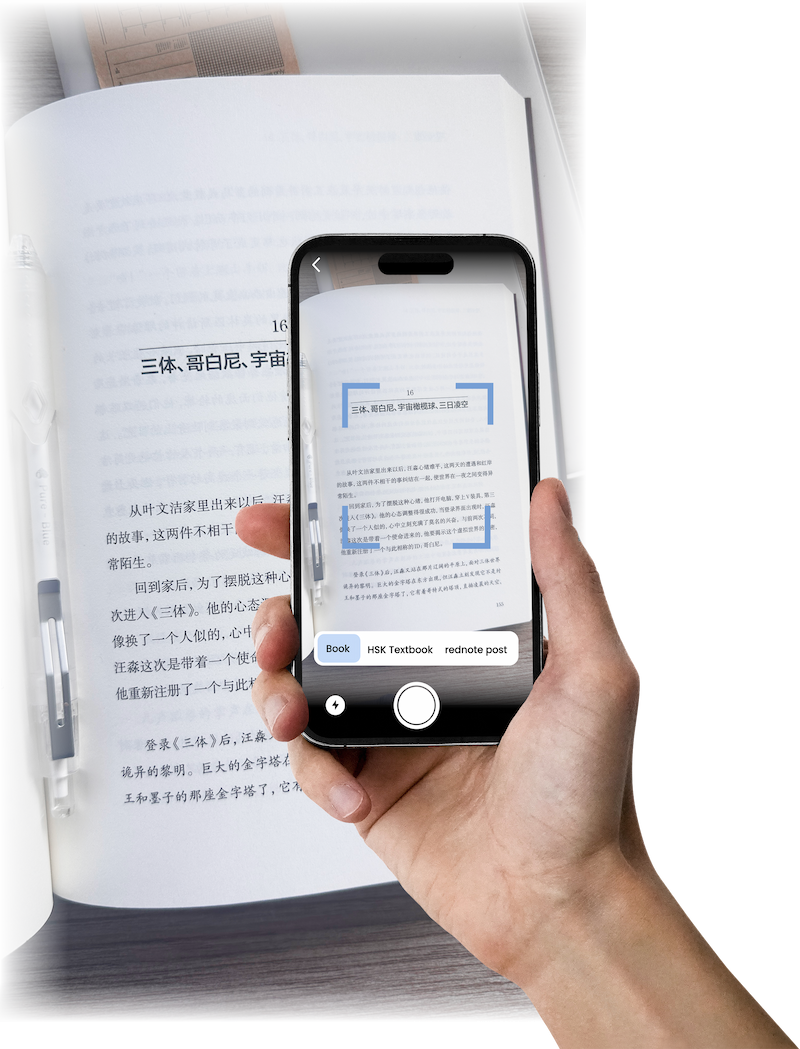
Illustration showing Novli app scanning Chinese text from a book, textbook, and phone screen
Step 1

Snap a pic of a Chinese/Japanese text

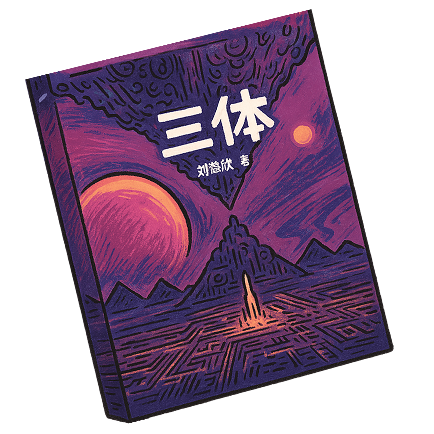
  • Novels, like the Three-Body Problem Three Body Problem book
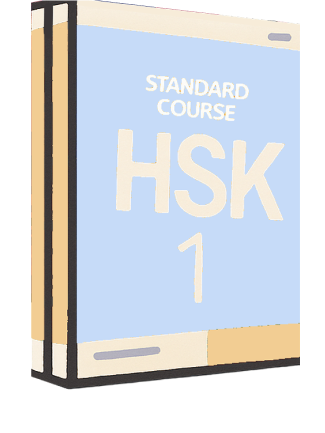
  • Textbooks, like HSK textbook, Genki textbook HSK textbook
  • Articles, like social media posts on 小红书 (RedNote), news Xiaohongshu icon

Step 2

Translations and audio,
all in one tap

Japanese text in Novli with English translation, furigana, romaji, and word highlighting during audio playback
Dictionary popups showing definitions for a Japanese word and a Chinese phrase in Novli
Step 3

Lookup words
or sentences

Step 4

Ask AI
about the text
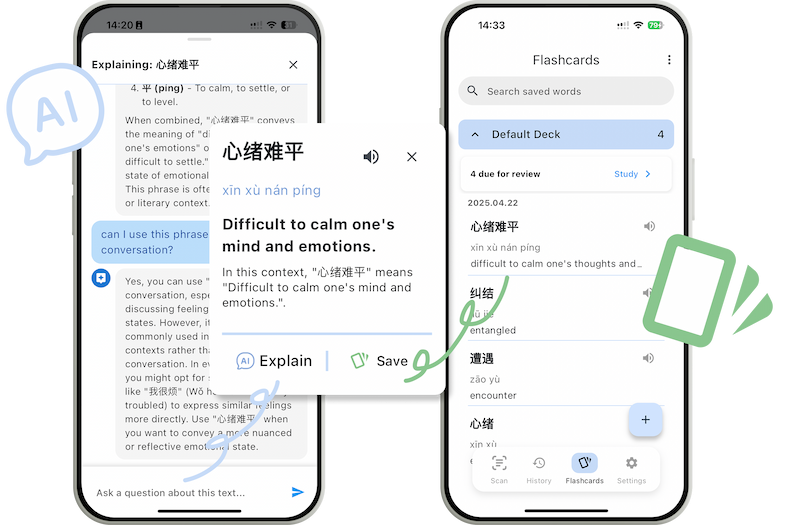
Novli app screenshot demonstrating the AI feature explaining a complex Chinese sentence
Step 5

Add to Anki-style flashcards in a single tap

Step 6

Review your spaced-repetition flashcards.
Create flashcards in one tap with AI

Japanese flashcards in Novli with a sample card, review ratings, and options to create flashcards