
How It Works
Describe the music or upload an image, pick a track type and a length, then download the track with its license certificate.
How it Works?
Use Any Input, Generate in Seconds
Pick the best way to create a track for your use case
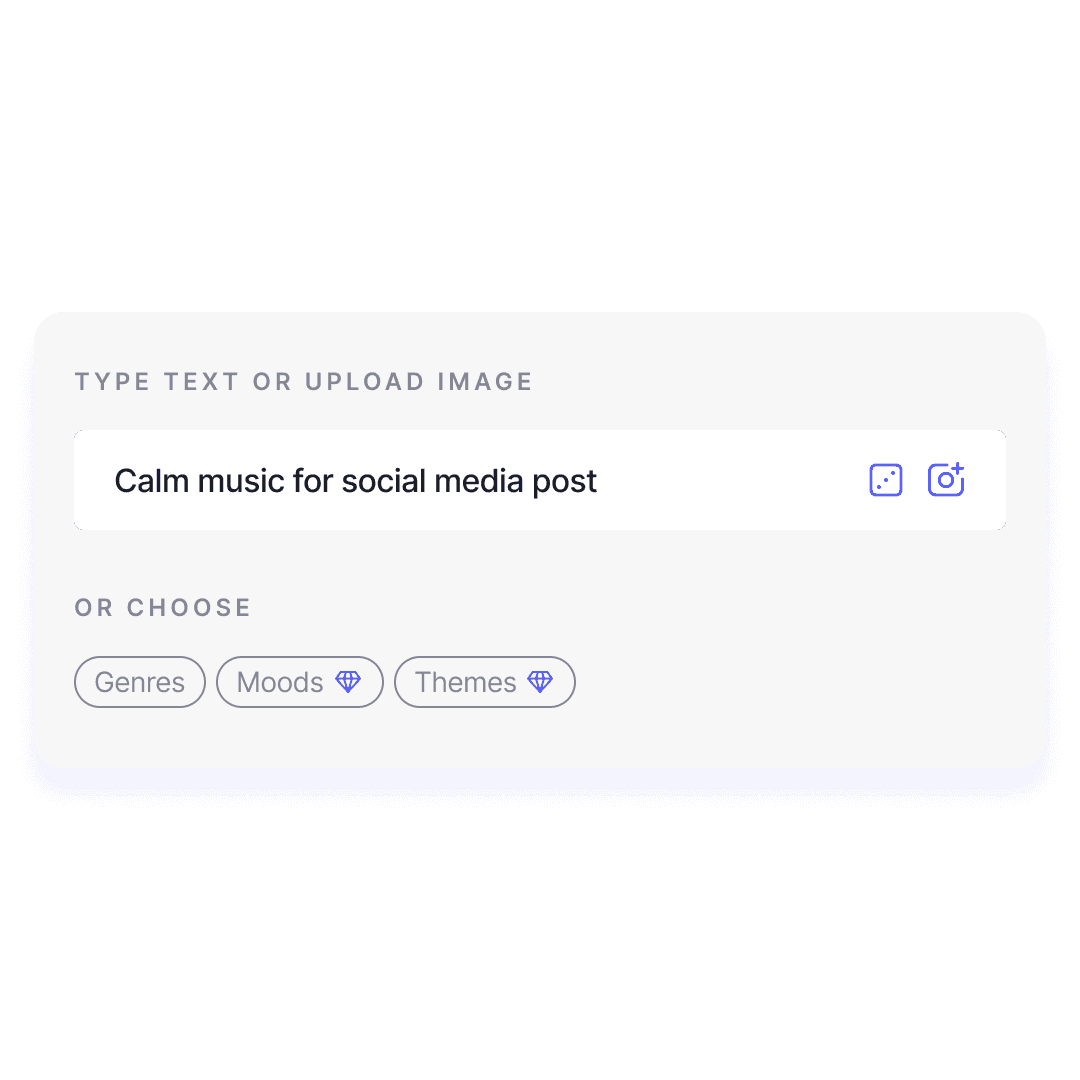
Step 1
Choose your inspiration
Start by selecting your preferred method to generate music. You can choose from a text prompt, a mood/genre, or even upload an image to inspire your track.
Try now for free
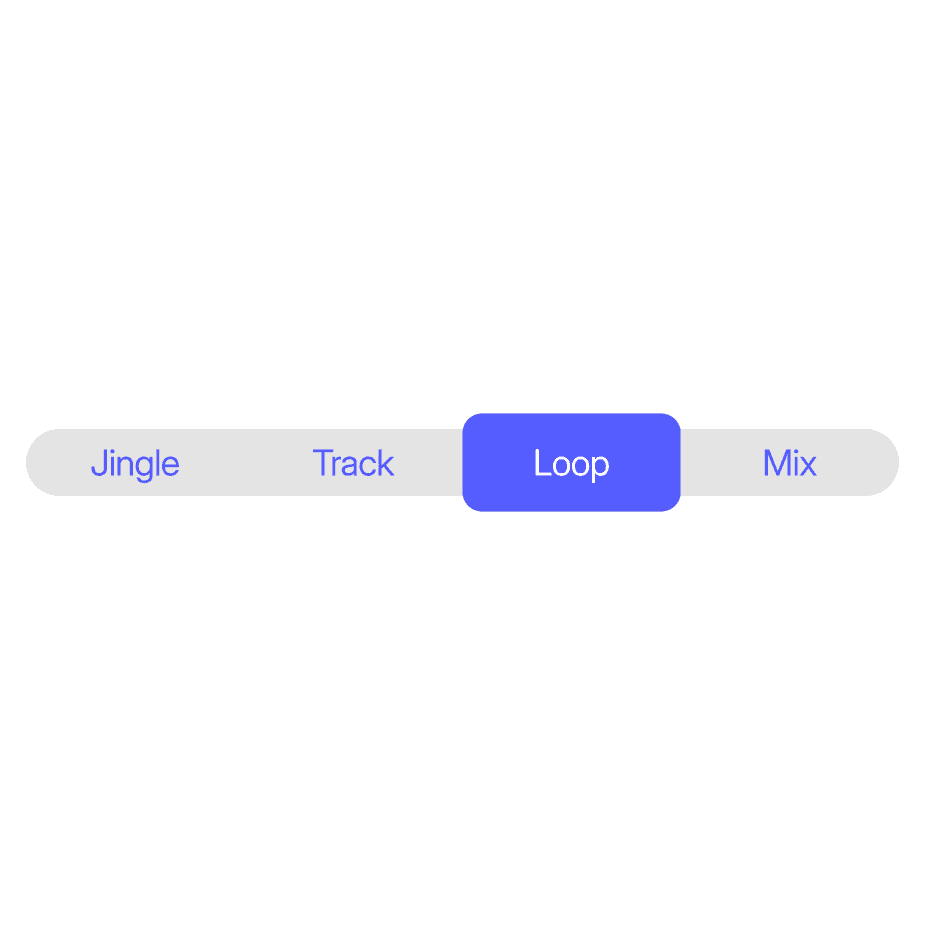
Step 2
Select Track Type
Next, pick the type of track that best fits your project. Whether you need a full-length track, a loop, a mix, or a jingle, Mubert has you covered.
Try now for free
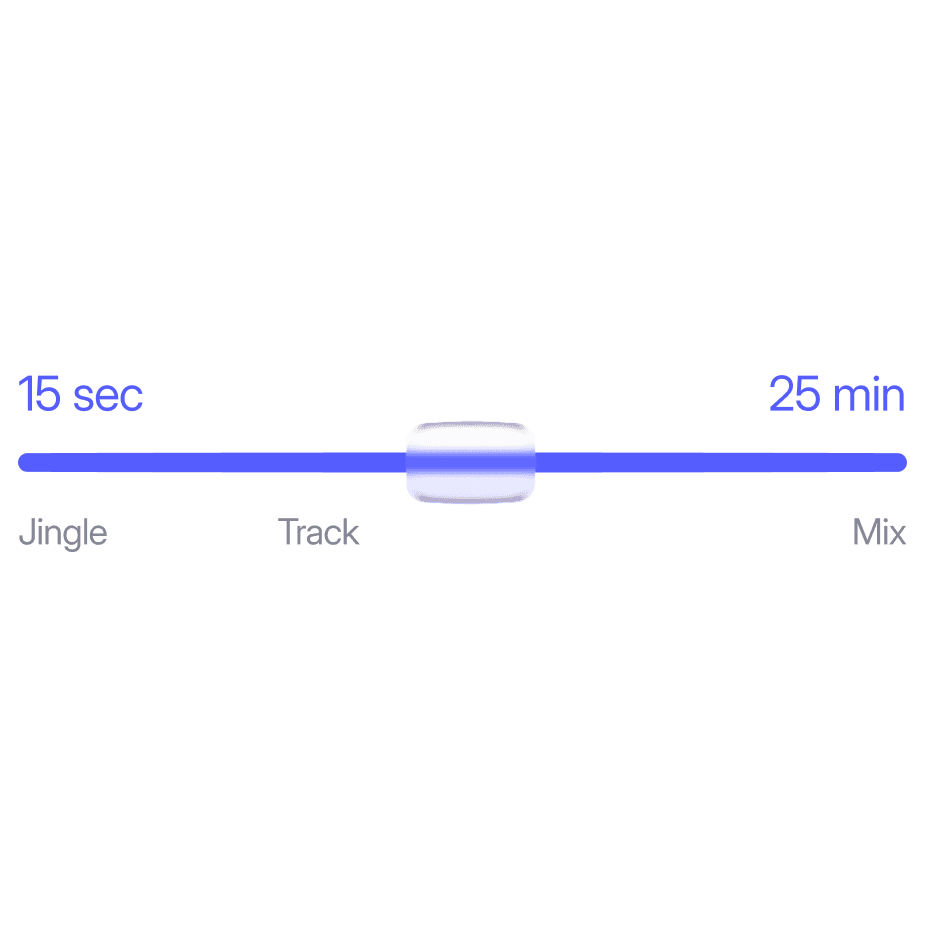
Step 3
Set the Duration
Decide how long you want your track to be. You can create music that lasts anywhere from a few seconds to up to 25 minutes.
Try now for free
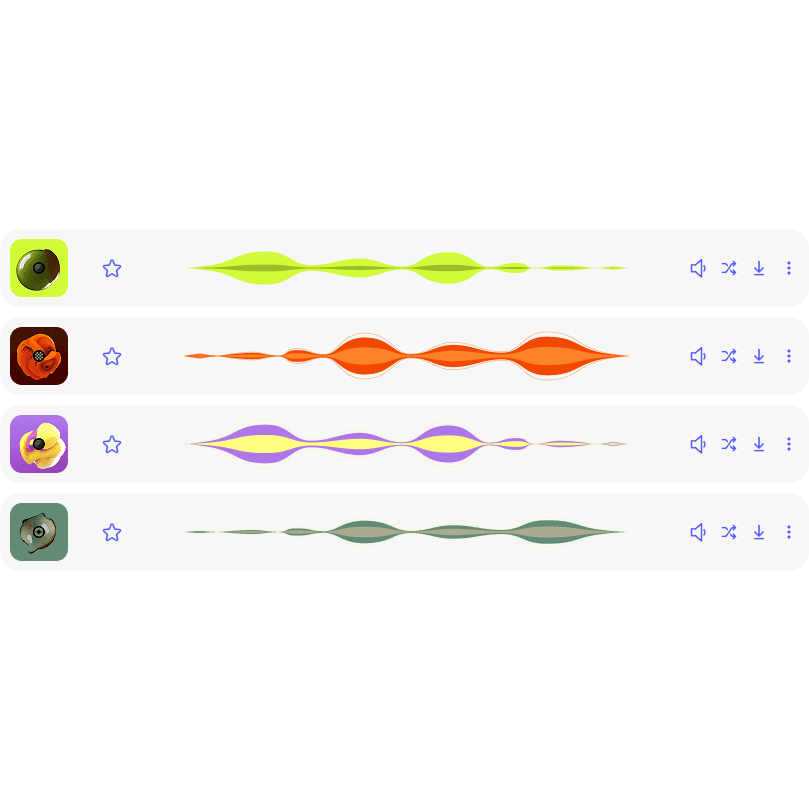
Step 4
Generate & Download
Once you’re happy, click 'Generate' to create your track. After that, simply download your custom soundtrack and use it however you like!
Try now for free
Formats
From 15s to 25 min
Generate jingles, tracks, and long DJ-like mixes
Track
For Classic-Length Music
Track mode makes a complete piece with an intro, a development and an ending, at exactly the length you set, from a few seconds up to 25 minutes.
Best For: YouTube videos, podcasts, ads and any edit with a fixed length.
Jingle
For Short, Complete Tracks
Jingle mode makes a short, complete piece that opens, hits and ends within a few seconds, so nothing gets cut off mid-phrase.
Best For: Intros, ads, branding elements, or any content where you need a concise, complete track.
Loop
Boost Up Your Instagram Posts
Loop mode creates seamless music loops that are perfect for repetitive, engaging content. It’s ideal for Instagram posts, NFTs, or any content that benefits from continuous background music.
Best For: Instagram posts, TikToks, NFTs, or anything where looping music enhances the experience.
Mix
For Long-Lasting Content
Mix mode mimics a DJ set, with tracks blending harmoniously into one another, making it perfect for long sessions, YouTube channels, podcasts, or any content that requires continuous music.
Best For: YouTube channels, podcasts, long videos, or any content that requires non-stop, evolving music.
Prompts
Start from a prompt
Upbeat lo-fi beat with warm keys and soft drums for a YouTube vlog
Short punchy electronic jingle with a bright synth hit for a channel intro
Calm ambient pads and soft piano for a meditation video, slow and spacious
Energetic synthwave with driving drums for a gaming highlight reel
Light acoustic guitar and claps for a product ad with a voiceover
Seamless lo-fi loop with dusty keys for an Instagram Reel background
FAQ
Questions about Mubert Render
How long can a track be?
From a few seconds up to 25 minutes. You set the length before you generate, and the track is built to that exact duration, so there is nothing to trim or fade by hand.
Can I start from an image instead of text?
Yes. Upload an image and Mubert Render builds a track from its mood. You can also describe the music in a chat instead of the prompt box.
Which track type should I pick?
Track for a complete piece of a fixed length, Jingle for a short intro or sting, Loop for music that repeats without a seam, and Mix for long sessions like streams or podcasts.
Can I use the music in monetized videos?
Yes, on a plan that includes commercial use. The free plan is for non-commercial use. Every download comes with a license certificate you can keep with the project.
What am I not allowed to do with the tracks?
On any plan you cannot register the tracks in Content ID, release them as standalone music on streaming services, or sell them on stock music sites.
Who makes the sounds Mubert uses?
The music is built from samples recorded by human artists, who get paid for their work.
