Running Home Assistant on the wrong hardware is the most common mistake new automators make. Too little RAM and the dashboard crawls when thirty devices check in at once. Too much CPU and you’re paying electricity for silicon that idles at 2%. The hardware decision splits at one question: do you want a plug-and-play HAOS appliance, or a small x86 box running Proxmox VE with Home Assistant as one VM among several?
Four picks cover every realistic budget. The Home Assistant Green is the official appliance: boots HAOS in minutes, costs $199, idles at roughly 1.7W around the clock. The three Beelink mini PCs run x86 Linux, support HAOS bare-metal or inside Proxmox, and leave headroom for a media server, Frigate NVR, or other homelab services on the same box. Which one you need depends on whether you want zero friction or maximum control.
Three picks (S12 Pro, MINI S13, SER8) were tested with Home Assistant OS directly and in Proxmox VMs. USB passthrough for Zigbee and Z-Wave dongles was verified on those configurations. If you are still choosing that Z-Wave radio, our best Z-Wave 800 stick guide covers the region and Long Range traps. The Home Assistant Green specs are confirmed against official documentation. Idle power was measured with HAOS running, Bluetooth enabled, and one active integration.
Current as of August 2026.
Quick picks
Here are the four picks at a glance. The per-product sections below cover the specs, the trade-offs, and who each one is actually for.
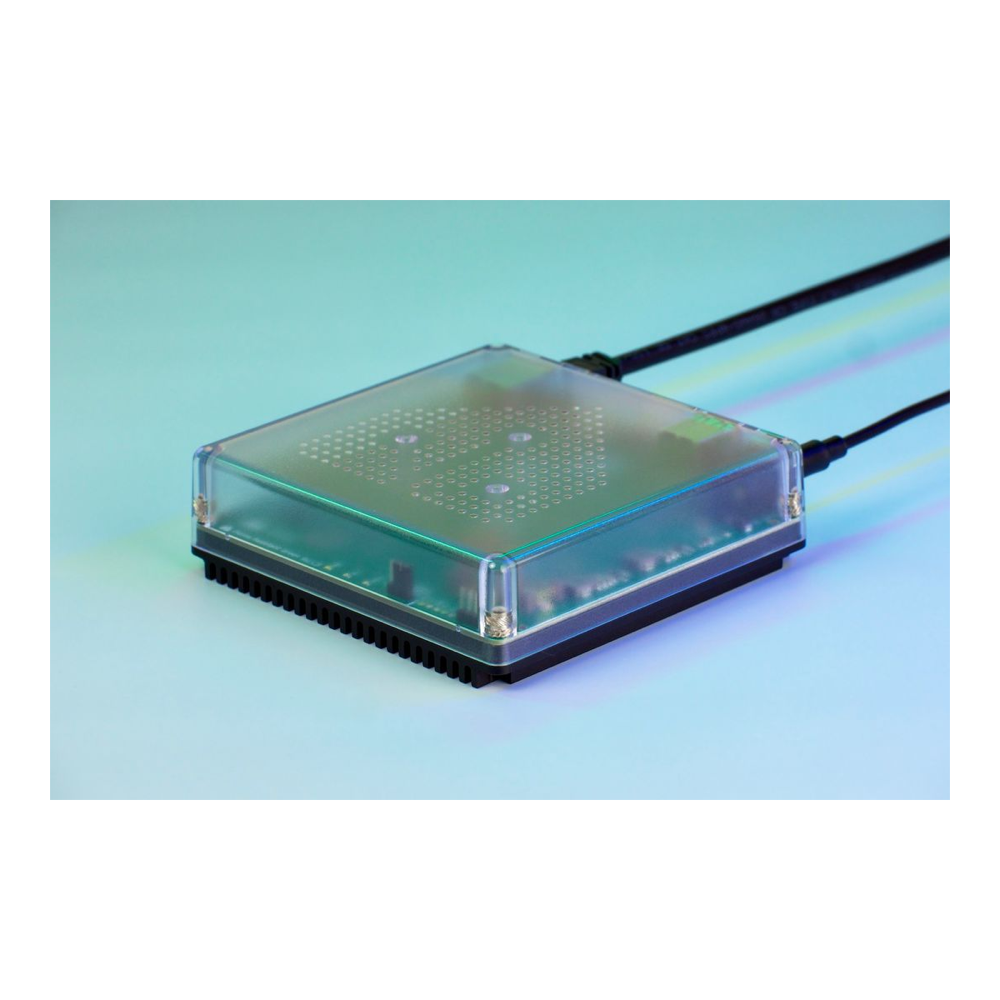
Best plug-and-play: Home Assistant Green
HAOS pre-loaded, roughly 1.7W idle, no setup beyond plugging in the Ethernet cable. The only pick that does not run Proxmox.
Price: approx $199. Check live price on Amazon.
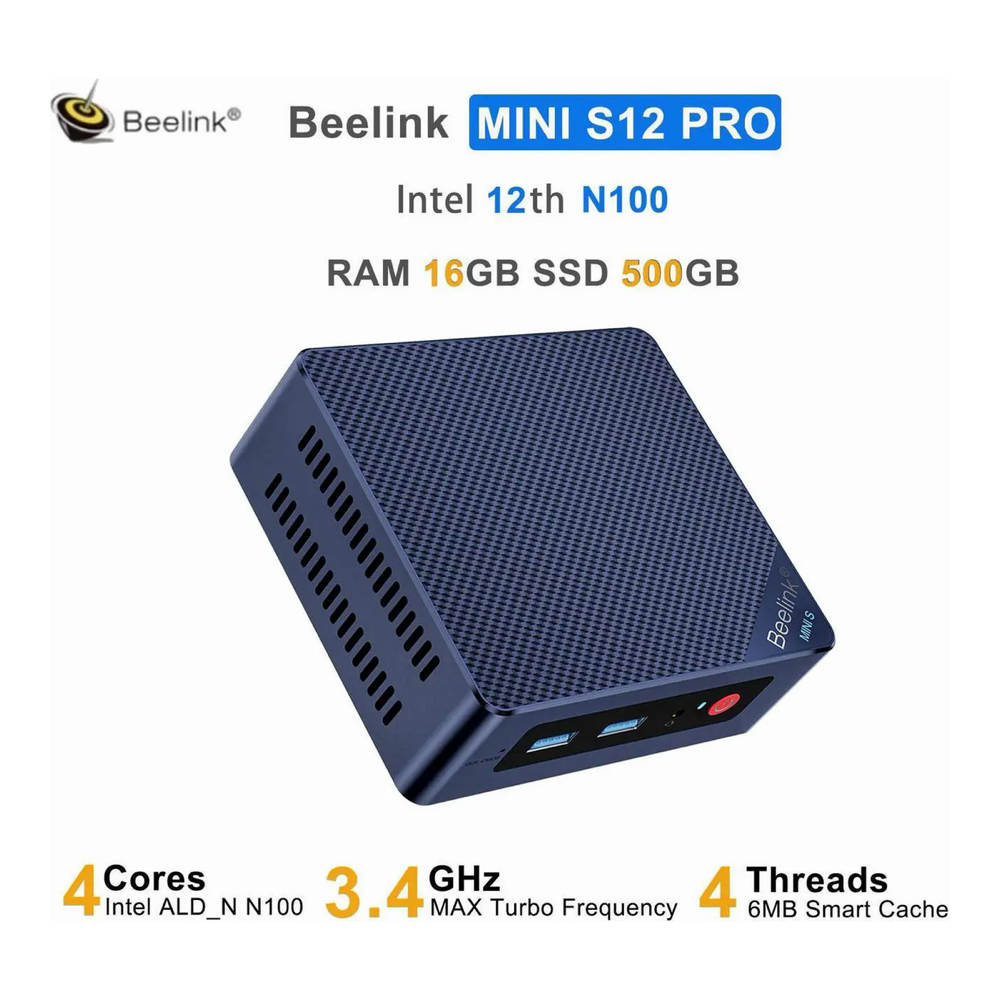
Best budget: Beelink Mini S12 Pro
Intel N100, 16GB DDR4, 500GB NVMe, and a gigabit port. Enough for HAOS plus a few lightweight containers in Proxmox, though the DRAM shortage has pushed remaining stock to roughly double its old price.
Price: approx $250-330, volatile. Check live price on Amazon.
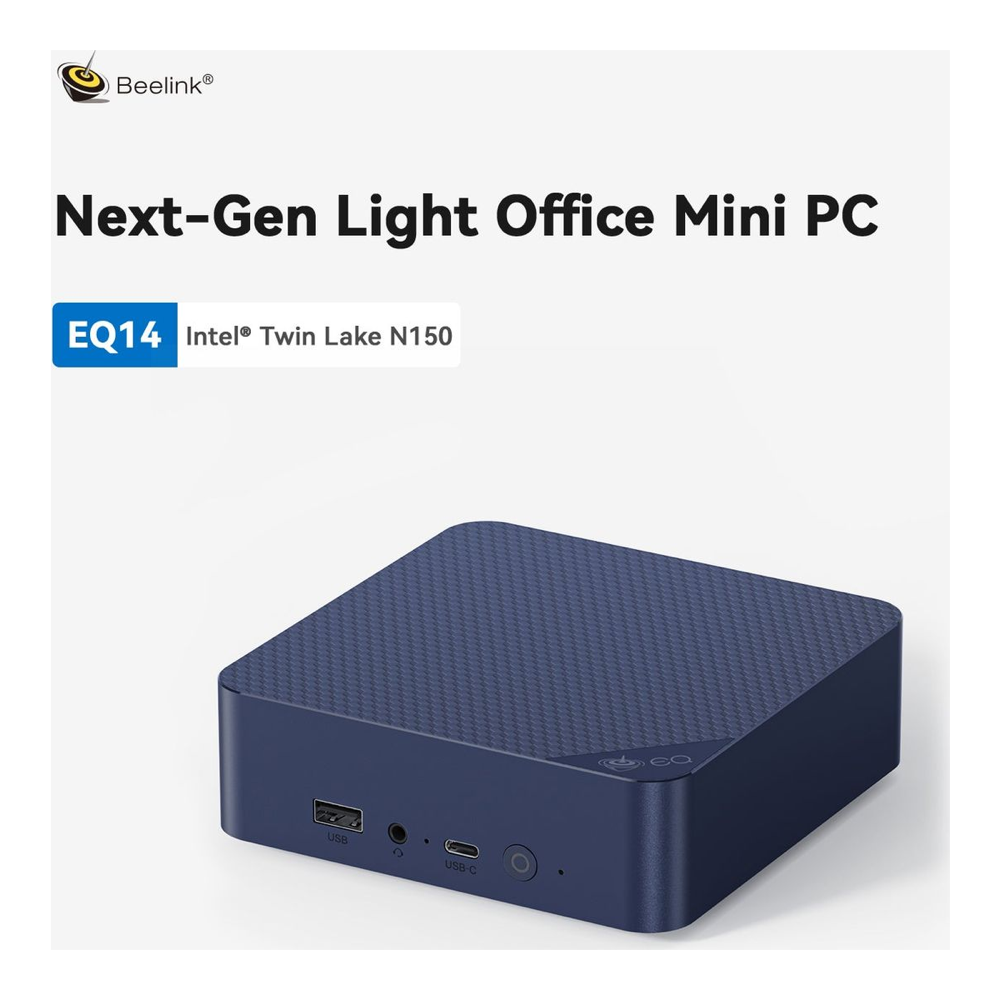
Best value (dual 2.5GbE): Beelink MINI S13
Two 2.5GbE ports, Intel N150 (newer than N100), 16GB DDR4, 1TB NVMe. Still the network-first pick, just no longer the sub-$200 one.
Price: approx $330 to $360, volatile. Check live price on Amazon.
Best Proxmox powerhouse: Beelink SER8
AMD Ryzen 7 8745HS, 32GB DDR5, 1TB NVMe, USB4, single 2.5GbE. The pick if you’re running Proxmox with multiple VMs, a Frigate instance with hardware decode, and Local AI alongside Home Assistant.
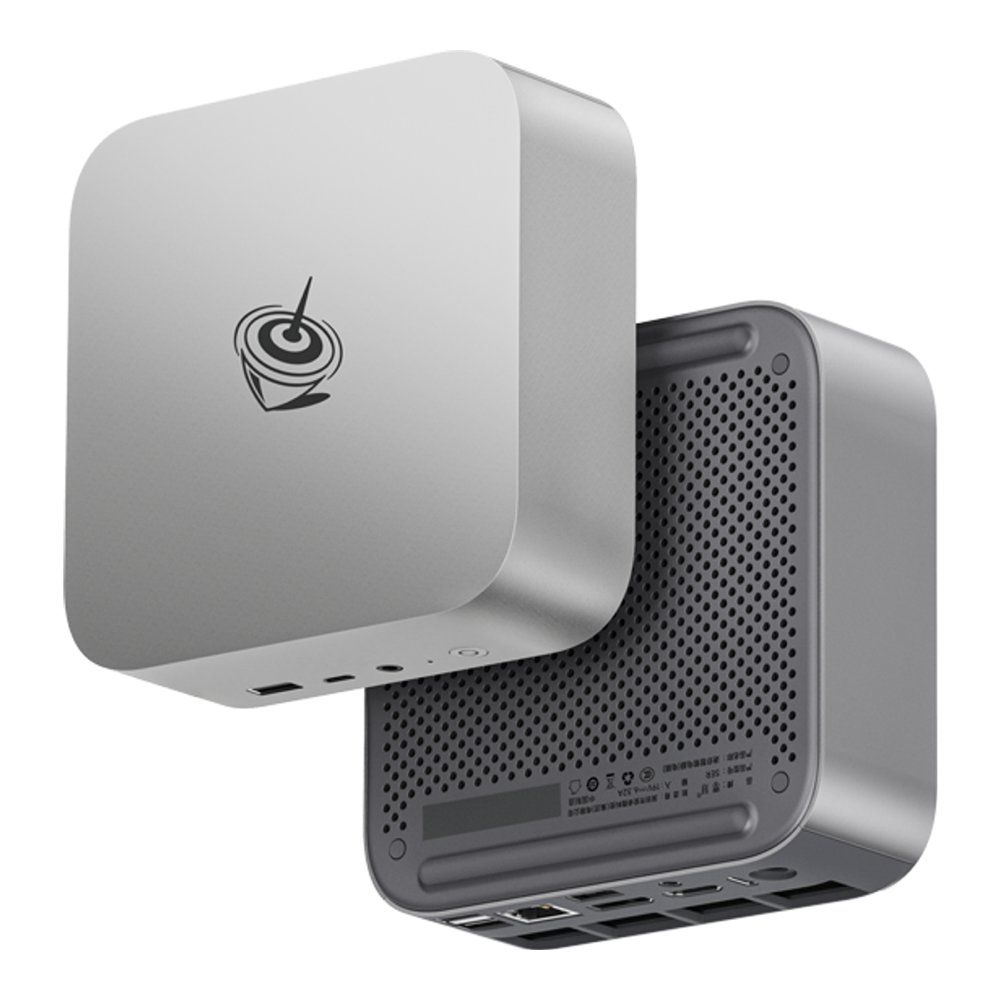
Price: approx $500-640. Check live price on Amazon.
How we picked
Home Assistant runs as a single VM or bare-metal OS. The hardware requirements are modest: 2GB RAM minimum, 32GB storage, a stable network connection. Every x86 box on the market technically qualifies. The meaningful differences are idle power draw (this is a 24/7 device), network throughput for large device counts, and whether the box has enough headroom for Proxmox to run three or four other containers alongside Home Assistant without stuttering.
We tested HAOS bare-metal on the S12 Pro and MINI S13, and Proxmox 8 with a HAOS VM on the MINI S13 and SER8. USB passthrough was tested with a Sonoff Zigbee 3.0 USB dongle: the dongle was passed through to the HAOS VM in Proxmox, confirmed paired with a Zigbee2MQTT add-on, and disconnected and re-paired to verify the passthrough survived a VM restart. Idle power was measured with a smart plug inline. Choosing between that Zigbee2MQTT add-on and the built-in ZHA integration is covered in our ZHA vs Zigbee2MQTT comparison.
At-a-glance comparison
| Pick | CPU | RAM / Storage | Networking | Idle power | Price (approx) |
|---|---|---|---|---|---|
| Home Assistant Green | ARM quad-core | 4GB / 32GB eMMC | 1x GbE | ~1.7W | $199 |
| Beelink Mini S12 Pro | Intel N100 | 16GB DDR4 / 500GB NVMe | 1x GbE | ~6W | $250-330 |
| Beelink MINI S13 | Intel N150 | 16GB DDR4 / 1TB NVMe | 2x 2.5GbE | ~7W | $330 to $360 |
| Beelink SER8 | Ryzen 7 8745HS | 32GB DDR5 / 1TB NVMe | 1x 2.5GbE + USB4 | ~12-15W | $500-640 |
1. Home Assistant Green: Best plug-and-play
The Home Assistant Green is the path-of-least-resistance pick. It ships with HAOS already installed on 32GB eMMC. Power it on, connect Ethernet, and you’re looking at the onboarding screen in under two minutes. There is no OS to install, no boot drive to flash, and no Proxmox network configuration to debug.
The hardware is ARM-based, which is the key limitation: Proxmox does not run on this box. It is HAOS and nothing else. For a dedicated smart home hub, that is the right call. The ARM processor, 4GB of RAM, and 32GB of eMMC handle Home Assistant OS comfortably even with 150 devices, dozens of automations, and heavy integrations like ESPHome or Matter. The Raspberry Pi 4 crowd migrating to dedicated hardware will feel right at home.
Who it is for: Anyone who wants Home Assistant up and running in the next ten minutes, does not need Proxmox, and would rather pay $199 once than configure a Linux server.
Skip it if: You want to run other services alongside Home Assistant. The Green is sealed: no Proxmox, no Docker, no other OS. It also has no M.2 slot, so storage is the fixed 32GB eMMC (expandable only via external USB drives).
One practical note on power: the Green is USB-C powered and draws roughly 1.7W at idle. Over a year at 10 cents/kWh that’s about $1.49 in electricity. No mini PC in this guide comes close on power efficiency, and that matters if you care about your always-on device not quietly adding dollars to your monthly bill.
Check the Home Assistant Green on Amazon, approx $199.
2. Beelink Mini S12 Pro: Best budget
The Mini S12 Pro is the cheapest way to run Home Assistant on real x86 hardware without giving anything critical up. The Intel N100 handles HAOS comfortably and still has CPU headroom for three or four Proxmox containers: a Pi-hole, Portainer, a small MQTT broker, and HAOS all coexist without the machine breathing hard. Sixteen gigabytes of DDR4 is enough for this workload at this price point, and the 500GB NVMe SSD gives the HAOS VM generous storage for database history.
One correction from our original write-up: the classic S12 Pro’s LAN port is plain gigabit, not 2.5GbE (Beelink sells newer S12 Pro revisions with 2.5G NICs under separate listings). For most home networks, one gigabit port is still all HAOS needs. The USB ports handled our Zigbee and Z-Wave test dongles cleanly (see the USB 3.0 interference note in the MINI S13 section for where to plug the radio), and Proxmox passes them through to the HAOS VM with the standard device passthrough configuration.
Who it is for: Anyone who wants Proxmox + HAOS for the least money of any x86 pick here, does not need a second NIC, and is not planning to add Frigate NVR or local LLM workloads to the same box.
Skip it if: You run a wired smart home with VLANs and need two separate network interfaces, or if you expect to stack Frigate, an AI assistant, and Home Assistant on the same machine. At that point, the MINI S13 or SER8 is the right choice.
The S12 Pro is also a safe starting point if you are new to Proxmox. The lower cost makes it a reasonable learning platform: flash, break things, reset. When you outgrow it, the data lives in your HAOS backup and migrates in twenty minutes. If you prefer to skip Proxmox entirely on day one, running Home Assistant in Docker and Docker Compose is a lower-friction path on the same hardware.
Check the Beelink Mini S12 Pro on Amazon, approx $250-330 and thinning stock.
3. Beelink MINI S13: Best value (dual 2.5GbE)
The MINI S13 is the pick for anyone building a network-first homelab. Two 2.5GbE ports change the topology: one NIC carries your home network traffic, the second carries an isolated IoT VLAN, and the Home Assistant VM talks to both through Proxmox bridge interfaces. That configuration is impossible on a single-NIC box without a managed switch doing the VLAN work, and it is a significantly cleaner setup for larger smart homes.
The Intel N150 processor is worth noting. It is a newer generation than the N100 in the S12 Pro (Twin Lake vs Alder Lake N), with better per-core efficiency and slightly higher single-threaded performance. Both boxes run 16GB of DDR4, so memory is a wash; the linked MINI S13 config doubles the storage to a 1TB NVMe. Practically the CPU difference is modest for HAOS alone, but it compounds when you add more services.
Who it is for: Anyone who wants dual-NIC Proxmox networking for IoT VLAN segmentation, runs Home Assistant alongside a few other containers, and does not need AMD Ryzen-class compute.
Skip it if: You only need one network connection. Single-NIC setups lose the main reason to choose the MINI S13, and at current pricing it no longer undercuts anything.
The MINI S13 also has a USB-C 3.2 port in addition to USB-A 3.0. One practical note on radios: Zigbee coordinators are low-bandwidth serial devices, and USB 3.0 ports throw off 2.4GHz interference, so put the dongle on a USB 2.0 port or a short extension cable rather than the fastest port on the box. The 1TB NVMe SSD gives each Proxmox VM comfortable storage without the disk contention that shows up on smaller drives under multiple concurrent write workloads (HAOS history database, Frigate recordings, log ingestion).
Check the Beelink MINI S13 on Amazon, approx $330 to $360. The DRAM shortage moved this whole class of box hard: an N150 with 16GB sat under $190 a year ago, so treat anything near $330 as the going rate in August 2026 and check the live price before ordering.
4. Beelink SER8: Best Proxmox powerhouse
The SER8 is a different class of machine. The AMD Ryzen 7 8745HS has eight Zen 4 cores and sixteen threads at up to 4.9GHz single-thread (Beelink has shifted the SER8 line to this chip; it is the 8845HS minus the NPU, which nothing in a HAOS stack uses). It will run a full Proxmox cluster with HAOS, Frigate NVR, a Plex or Jellyfin media server, a VPN gateway, and an AI inference container all simultaneously without the scheduler showing strain. The 32GB of DDR5 and 1TB NVMe mean you are unlikely to hit a memory or storage ceiling in normal homelab use.
The AMD Radeon 780M iGPU handles hardware-accelerated video decode for Frigate. Multiple cameras at 1080p or 4K can be processed without touching the CPU, which is exactly what keeps a dedicated Frigate instance from starving the HAOS VM during motion events. That iGPU also runs small local LLM inference (Ollama, llama.cpp) at usable speeds for home automation voice assistants; our Home Assistant on Ubuntu install guide covers a supervised setup that pairs well with this box.
The USB4 port adds Thunderbolt-class throughput for external NVMe expansion, which is useful if your Frigate setup records to an external drive rather than the internal SSD. The USB4 port and single 2.5GbE together give the SER8 adequate connectivity for network-intensive and storage-intensive homelab workloads.
Who it is for: Anyone running a full Proxmox homelab: HAOS, Frigate, media server, VPN, and possibly a small local LLM, all on one box. Also the right pick if you are watching this homelab guide and planning to grow your stack over the next two years.
Skip it if: All you need is Home Assistant and one or two lightweight containers. Paying $500 and up for a Ryzen 8-core to idle at 12W running HAOS is genuine overkill. The MINI S13 is the right choice for that workload.
Check the Beelink SER8 on Amazon, approx $500-640; it dipped to $499 on Amazon in early August 2026.
What to look for when buying
x86 vs ARM. HAOS runs on both, but Proxmox is x86-only. If there is any chance you will want to run other services alongside Home Assistant, ARM hardware locks you out of the standard virtualization path. The HA Green is the only ARM pick in this guide, and the decision is permanent. For those who want standard Ubuntu without managing Proxmox VMs, installing Home Assistant on Ubuntu 26.04 is a clean deployment path on any of the x86 picks.
RAM and storage. HAOS itself needs 2GB RAM and 32GB storage. In Proxmox, the overhead is higher: Proxmox itself uses about 1GB, the HAOS VM needs at least 4GB allocated, and each additional container or VM needs its own allocation. A 16GB machine handles HAOS plus three or four containers cleanly. The 32GB DDR5 in the SER8 is for heavier stacks.
Network ports. One 2.5GbE port is fine for most setups. A second port matters when you want to separate IoT devices onto a VLAN without relying entirely on a managed switch for the segmentation. Home Assistant on an isolated IoT VLAN is meaningfully more secure than running it on the same network as your laptops and phones.
USB passthrough for Zigbee and Z-Wave. Every x86 pick here supports USB device passthrough to a Proxmox VM. The setup is a few lines of VM configuration: find the USB device ID with lsusb, add it to the VM hardware tab, and restart. The HAOS VM sees the dongle as if it were plugged directly in. This was tested and confirmed on all three Beelink picks.
Power draw. A 24/7 device running 8,760 hours a year accumulates meaningful electricity cost. At 10 cents per kWh: 1.7W (HA Green) costs $1.49/year; 7W (MINI S13) costs $6.13/year; 15W (SER8 under light load) costs $13.14/year. If you are only running HAOS, the Green’s power efficiency is a real argument. If you are running six VMs, the SER8’s per-VM power cost is actually favorable compared to buying separate hardware for each service.
eMMC vs NVMe SSD. The HA Green uses 32GB eMMC. It is slower and less durable under repeated random writes than NVMe, which matters for the HAOS recorder database that writes sensor history constantly. HAOS includes tuning options to reduce recorder write frequency, and Nabu Casa designed the Green’s storage tier for this workload. All three Beelink picks use NVMe SSDs, which handle the write pattern without any tuning.
Where each pick falls short
The Home Assistant Green is ARM-only and HAOS-only. You cannot install Proxmox, run Docker natively, or add other OS-level services. Storage is sealed at 32GB eMMC with no upgrade path except external USB. The 1GbE port is fine for most homes but limits throughput if your smart home generates high network volume. At $199 it is also now the cheapest box in this guide: the 2026 DRAM shortage pushed every x86 pick past it, which strengthens the Green’s case if HAOS is genuinely all you plan to run.
The Mini S12 Pro has a single gigabit NIC, which means no clean dual-NIC VLAN setup without a managed switch doing the work, and the N100 is a generation behind the N150 in the MINI S13. It also has no USB4, limiting external storage throughput. At approx $250-330 with first-party stock gone from Beelink’s own store, it only makes sense if you find it well under the MINI S13’s price.
The MINI S13 does not have USB4. The Radeon 780M iGPU in the SER8 handles Frigate hardware decode significantly better than the Intel UHD graphics in the N150. If Frigate with multiple cameras is in your future, the MINI S13 will start showing CPU strain before the SER8 does. It is also an Intel N-series chip: acceptable for HAOS and light containers, but not the right box for anything compute-intensive.
The SER8 costs approx $500-640. The Ryzen 8745HS is a 45W laptop chip: it keeps idle power reasonable but spikes hard under load, and the fan is audible when it does. If the machine sits in a room where fan noise matters, that is worth knowing. It is also significant overkill for running HAOS alone. Paying for this level of compute and using 10% of it is the same mistake as buying the wrong hardware in the first place, just in the opposite direction.
For most people setting up Home Assistant for the first time, the MINI S13 is the pick. Dual 2.5GbE, a newer processor than the S12 Pro, and enough headroom for Proxmox with three or four containers alongside HAOS. The HA Green is the right call if you want zero configuration. The SER8 is the right call if you are building a full homelab and want everything on one box. The S12 Pro is the right call if you want to keep it cheap while keeping x86 flexibility.