


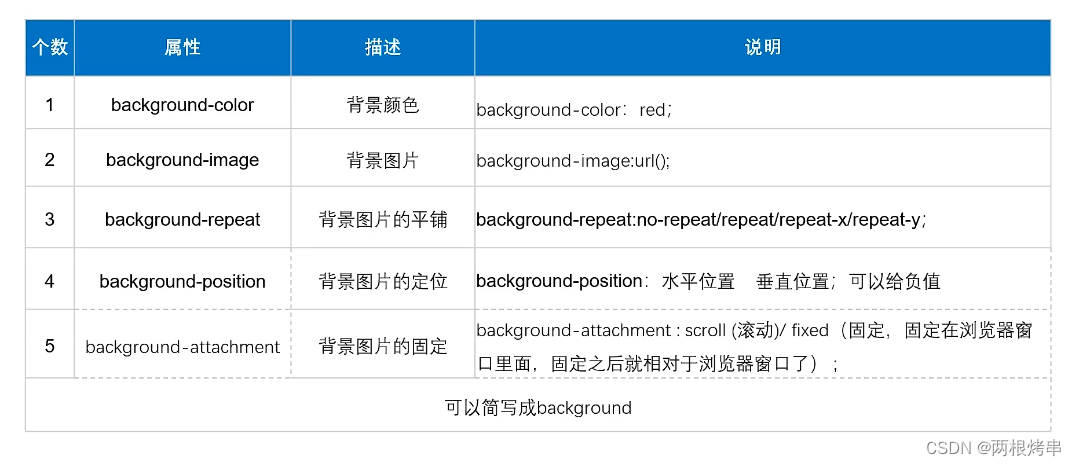
background-color: rgba
rgba的a是指透明度,0是完全透明, 0.5是半透明度,1 是完整的颜色。
<!DOCTYPE html>
<html lang="en">
<head>
  <meta charset="UTF-8">
  <meta http-equiv="X-UA-Compatible" content="IE=edge">
  <meta name="viewport" content="width=, initial-scale=1.0">
  <title>Document</title>
  <style>
    .sy1{
        height: 500px;
        width: 500px;
        background-color: rgb(16, 237, 245)
    }
    .sy2{
        height: 350px;
        width: 350px;
        background-color: rgba(0, 0, 0, 0.5);
    }
  </style>
</head>
<body>
      <div class="sy1">
        hello
        <div class="sy2">你好</div>
      </div>
</body>
</html>
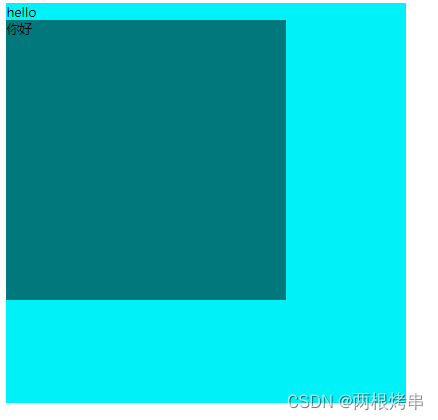
效果图:
background-repeat
属性用于定义是否及如何对背景图像进行平铺
| 属性值 | 解释 |
| repeat | 沿着x轴和y轴平铺(默认) |
| no-repeat | 不平铺 |
| repeat-x | 沿着x轴平铺 |
| repeat-y | 沿着y轴平铺 |
<!DOCTYPE html>
<html lang="en">
<head>
  <meta charset="UTF-8">
  <meta http-equiv="X-UA-Compatible" content="IE=edge">
  <meta name="viewport" content="width=, initial-scale=1.0">
  <title>Document</title>
  <style>
    div{
        height: 700px;
        width: 800px;
        background-color: aqua;
        background-image: url(css/img/1.jpg);
        background-repeat: repeat-y;
    }

  </style>
</head>
<body>
    <div  class="div"></div>
</body>
</html>
效果图:
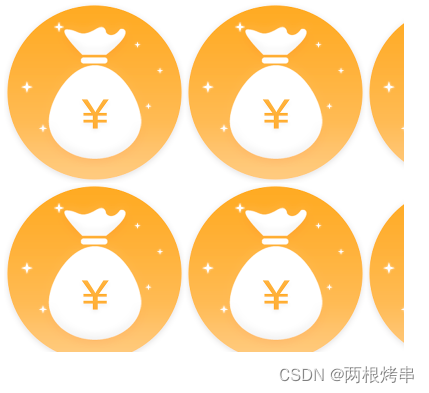

图1:repeat 默认(沿着x轴和y轴平铺) 图2: no-repeat 不平铺
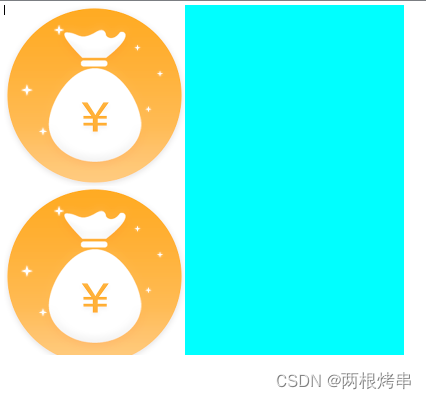
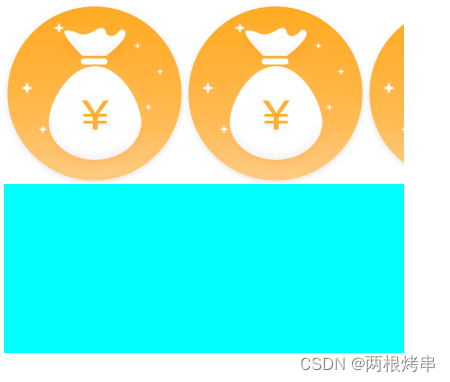
图3: 沿着x轴平铺 图4:沿着y轴平铺
background-position
在css中用来设置背景图片的位置,它通过设置水平方向和垂直方向的取值来到达效果,当你想要展示图片的部分内容时,就可以用这个语法。以下三种取值都是通过调试图片的摆放位置,来截取图片。
第一个数字表示 x 轴(水平)位置,第二个是 y 轴(垂直) 位置。
有三种取值方式:
| 属性值 | 解释 |
| 关键字取值 | 水平方向:left(左) center(中) right(右) |
| 垂直方向:top(上) center(中) bottom(下) | |
| 百分比取值 |
水平方向 0%(左) 50%(中) 100%(右) |
| 垂直方向 0%(上) 50%(中) 100%(下) | |
| 像素值取值 | 设置的值为正数的时候 水平方向向右偏离 垂直方向向下偏移 |
| 设置的值为负数的时候 水平方向向左偏移 垂直方向向上偏移 |
关键字取值
语法: background-position: left center;
下面例子中 background-position 属性值可以控制图片显示的内容部分,设置background-repeat 为 no-repeat,方便观察位置变化。
图1和图2 height: 1000px; width: 1000px;
图3和图4 height: 500px; width: 500px;
框架的高和宽决定了图片内容可以出现多少部分,越高和越宽的值,可以让图片展示出更全的部分。
例如 图2 设定了1000px, 即使background-position的值设定说right center 只展示右边的中间部分,但因为画布足够宽,就可以把画面的右边全部展现出来。同理当画布为500px的时候,就只能展现background-position:规定部分的内容。
原图:
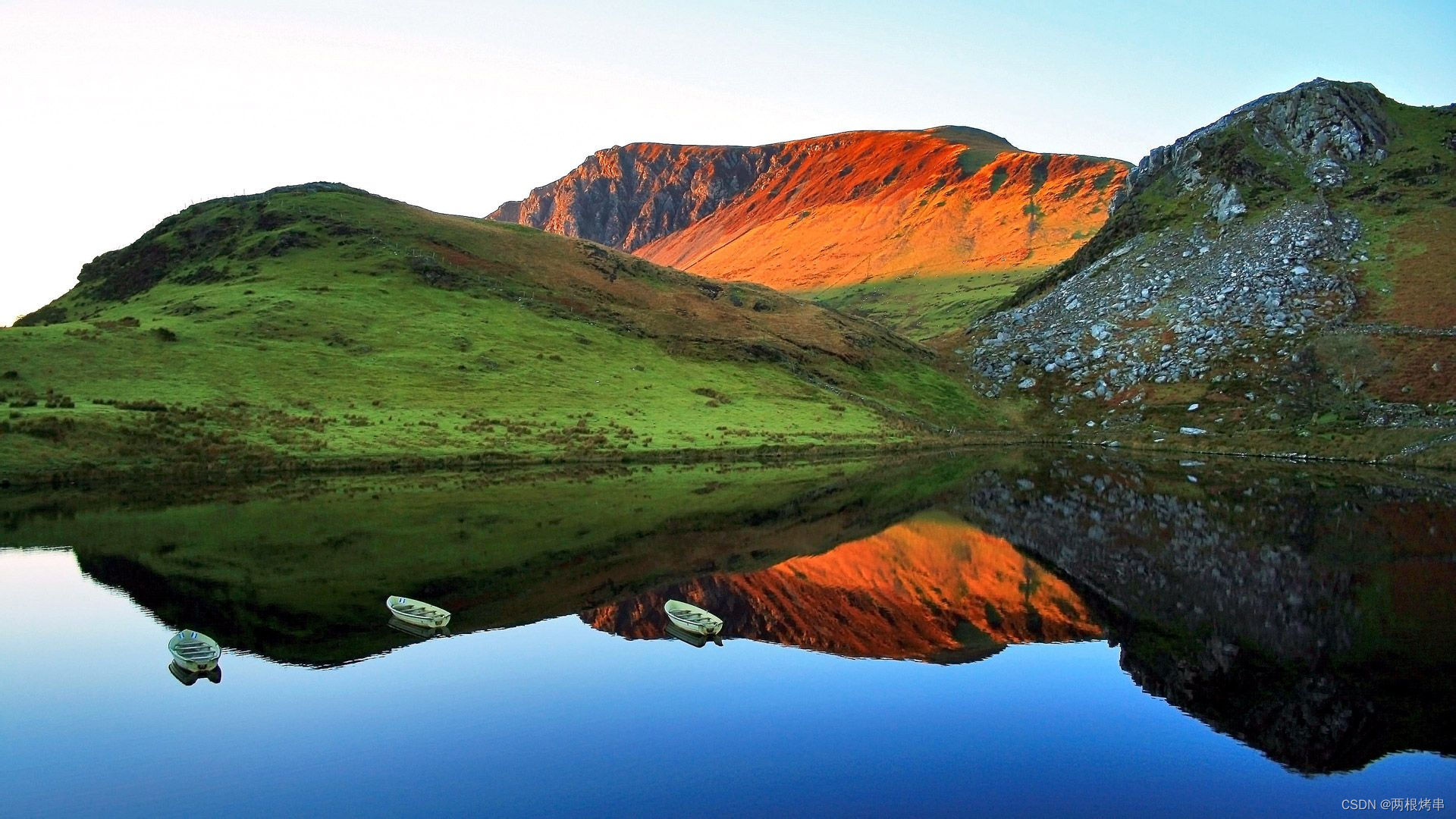
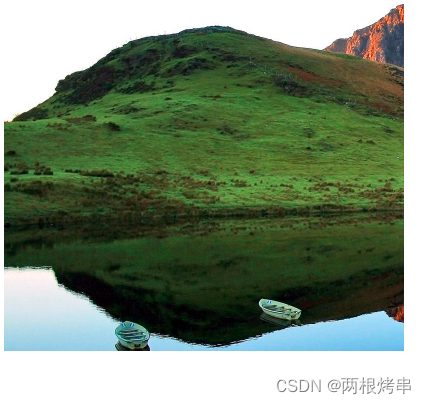
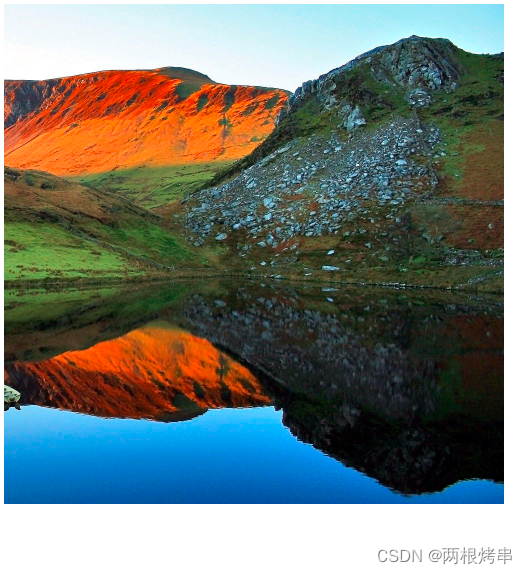
图1: left center; 图2:right center
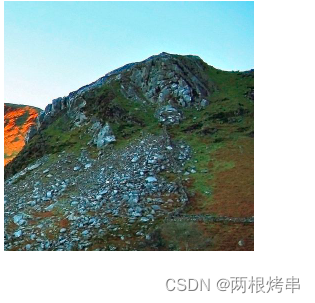
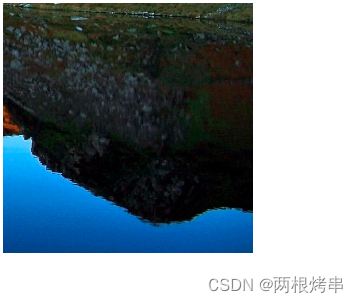
图3 right top 图4 :right bottom
百分比取值
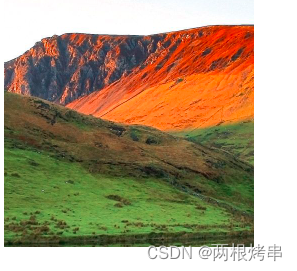
语法: background-position: 20% 20%;
第一个数字是水平方向的取值,分为左中右
数字越小,截取图的内容越靠左
数字越大,图片内容越靠右。
第二个数字是垂直方向的取值,分为上中下
数字越小,截取图的内容越靠上
数字越大,图片内容越靠右。
例如:background-position: 50% 20%; (相当于上中的位置)
像素值取值
语法:background-position: 20px 20px; //位于左上角,图片上方与左方与边框的距离都在20px。
内容同上
运行代码(完整版)
<!DOCTYPE html>
<html lang="en">
<head>
  <meta charset="UTF-8">
  <meta http-equiv="X-UA-Compatible" content="IE=edge">
  <meta name="viewport" content="width=, initial-scale=1.0">
  <title>Document</title>
  <style>
    div{
        height: 700px;
        width: 800px;
        background-color: aqua;
        background-image: url(css/img/1.jpg);
        background-repeat: no-repeat;
        background-position: left center;
    }

  </style>
</head>
<body>
    <div  class="div"></div>
</body>
</html>
 11万+
11万+


 扫一扫
扫一扫


 被折叠的 条评论
为什么被折叠?
被折叠的 条评论
为什么被折叠?
 到【灌水乐园】发言


