






软件环境
1、操作系统:CentOS Linux release 7.9.2009(Core) -- 阿里服务器上选的CentOS镜像
说明:
Alibaba Cloud Linux 4 LTS 64位的操作系统与TDengine的兼容性会差一些,作者已经试过了
2、TDengine 3.3.6.13 TDengine3.3.6.13官方下载地址
安装步骤
第一步:下载TDengine RPM安装包(开源版本)
https://www.taosdata.com/assets-download/3.0/TDengine-server-3.3.6.13-Linux-x64.rpm
TDengine下载中心:
说明:
- OSS 是 “Open Source Software”(开源软件)的缩写
- TDengine IDMP 是一款涛思数据上线的 AI 原生的工业数据管理平台
- TDengine Historian:IDMP + TSDB + TDgpt 一体化安装包,提供物联网和工业数据管理、时序存储与 AI 智能分析的统一部署方案
第二步:安装/更新依赖包
直接执行即可,省去不少麻烦
# 安装基础依赖
yum install -y glibc-langpack-en nss curl openssl libuuid-devel
# 安装开发工具(修复依赖问题)
yum groupinstall -y "Development Tools"

 检查 glibc 版本(要求 >= 2.17)
ldd --version | head -1

# 更新 glibc(如果版本过低)
yum update -y glibc
第三步:设置locale
### 检查当前系统 locale 配置
locale -a  # 查看已安装的locale
locale     # 查看当前locale设置

## 设置locale为en_US.UTF-8
localedef -i en_US -f UTF-8 en_US.UTF-8

### 验证 locale 是否生效
locale -a | grep en_US.UTF-8
第四步:安装TDengine
# 执行安装
rpm -ivh TDengine-server-3.3.6.13-Linux-x64.rpm
- Enter FQDN:port → 直接回车(单机部署)
- Enter email address → 直接回车跳过
第五步:配置taos.cfg
########################################################
#                                                      #
#                  Configuration                       #
#                                                      #
########################################################

######### 0. Client only configurations #############

# The interval for CLI to send heartbeat to mnode
# shellActivityTimer        3


############### 1. Cluster End point ############################

# The end point of the first dnode in the cluster to be connected to when this dnode or the CLI utility is started
firstEp                   172.30.102.177:6030

# The end point of the second dnode to be connected to if thefirstEp 6041
# secondEp


############### 2. Configuration Parameters of current dnode #####

# The FQDN of the host on which this dnode will be started. It can be IP address
fqdn                      172.30.102.177

# The port for external access after this dnode is started
serverPort                6030

# The maximum number of connections a dnode can accept
maxShellConns             5000

# The directory for writing log files, if you are using Windows platform please change to Windows path
logDir                    /var/log/taos

# All data files are stored in this directory, if you are using Windows platform please change to Windows path
dataDir                   /var/lib/taos

# temporary file's directory, if you are using Windows platform please change to Windows path
tempDir                   /tmp/

# Switch for allowing to collect and report service usage information
telemetryReporting        1

# Switch for allowing to collect and report crash information
crashReporting            1

# The maximum number of vnodes supported by this dnode
supportVnodes             9

# The interval of this dnode reporting status to mnode, [1..10] seconds
statusInterval            3

# The minimum sliding window time, milli-second
minSlidingTime            50

# The minimum time window, milli-second
minIntervalTime           50

# The maximum allowed query buffer size in MB during query processing for each data node
# -1 no limit (default)
# 0  no query allowed, queries are disabled
queryBufferSize           16

# The compressed rpc message, option:
#  -1 (no compression)
#   0 (all message compressed),
# > 0 (rpc message body which larger than this value will be compressed)
compressMsgSize           128000

# query retrieved column data compression option:
#  -1 (no compression)
#   0 (all retrieved column data compressed),
# > 0 (any retrieved column size greater than this value all data will be compressed.)
compressColData           12800

# system time zone
timezone                  UTC-8

# system time zone (for windows 10)
# timezone              Asia/Shanghai (CST, +0800)

# system locale
locale                    en_US.UTF-8

# system charset
charset                   UTF-8

# stop writing logs when the disk size of the log folder is less than this value
minimalLogDirGB           5.0

# stop writing temporary files when the disk size of the tmp folder is less than this value
minimalTmpDirGB           5.0

# if free disk space is less than this value, this dnode will fail to start
minimalDataDirGB          5.0

# enable/disable system monitor
monitor                   1


# The following parameter is used to limit the maximum number of lines in log files.
# max number of lines per log filters
numOfLogLines             10000000

# write log in async way: 1 - async, 0 - sync
asyncLog                  1

# time period of keeping log files, in days
logKeepDays               3


############ 3. Debug Flag and levels #############################################

# The following parameters are used for debug purpose only by this dnode.
# debugFlag is a 8 bits mask: FILE-SCREEN-UNUSED-HeartBeat-DUMP-TRACE_WARN-ERROR
# Available debug levels are:
# 131: output warning and error
# 135: output debug, warning and error
# 143: output trace, debug, warning and error to log
# 199: output debug, warning and error to both screen and file
# 207: output trace, debug, warning and error to both screen and file

# debug flag for all log type, take effect when non-zero value
debugFlag                 0

# debug flag for timer
tmrDebugFlag              131

# debug flag for util
uDebugFlag                131

# debug flag for rpc
rpcDebugFlag              131

# debug flag for jni
jniDebugFlag              131

# debug flag for query
qDebugFlag                131

# debug flag for client driver
cDebugFlag                131

# debug flag for dnode messages
dDebugFlag                135

# debug flag for vnode
vDebugFlag                131

# debug flag for meta management messages
mDebugFlag                135

# debug flag for wal
wDebugFlag                135

# debug flag for sync module
sDebugFlag                135

# debug flag for tsdb
tsdbDebugFlag             131

# debug flag for tq
tqDebugFlag               131

# debug flag for fs
fsDebugFlag               131

# debug flag for udf
udfDebugFlag              131

# debug flag for sma
smaDebugFlag              131

# debug flag for index
idxDebugFlag              131

# debug flag for tdb
tdbDebugFlag              131

# debug flag for meta
metaDebugFlag             131

# generate core file when service crash
enableCoreFile            1

# force the use of parameters from the configuration file
forceReadConfig           1
核心配置说明:
1、ip使用内部ip(不要使用外网IP,这是新手容易犯错的地方)
2、dataDir /var/lib/taos # 数据目录
3、tempDir /tmp/ # 临时文件目录
4、supportVnodes 9 # 可以使用cpu核心数*2,有的配 CPU*2+5,大家随意
5、forceReadConfig 1 # 这个很重要,反正作者使用默认值0时,死活都读不到配置(因为show dnodes 显示可用的Vnodes为0,改为1后supportVnodes的9就生效了)
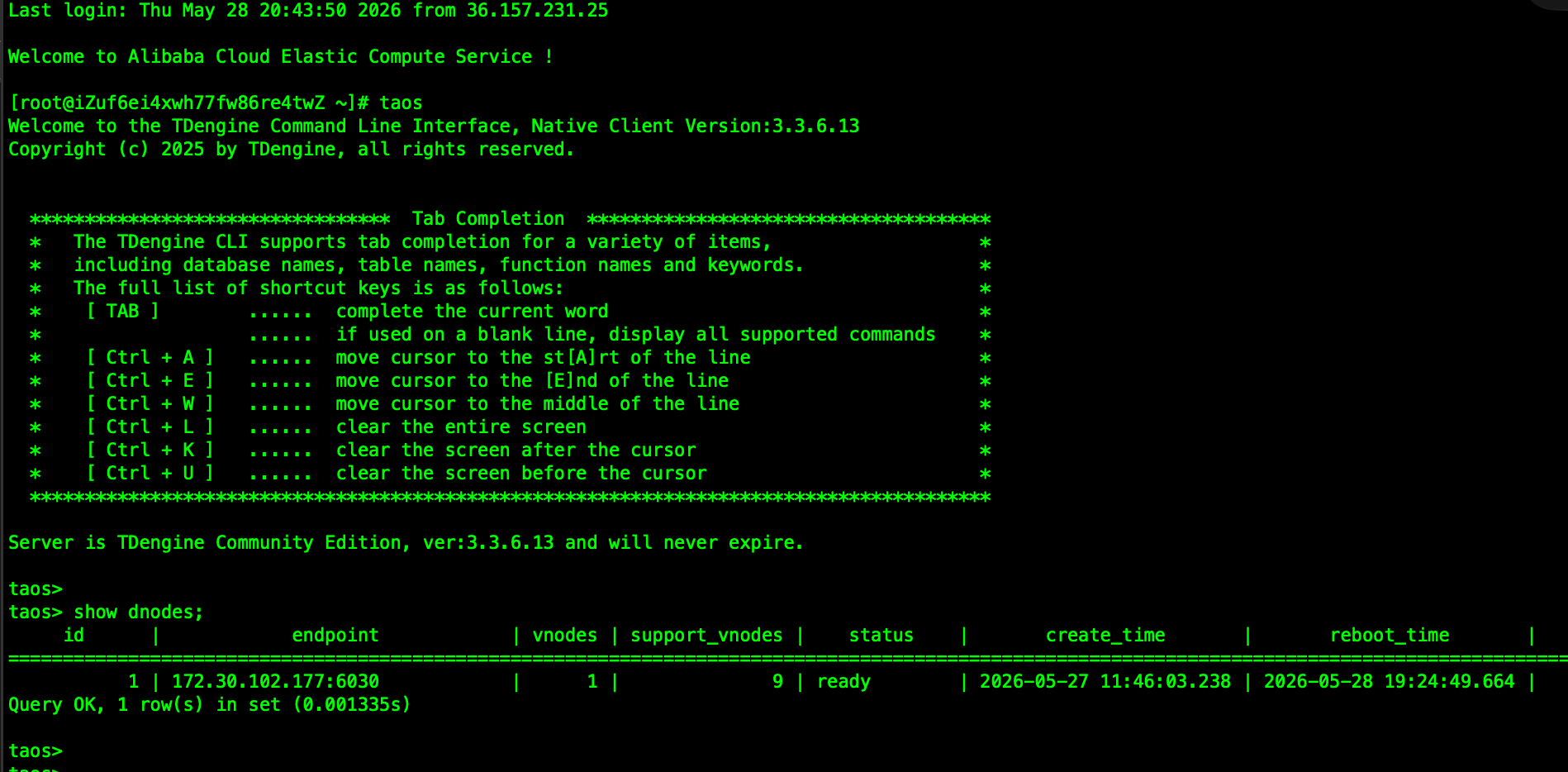
服务启动
rpm包安装完下面的命令默认在环境变量中
start-all.sh服务停止
stop-all.sh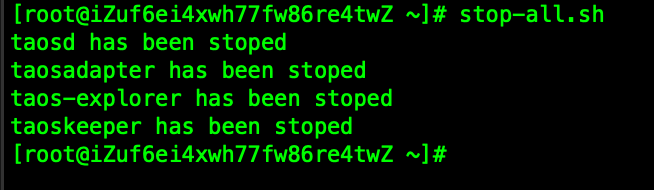
命令行使用
登陆
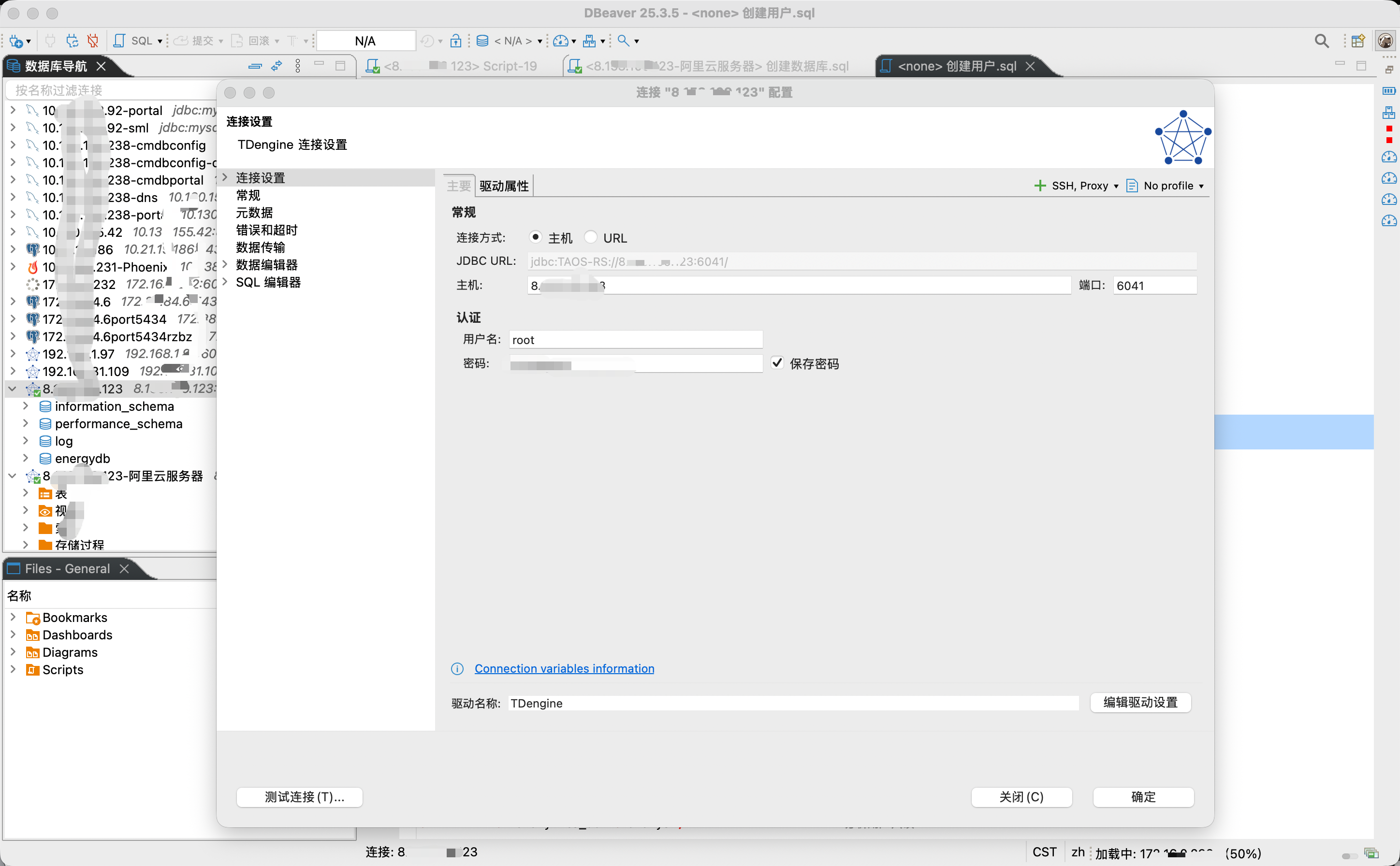
taos -h 8.153.109.123 -u root -proo*****#!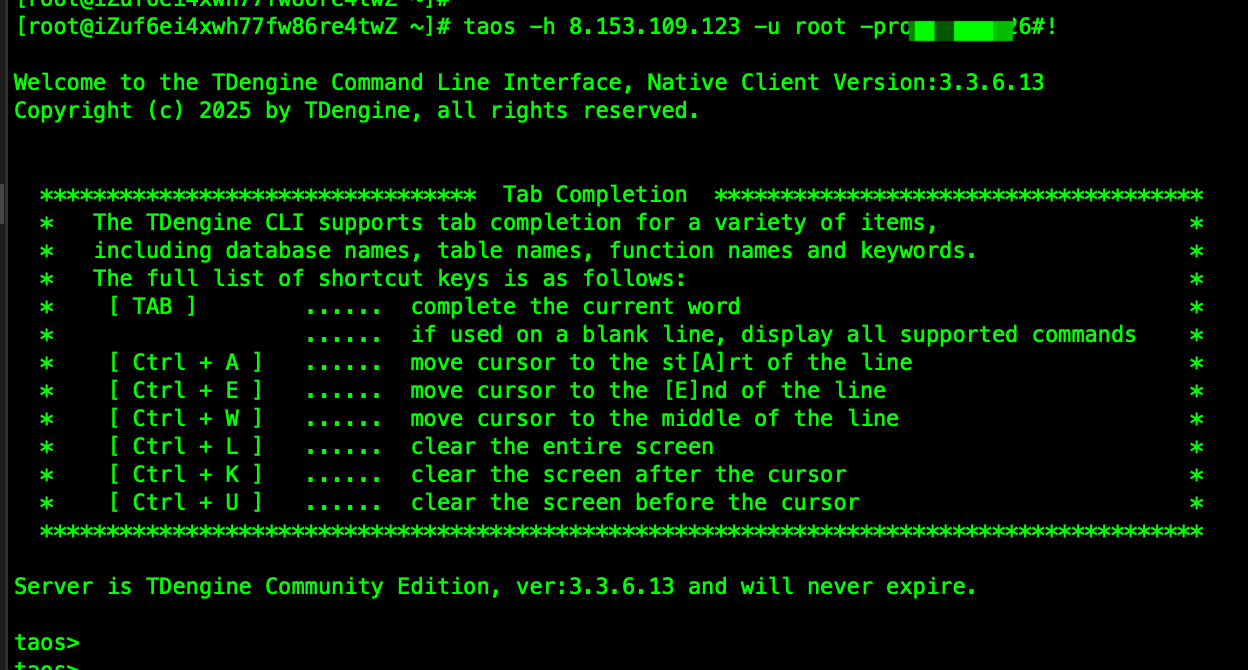
创建数据库
CREATE DATABASE energydb
  KEEP 365
  PAGES 256
  PAGESIZE 16
  COMP 2
  DURATION 1
  REPLICA 1;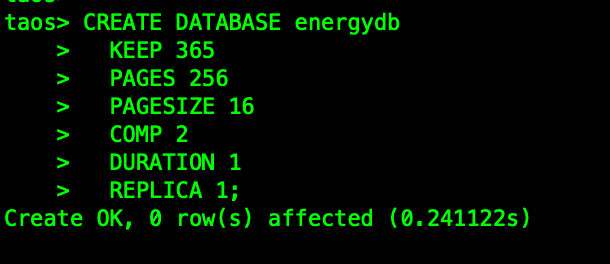
创建用户及授权
-- 1. 为不同角色创建专用用户
CREATE USER monitor PASS 'monitorM***2026#';      -- 监控用户
CREATE USER app_user PASS 'energyM***2026#';      -- 应用程序用户
CREATE USER analyst PASS 'analyst***2026#';      -- 数据分析用户

GRANT READ, WRITE ON energydb TO app_user; 
图形客户端
自带的taos explorer
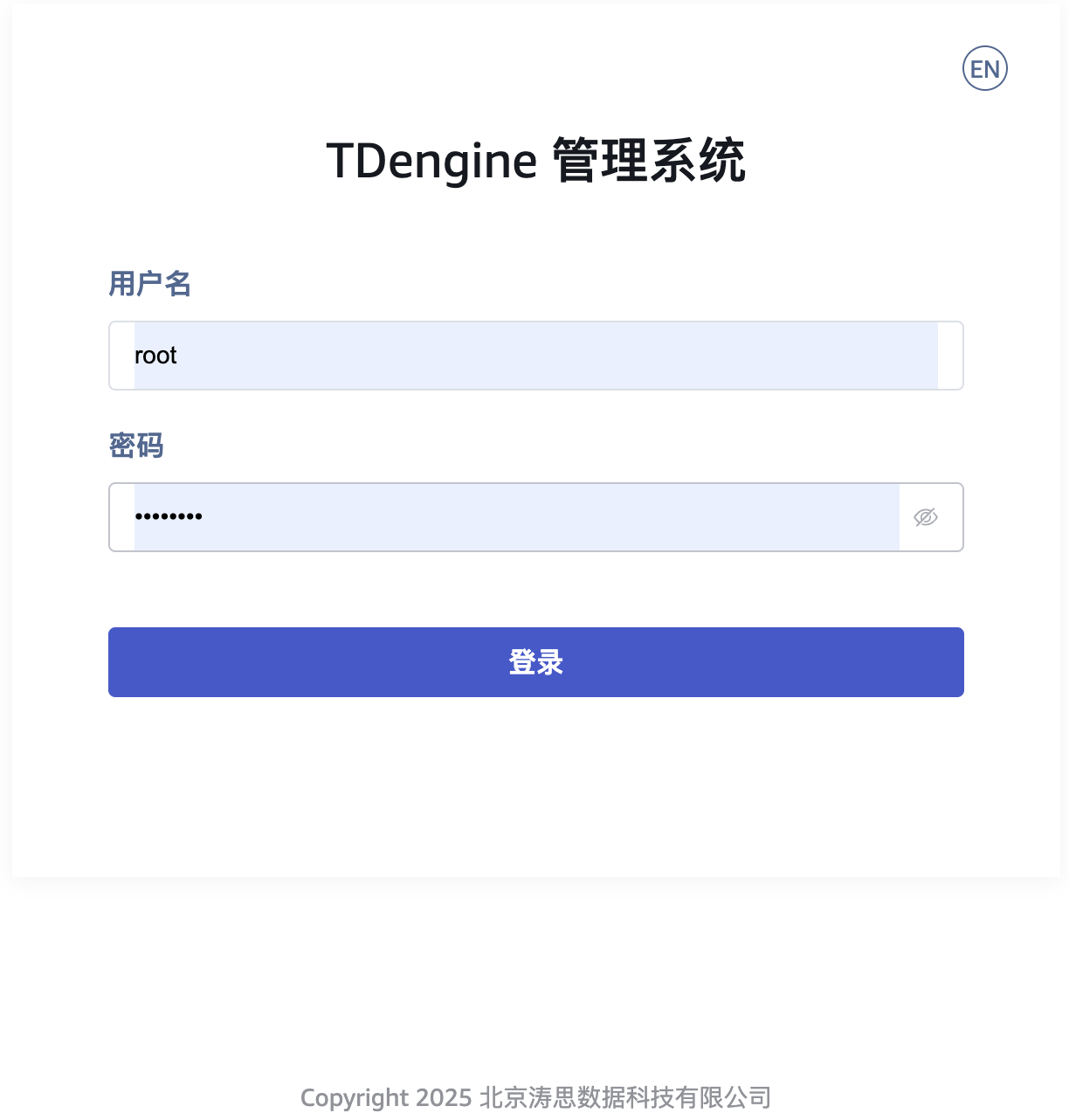
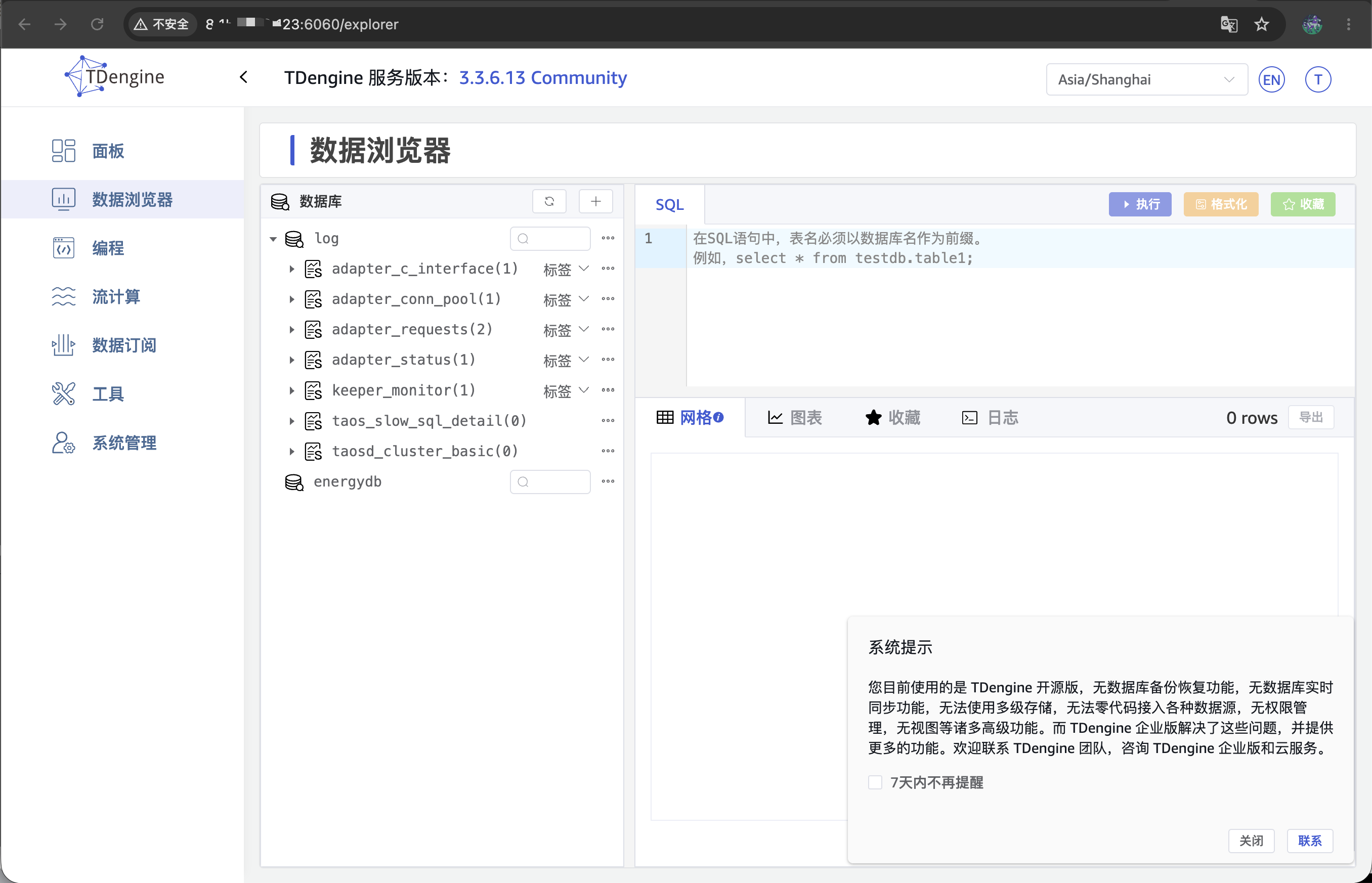
DBeaver
附件一:TDengine基本操作
TDengine 基本操作围绕“超级表(STable)+ 子表”数据模型,使用标准 SQL 进行建模、写入与查询。核心命令如下:
- 创建数据库:
CREATE DATABASE db_name KEEP 365;(KEEP设定数据保留天数) - 创建超级表:
CREATE STABLE meters (ts TIMESTAMP, current FLOAT, voltage INT) TAGS (location BINARY(64), groupId INT);(首列必为TIMESTAMP,TAGS 定义标签) - 创建子表:
CREATE TABLE m1 USING meters TAGS ('beijing', 1); - 插入数据:
INSERT INTO m1 VALUES (now, 10.3, 219, 0.32);或批量插入多行/多表 - 查询数据:标准 SQL,如
SELECT * FROM meters WHERE ts > NOW - 1d;或聚合SELECT AVG(current) FROM meters INTERVAL(1h); - 查看对象:
SHOW DATABASES;/SHOW STABLES;/SHOW TABLES;/DESCRIBE m1; - 删除对象:
DROP TABLE m1;或DROP STABLE meters;(会删所有子表)
操作需通过 taosCLI(命令行)、taosX(GUI)或 RESTful API(端口 6041)执行。TDengine 默认使用 root/taosdata 登录,支持类标准 SQL(无 UPDATE/DELETE,但可覆盖同主键时间戳记录)。时序查询常结合 INTERVAL(时间窗口)、FILL(空值填充)和 GROUP BY tags(按设备/位置分组)。
如刚部署,建议用 Docker 快速启动:docker run -d --name tdengine -p 6030:6030 -p 6041:6041 tdengine/tdengine:3.3.6.0,再用 taos -h localhost 连接
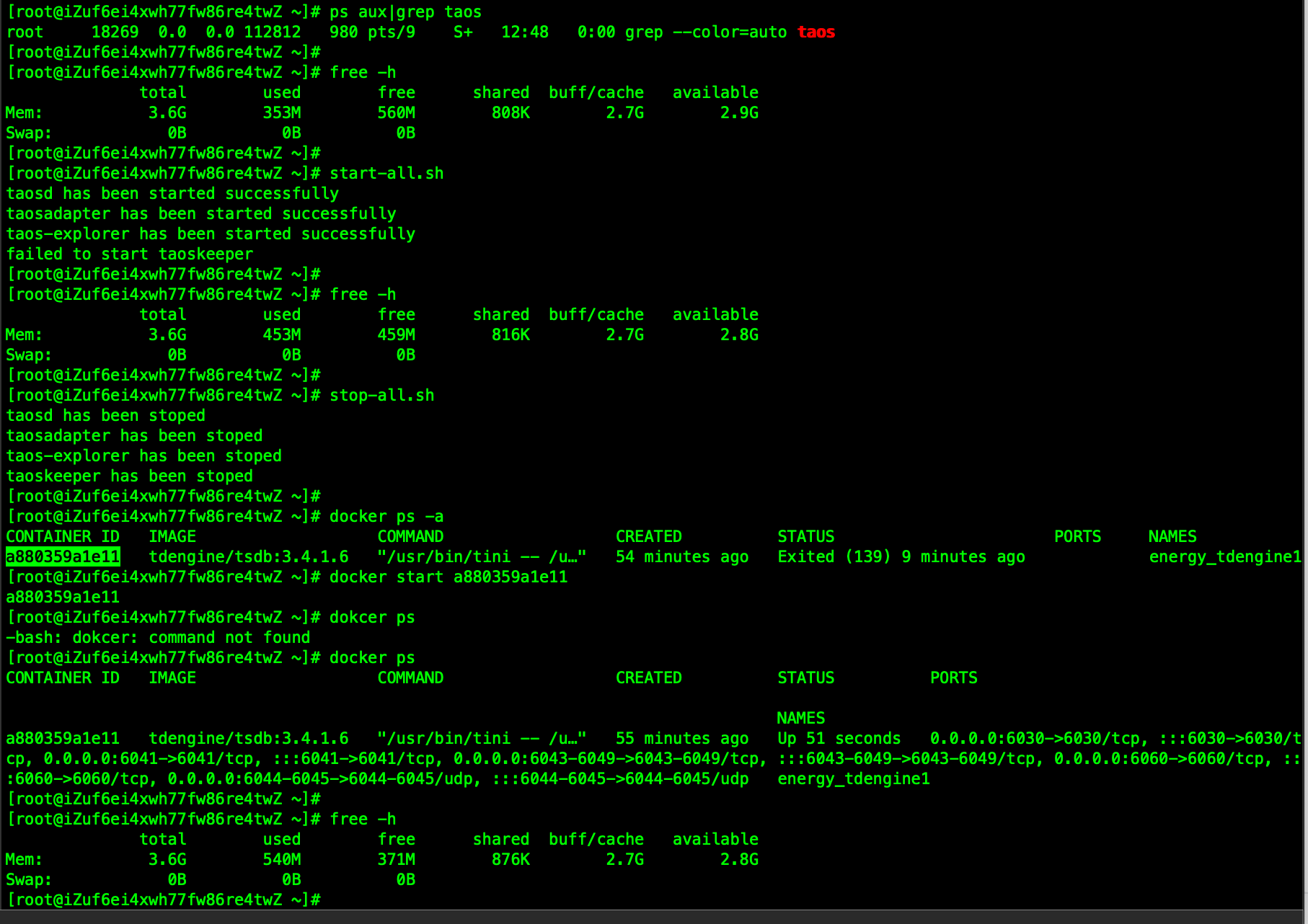
附件二:TDengine源程序安装与Docker安装两种方式占用内存对比
操作系统空跑内存使用 344MB Tdengin占用0
docker运行共占用内存 536MB Tdengin占用192MB
源程序安装运行占用内存 479MB Tdengin占用135MB



 扫一扫
扫一扫


 2万+
2万+

 被折叠的 条评论
为什么被折叠?
被折叠的 条评论
为什么被折叠?
 到【灌水乐园】发言


