


host 配置
ip
192.168.225.56
准备
-
环境配置开发板的gdb
arm-oe-linux-gnueabi-gdb -
安装ddd
sudo apt-get install ddd
target 配置
ip
192.168.225.1
准备
- 安装gdbserver
调试方法
编译程序
arm-oe-linux-gnueabi-gcc -g -o test.c test
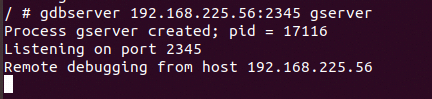
target 运行
gdbserver 192.168.225.56:2345 test
host 运行
ddd --debugger arm-oe-linux-gnueabi-gdb test
之后在下输入
target remote 192.168.225.1:2345 test
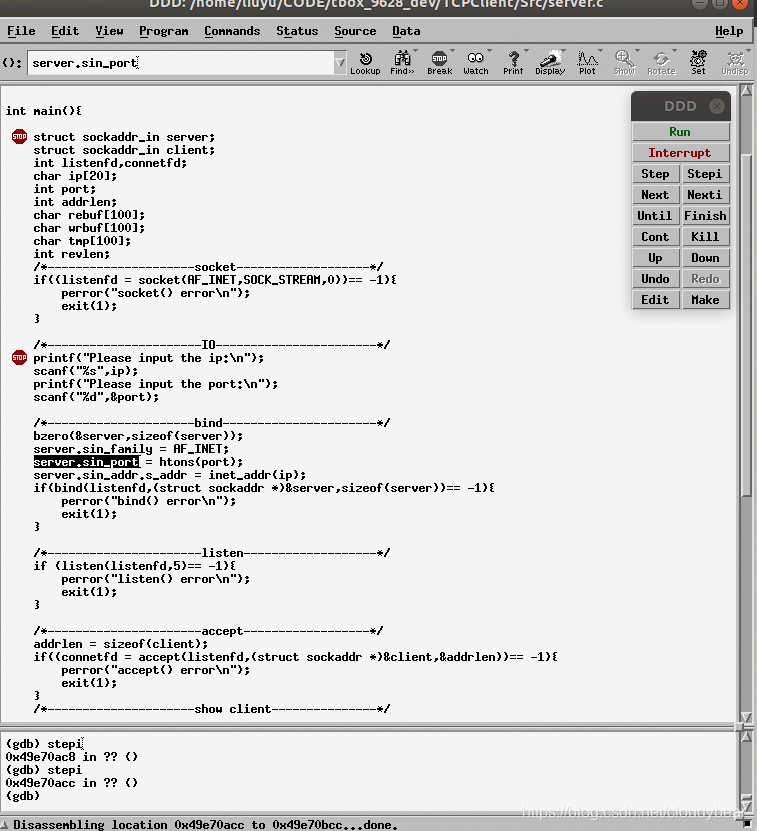
之后可以输入gdb命令进行调试
target端会显示连接

 838
838


 扫一扫
扫一扫


 被折叠的 条评论
为什么被折叠?
被折叠的 条评论
为什么被折叠?
 到【灌水乐园】发言


